WordPress on Localhost XAMPP
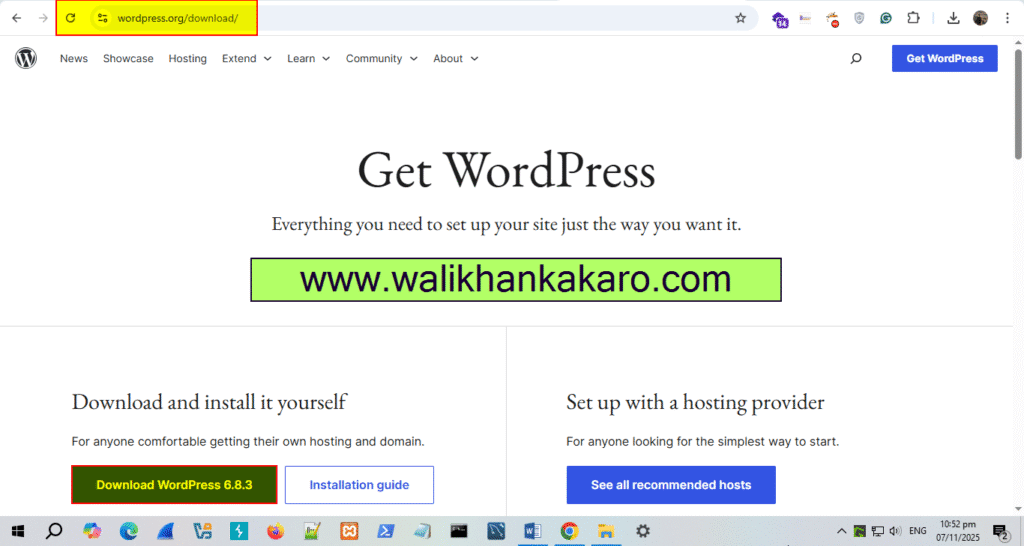
1: Download WordPress from the WordPress official website.
Website: https://wordpress.org/download/
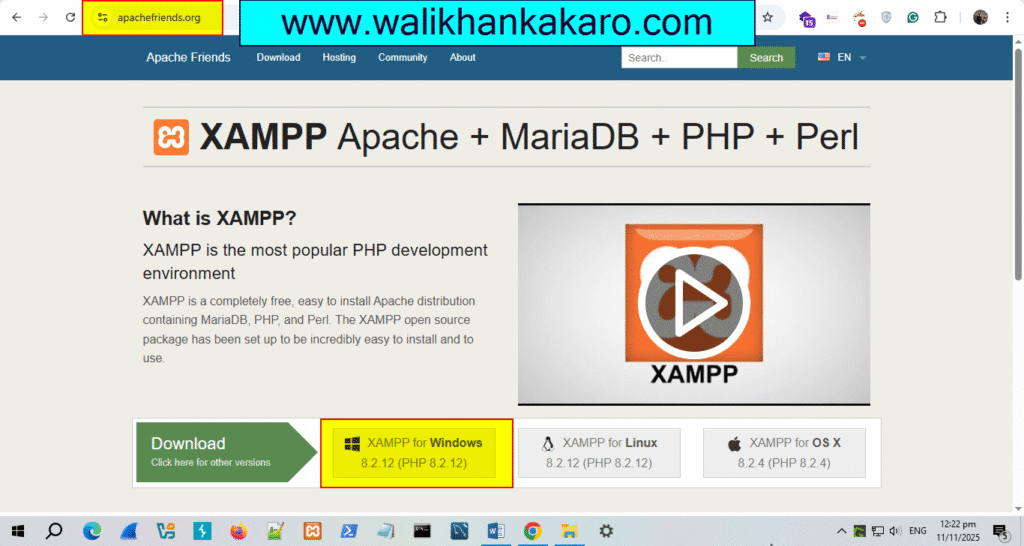
2: Download XAMPP.
Website: https://www.apachefriends.org/
3: Install XAMPP.
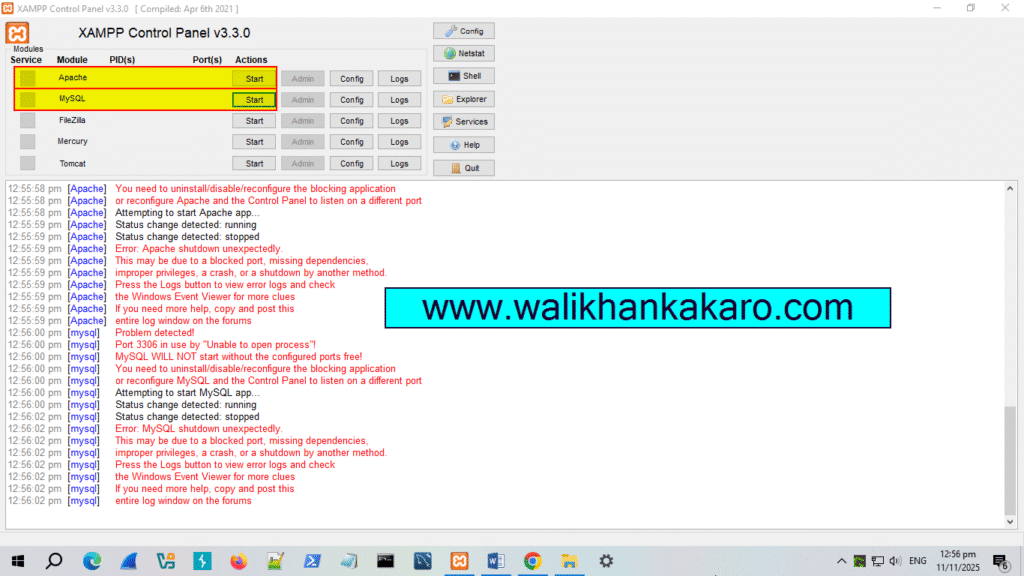
4: Start Apache and MySQL.
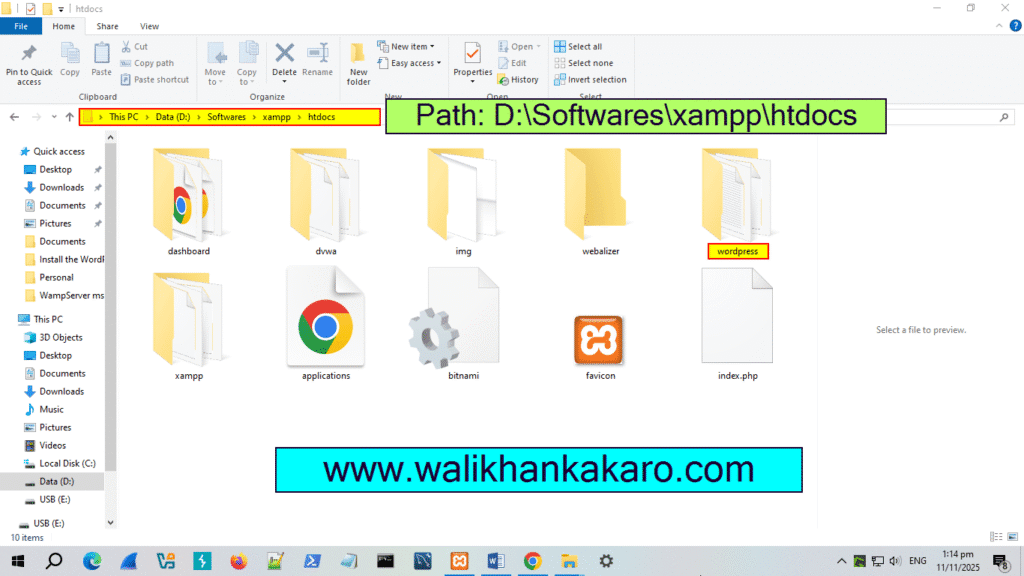
5: Copy the downloaded WordPress zip file and go to the XAMPP folder where you installed XAMPP.
6: Open the XAMPP folder and then go to the htdocs folder and paste the WordPress zip file.
7: Extract the WordPress zip file into the htdocs folder in XAMPP.
8: Create a database in PHPMyAdmin.
Link: http://localhost/phpmyadmin/
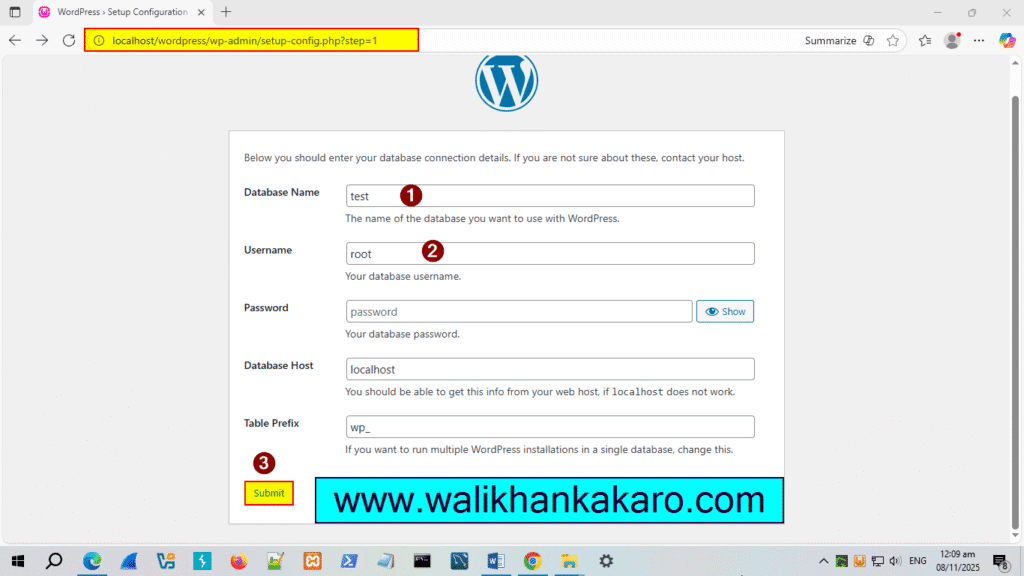
9: Install WordPress.
Link: http://localhost/phpmyadmin/localhost/wordpress
10: Open WordPress again.
Link: http://localhost/wordpress/wp-admin/
