How to install crypto wallet
MetaMask Chrome extension
1: Install the MetaMask Chrome extension.
Website: https://metamask.io/en-GB

2: Create a new wallet.

3: Go to secure my wallet.
Note: Save your wallet key in a secure location, as it’s not possible to restore it.
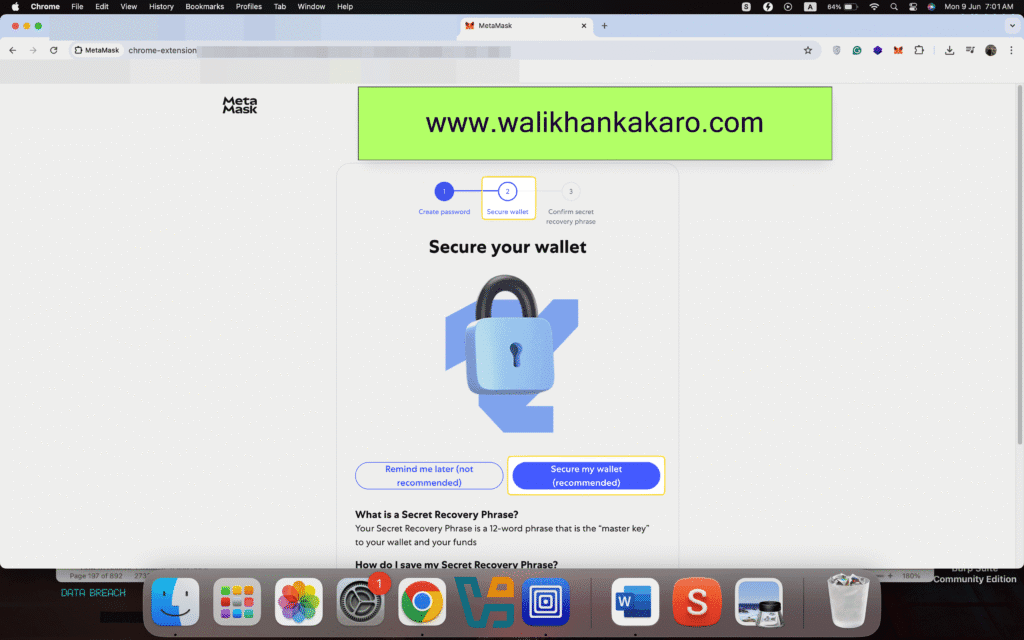
4: This secret key is not accessible or recoverable; save it everywhere.
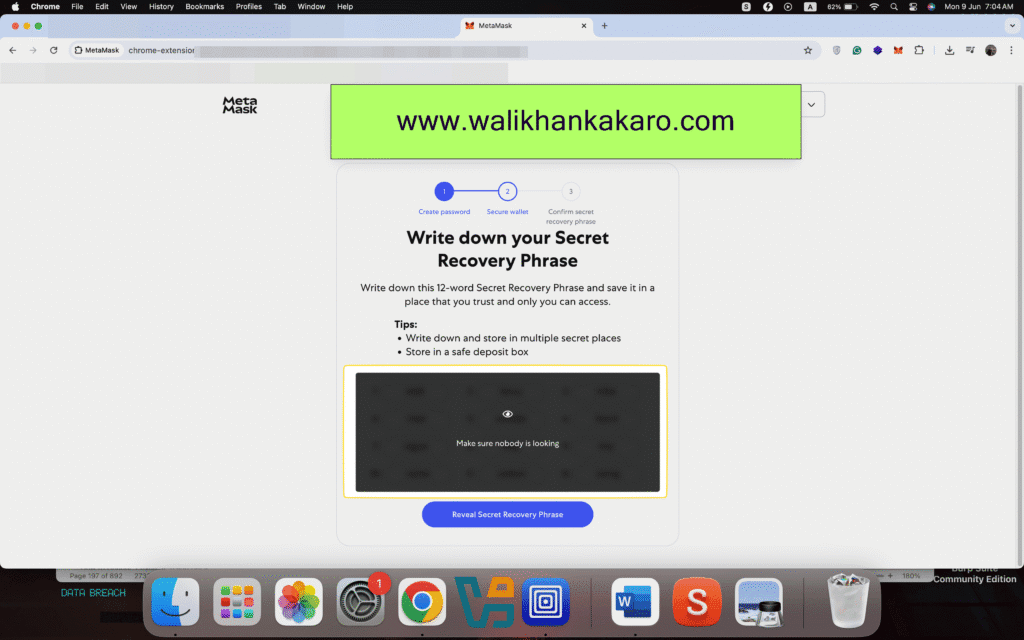
5: Reveal Secret Recovery Phrase and save your 12-word secret key.
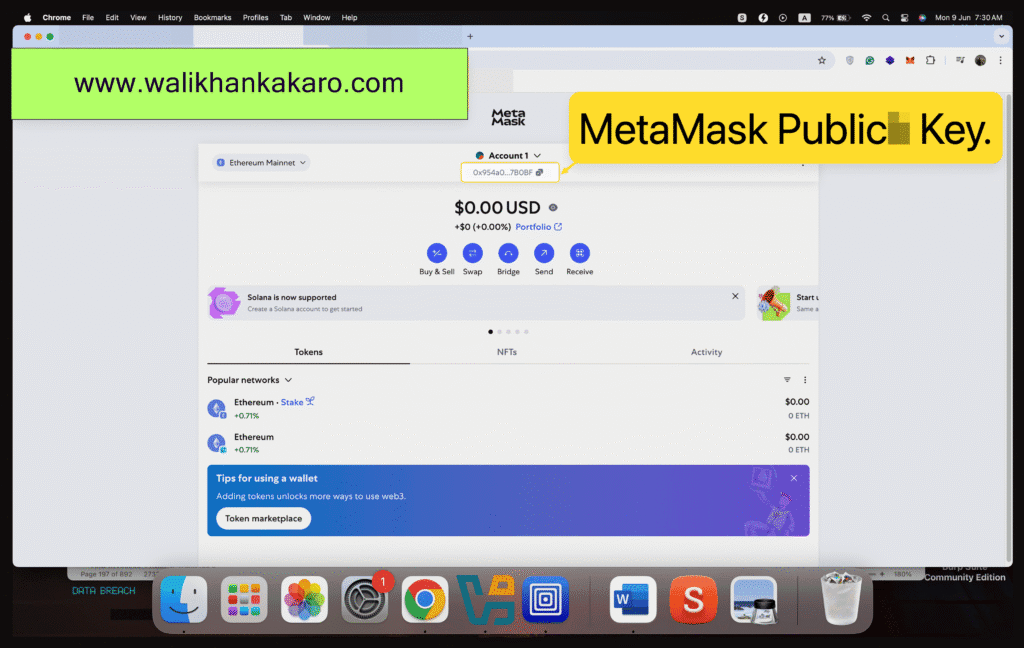
6: MetaMask Public Key.