How to install Node Js in Windows
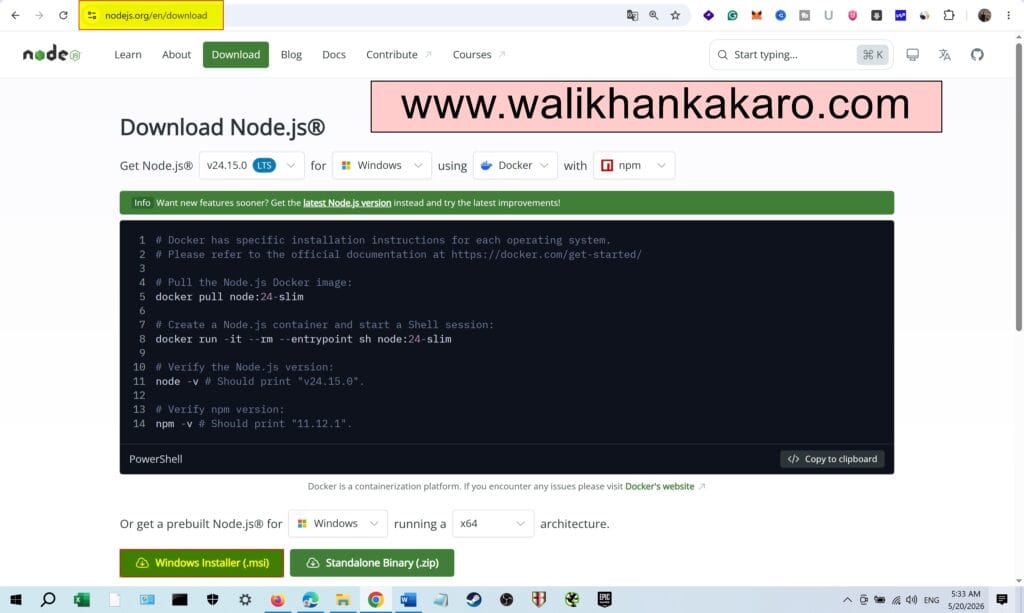
1: Download Node.js from the official Node Js website.
Website: https://nodejs.org/en/download
2: Install all the necessary tools.
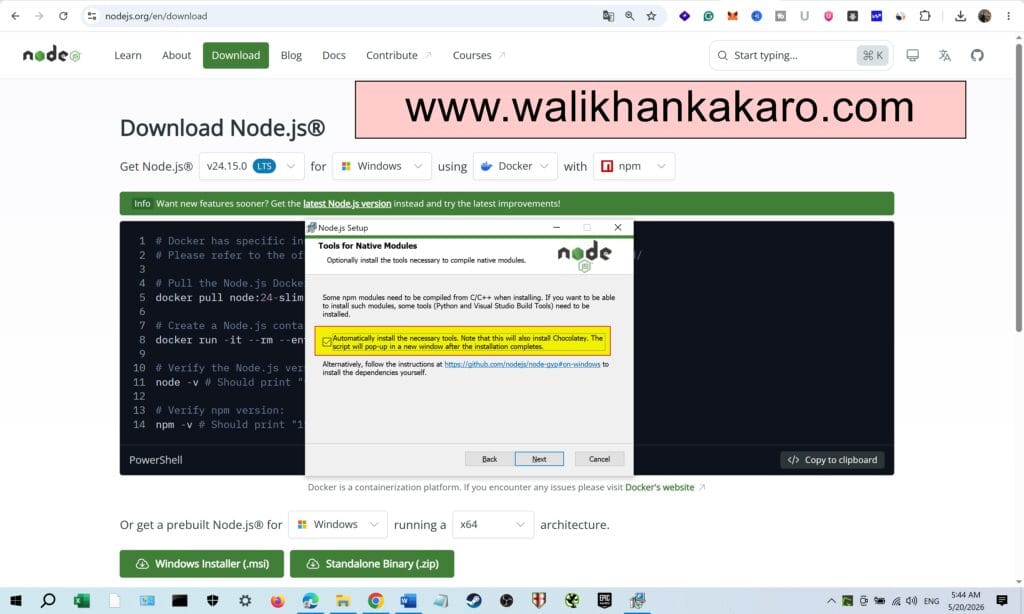
3: Just Enter and Enter the Node Js will install the tools automatically.
4: Open Node.js.