The Server Cannot Process the Image WordPress
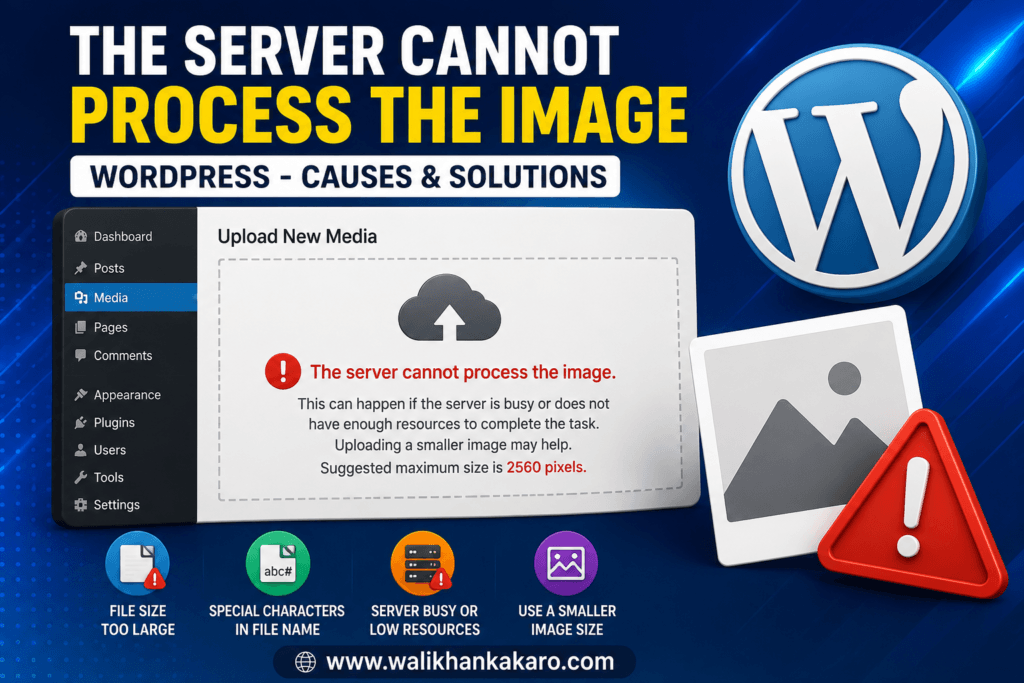
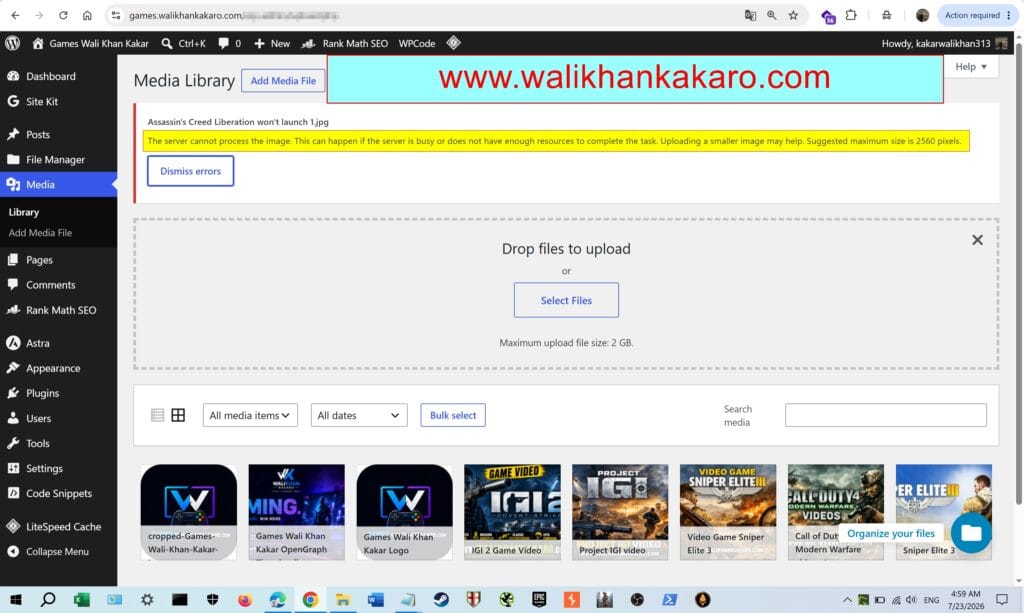
1: While uploading an image, if you get an error The server cannot process the image. This can happen if the server is busy or does not have enough resources to complete the task. Uploading a smaller image may help. Suggested maximum size is 2560 pixels.
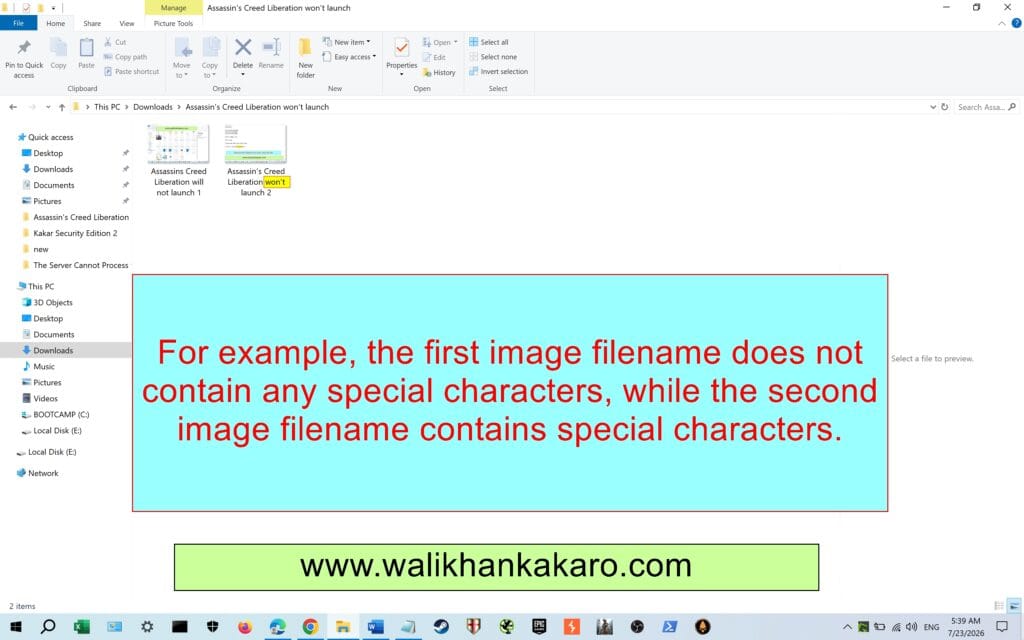
2: Remove special characters from the image filename, such as apostrophes (‘), periods (.), commas (,), semicolons (;), colons (:), ampersands (&), parentheses (), and other special symbols.
3: For example, the first image filename does not contain any special characters, while the second image filename contains special characters.
4: As a result, the first image uploads successfully, while the second image fails to upload because its filename contains special characters.