How to fix a 500 error on Hostinger
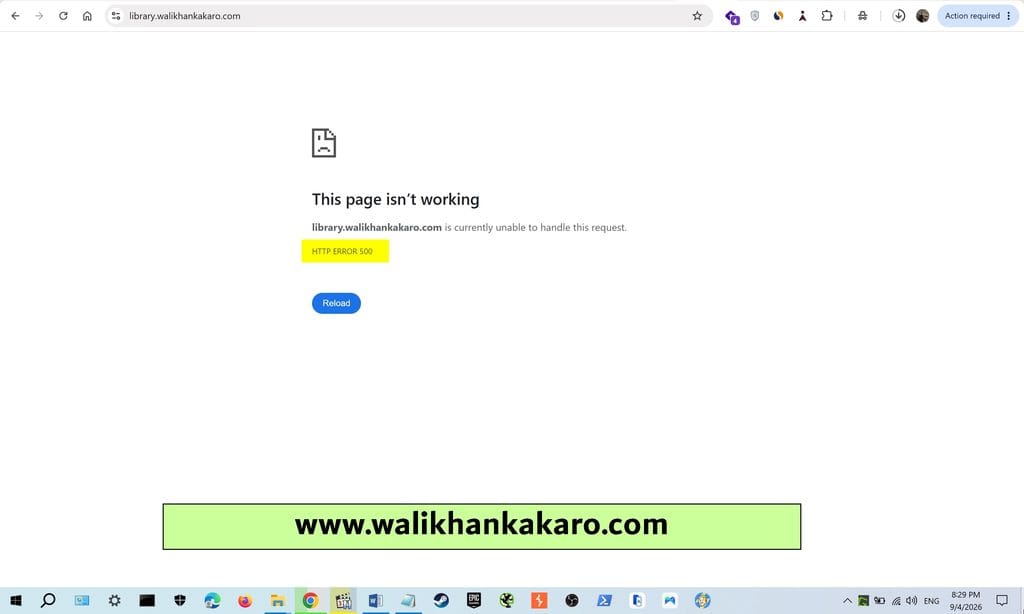
1: Check the website 500 error.
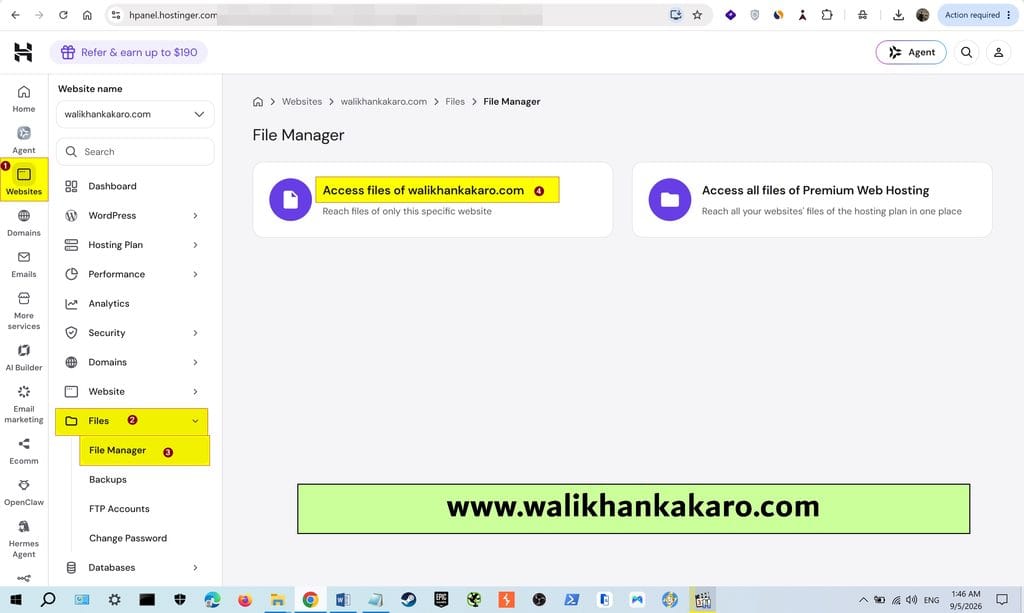
2: Go to the Hostinger hPanel.
3: Open the File Manager of your website.
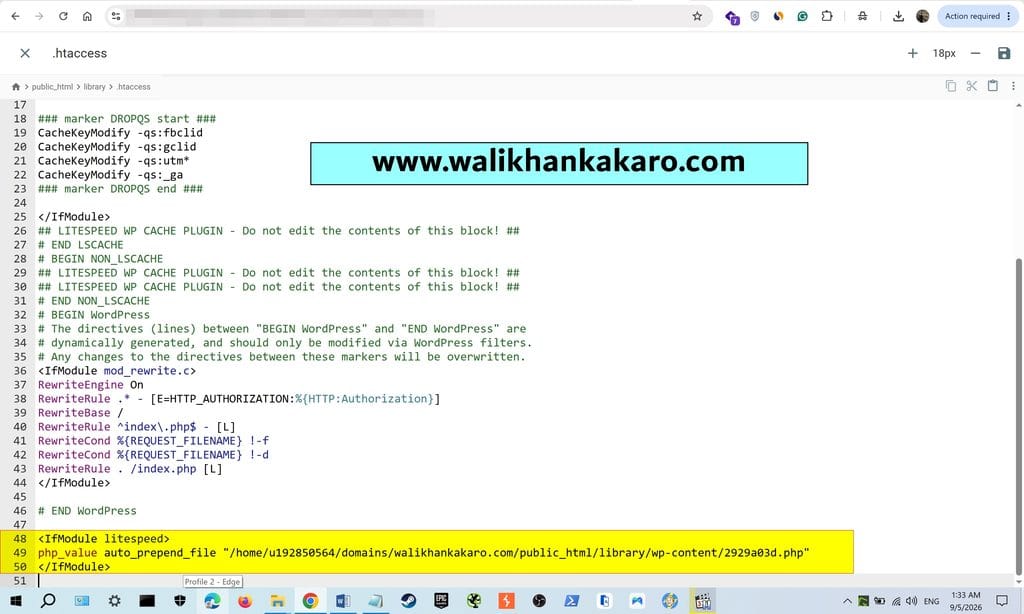
4: Open the .htaccess file.
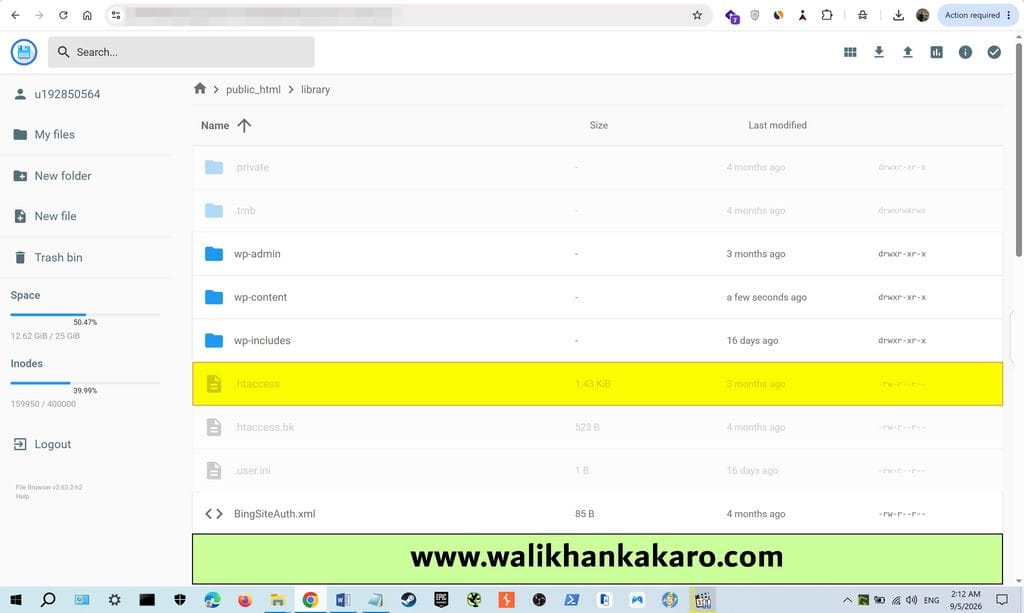
5: Remove this code from the .htaccess file.
Code example:
<IfModule litespeed>
php_value auto_prepend_file “/home/u192850564/domains/walikhankakaro.com/public_html/library/wp-content/2929a03d.php”
</IfModule>
6: Refresh the page.