How to install WordPress in subdomain in Hostinger
1: Log in to your Hostinger hPanel.
Website: https://hpanel.hostinger.com/
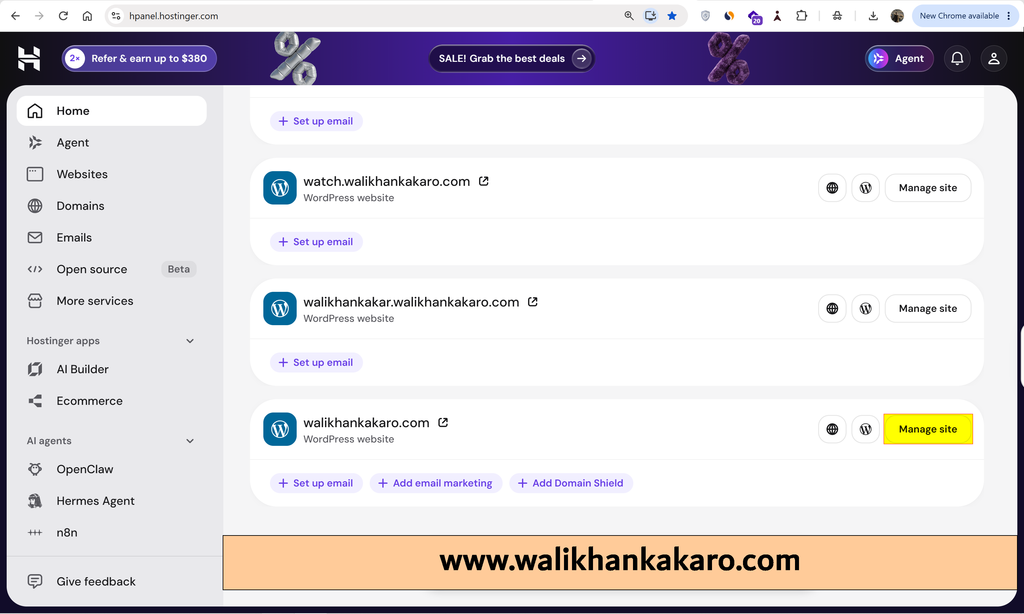
2: Click on Manage site for your main website.
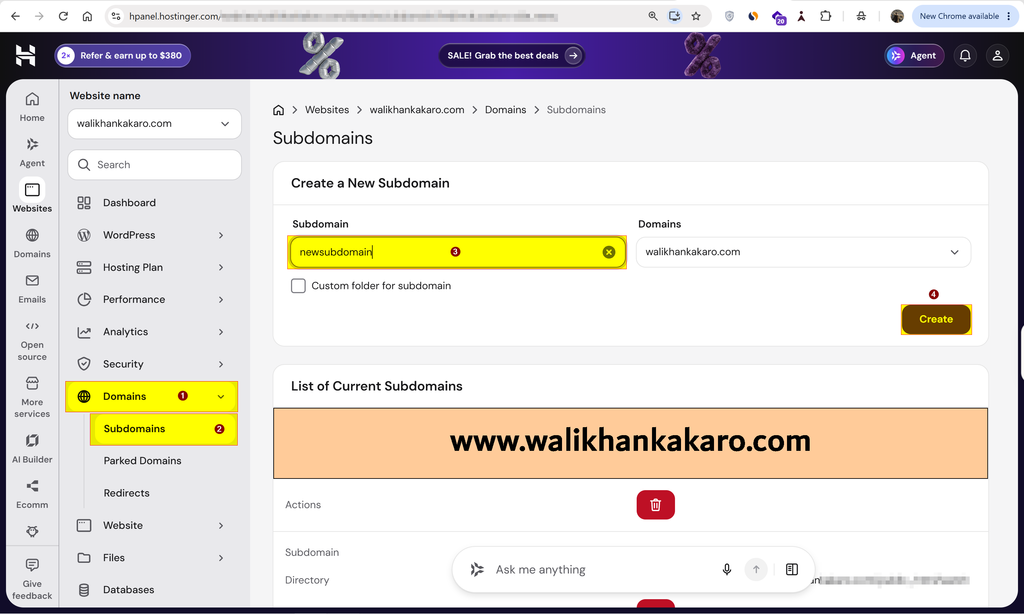
3: Go to Domains.
4: Open the Subdomains.
5: Create a new subdomain.
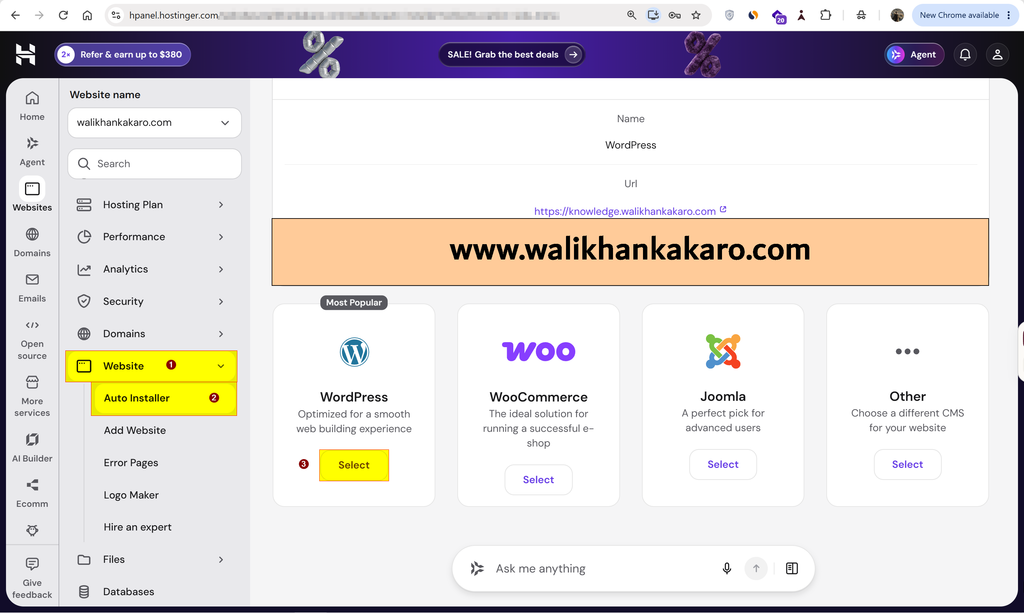
6: Go to the Website.
7: Open the Auto Installer.
8: Open WordPress.
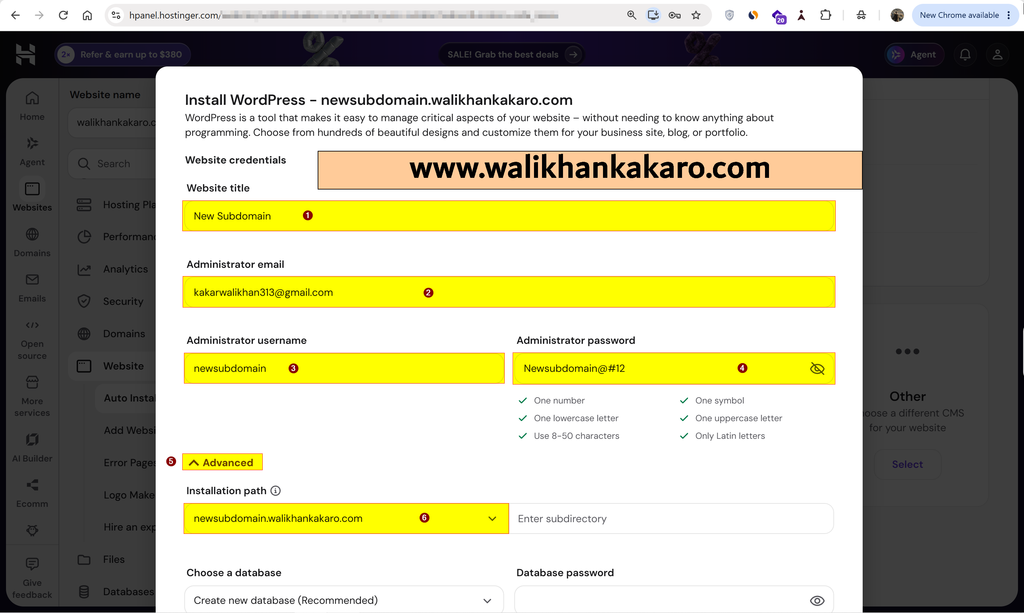
9: Give your website a title.
10: Enter the Administrator password.
11: Click on the Advanced option.
12: Select your subdomain in the Installation path where you want to install WordPress.
13: Click Next.
14: Just click on Install.
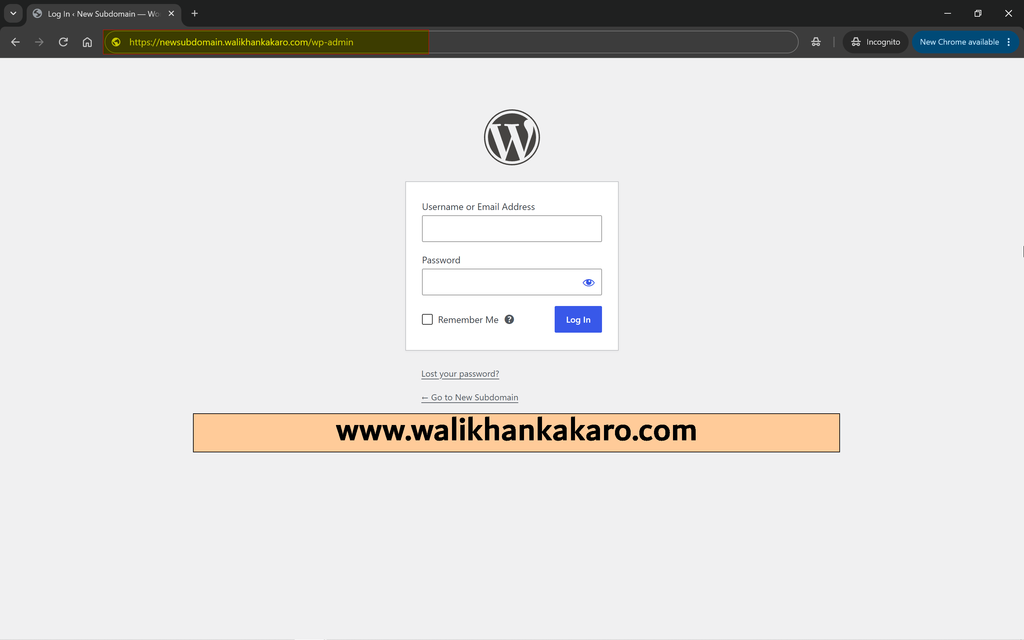
15: Now open your WordPress Admin Panel.
Example: https://newsubdomain.walikhankakaro.com/wp-admin