Damn Vulnerable Web Application
Dvwa bug hunting lab download
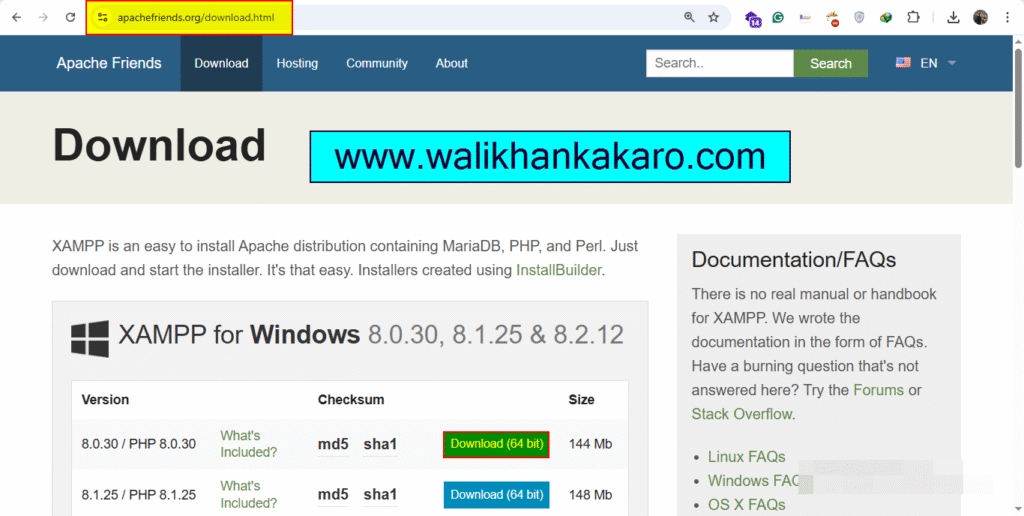
1: Download the XAMPP Server.
Website: https://www.apachefriends.org/download.html
2: Install the XAMPP Server.
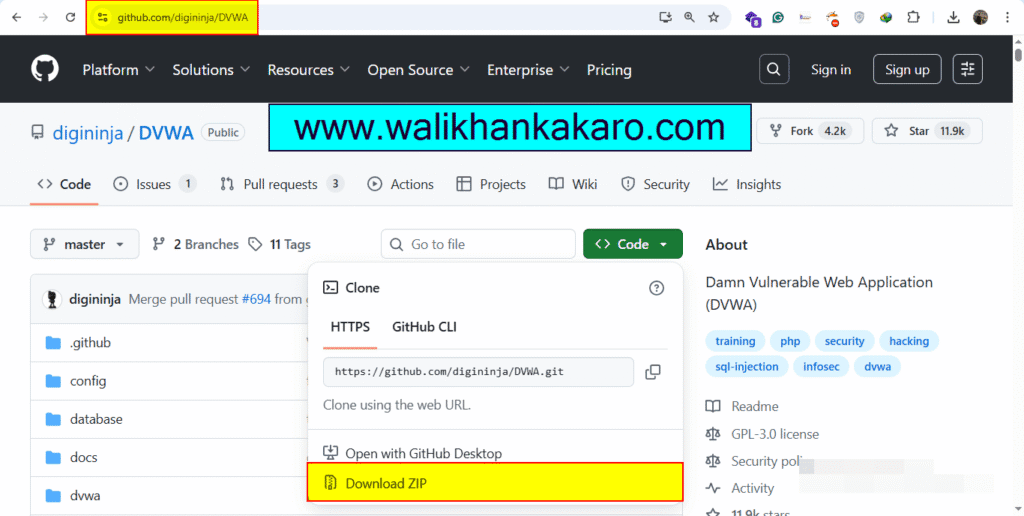
3: Download the DVWA from GitHub.
Website: https://github.com/digininja/DVWA
4: Extract the DVWA-master folder (Downloaded from GitHub).
5: Copy the DVWA-master folder.
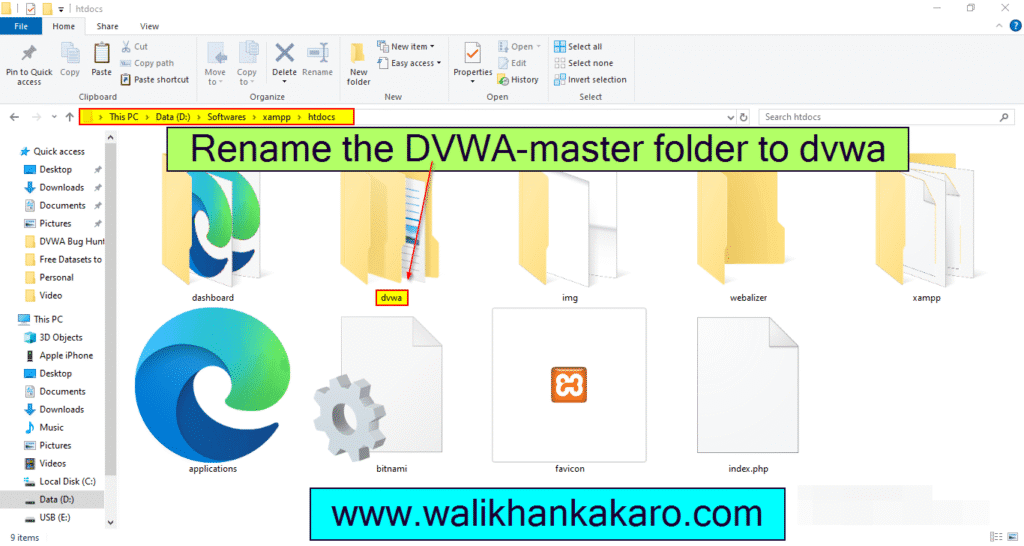
6: Open the XAMPP folder where you installed XAMPP.
7: Then open the htdocs folder in the XAMPP folder.
8: Paste the DVWA-master folder.
9: Rename the DVWA-master folder to dvwa.
10: Open the dvwa folder.
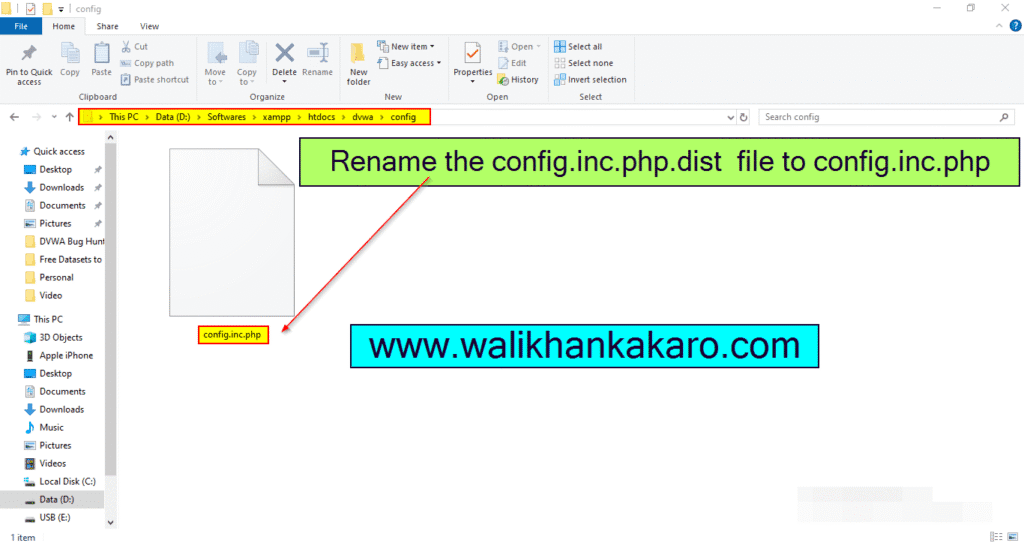
11: Open the config folder in the dvwa folder.
12: Rename the config.inc.php.dist file to config.inc.php
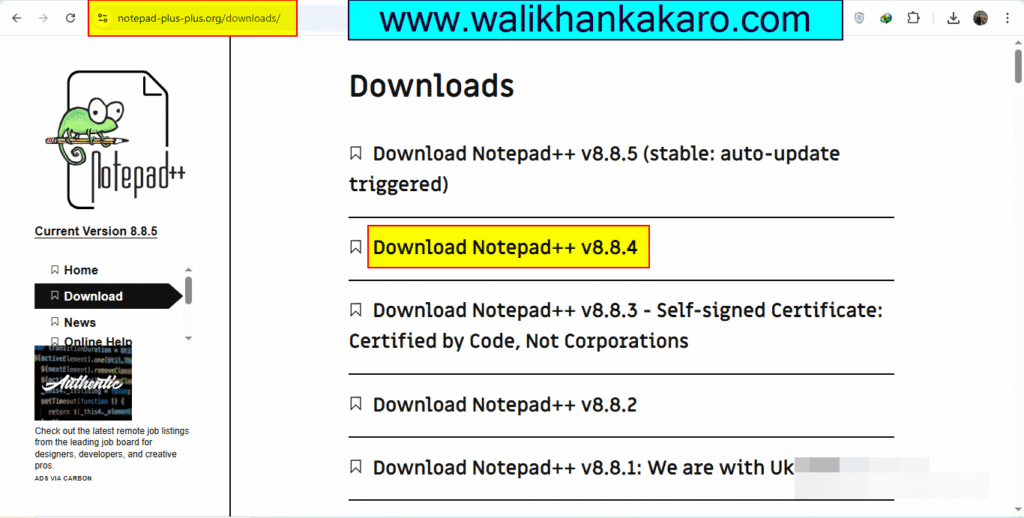
13: Download Notepad++.
Website: https://notepad-plus-plus.org/downloads/
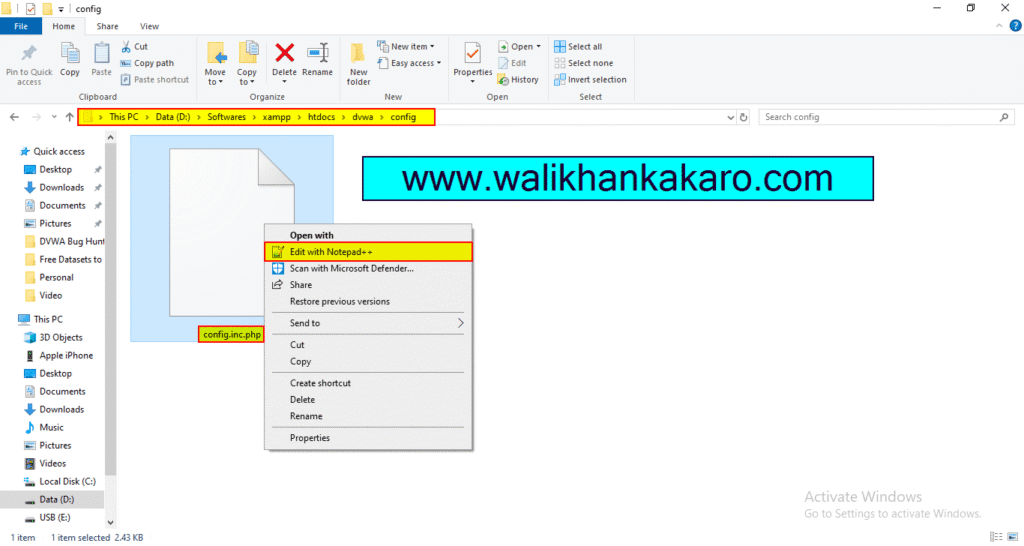
14: Open the config.inc.php file into the Notepad++.
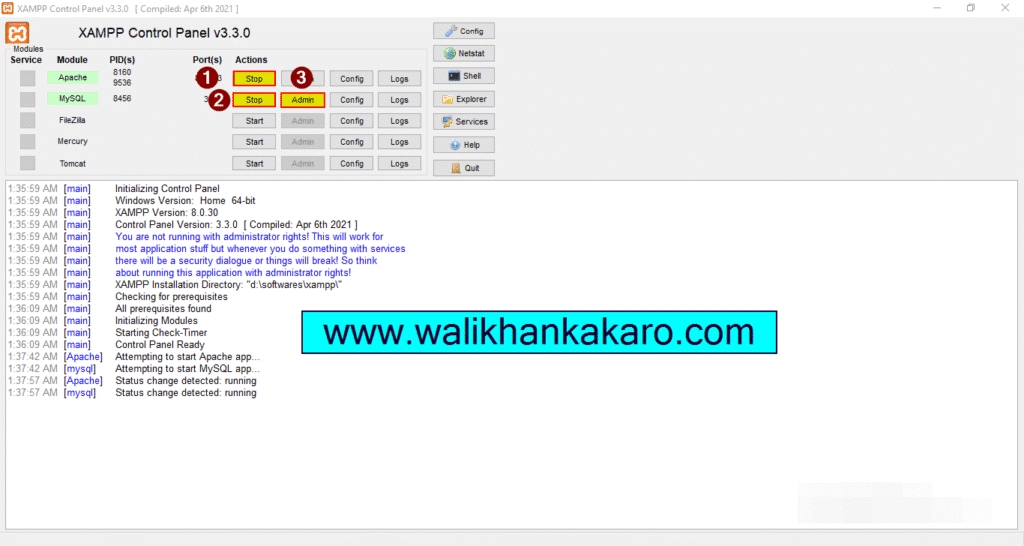
15: Open the XAMPP.
16: Start the Apache and MySQL.
17: Open the MySQL Admin.
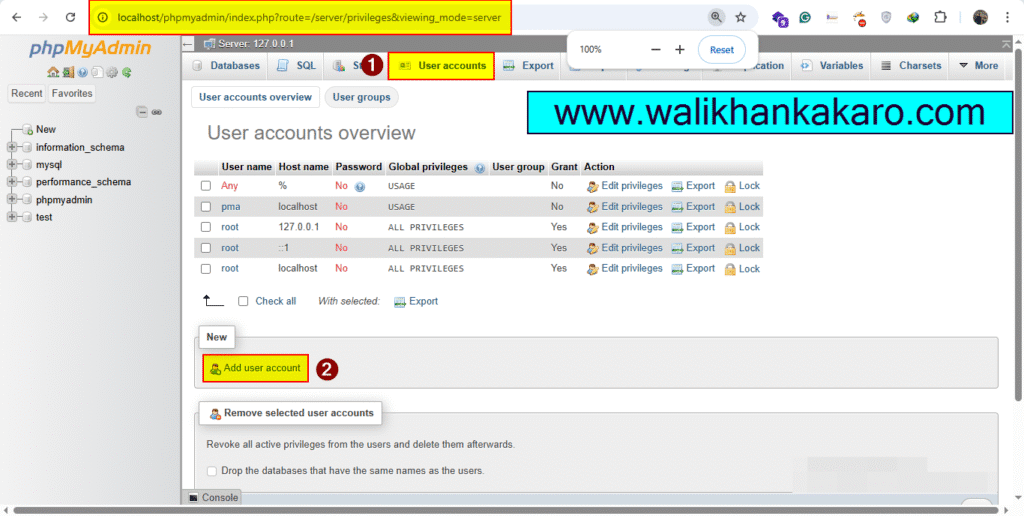
18: Go to the User accounts.
Link: http://localhost/phpmyadmin/index.php?route=/server/privileges&viewing_mode=server&lang=en
19: Open the Add new user account.
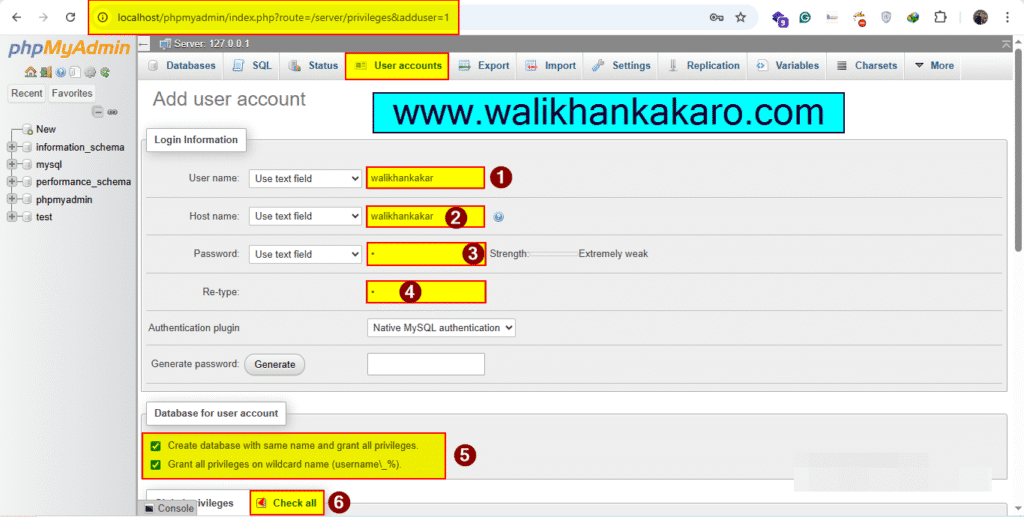
20: Set up the Username, Host name and Password.
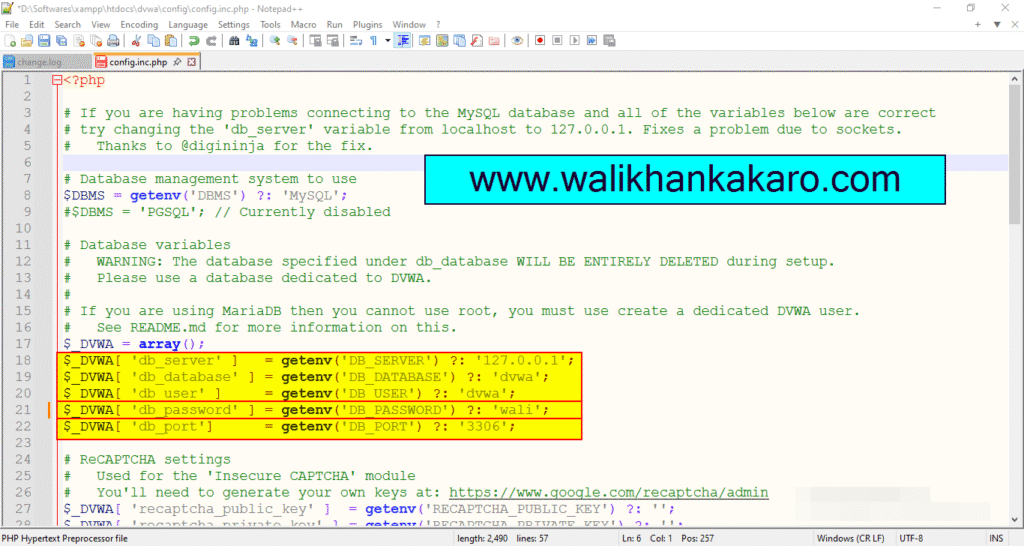
21: Also, change the config.inc.php file password.
22: Save the config.inc.php file.
23: Restart the Apache and MySQL in the XAMPP Control Panel.
24: Open the DVWA.
Website: http://localhost/dvwa
25: Log in to the DVWA account.
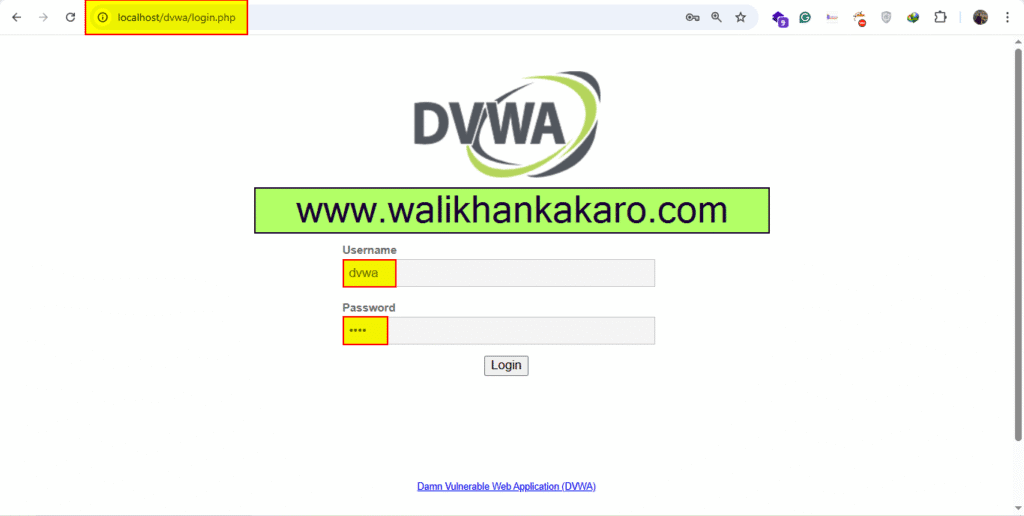
26: Username and Password?
Username: dvwa
Password: dvwa
27: Create the Database.
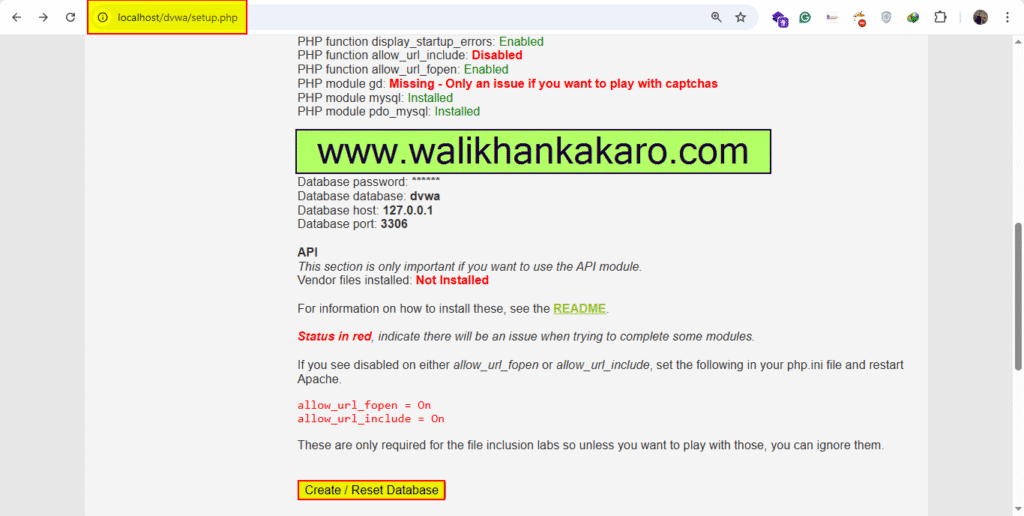
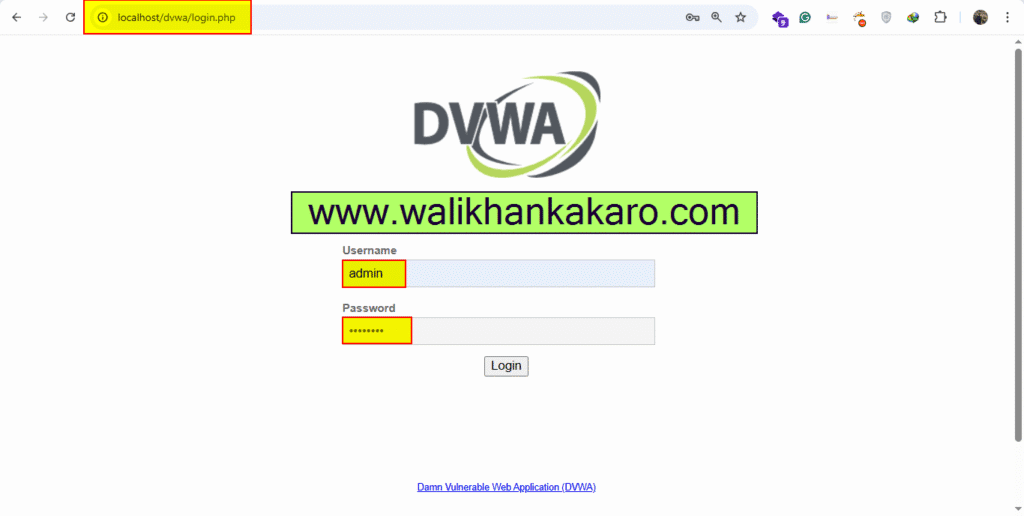
28: Log in to the DVWA again.
Username: admin
Password: password
dvwa brute force
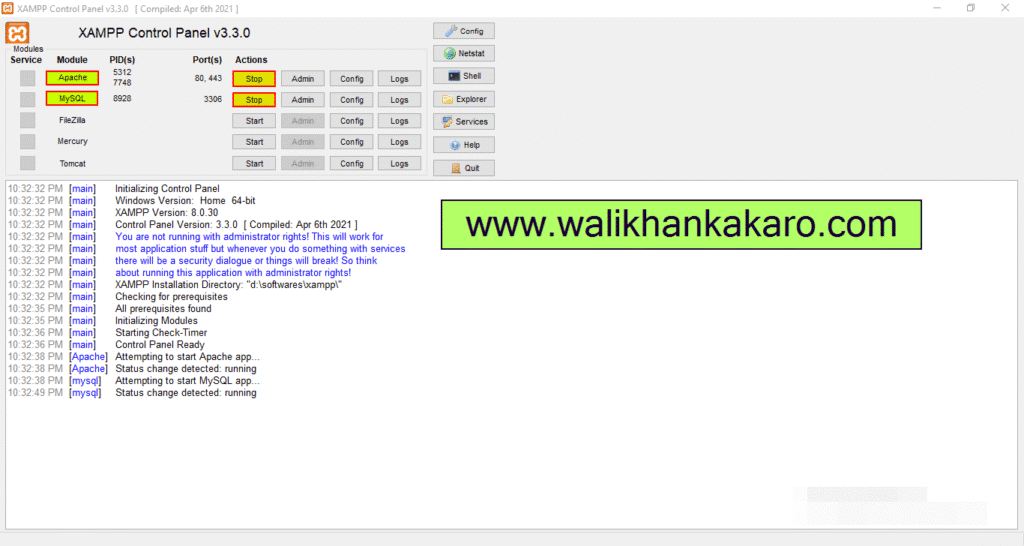
1: Open the XAMPP Control Panel.
2: Activate the Apache and MySQL.
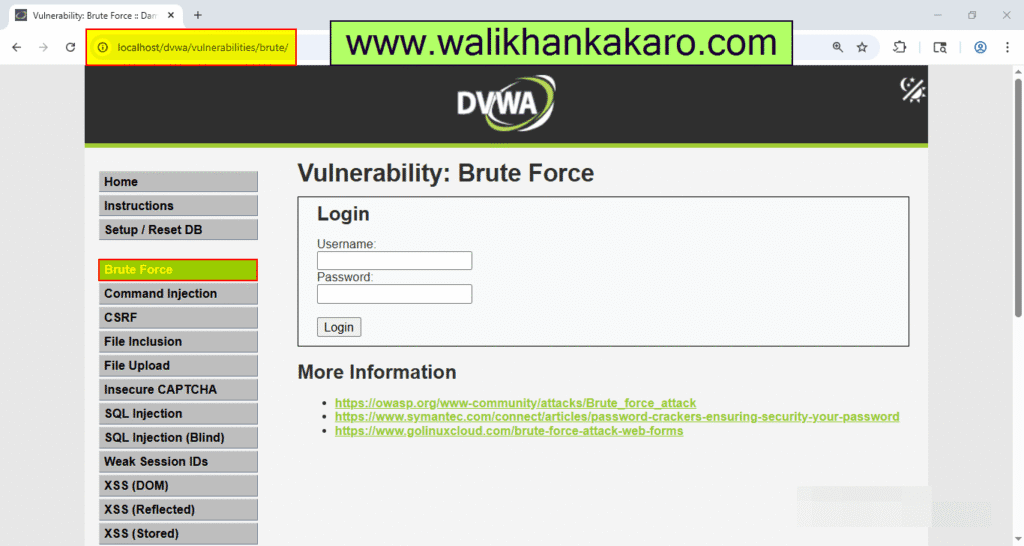
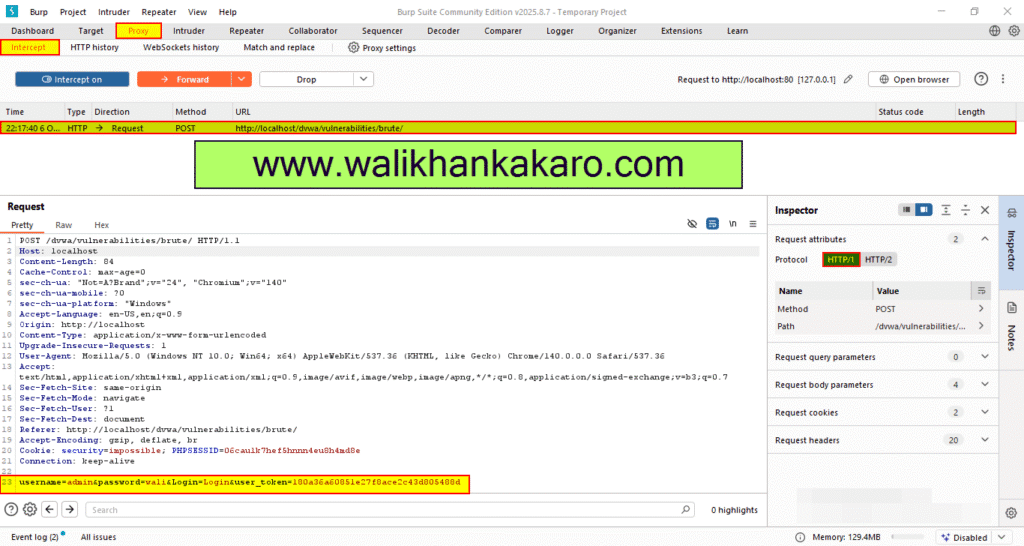
3: Open the DVWA in the Firefox browser and connect with Burp Suite.
Link: http://localhost/dvwa/vulnerabilities/brute/
4: On the Intercept and then send the Request.
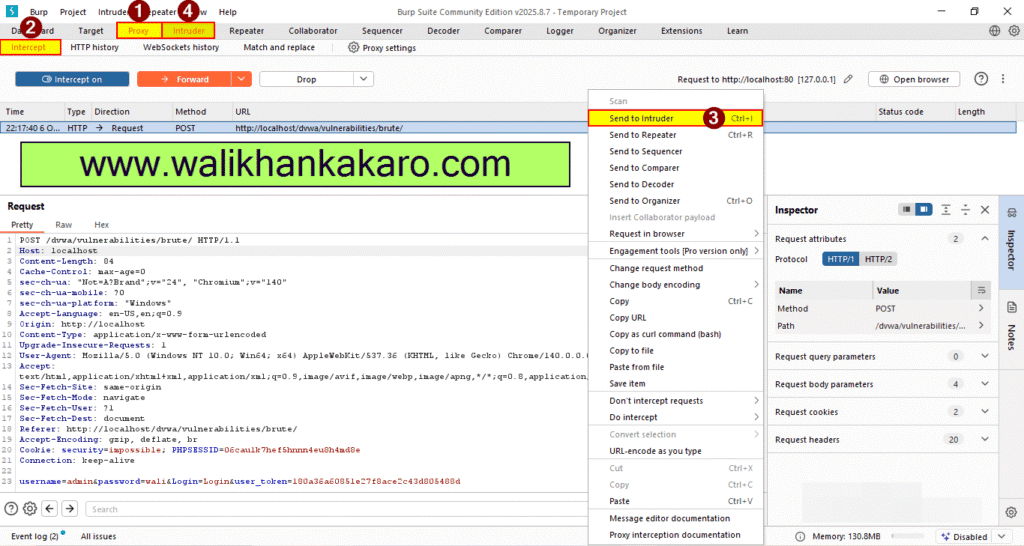
5: Send the Request to the Intruder for the Brute force attack.
Shortcutkey: Ctrl + I
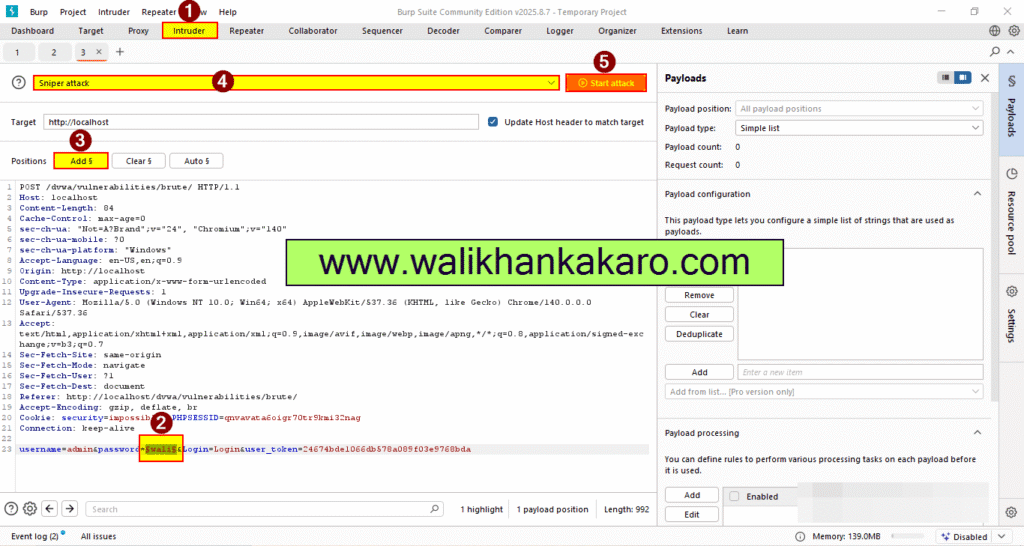
6: Clear the Payload Positions.
7: Select the password and Add$ it.
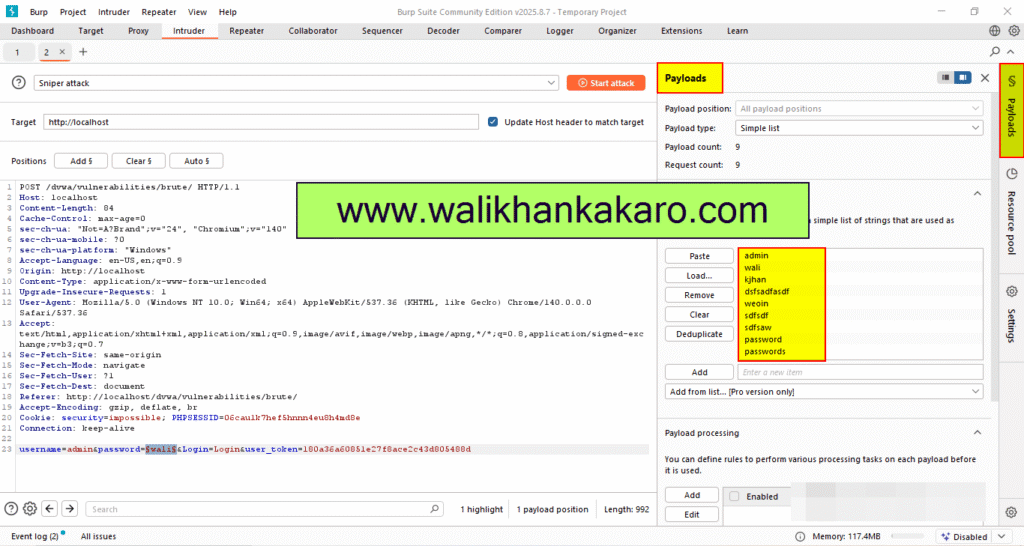
8: Go to the Payloads section.
9: Add the password lists or type the password manually.
10: Change the DVWA Security Level to Low.
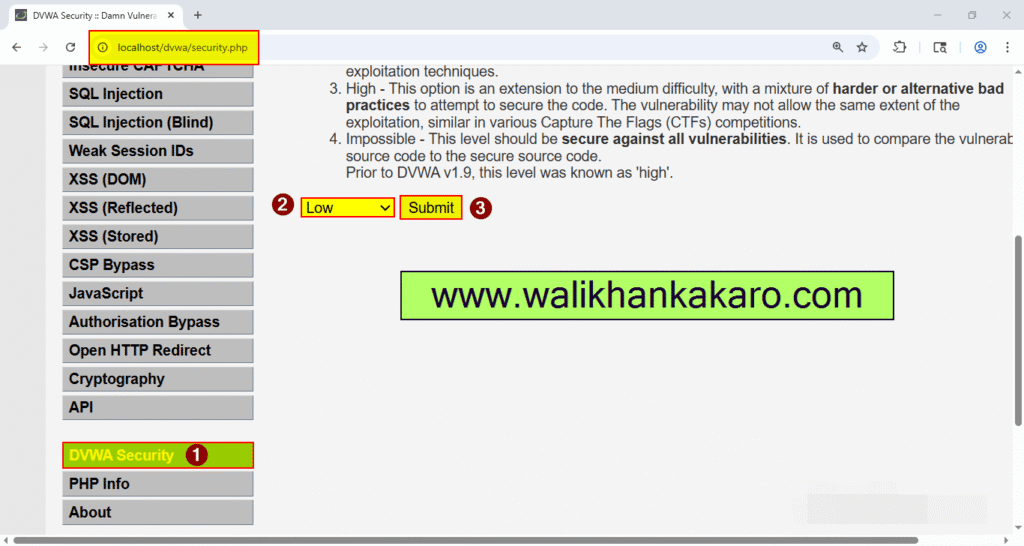
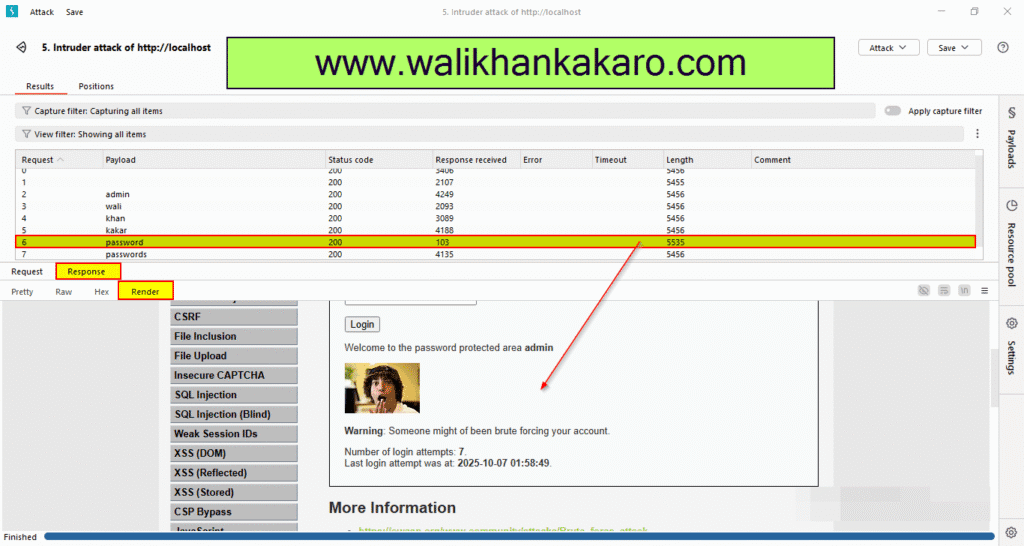
11: Start the Bruce force attack.
12: Here is the Password.
DVWA File Upload
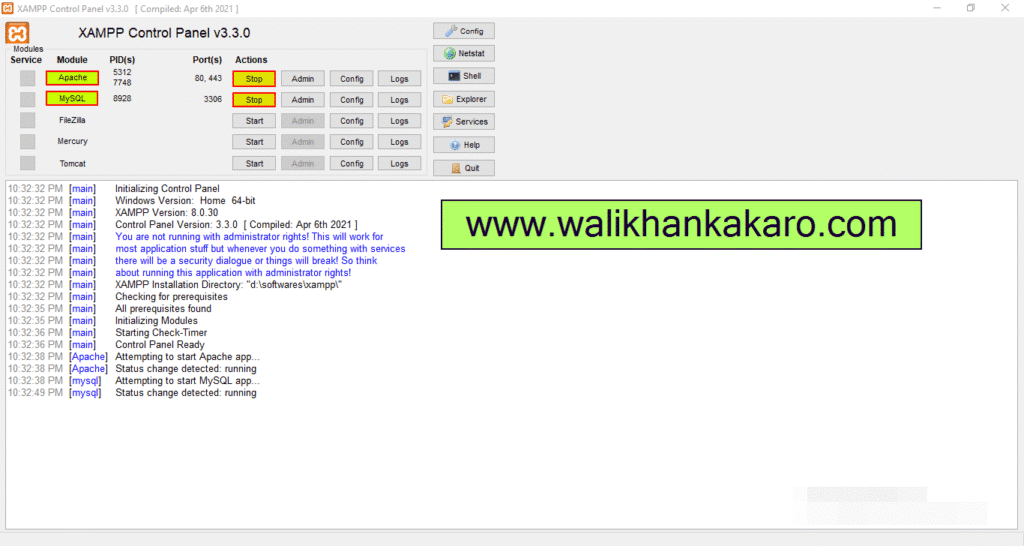
1: Open the XAMPP Control Panel.
2: Activate the Apache and MySQL.
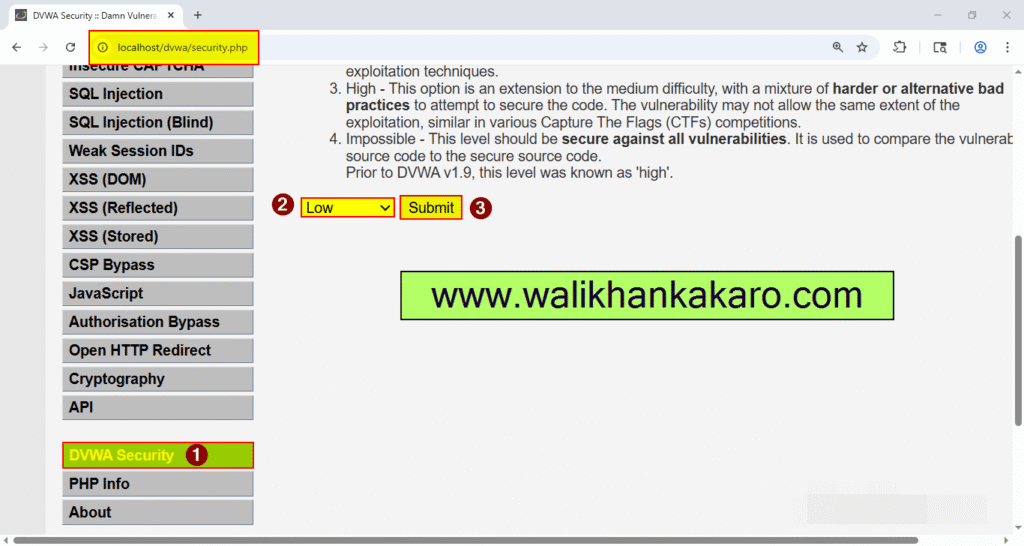
3: Change the DVWA Security to Level Low.
4: Open the File Upload.
Link: http://localhost/dvwa/vulnerabilities/upload/
5: Download the Shell-backdoor-list zip file.
Website: https://github.com/backdoorhub/shell-backdoor-list
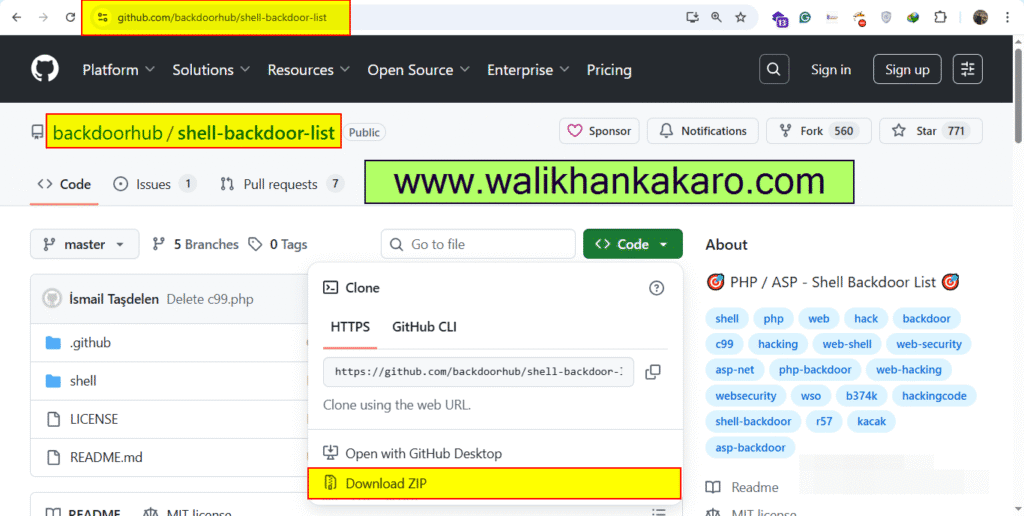
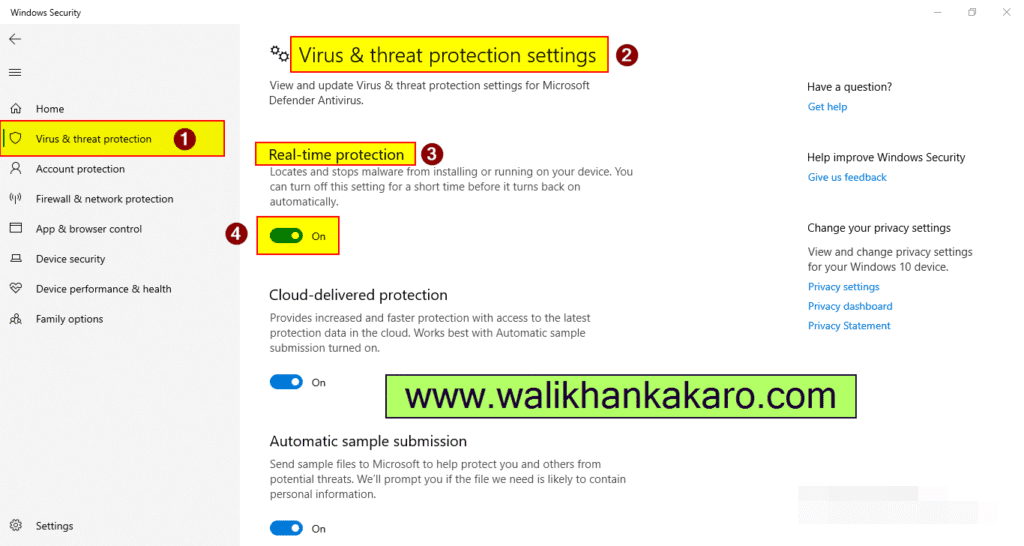
6: If the Download is not working, turn off the Real–time protection.
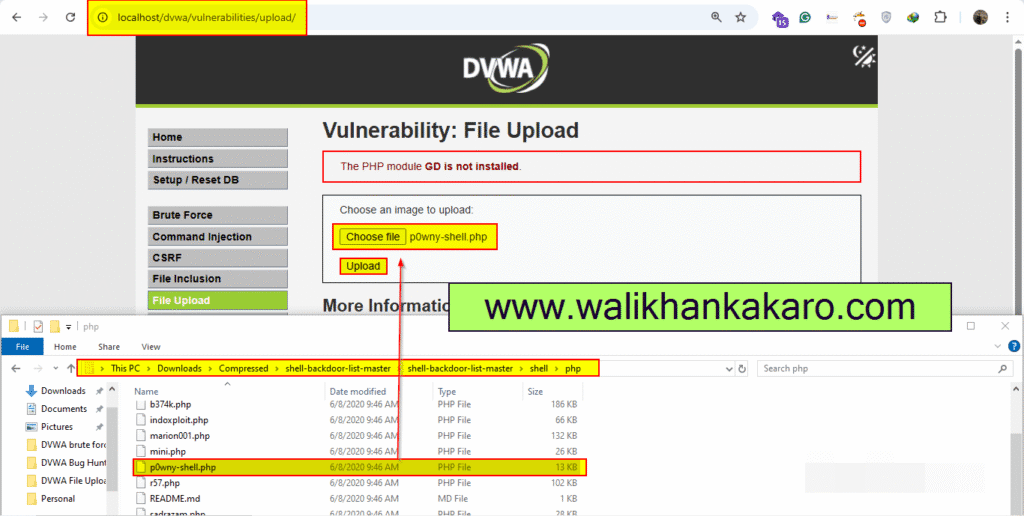
7: Extract the shell-backdoor-list-master folder.
8: Open the shell-backdoor-list-master folder.
9: Upload the p0wny-shell.php shell.
10: The Shell has been uploaded.
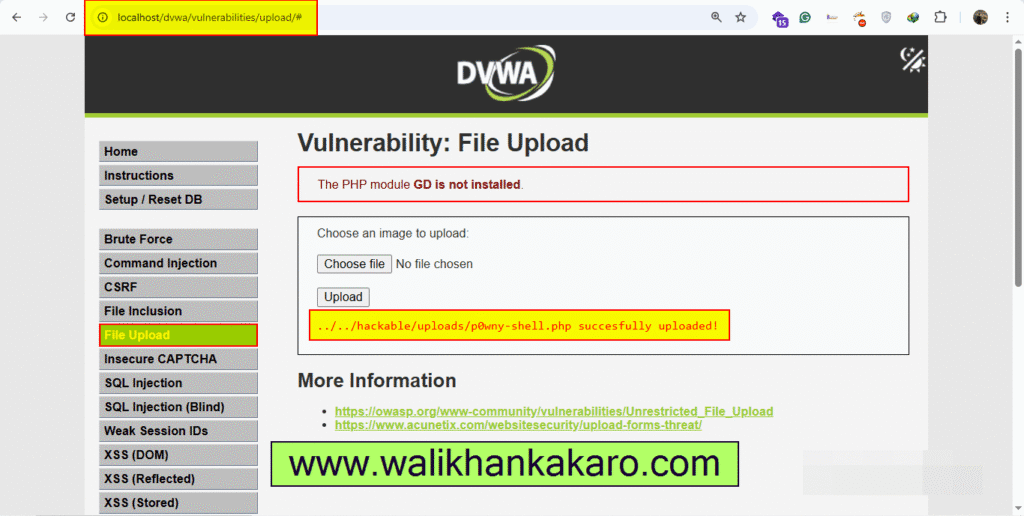
11: Copy the Uploaded Shell Address.
Address: hackable/uploads/p0wny-shell.php
12: Open the executable link.
Link: http://localhost/dvwa/hackable/uploads/p0wny-shell.php
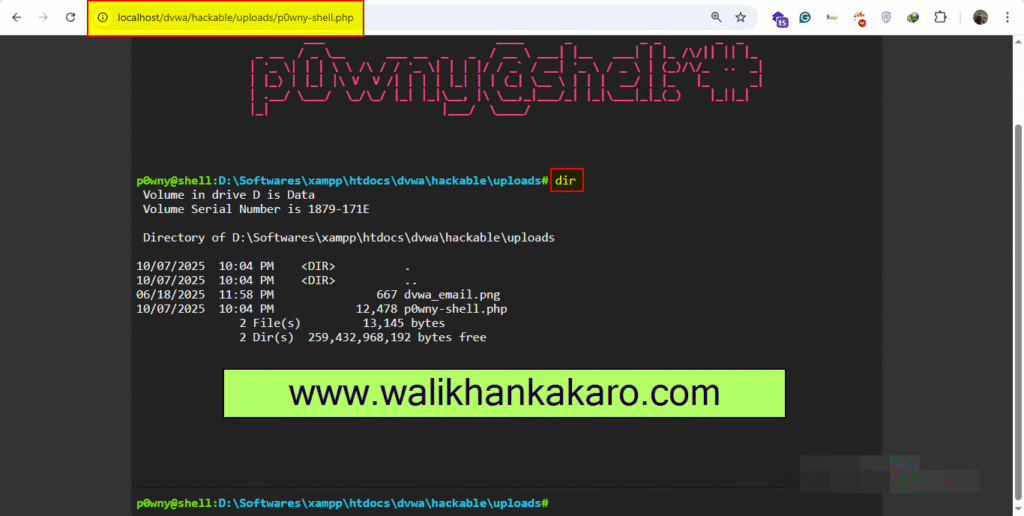
13: The system has been hacked, and now you can execute.
