Dvwa bug hunting lab download
1: Download the XAMPP Server.
Website: https://www.apachefriends.org/download.html
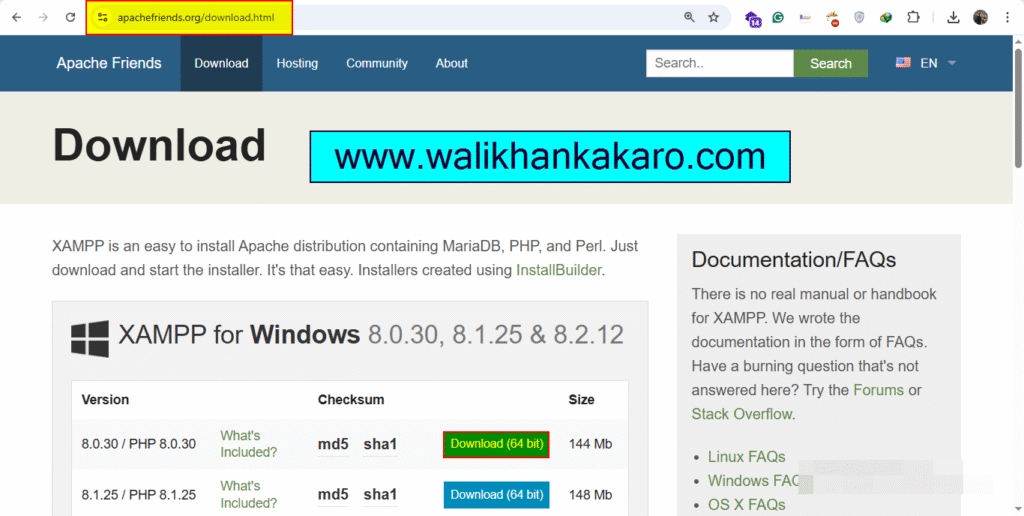
2: Install the XAMPP Server.
3: Download the DVWA from GitHub.
Website: https://github.com/digininja/DVWA
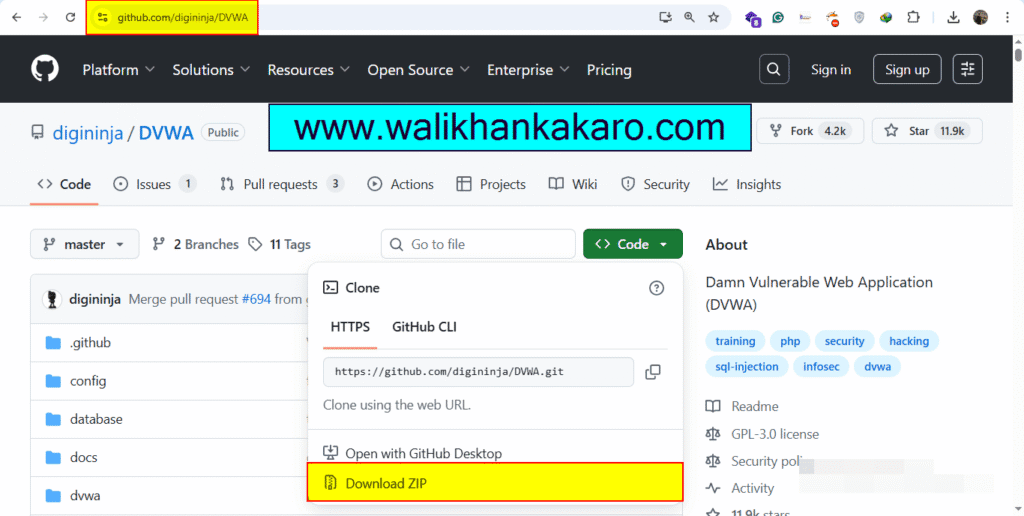
4: Extract the DVWA-master folder (Downloaded from GitHub).
5: Copy the DVWA-master folder.
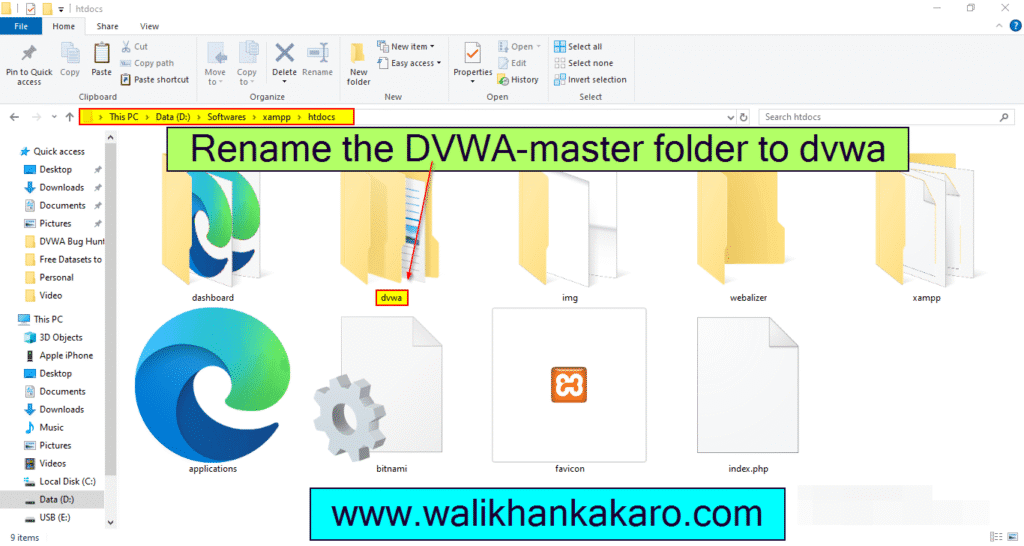
6: Open the XAMPP folder where you installed XAMPP.
7: Then open the htdocs folder in the XAMPP folder.
8: Paste the DVWA-master folder.
9: Rename the DVWA-master folder to dvwa.
10: Open the dvwa folder.
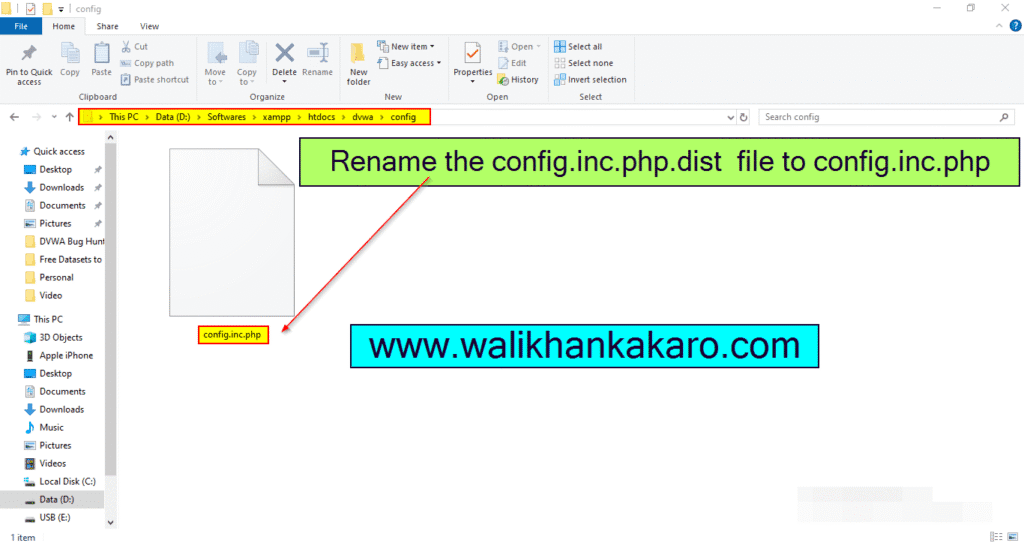
11: Open the config folder in the dvwa folder.
12: Rename the config.inc.php.dist file to config.inc.php
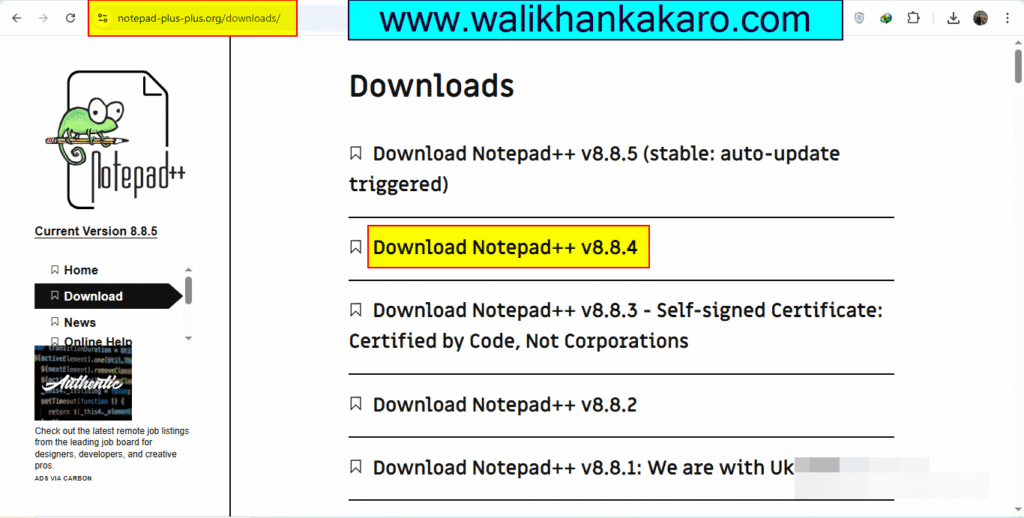
13: Download Notepad++.
Website: https://notepad-plus-plus.org/downloads/
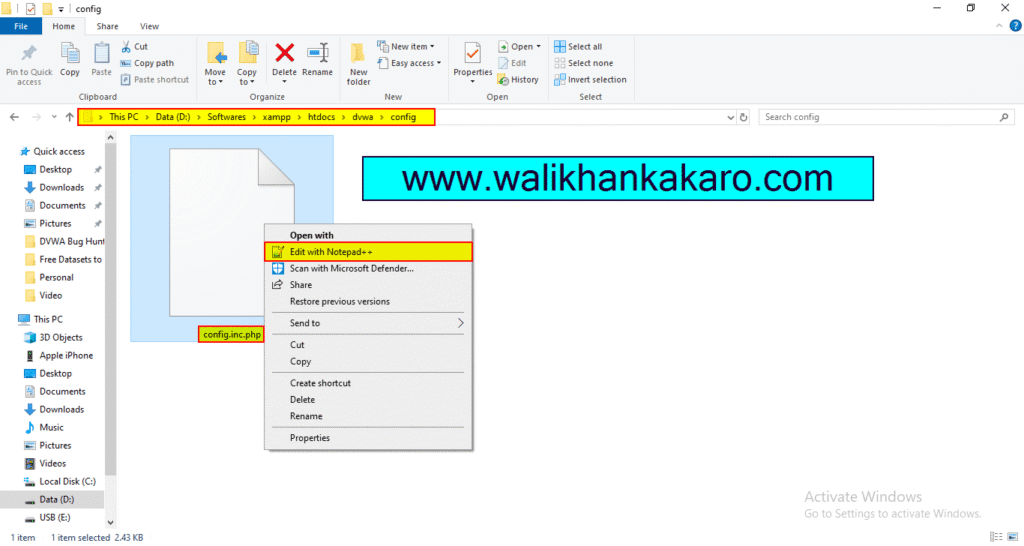
14: Open the config.inc.php file into the Notepad++.
15: Open the XAMPP.
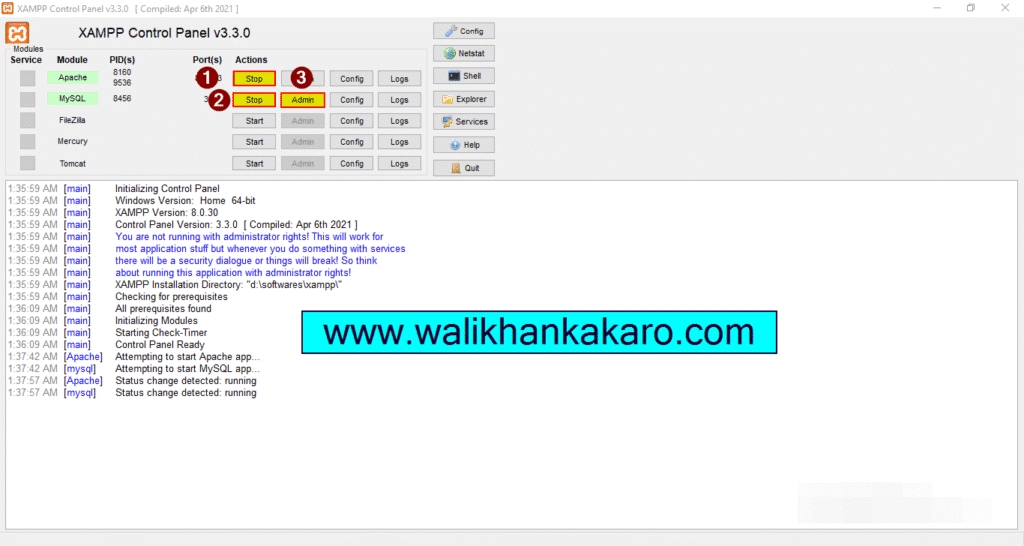
16: Start the Apache and MySQL.
17: Open the MySQL Admin.
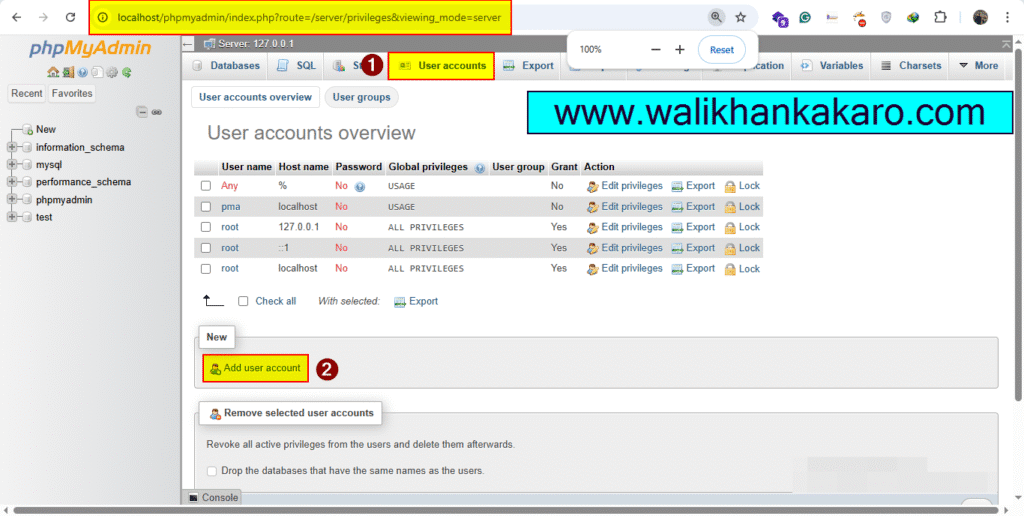
18: Go to the User accounts.
Link: http://localhost/phpmyadmin/index.php?route=/server/privileges&viewing_mode=server&lang=en
19: Open the Add new user account.
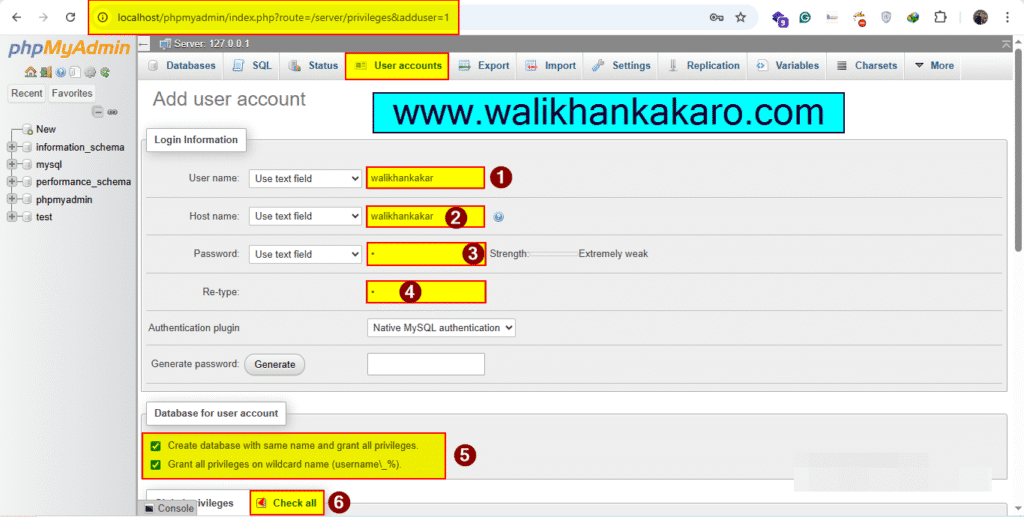
20: Set up the Username, Host name and Password.
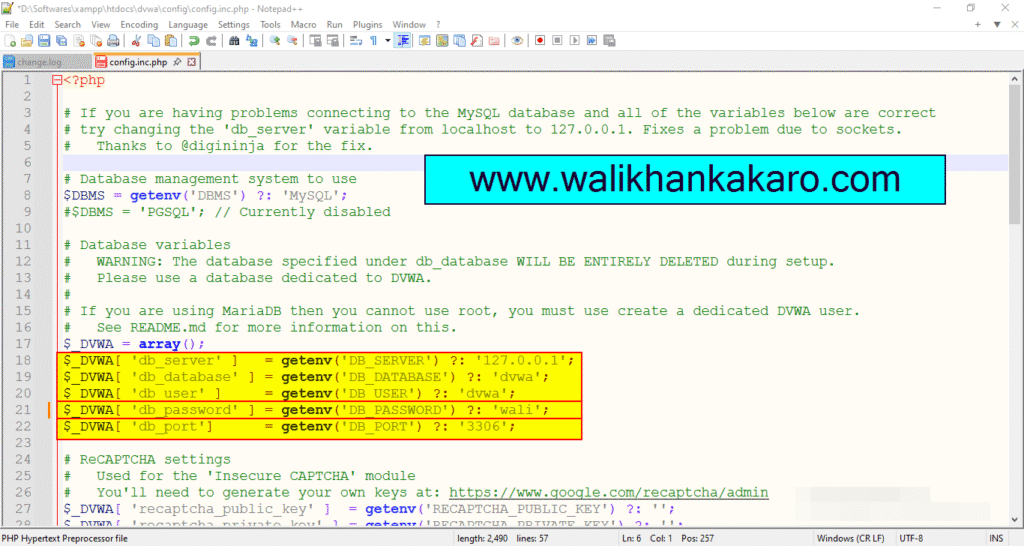
21: Also, change the config.inc.php file password.
22: Save the config.inc.php file.
23: Restart the Apache and MySQL in the XAMPP Control Panel.
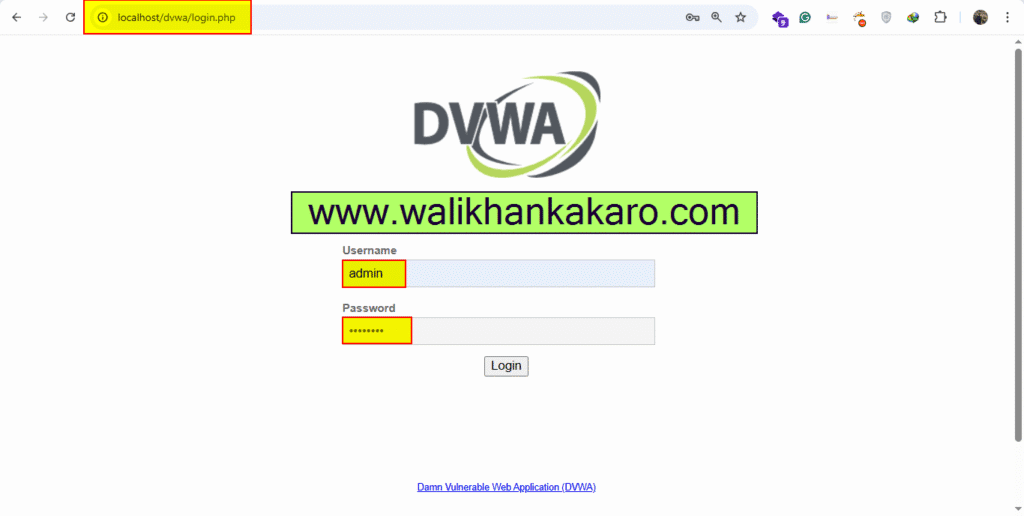
24: Open the DVWA.
Website: http://localhost/dvwa
25: Log in to the DVWA account.
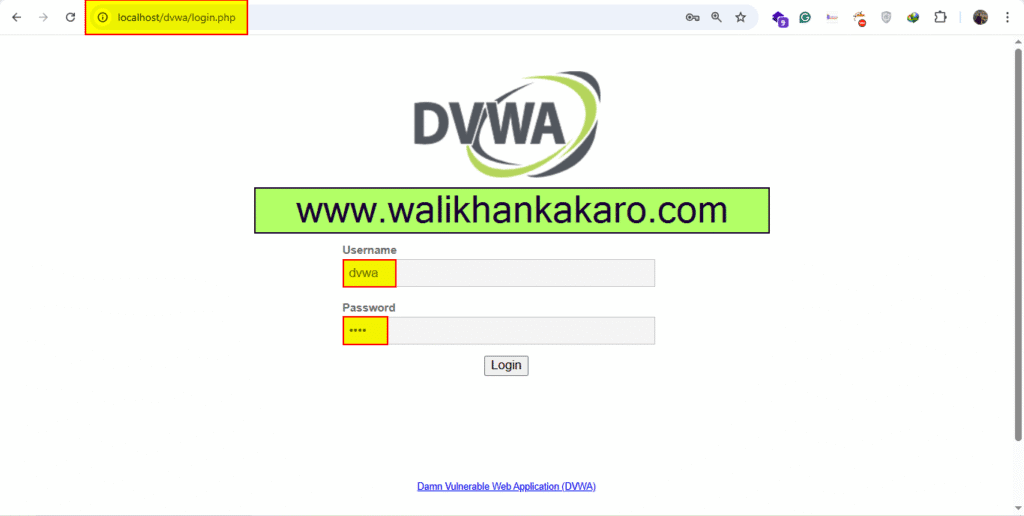
26: Username and Password?
Username: dvwa
Password: dvwa
27: Create the Database.
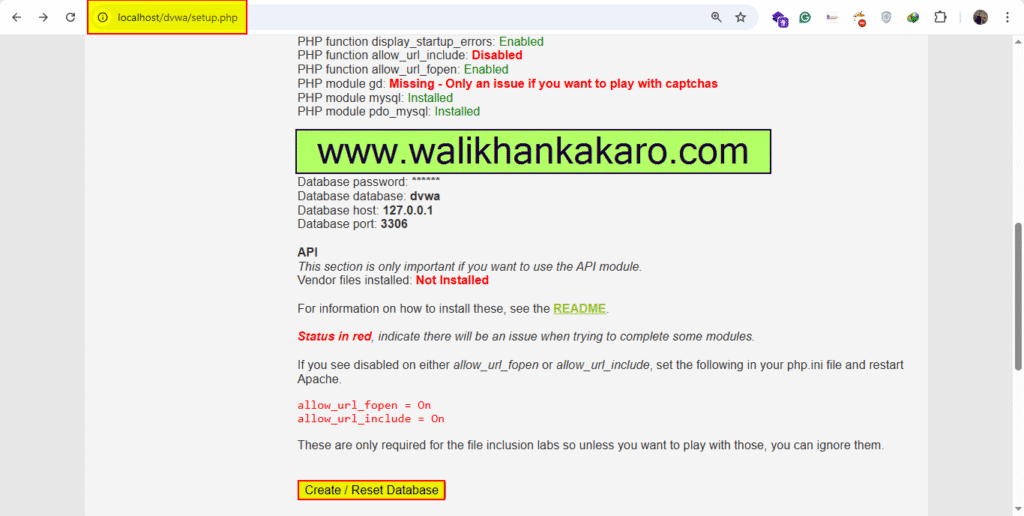
28: Log in to the DVWA again.
Username: admin
Password: password