Terraform
Download Terraform for Windows
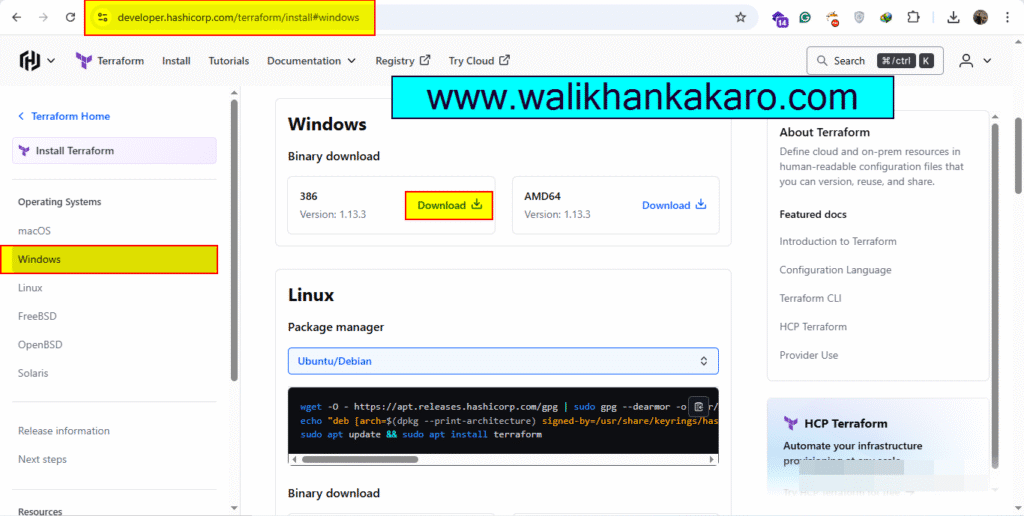
1: Download the Terraform.
Website: https://developer.hashicorp.com/terraform/install#windows
2: Extract the file.
3: Copy the Terraform folder and paste into the Terraform folder where you want to install.
4: Copy the Terraform path.
Path: E:\Terraform

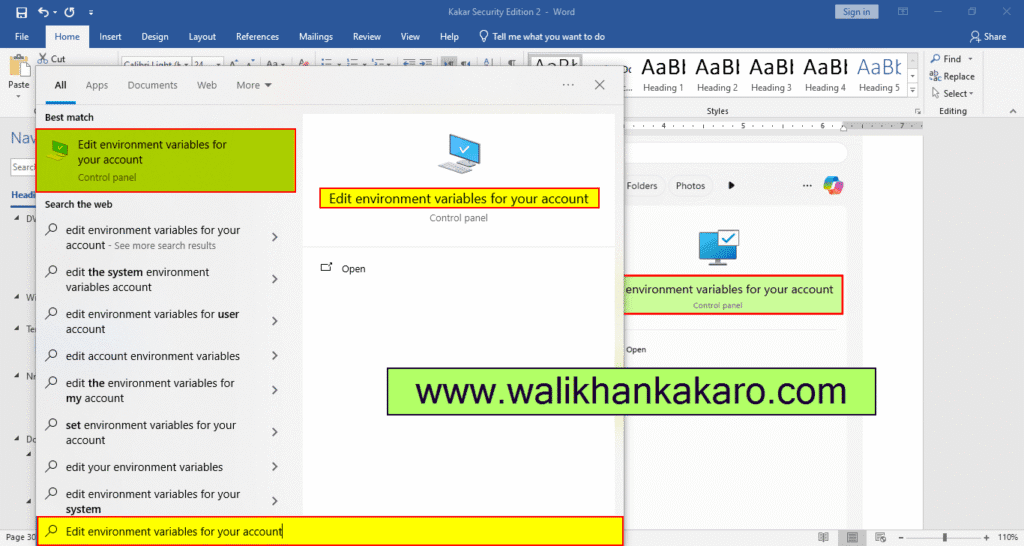
5: Open the Edit environment variables for your account in the Search bar.
Shortcut key: Windows + S
Paste: Edit environment variables for your account
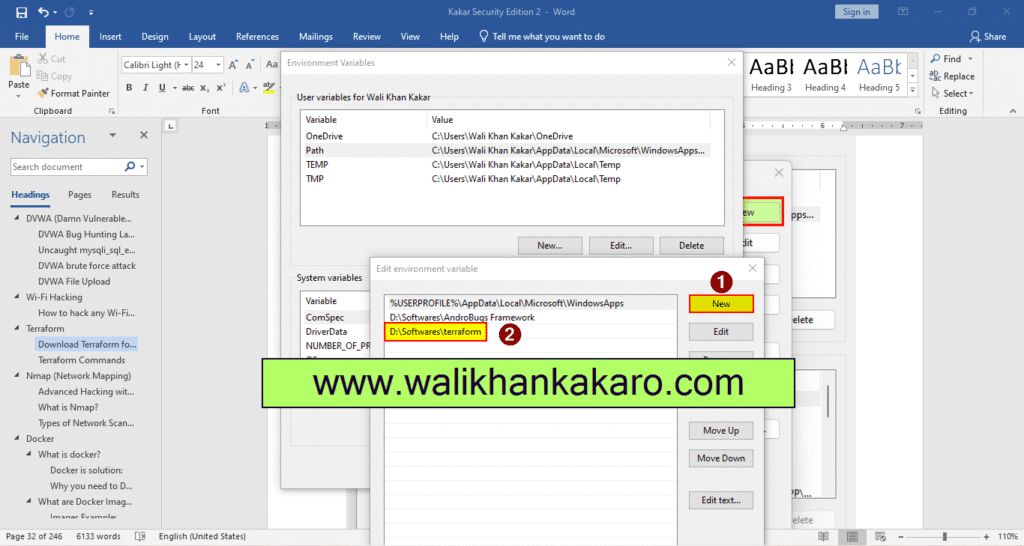
6: Open the Path.

7: Add the Terraform Path.
8: Open the Command Prompt and check the Terraform is installed?
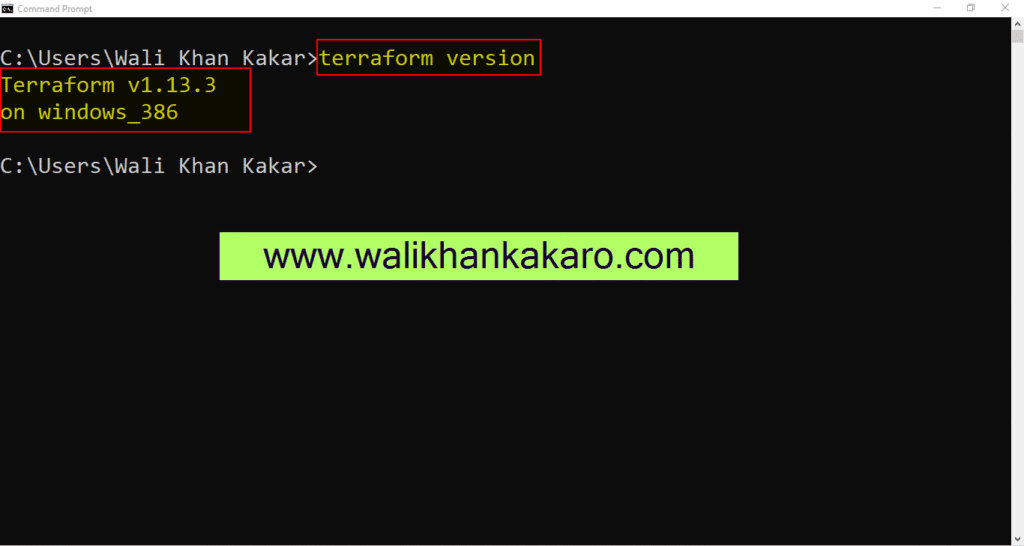
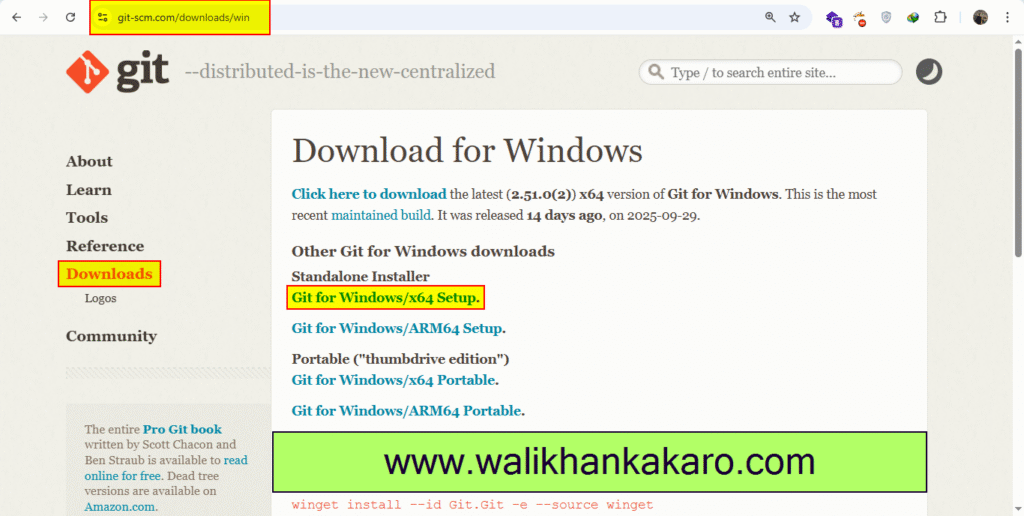
9: Install the Git Download.
Download: https://git-scm.com/downloads
10: Install the git.
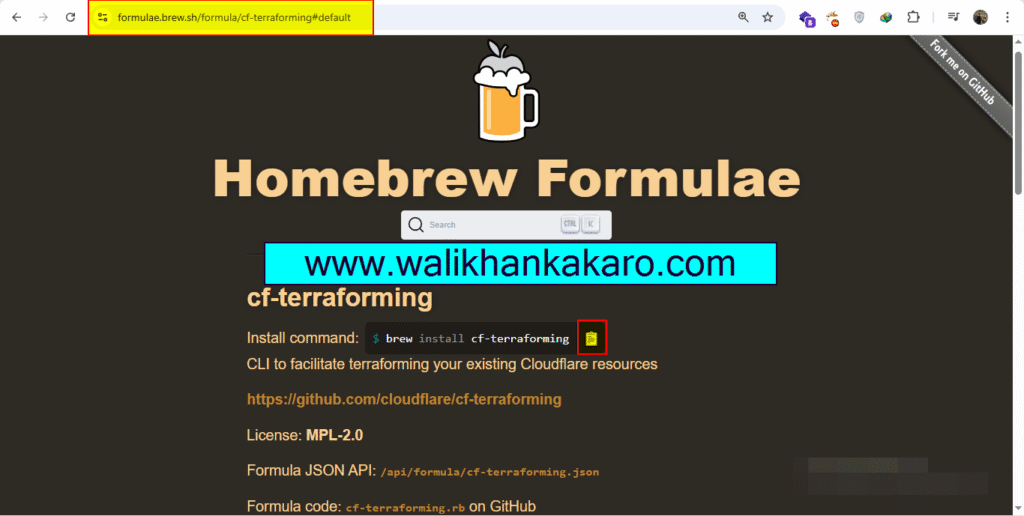
Brew install terraform
1: Open the Terminal in the MacBook.
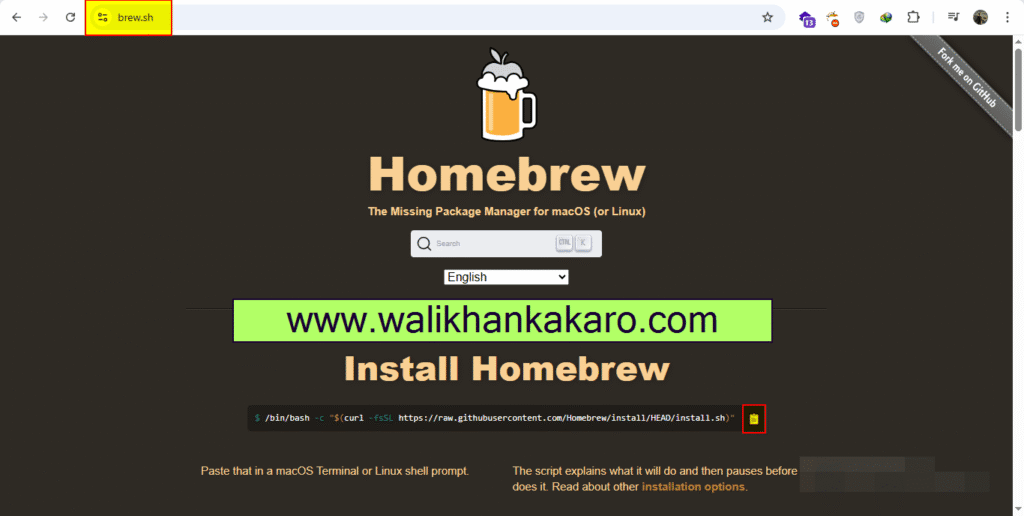
2: Install the Homebrew in the terminal.
Command: /bin/bash -c “$(curl -fsSL https://raw.githubusercontent.com/Homebrew/install/HEAD/install.sh)”
3: Check the brew help.
Command: brew help
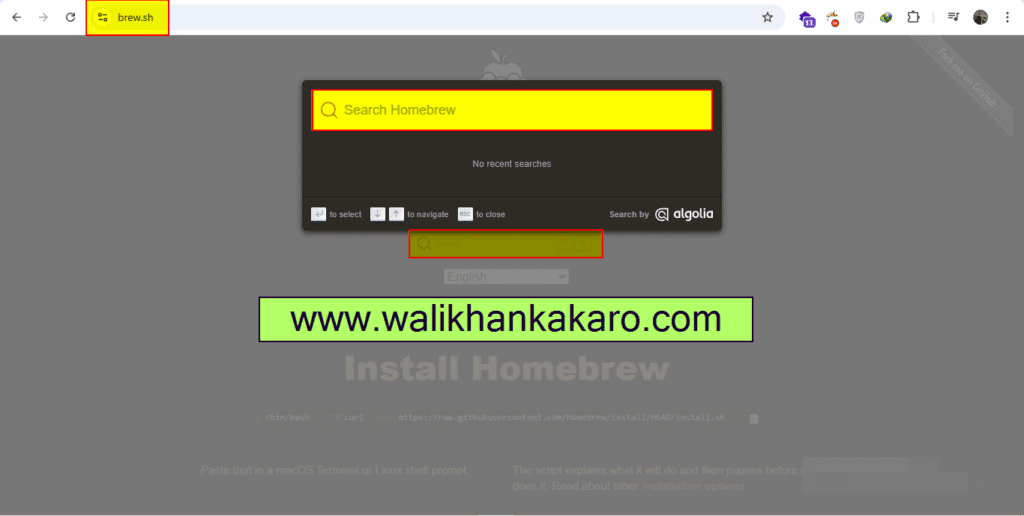
4: Search the Terraform.
5: Install the Terraform.
Command: brew install cf-terraforming