MySQL select query with where clause
1: Open the MySQL Workbench.
2: Select the Database.
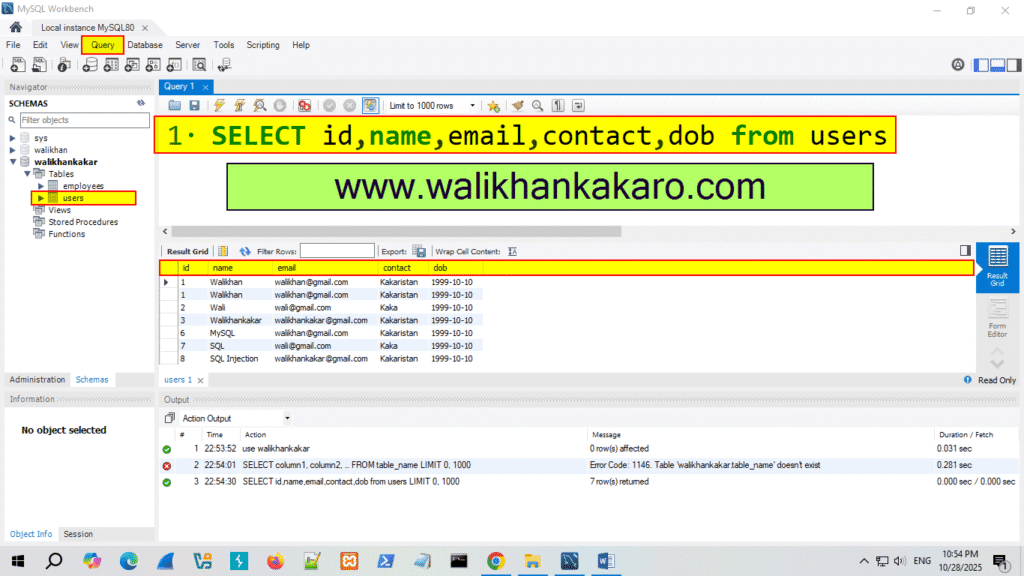
Command: use walikhankakar
3: Check the table query.
Code: SELECT id,name,email,contact,dob from users
5: Execute the command.
Shortcut key: Ctrl + Enter
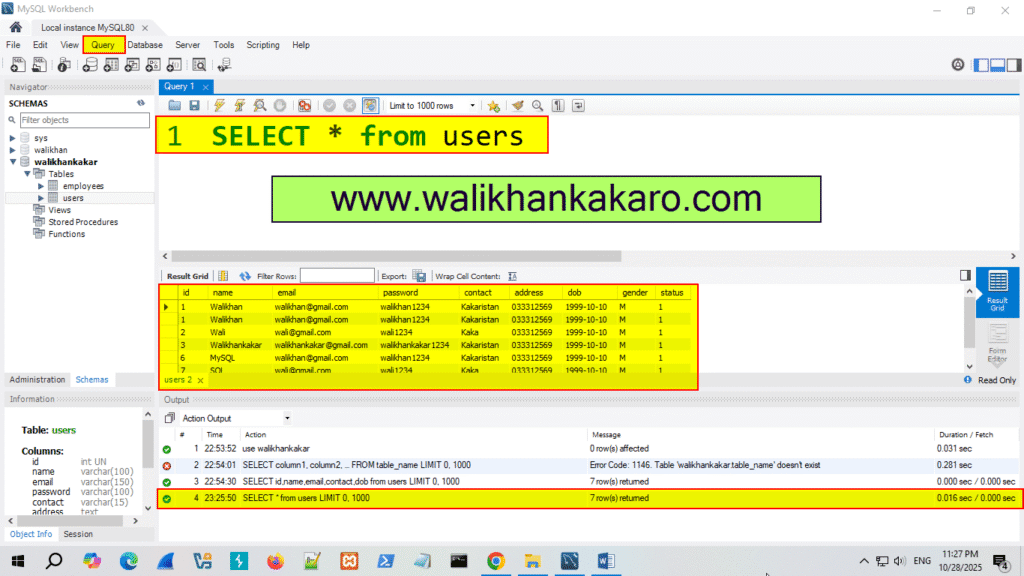
6: Select all the columns.
Code: SELECT * from users
7: Execute the command.
Shortcut key: Ctrl + Enter
8: What is Where clause.
Answer: The WERE clause is used to filter records.
It is used to extract only those records that fulfill a specified condition.
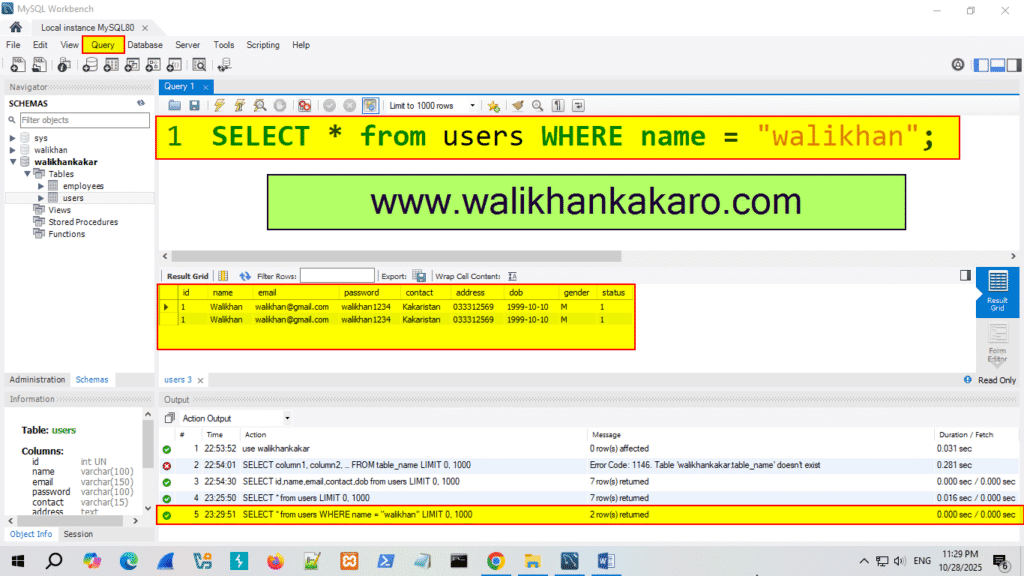
9: Check only the specific names.
Code: SELECT * from users WHERE name = “walikhan”;
10: Execute the command.
Shortcut key: Ctrl + Enter