Table of Contents
Brew install terraform
1: Open the Terminal in the MacBook.
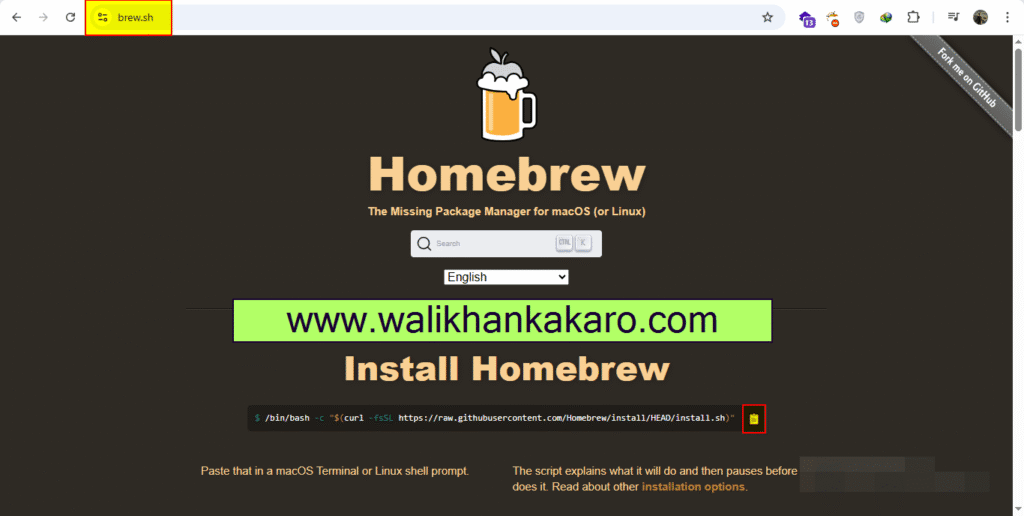
2: Install the Homebrew in the terminal.
Command: /bin/bash -c “$(curl -fsSL https://raw.githubusercontent.com/Homebrew/install/HEAD/install.sh)”
3: Check the brew help.
Command: brew help
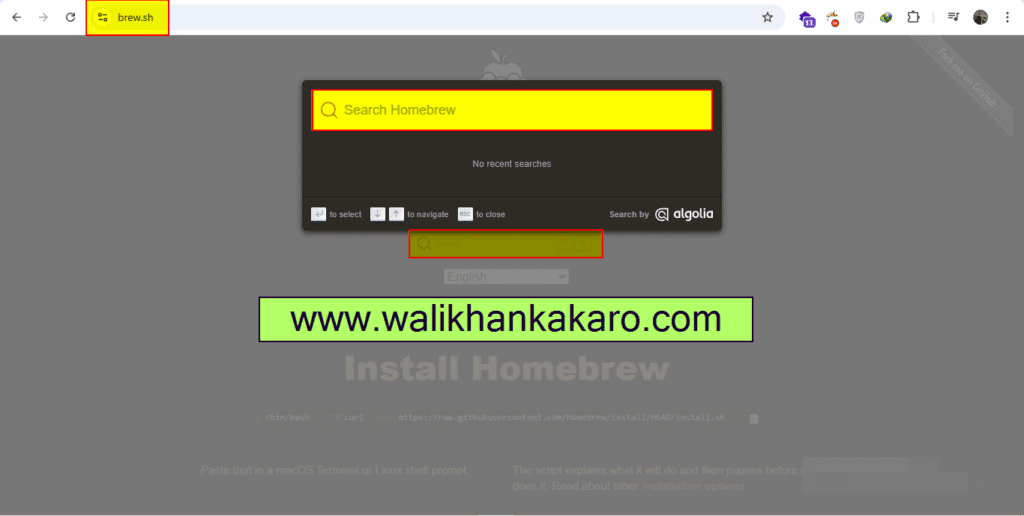
4: Search the Terraform.
5: Install the Terraform.
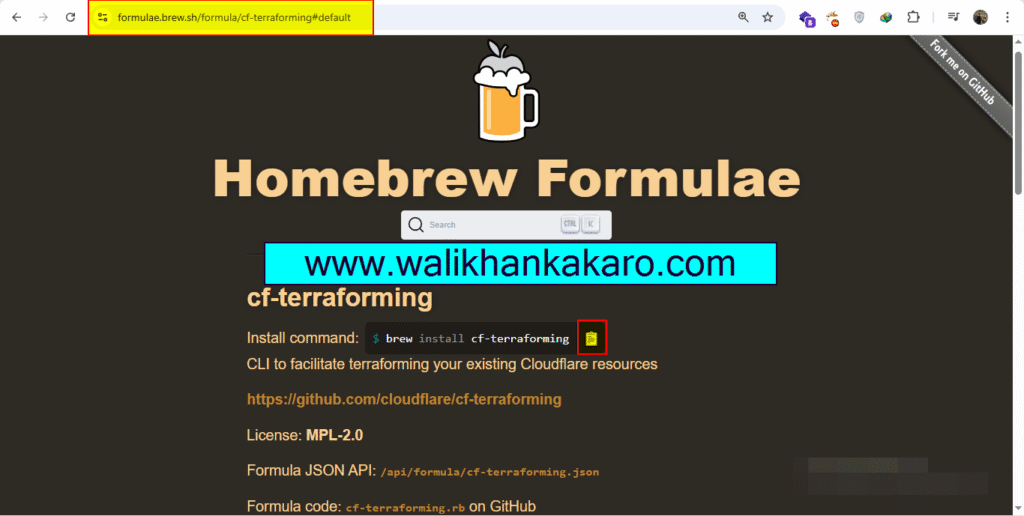
Command: brew install cf-terraforming