Table of Contents
Digital Forensics
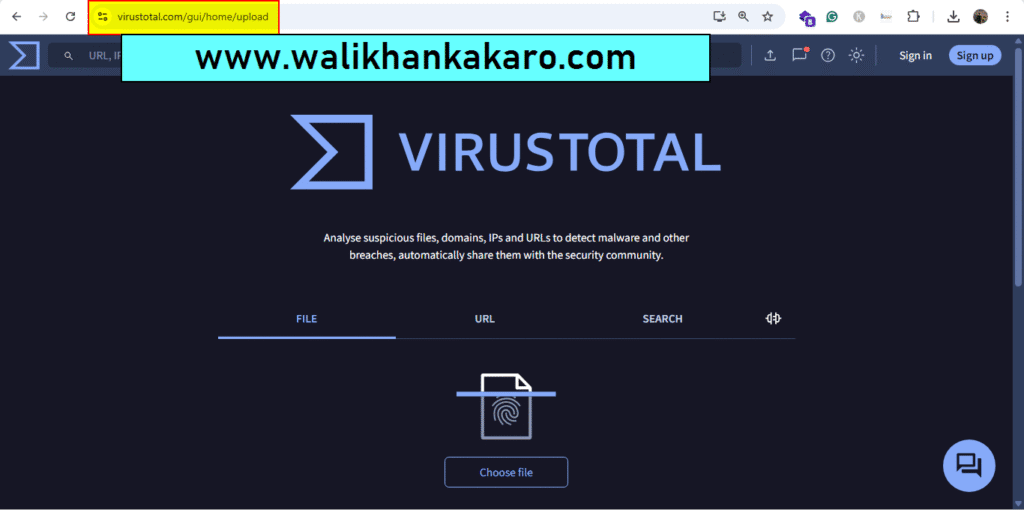
Website malware checker
1: Go to the Virus Total website.
Website: https://www.virustotal.com/gui/
2: Upload files or software.
Maltego
Install the Maltego
1: Download Maltego.
Website: https://www.maltego.com/downloads/
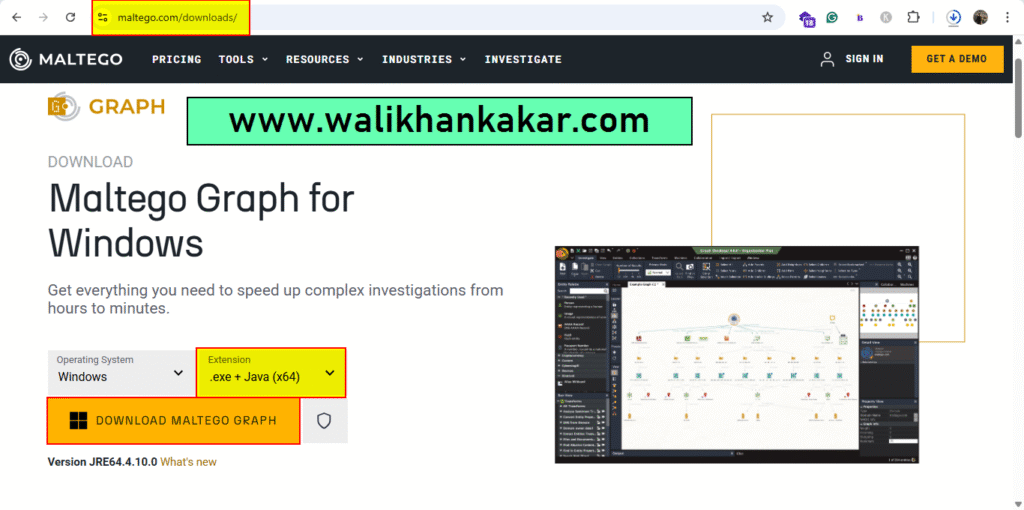
2: Install Maltego.
3: Download the Java.
Website: https://www.java.com/en/download/manual.jsp
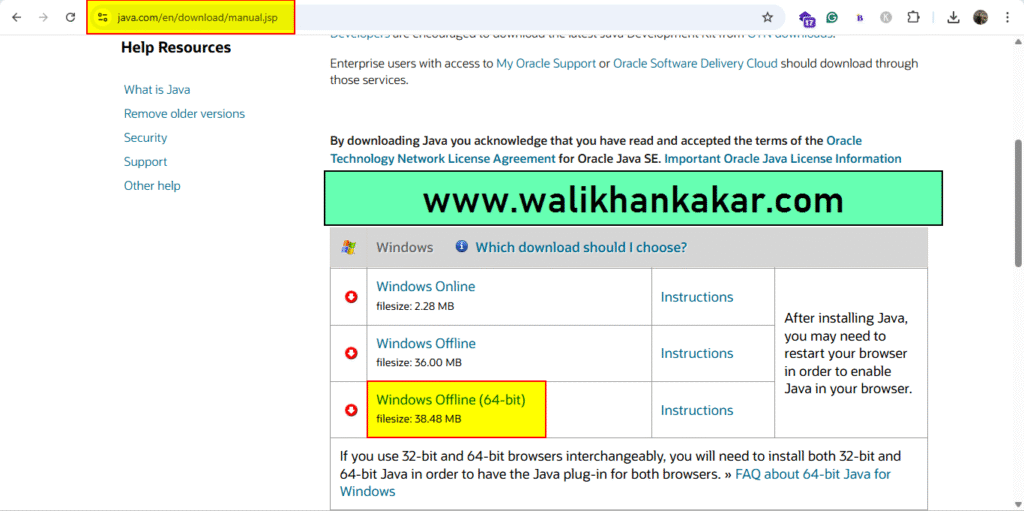
4: Install Java.
Digital Forensics Roadmap
Basic:
1: Definition and Usage.
2: Areas in Cyber Forensics.
1: Computer Forensics.
2: Mobile Forensics.
3: Network Forensics.
4: Cloud Forensics.
3: Laws and Regulations.
4: Evidence Handling Procedures.
Essential Skills:
1: Understanding of Operating Systems.
2: Knowledge of File Systems.
3: Networking Fundamentals.
4: Programming Basics.
5: Ethical Hacking.
6: Understanding of Encryption and Data Recovery.
Sift Skills:
1: Analytical Thinking.
2: Attention to detail.
3: Problem-Solving Skills.
Learning:
1: Google Searches.
2: GitHub Repository.
3: Online Newsletters and Blogs.
Books:
1: Kakar Cybersecurity.
2: Kakar Security.
3: Computer Forensics, Laws, and Evidence.
4: Digital Forensics for Dummies.
5: Practical Digital Forensics.
Tools:
1: Setting Up Labs.
2: Solving Challenges.
3: Participating in CTFs.
Autopsy Digital Forensics
1: Download the Autopsy Digital Forensics software.
Website: https://www.autopsy.com/download/
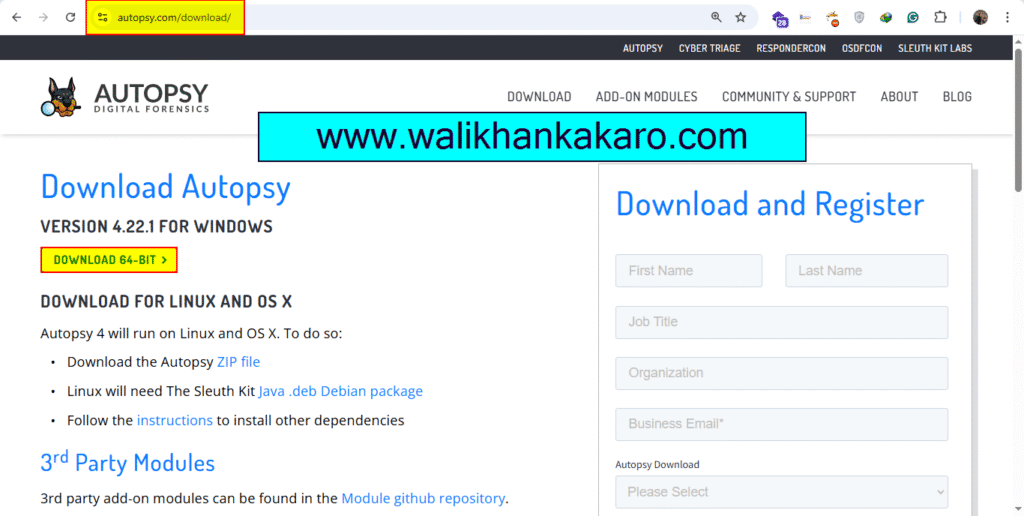
2: Install Autopsy Digital Forensics.
3: Create a New Case.
Computer Forensics
What is Forensicator?
Answer: Browsing History, Network, and Network settings, User activities, Event log analysis, System information, Program and services info, RDP logons, Peripheral checks, File history, etc …
1: Download the Forensicator zip file from GitHub.
Note: Off the Real-time protection in the Windows Security.
Website: https://github.com/Johnng007/Live-Forensicator
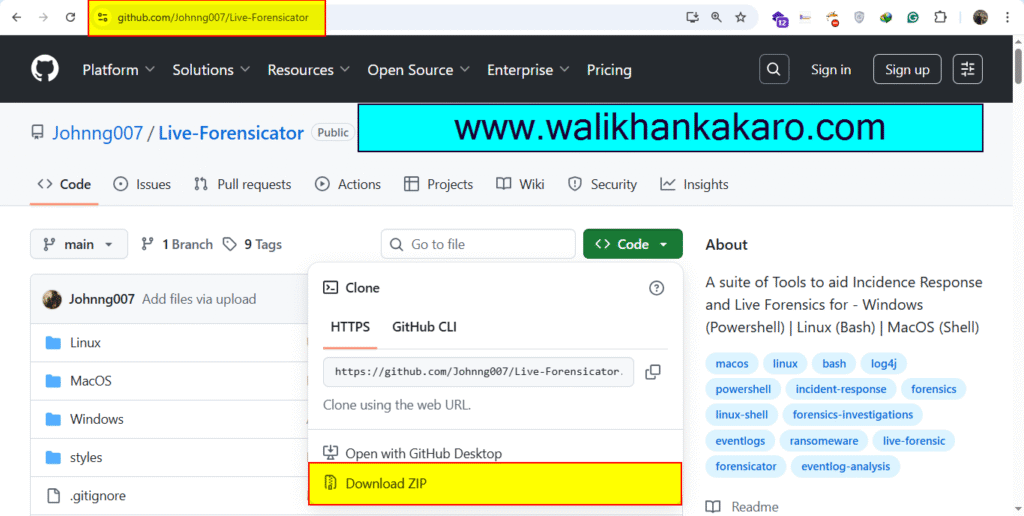
2: Open the Forensicator zip file and copy it to the Desktop.
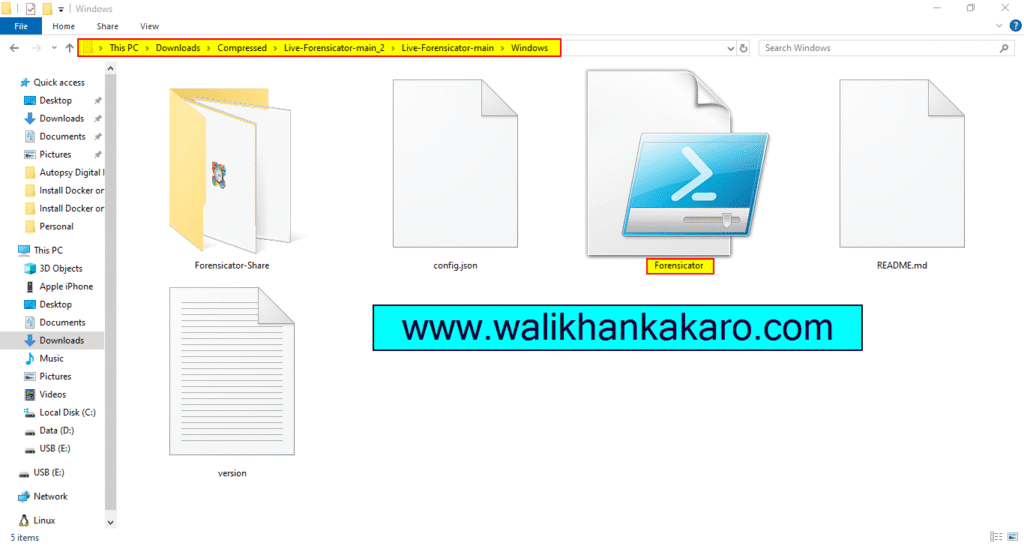
3: Open the Forensicator file in Windows PowerShell.
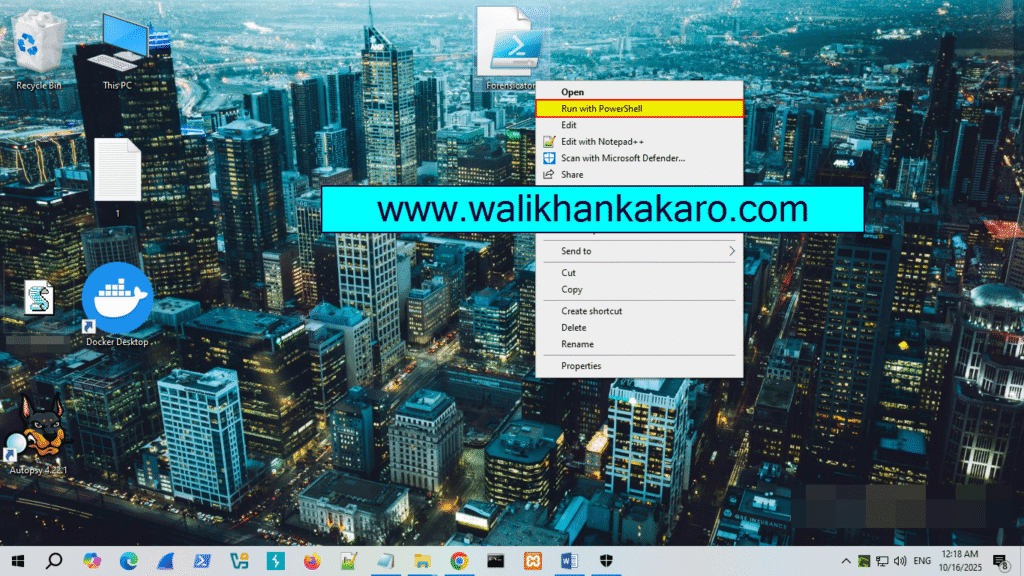
4: Scan the system in the Forensicator information.
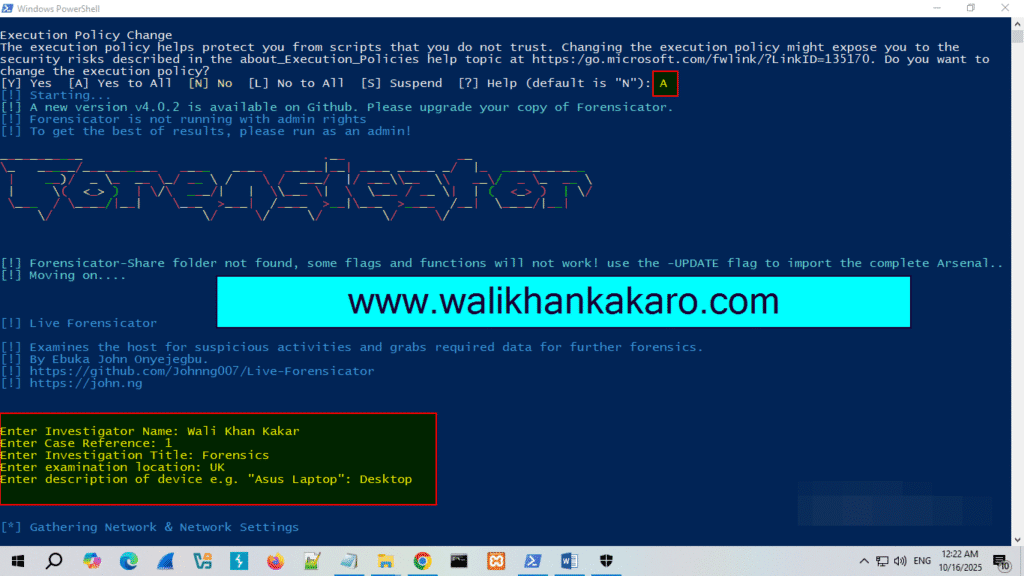
5: Show the system scan information.
Note: Your system-scanning information will be saved from the point you start your Forensicator.
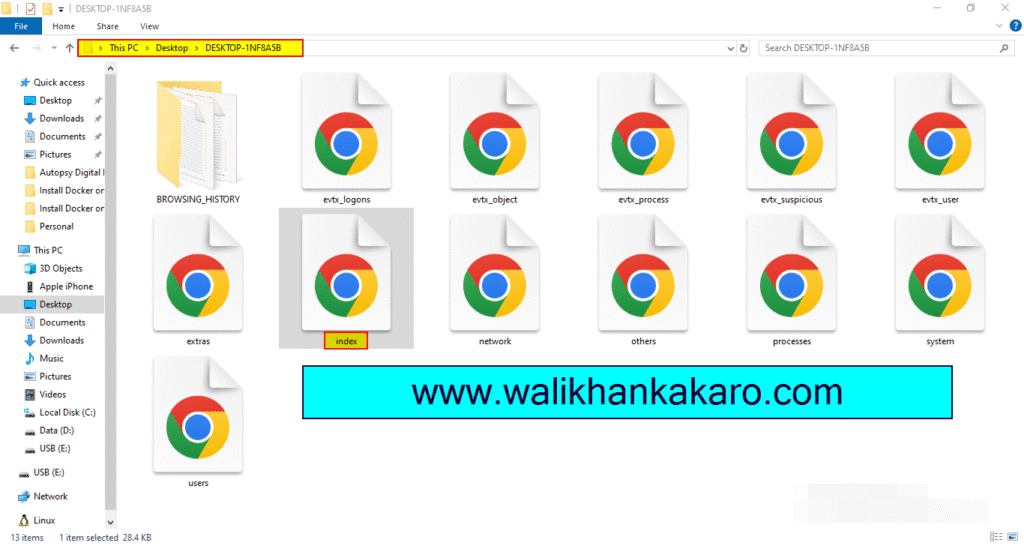
6: Open the index file and check the system-scanned information.
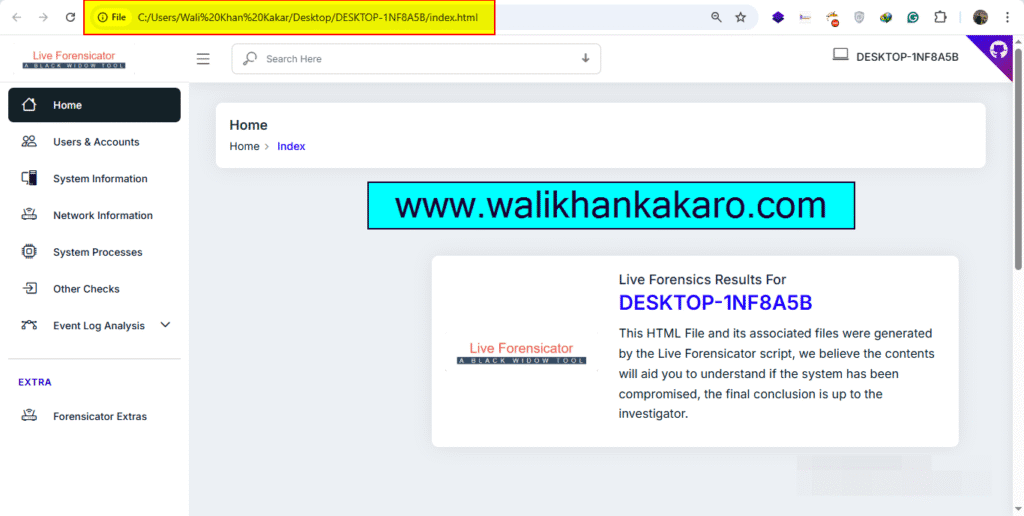
Image Forensics
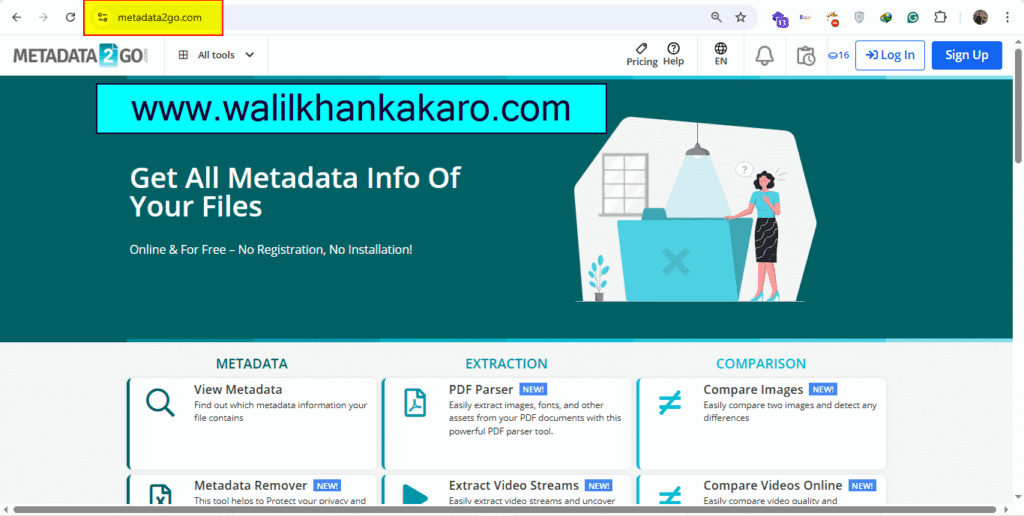
1: Open the Metadata2go website.
Website: https://www.metadata2go.com/
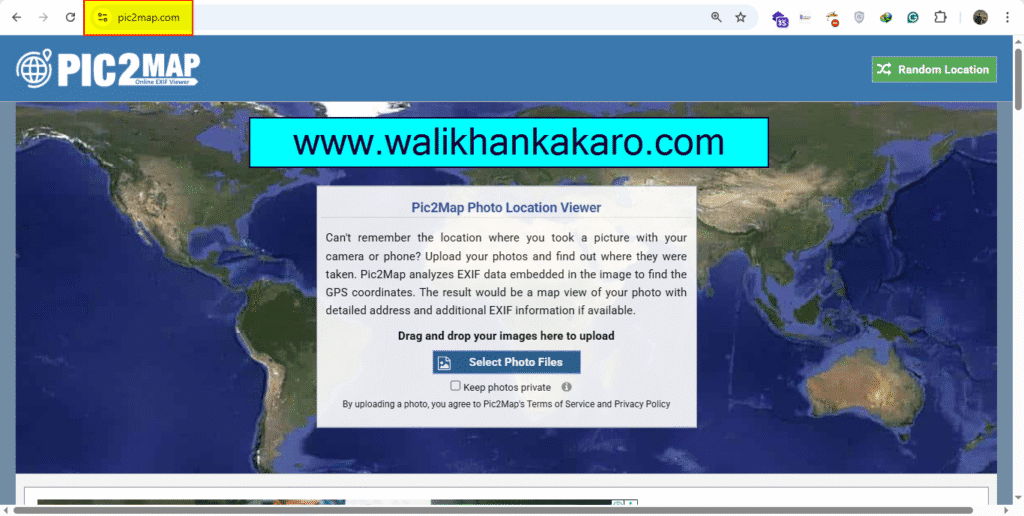
2: Pic2map website for the image location.
Website: https://www.pic2map.com/
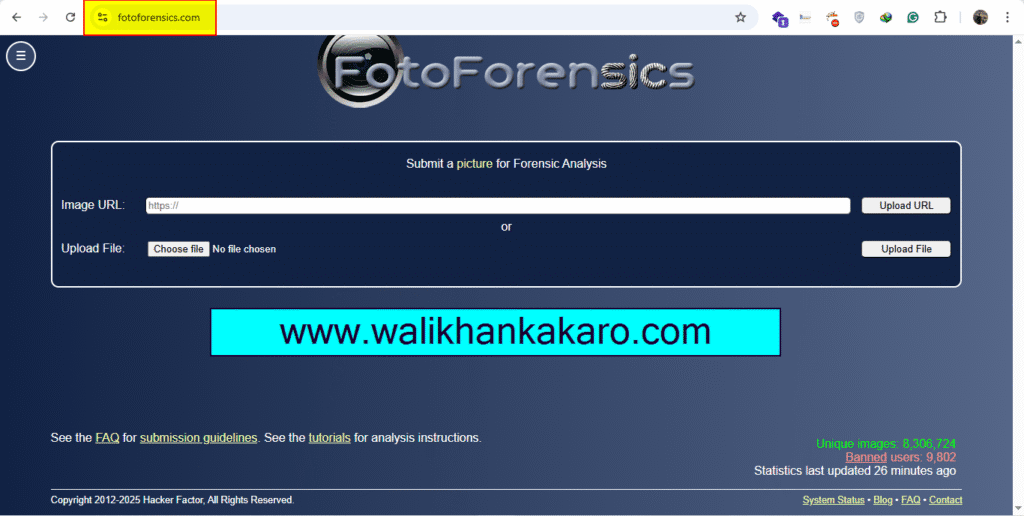
3: Fotoforensics website.
Website: https://fotoforensics.com/
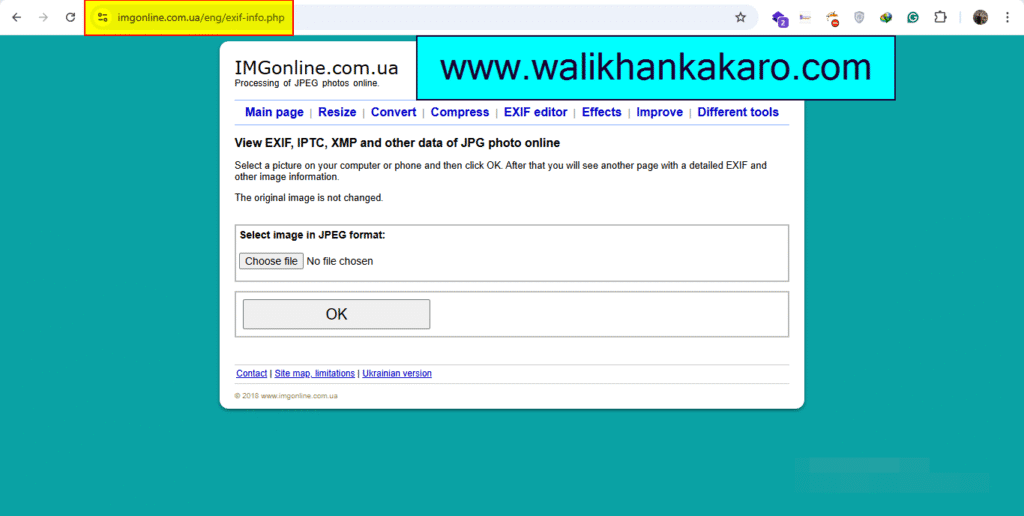
4: IMGonline website.
Website: https://www.imgonline.com.ua/eng/exif-info.php
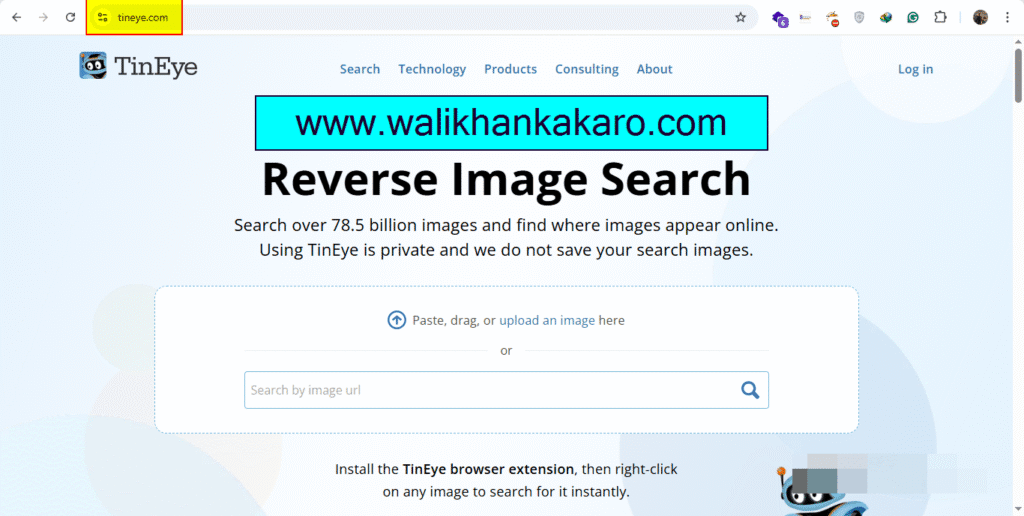
5: TinEye Reverse Image Search.
Website: https://tineye.com/
aerospace cybersecurity satellite hacking
Website: https://tools.g4lxy.space/
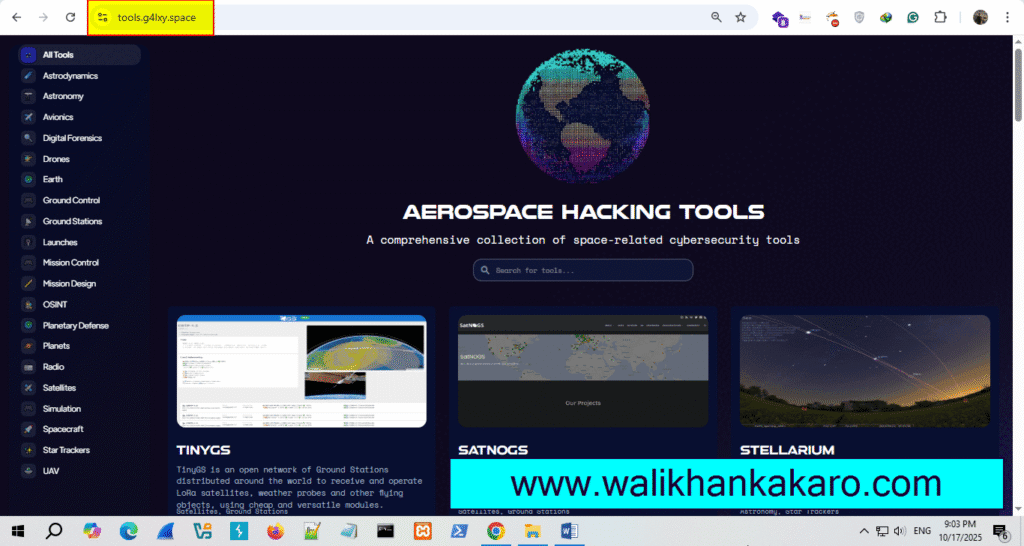
2: Ground Stations satellites.
Website: https://tinygs.com/
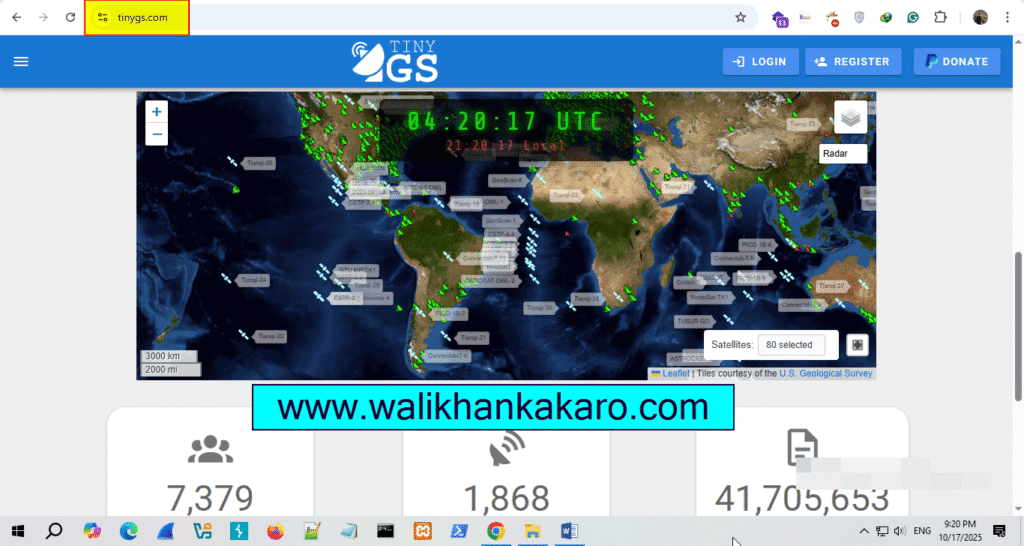
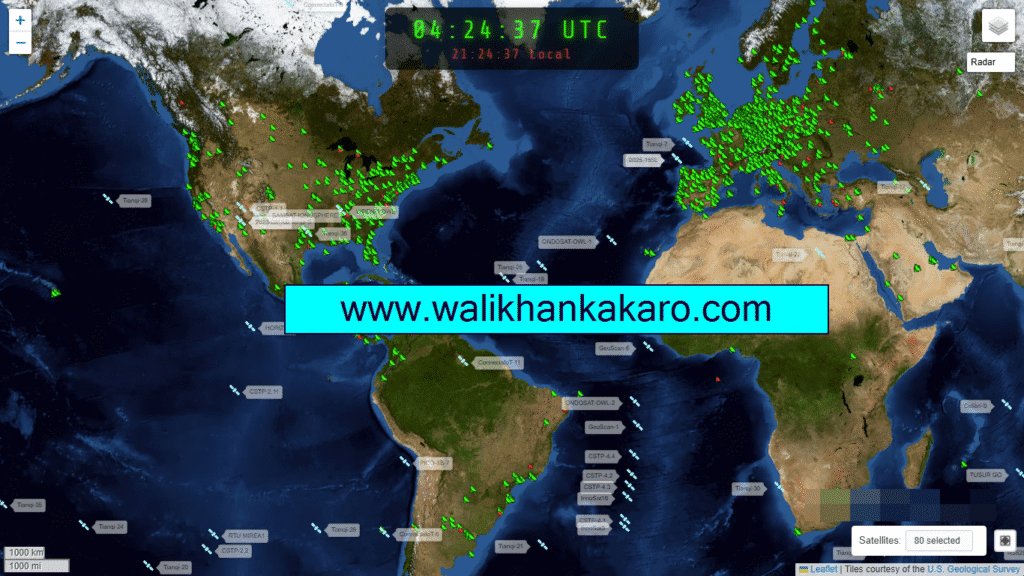
3: The Open Source Global Satellite Network.
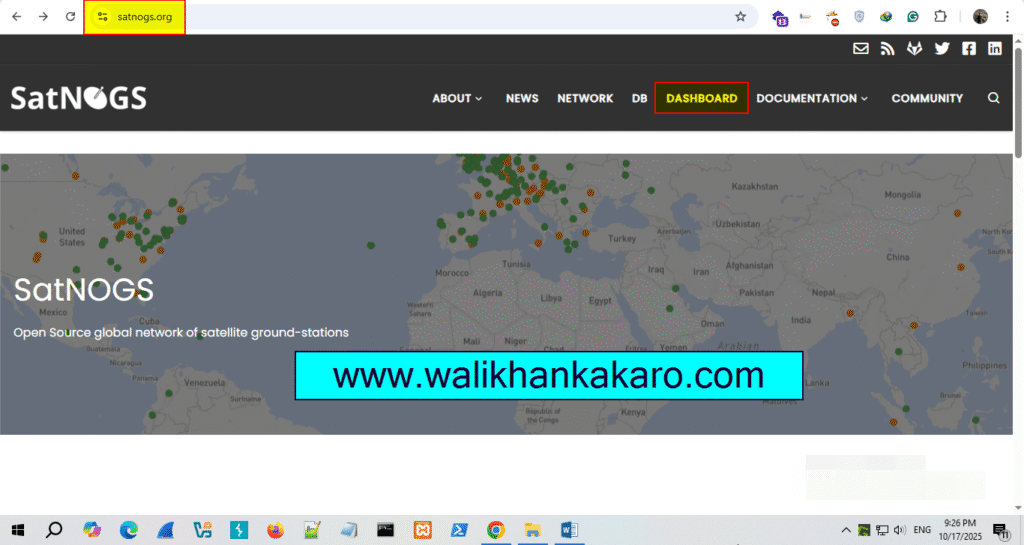
4: Check the Satellite information.
Website: https://dashboard.satnogs.org/d/QjDe5S8mk/satellite-telemetries?orgId=1
Steganography
What is Steganography?
Answer: Steganography is the practice of hiding one file within another. The same scheme can be applied to other digital media (audio and video), where data is hidden in parts of the file that result in the least change to the audible or visual output.
Q33NY
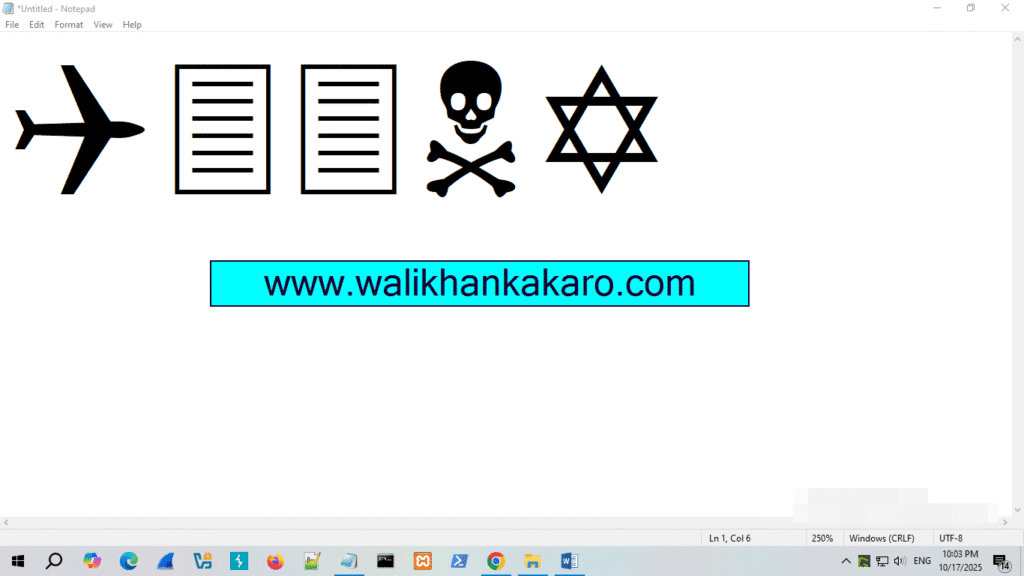
You all well know that Q33N is the flight number that hit the World Trade Center on Tuesday, September 11, 2001.
Here is the Notepad connecting the flight number to what happened.
It’s also said that this is the code the intelligence department got before 9/11, but couldn’t trace the meaning behind it.
If they could understand the hidden meaning behind the code, they might have prevented Q33N from being hijacked.
Follow the steps:
1: Open Notepad and type Q33N.
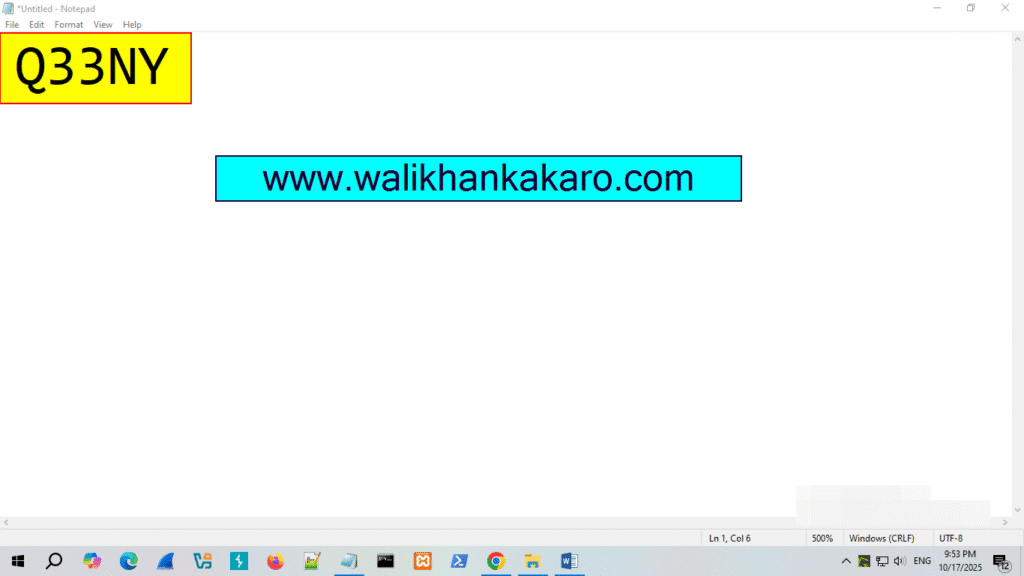
2: Change the font size to a higher value (72).
3: Change the font to Wingdings.
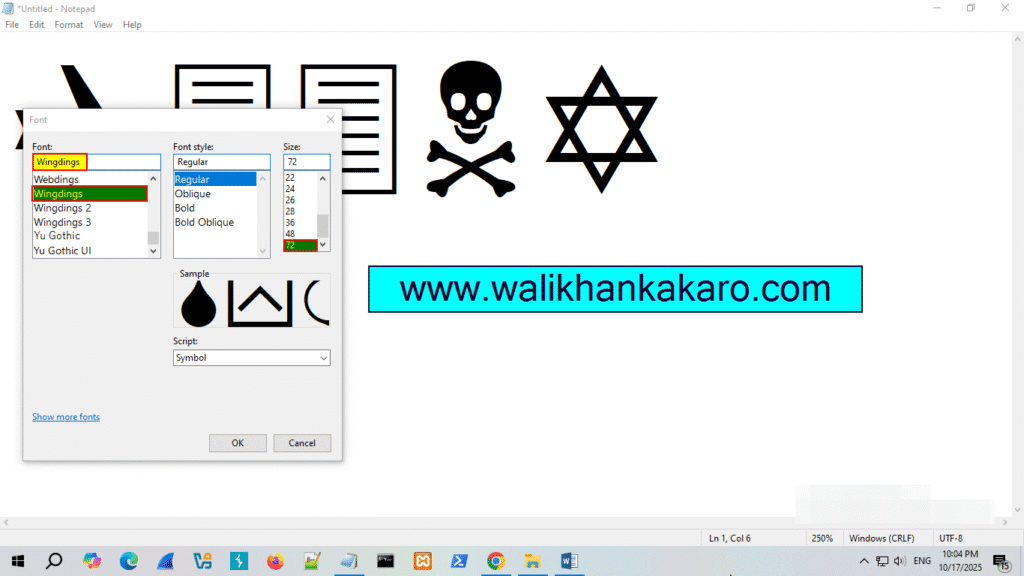
4: The code is decoded.
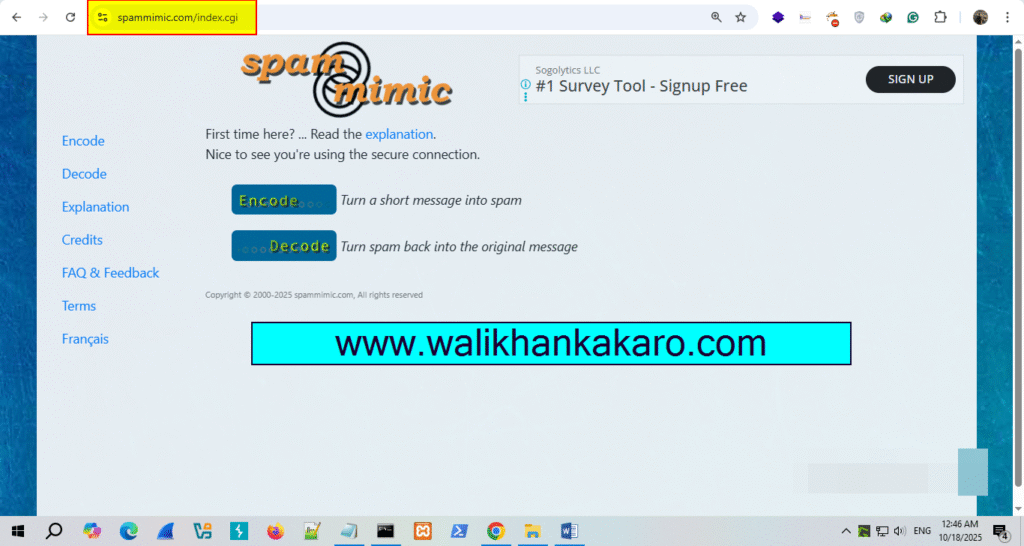
steganography website
1: Spammimic.
Website: https://www.spammimic.com/index.cgi
Facebook OSINT
1: Copy the Facebook account username.
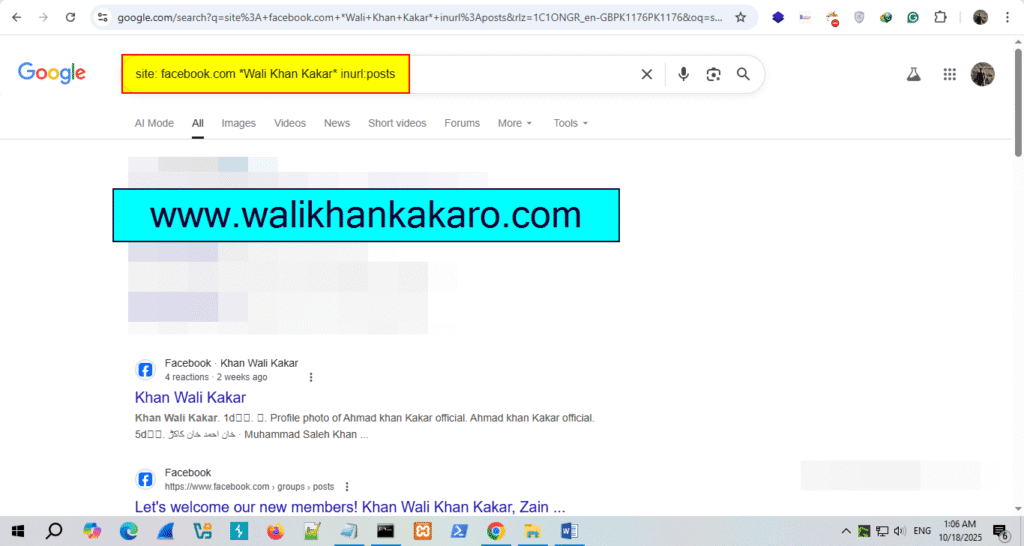
2: Use the Google Dork to check the Facebook user account posts.
Command: site: facebook.com *Wali Khan Kakar* inurl:posts
Data leak checker free
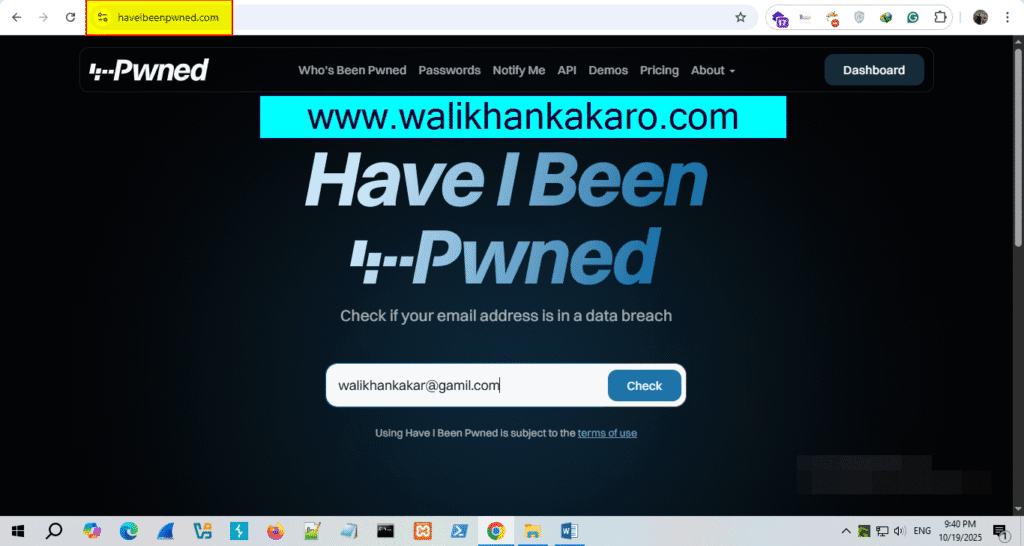
1: Check the Data breach have i been pwned.
Website: https://haveibeenpwned.com/
Email Footprinting
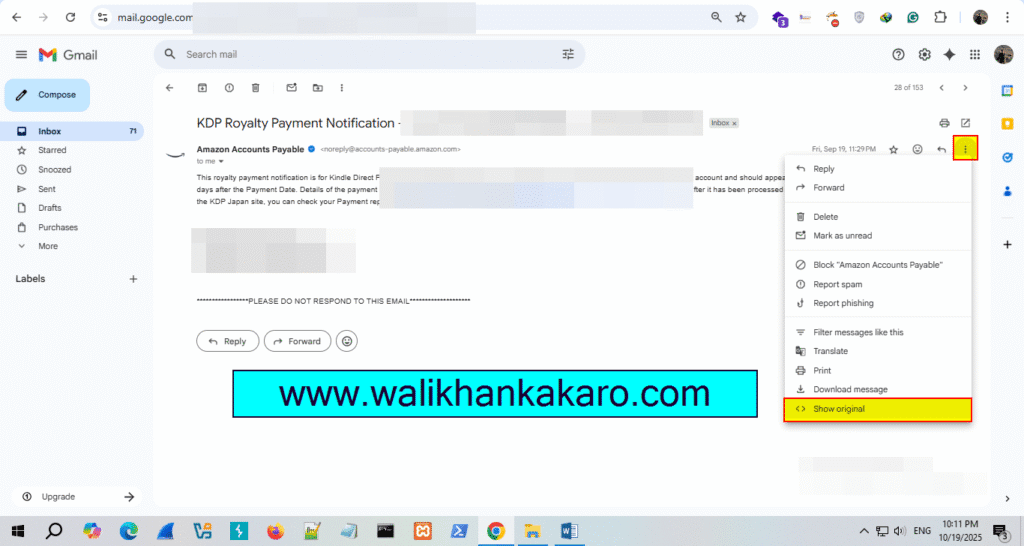
1: Open a Gmail account.
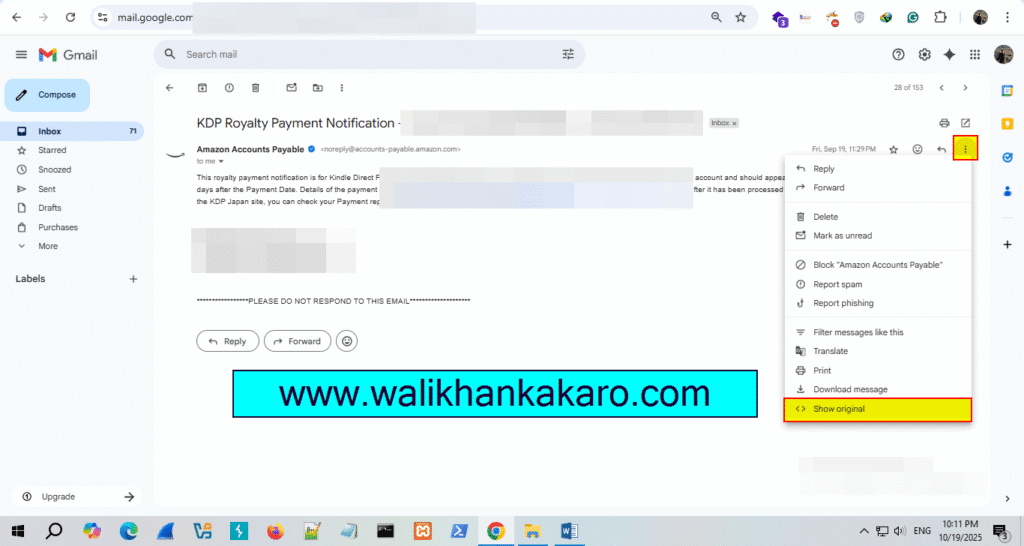
2: Go to Show original.
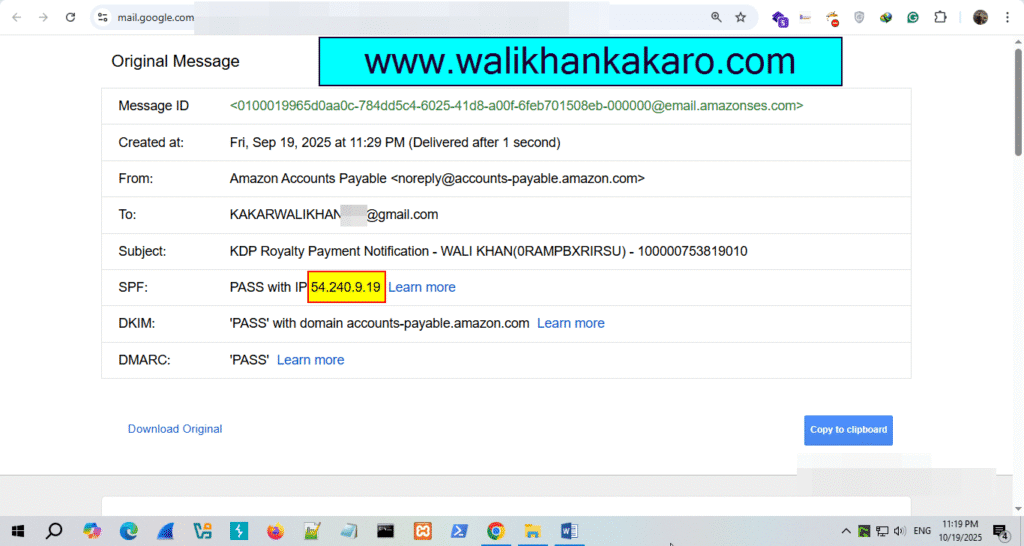
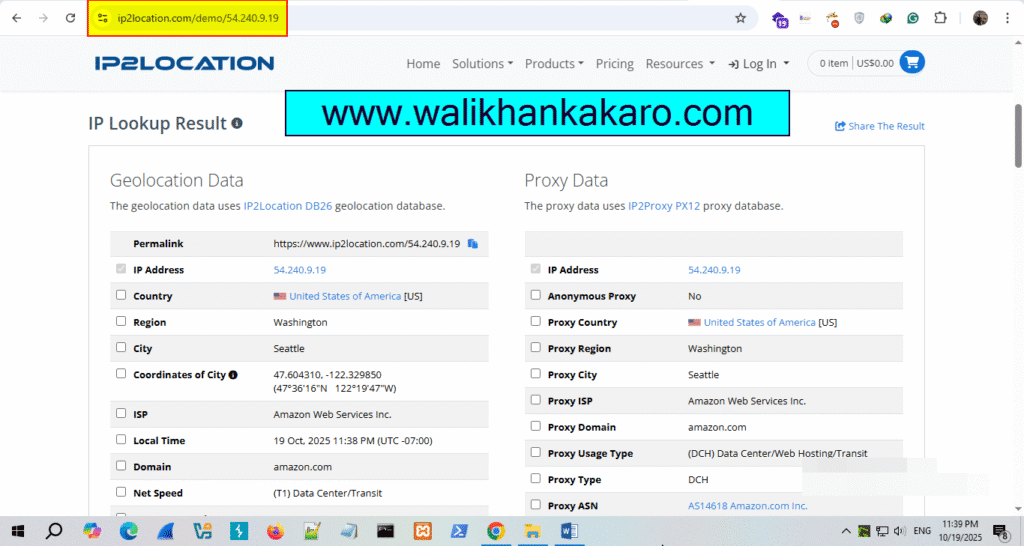
3: Copy the IP Address.
4: Go to the IP2location website.
Website: https://www.ip2location.com/
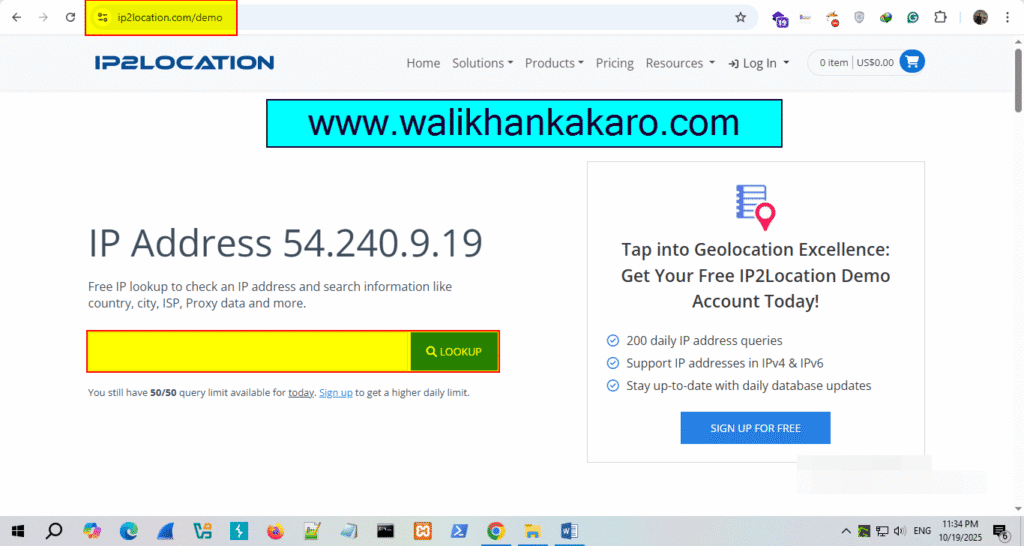
5: Paste the E-mail IP Address in the Lookup and check the E-mail details.
Verify email address without sending email
1: Open a Gmail account.
2: Open the Show original.
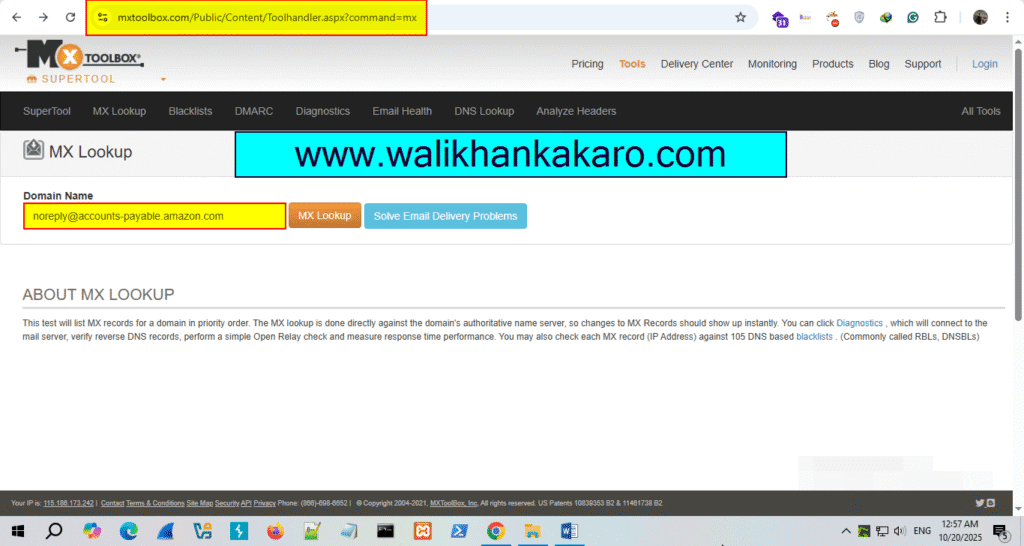
3: Open the MxToolBox website.
Website: https://mxtoolbox.com/
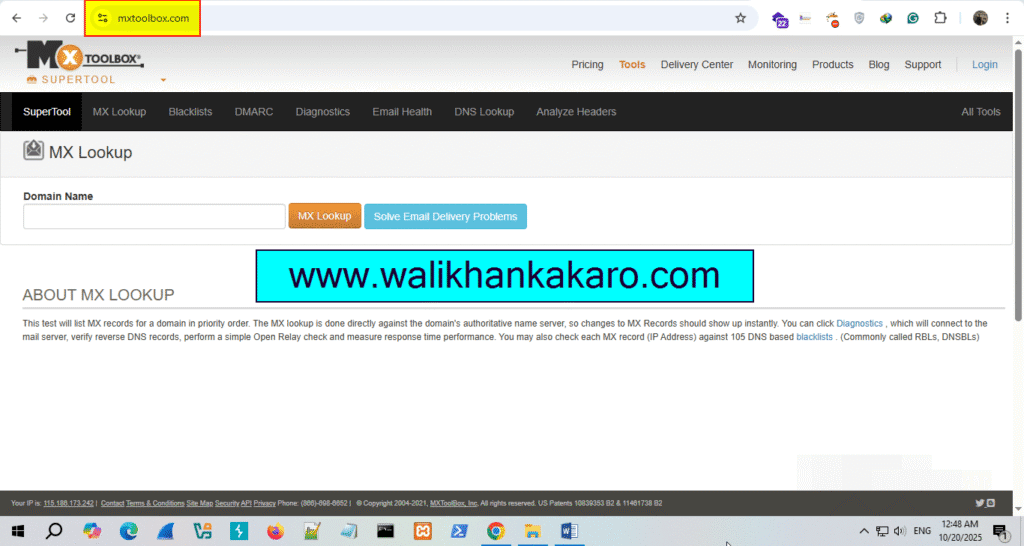
4: Copy the Address from which the email comes.
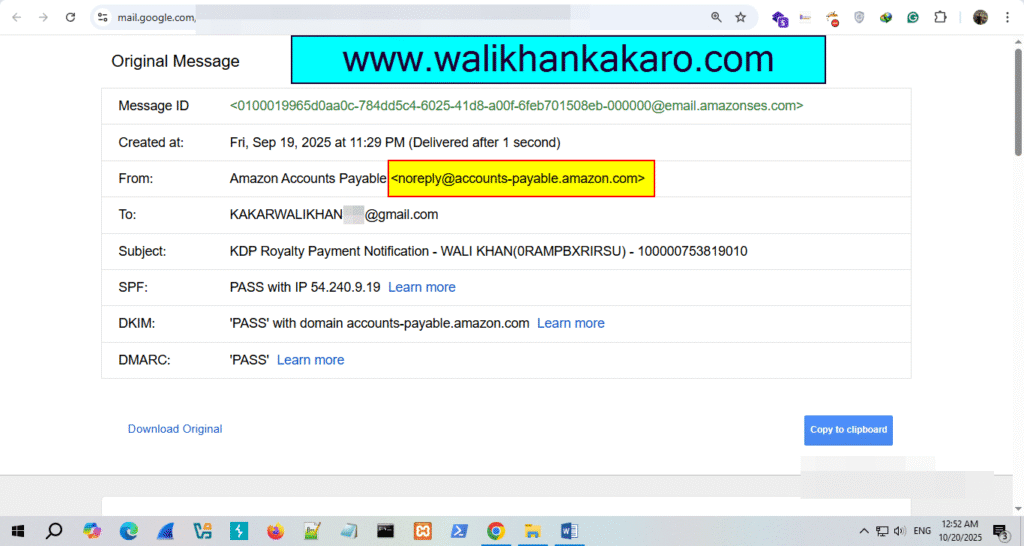
5: Check the details on the MxToolBox website.
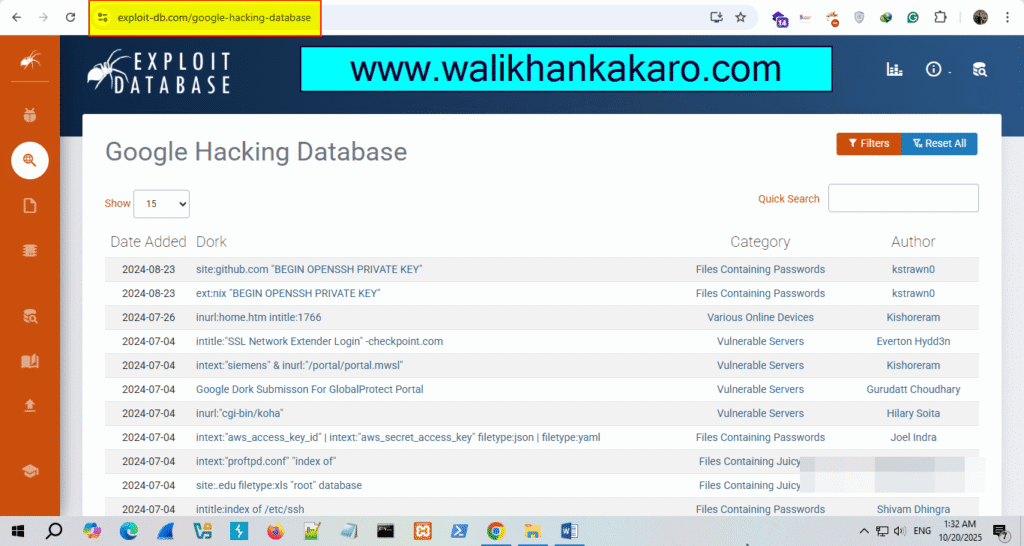
Google hacking database
What is Google Hacking Database?
Google Hacking Database (GHDB).
Google hacking database provides the updated information that is useful for exploitation, such as footholds, sensitive directories, vulnerable files, error messages, and much more.
Website: https://www.exploit-db.com/google-hacking-database