Table of Contents
Git
How to install Git on Windows
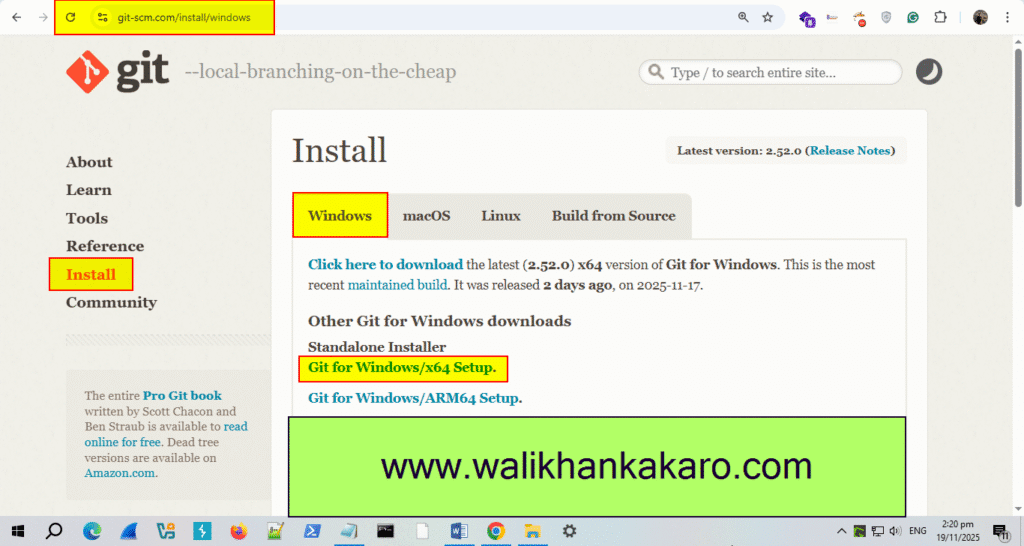
1: Download Git.
Website: https://git-scm.com/downloads/win
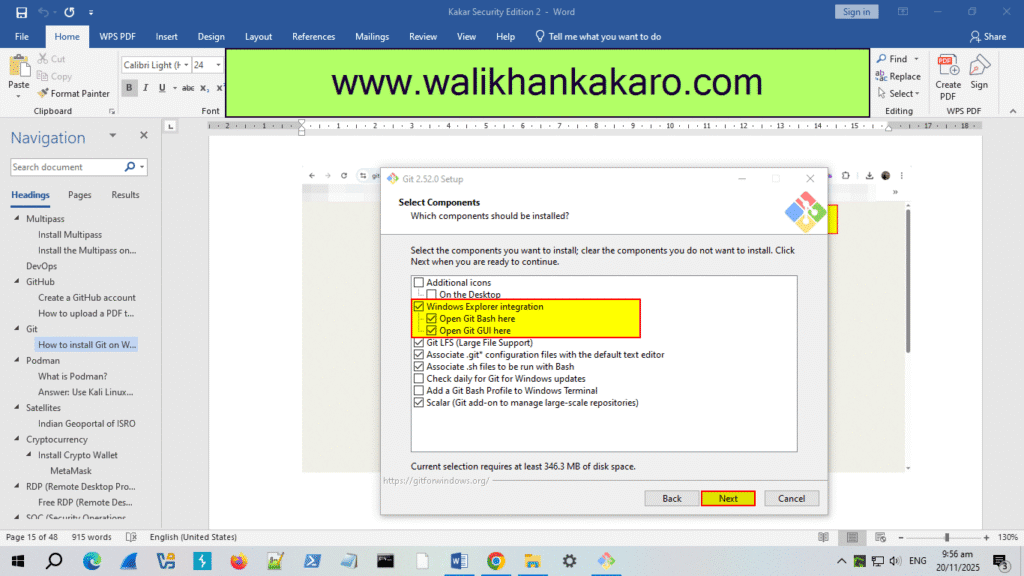
2: Install Git.
3: Sign up for a GitHub account.
Website: https://github.com/
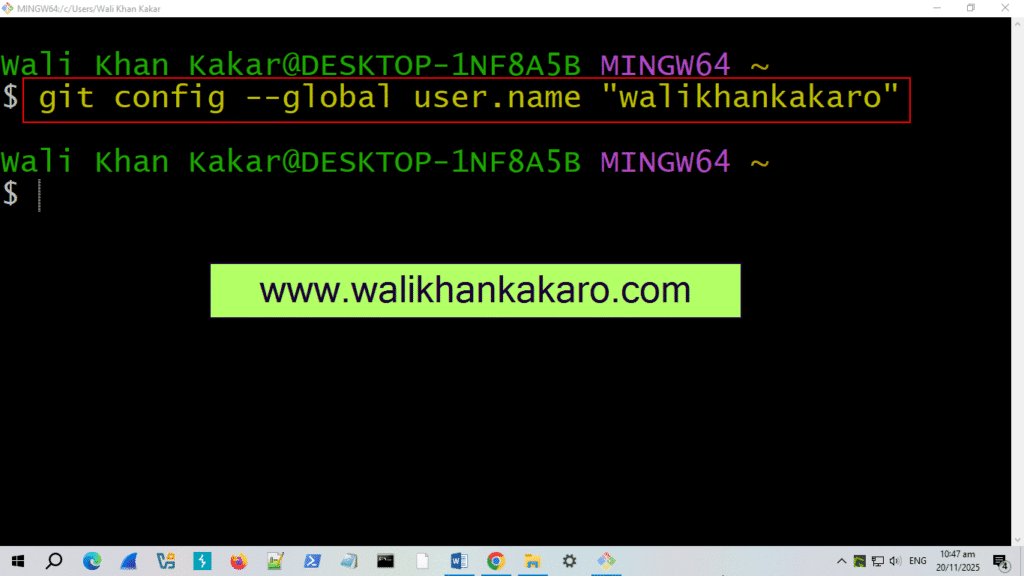
4: Connect Git with GitHub.
Command: git config –global user.name “walikhankakaro”
Note: walikhankakaro is my GitHub username.
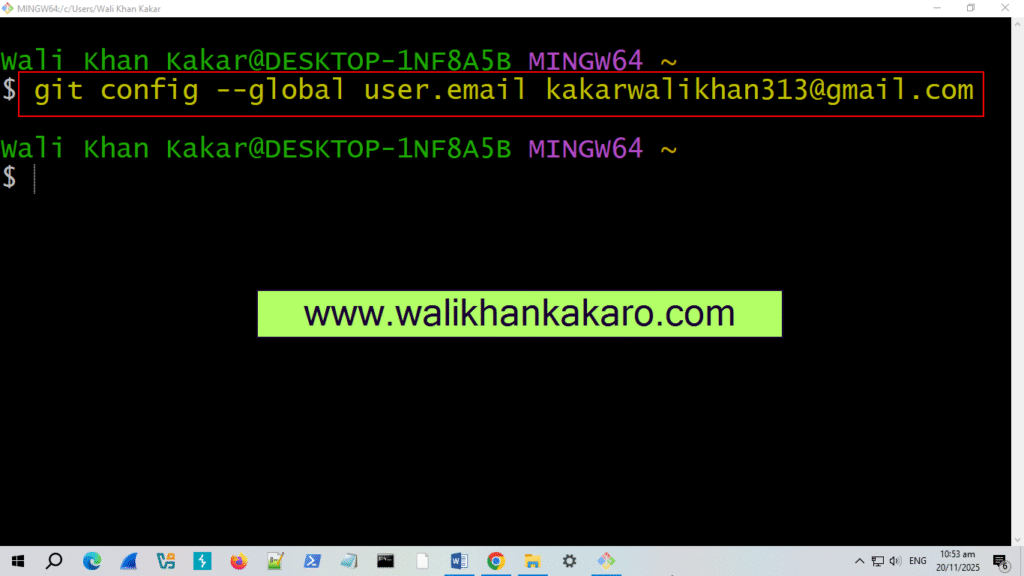
5: Connect your GitHub Gmail with Git.
Command: git config –global user.email kakarwalikhan313@gmail.com
Note: kakarwalikhan313@gmail.com is my GitHub Gmail.
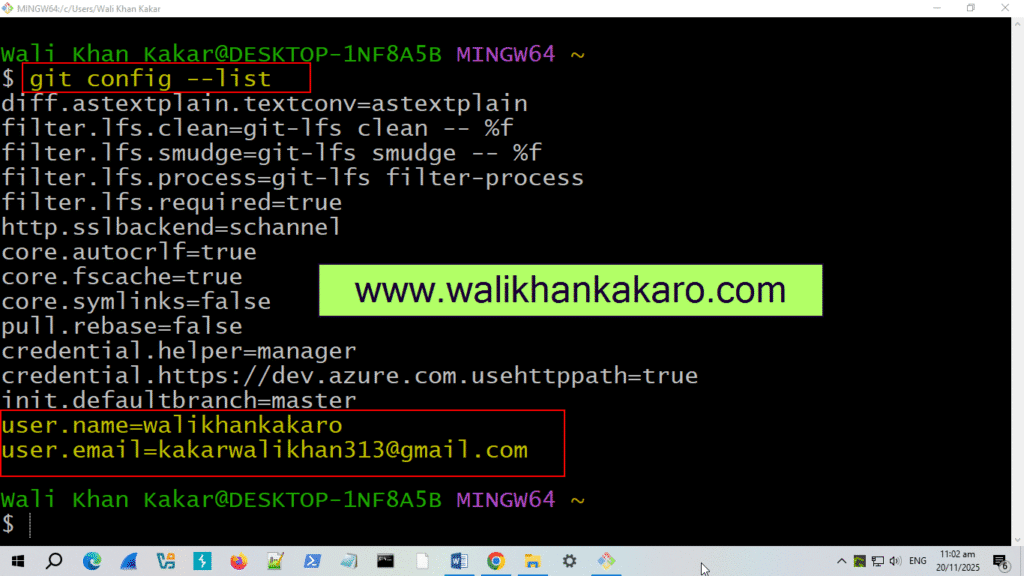
6: Check the configuration list.
Command: git config –list