Table of Contents
Homebrew
What is Homebrew?
Answer:
1: Package manager for Mac.
2: Used to install or uninstall thousands of apps or programs on macOS.
Is it safe to install Mac apps via Homebrew?
Answer: Yes
1: Most widely used package manager on macOS.
2: Non-profit member of the Software Freedom Conservancy (SFC) foundation.
Install Homebrew MacBook
1: Open the Terminal on the MacBook.
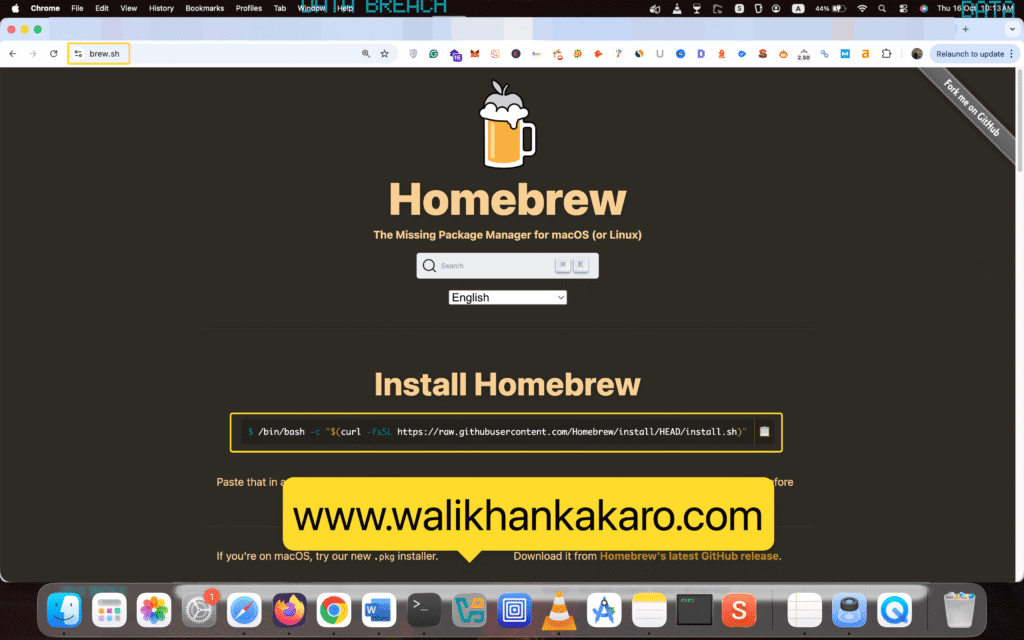
2: Open the Homebrew website.
Website: https://brew.sh/
3: Install Homebrew.
Command: /bin/bash -c “$(curl -fsSL https://raw.githubusercontent.com/Homebrew/install/HEAD/install.sh)”.
4: Press Enter to start the Homebrew installation.
5: Update the Homebrew.
Command: brew update
6: Reinstall the software.
Command: brew reinstall autopsy
Note: Autopsy is the Digital Forensics software.
7: Uninstall the software.
Command: brew uninstall autopsy