Table of Contents
How to create a database with MySQL Workbench
1: Open the MySQL Workbench.
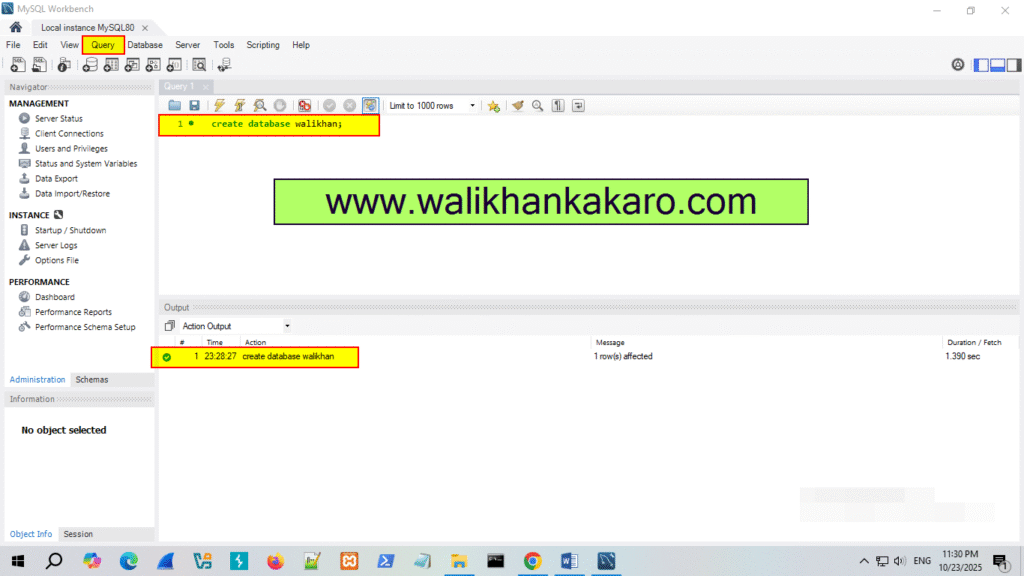
2: Create a new database in the MySQL Workbench.
Command: create database walikhan;
3: Execute the command.
Shortcut key: Ctrl + Enter
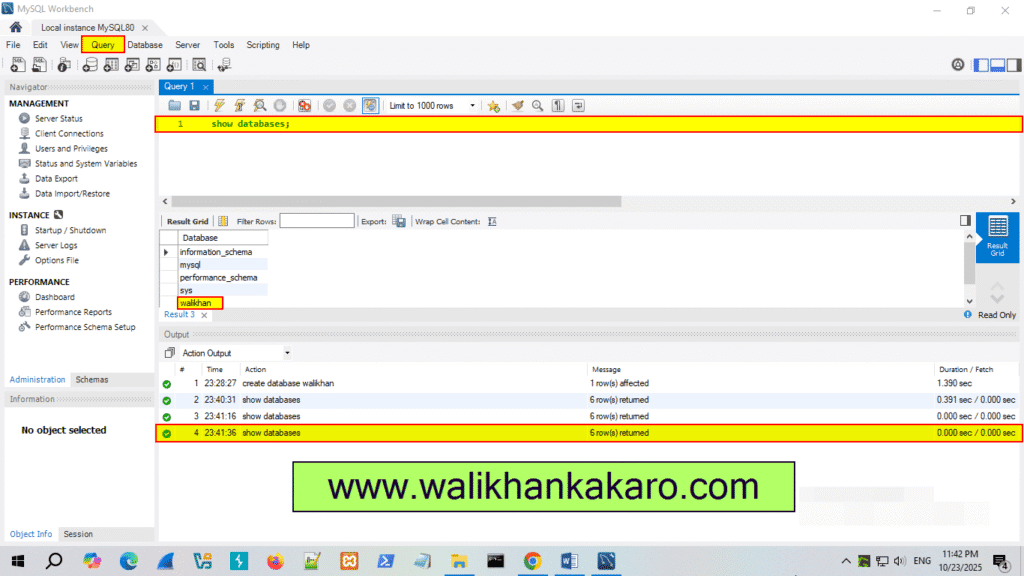
4: Check the Databases.
Command: show databases;
5: Execute the command.
Shortcut key: Ctrl + Enter
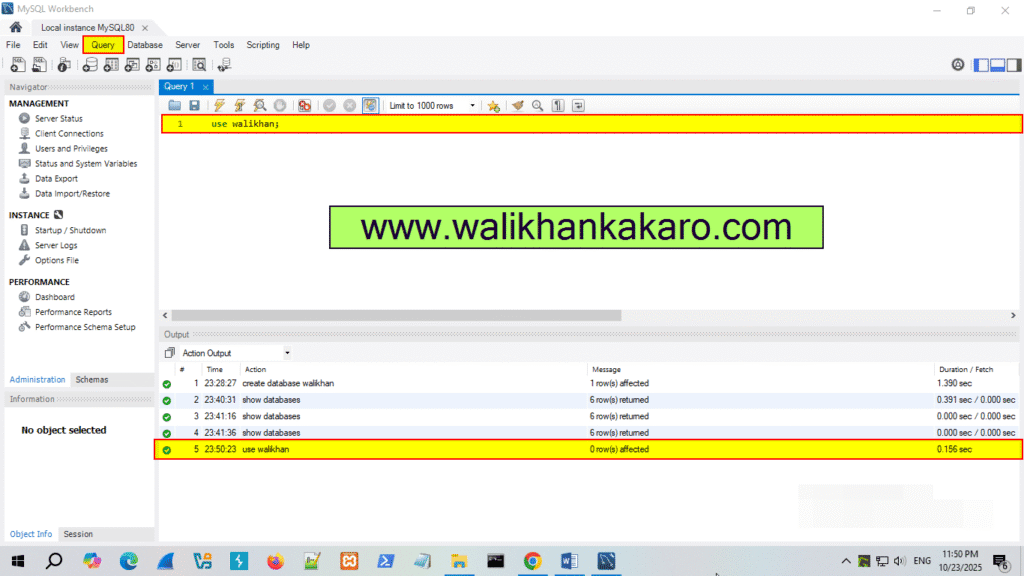
6: Open the walikhan Database.
Command: use walikhan;
7: Execute the command.
Shortcut key: Ctrl + Enter
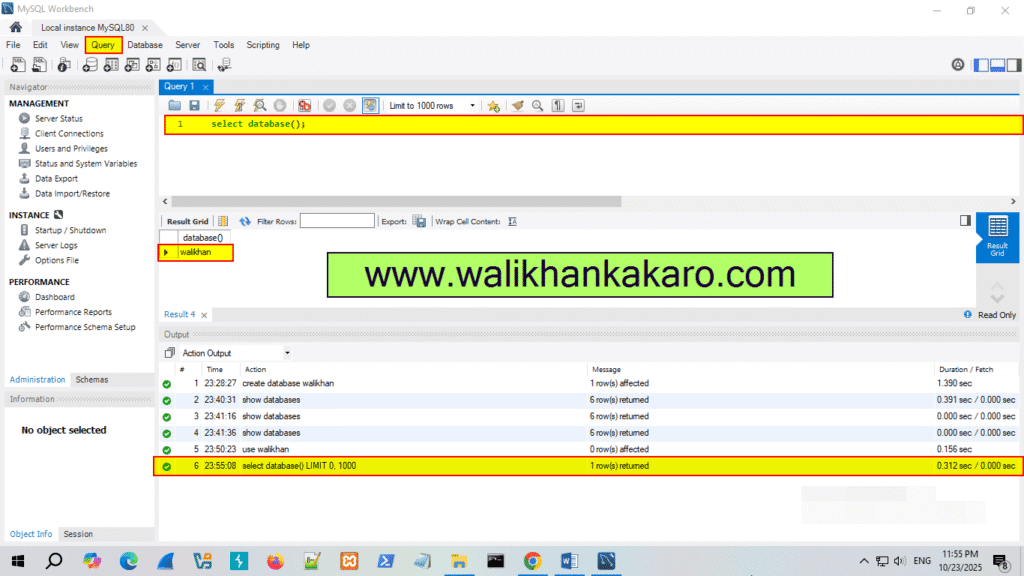
8: Check the current Database.
Command: select database();
9: Execute the command.
Shortcut key: Ctrl + Enter