Table of Contents
Install MySQL on MacBook
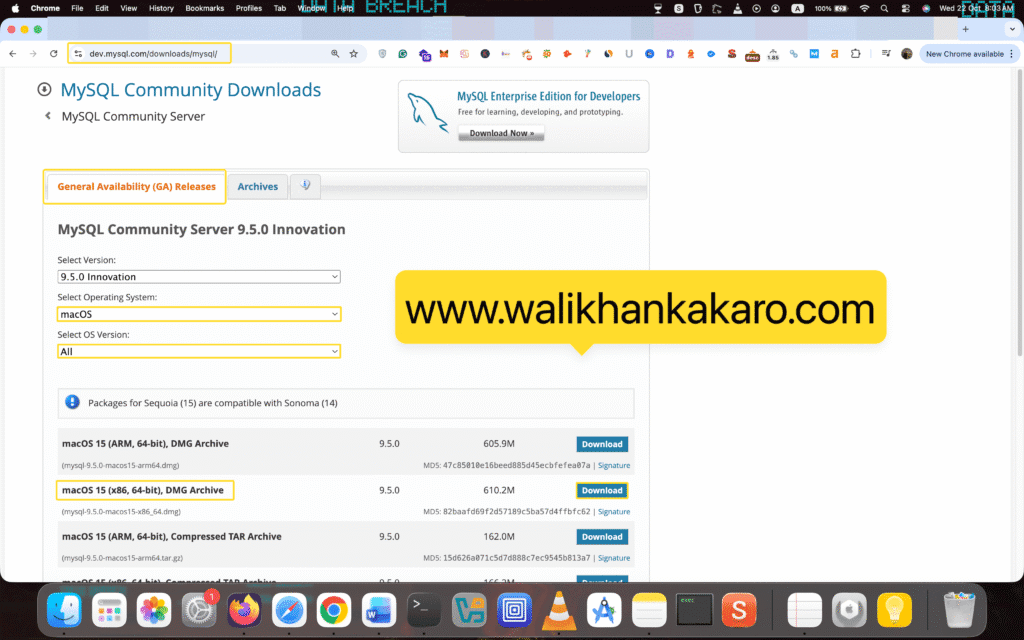
1: Download the MySQL for MacBook Pro (Intel).
Website: https://dev.mysql.com/downloads/mysql/
2: Install MySQL.
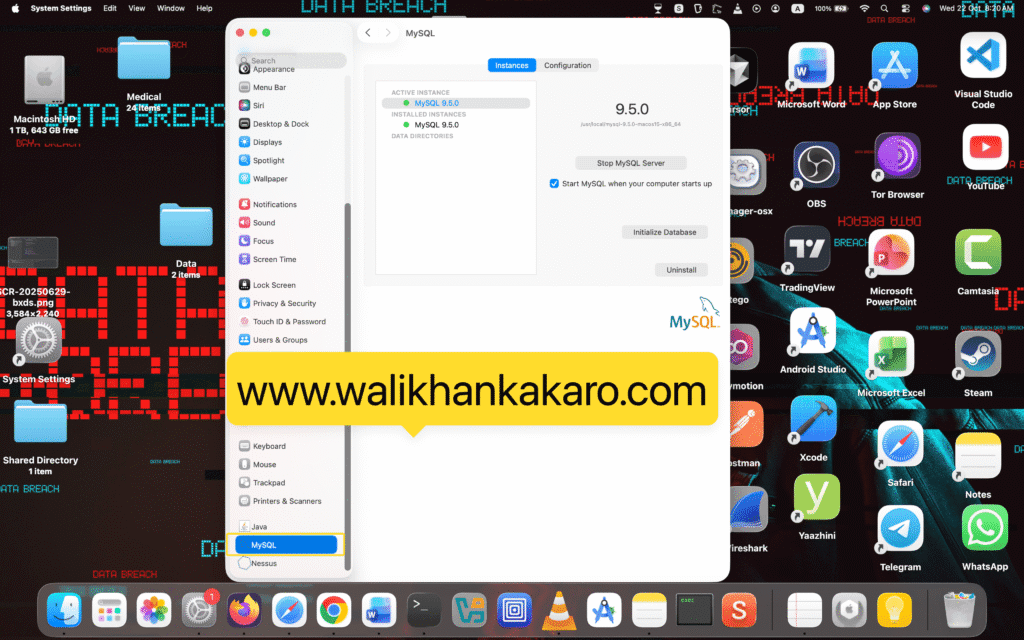
3: If you want to open or close MySQL, go to the System Settings (In the MacBook Pro).
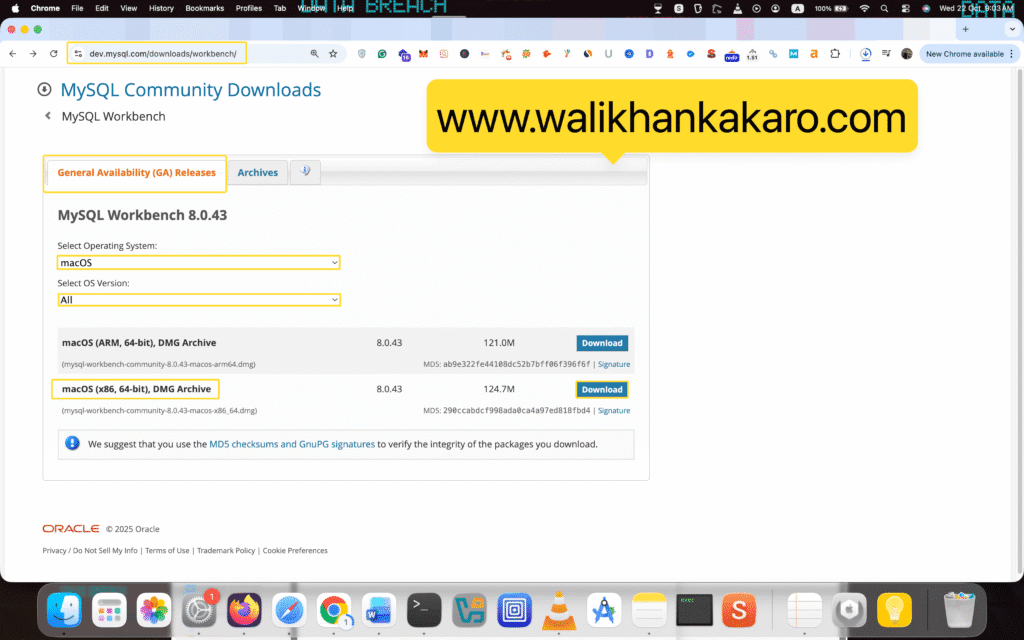
4: Download the MySQL Workbench.
Website: https://dev.mysql.com/downloads/workbench/
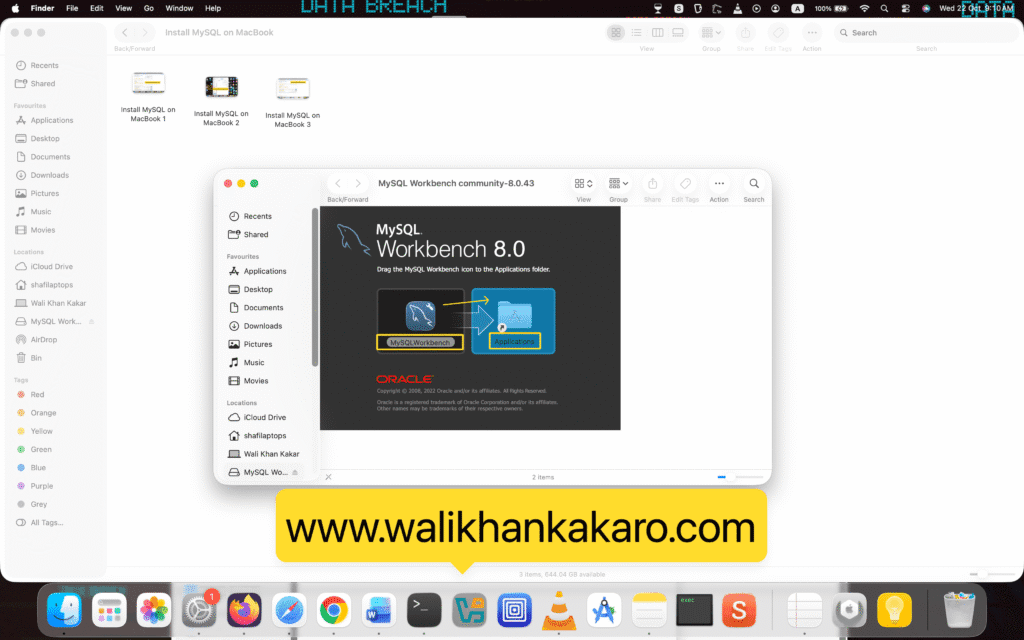
5: Drag and drop the MySQL Workbench.
6: Install the MySQL Workbench.
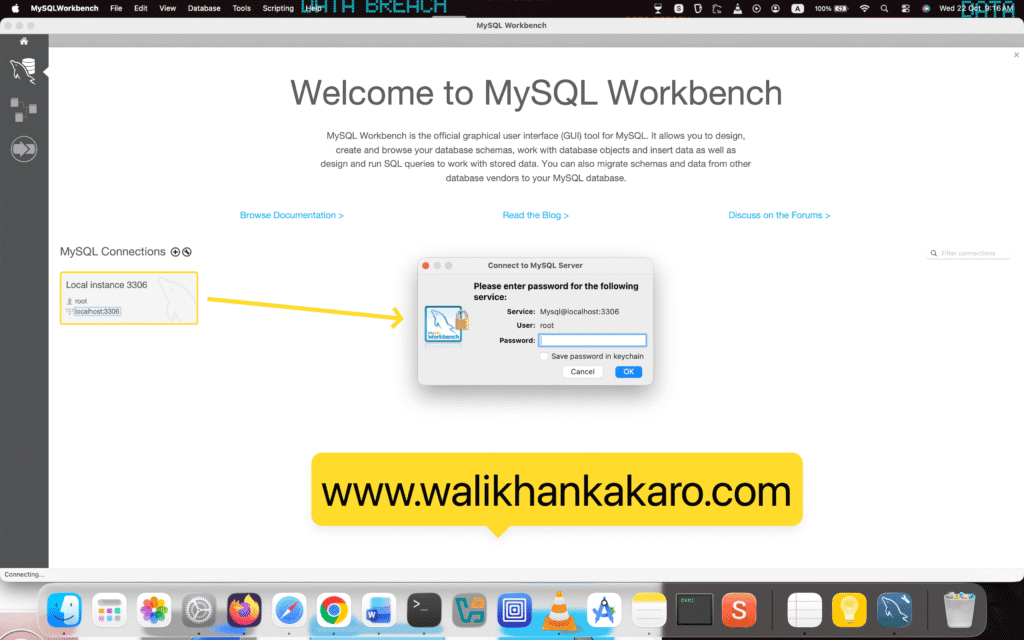
7: Log in to the Localhost.