Table of Contents
Install WampServer
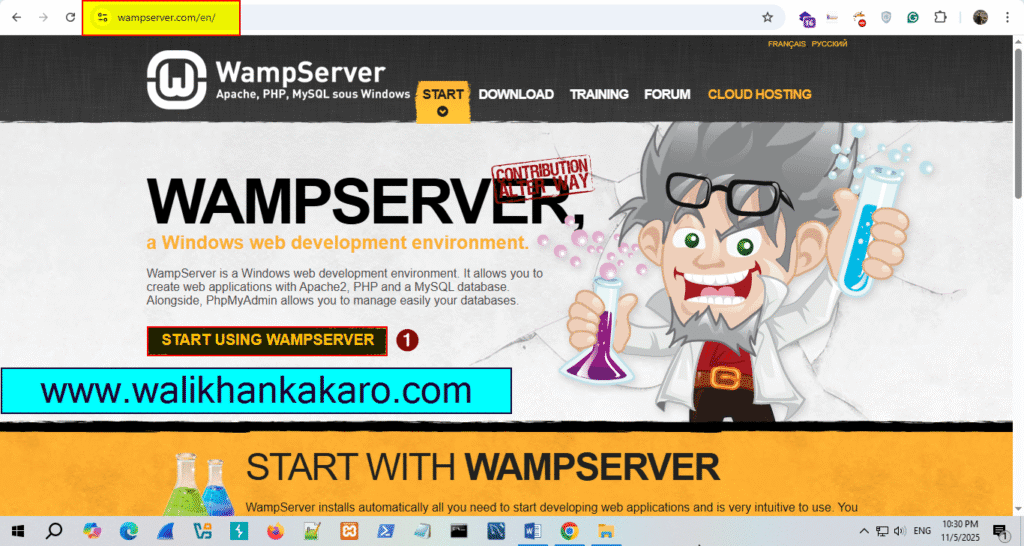
1: Go to the WampServer website.
Website: https://www.wampserver.com/en/
2: Click on Start using WampServer.
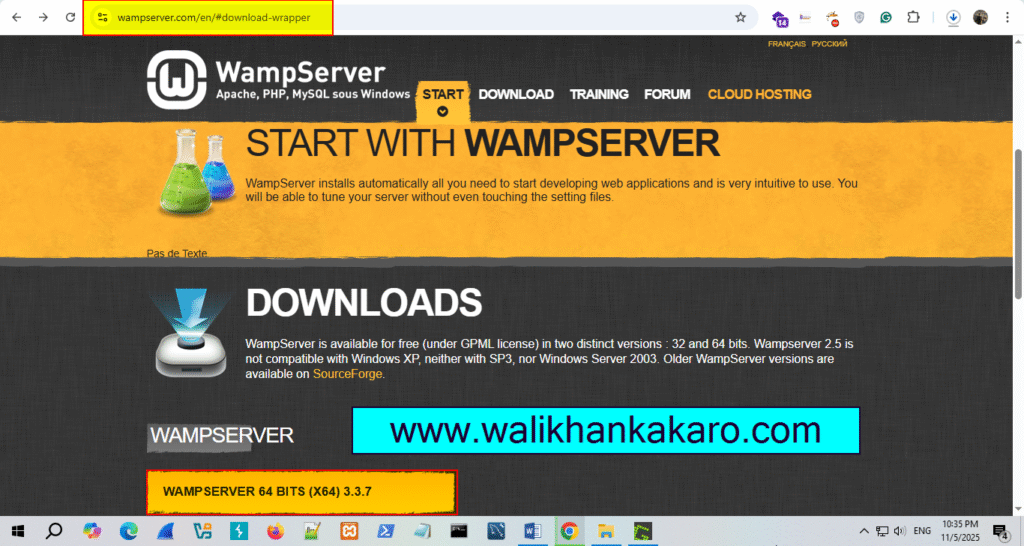
3: Download WampServer according to your PC requirements.
Download Link: https://www.wampserver.com/en/#download-wrapper
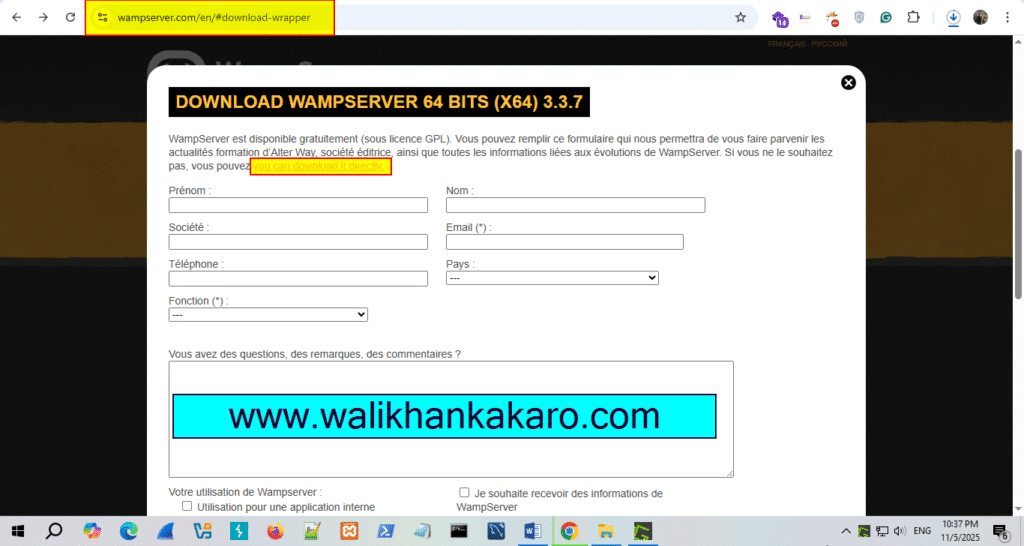
4: Just click, on you can download it directly.
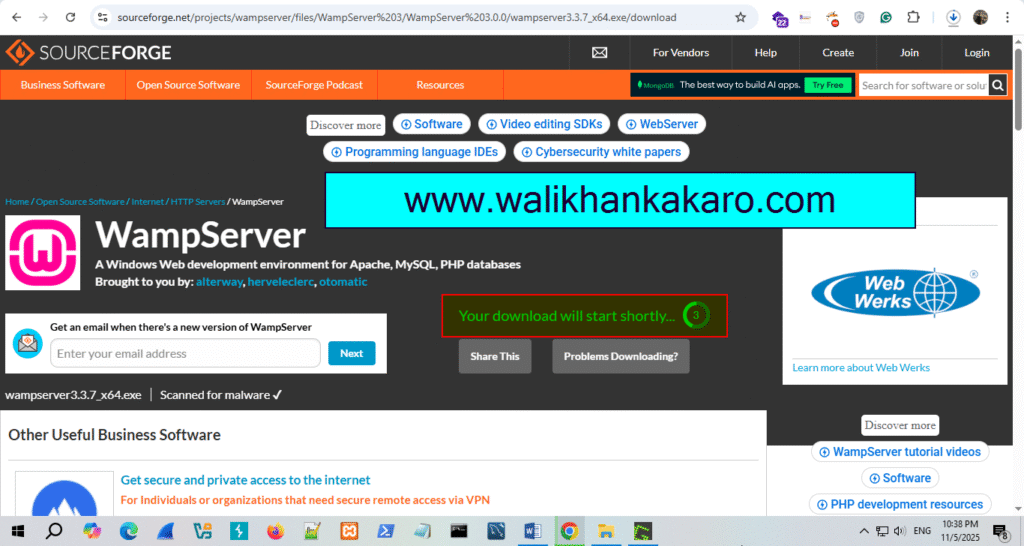
5: Download it.
6: Install WampServer on Windows.
7: Install all these packages.
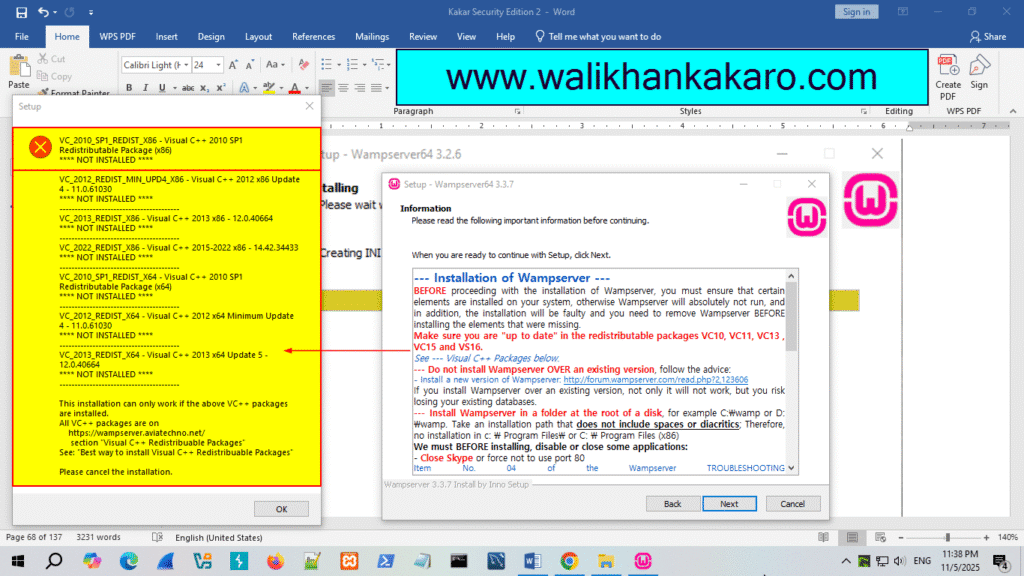
8: Make settings default.
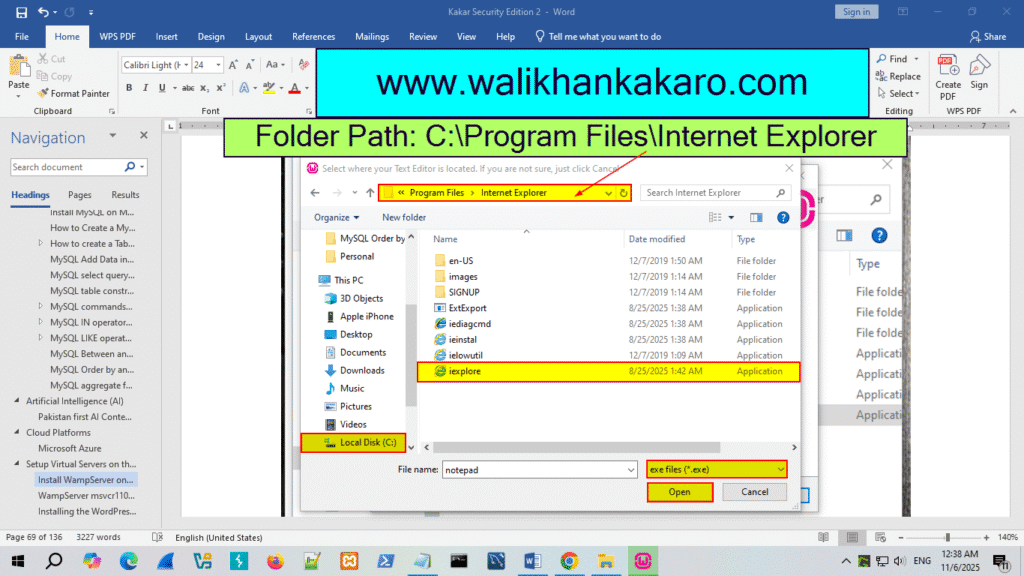
10: Open WampServer.