
Table of Contents
Splunk Mac
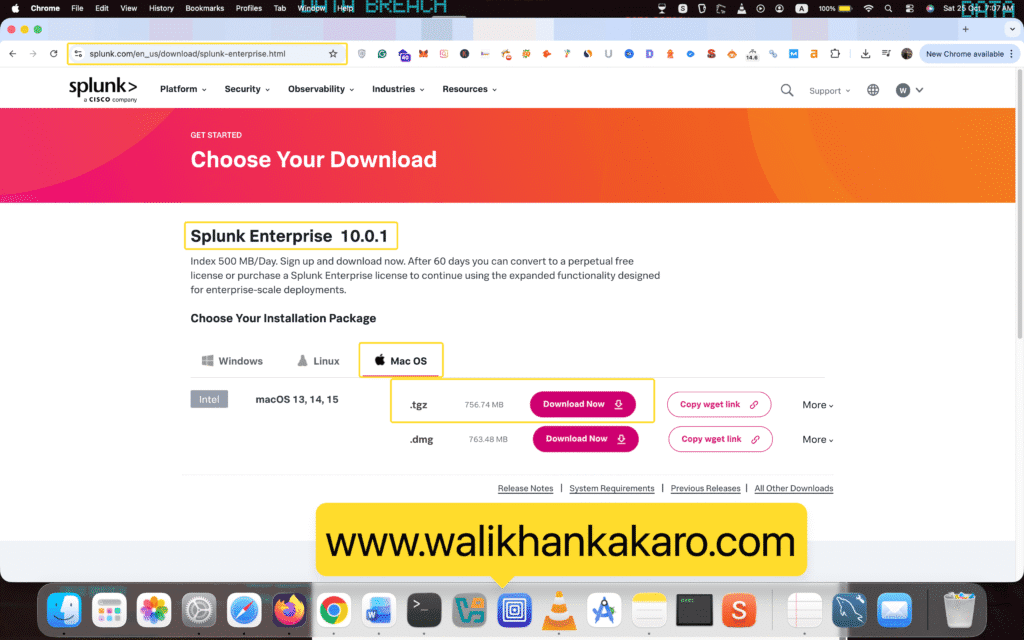
1: Download Splunk Enterprise.
Website: https://www.splunk.com/en_us/download/splunk-enterprise.html
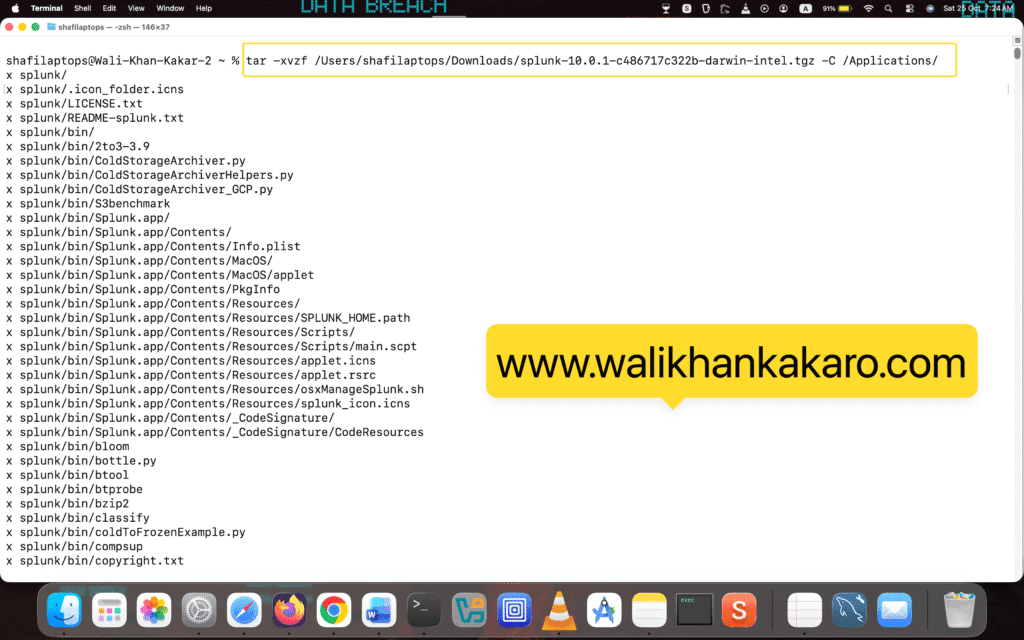
2: Extract the Splunk Enterprise .tgz file from Downloads into Applications.
Command: tar -xvzf /Users/shafilaptops/Downloads/splunk-10.0.1-c486717c322b-darwin-intel.tgz -C /Applications/
Note: shafilaptops is your MacBook username.
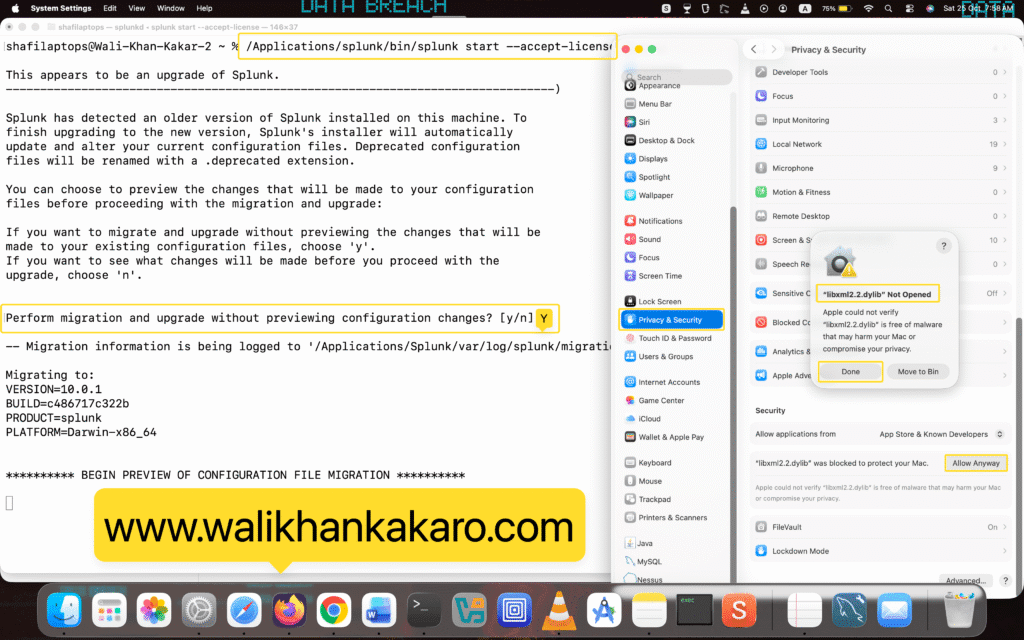
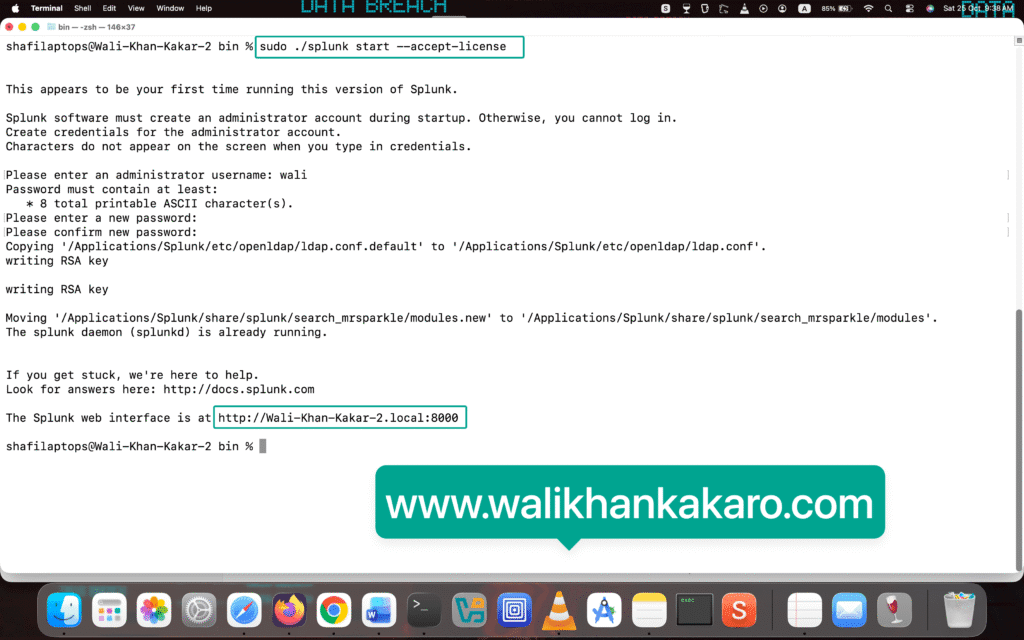
3: Accept the license.
Command: sudo /Applications/splunk/bin/splunk start –accept-license
Note: This command does not work without the root directory.
Note: select y and enter it.
4: Allow the permissions for “libxml2.2.dylib” Not Opened.
5: Go to the System Settings, then open the Privacy and Security, then Allow anyway.
6: Give the administrator username.
7: Give the Password.
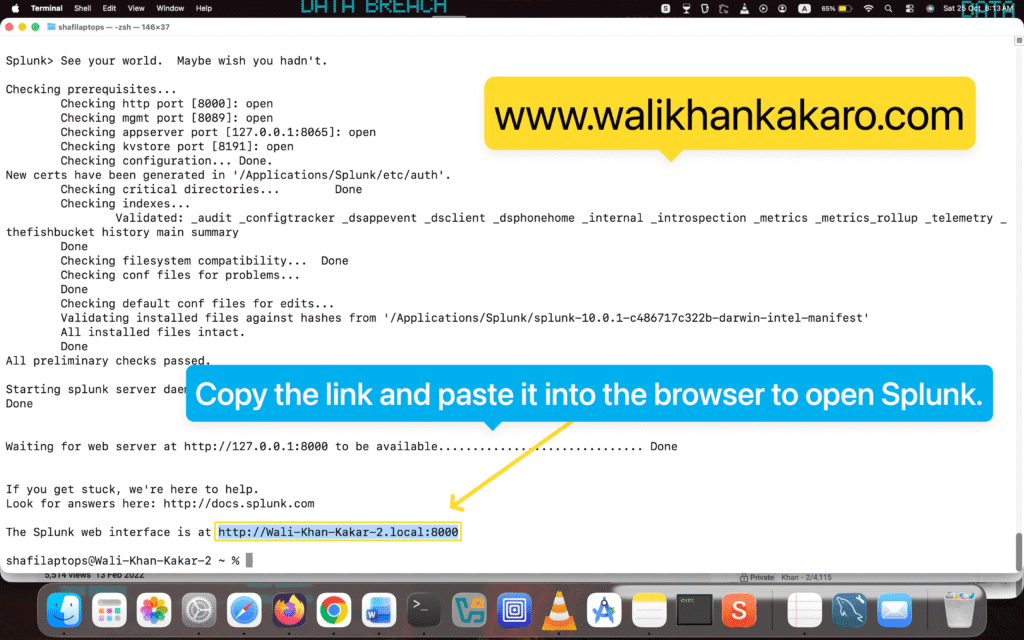
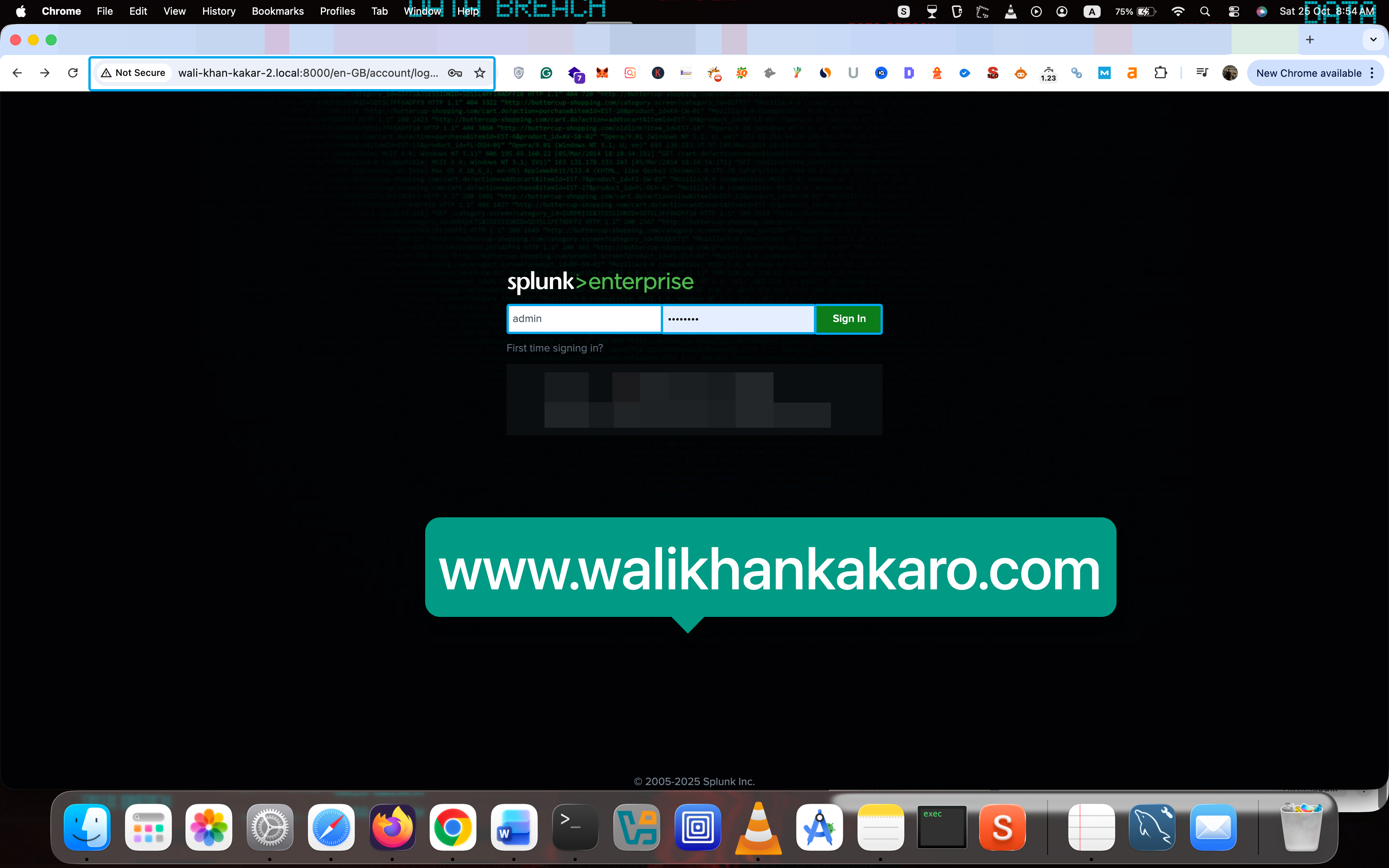
8: Open the Splunk localhost link.
Link: http://Wali-Khan-Kakar-2.local:8000
9: The Username and Password.
Username: admin
Password: wali
10: Stop the Splunk Enterprise services.
Command: sudo /Applications/splunk/bin/splunk stop
Note: Used the root terminal to stop.
11: Remove the Splunk if you want to remove the Splunk Enterprise.
Command: sudo rm -rf /Applications/splunk
Note: Used the root terminal to stop.
Second method:
1: Download the Splunk Enterprise .dmg.
Website: https://www.splunk.com/en_us/download/splunk-enterprise.html
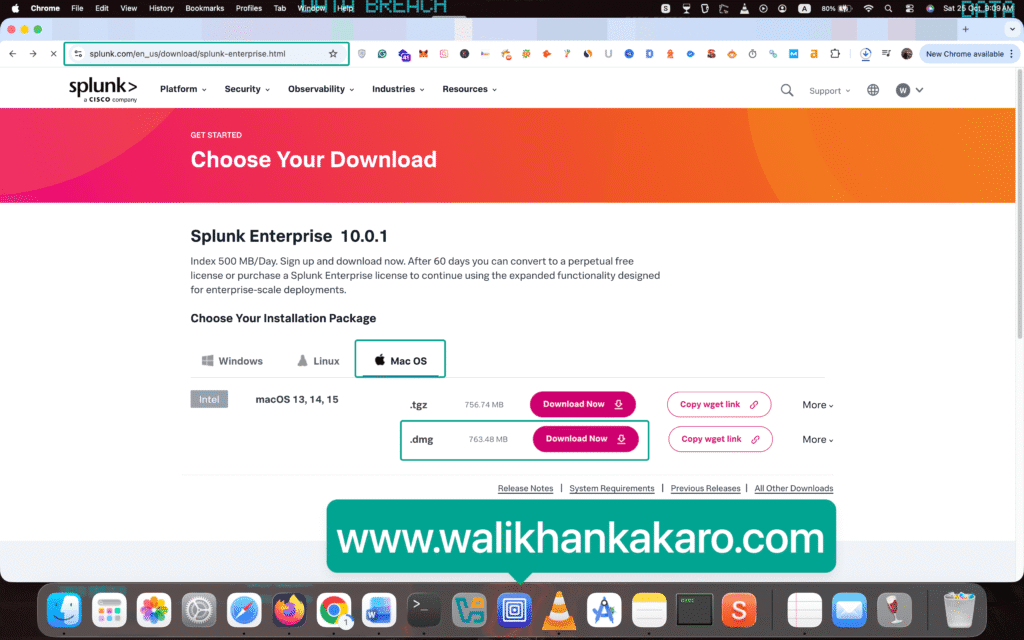
2: Open the Splunk Enterprise .dmg.
3: Install the Splunk Enterprise .dmg file.
4: Give the administrator username and password.
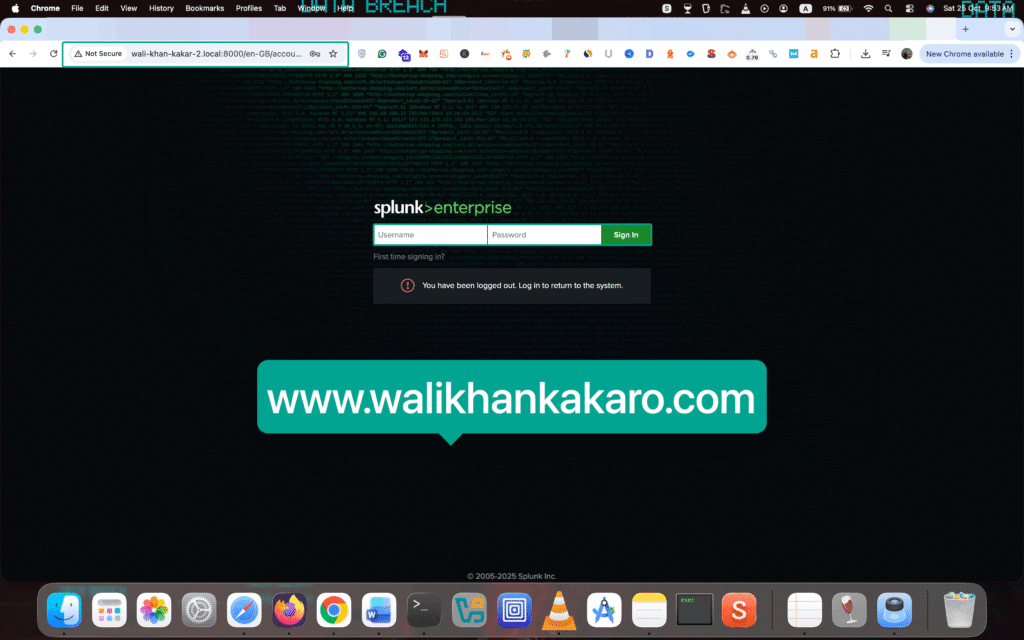
5: Open the Splunk Enterprise localhost link.
Command: http://Wali-Khan-Kakar-2.local:8000
6: Log in to the Splunk Enterprise account.
7: If you want to stop Splunk Enterprise.
Command: sudo ./splunk stop