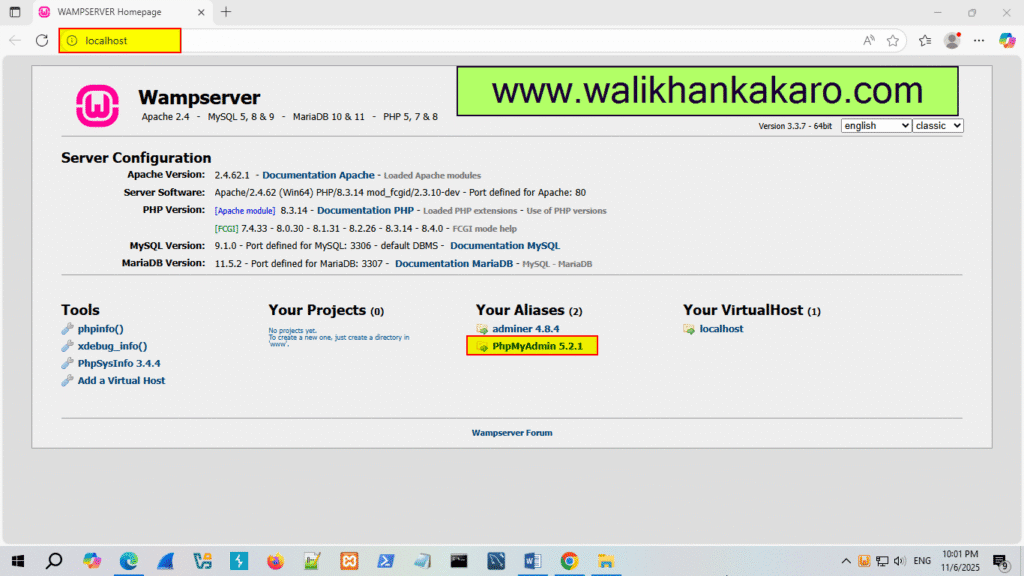
WampServer msvcr110.dll is missing from your computer

WampServer msvcr110.dll is missing from your computer

WampServer msvcr110.dll is missing from your computer

1: Download the Microsoft Visual C++ Redistributable.

Website: https://learn.microsoft.com/en-US/cpp/windows/latest-supported-vc-redist?view=msvc-170

2: Download VC Redist.
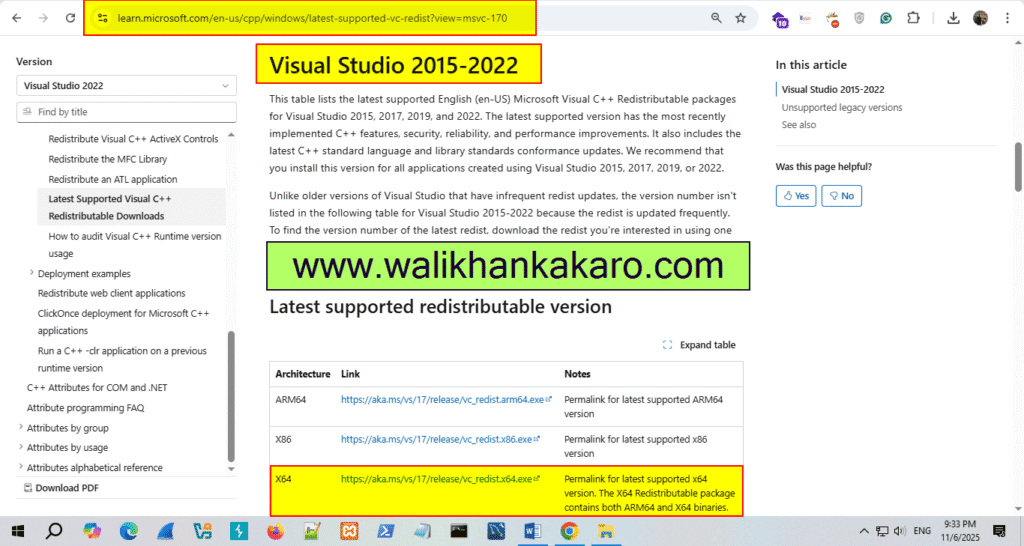
WampServer msvcr110.dll is missing from your computer 1

3: Install Visual C++ Redistributable for Visual Studio 2012 Update 4.

Website: https://www.microsoft.com/en-us/download/details.aspx?id=30679
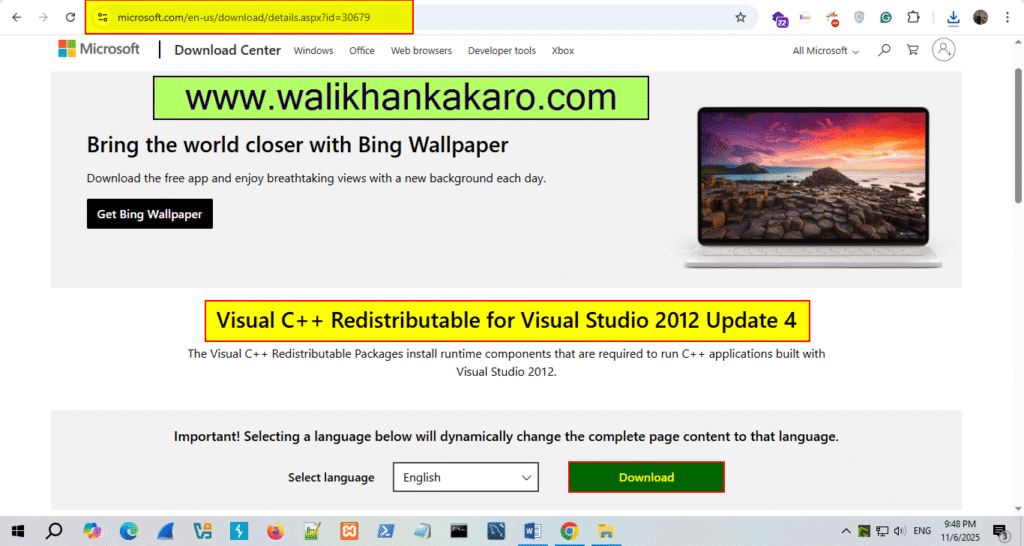
WampServer msvcr110.dll is missing from your computer 2

4: Install Visual C++ 2013 Redistributable Package.
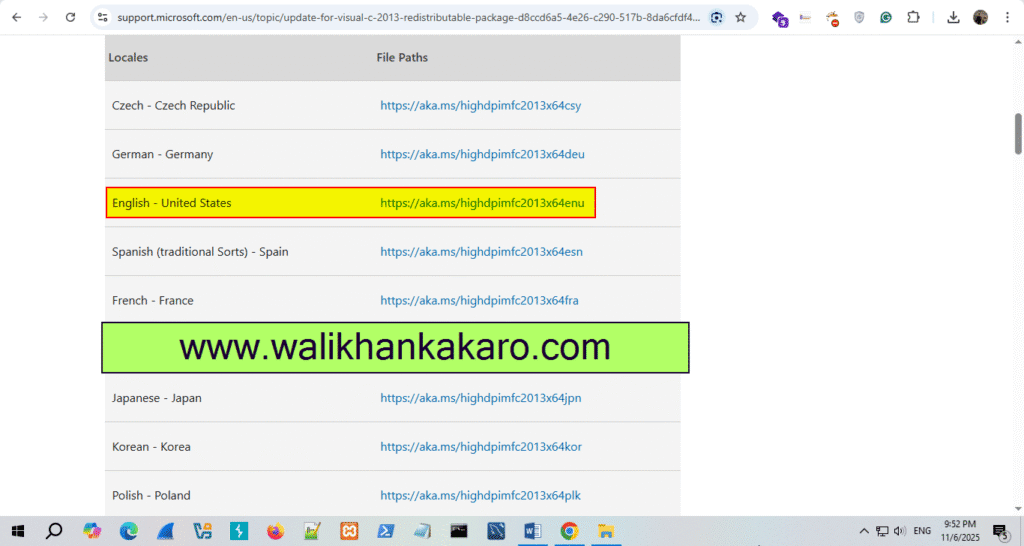
Website: https://support.microsoft.com/en-us/topic/update-for-visual-c-2013-redistributable-package-d8ccd6a5-4e26-c290-517b-8da6cfdf4f10

WampServer msvcr110.dll is missing from your computer 3

6: Also download this package and install it.

Download: https://aka.ms/vs/16/release/VC_redist.x64.exe

7: Open Localhost.
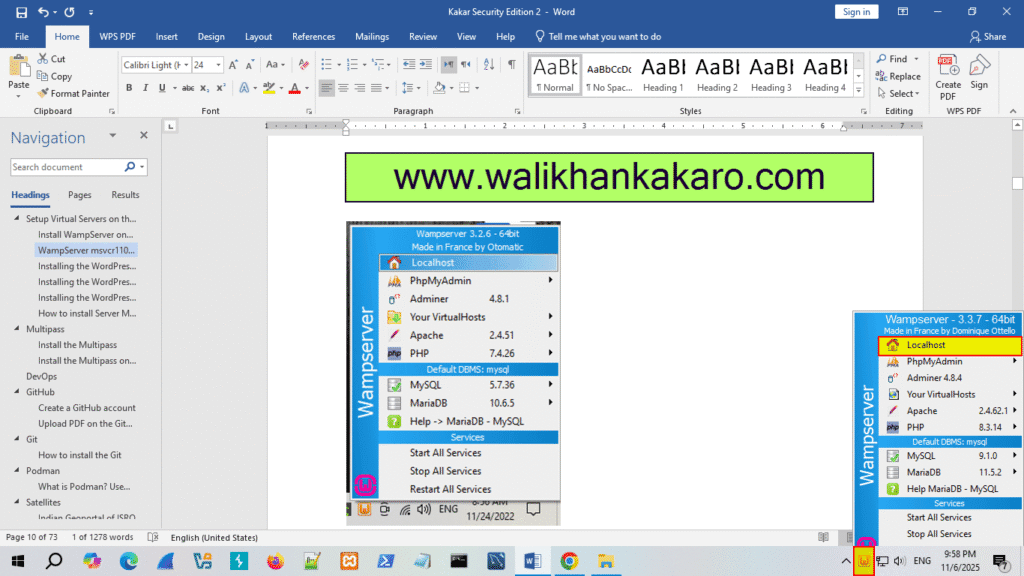
WampServer msvcr110.dll is missing from your computer 4

8: Go to Database PhpMyAdmin.

WampServer msvcr110.dll is missing from your computer 5

9: PHP My Admin username don’t need password.

Username: root

WampServer msvcr110.dll is missing from your computer 6

10: Create a Database.

Install WampServer

Leave a Comment

Your email address will not be published. Required fields are marked *

Scroll to Top