
Google Search Console
Add a subdomain in the Google Search Console
1: Add a new property.
Website: https://search.google.com/search-console/about
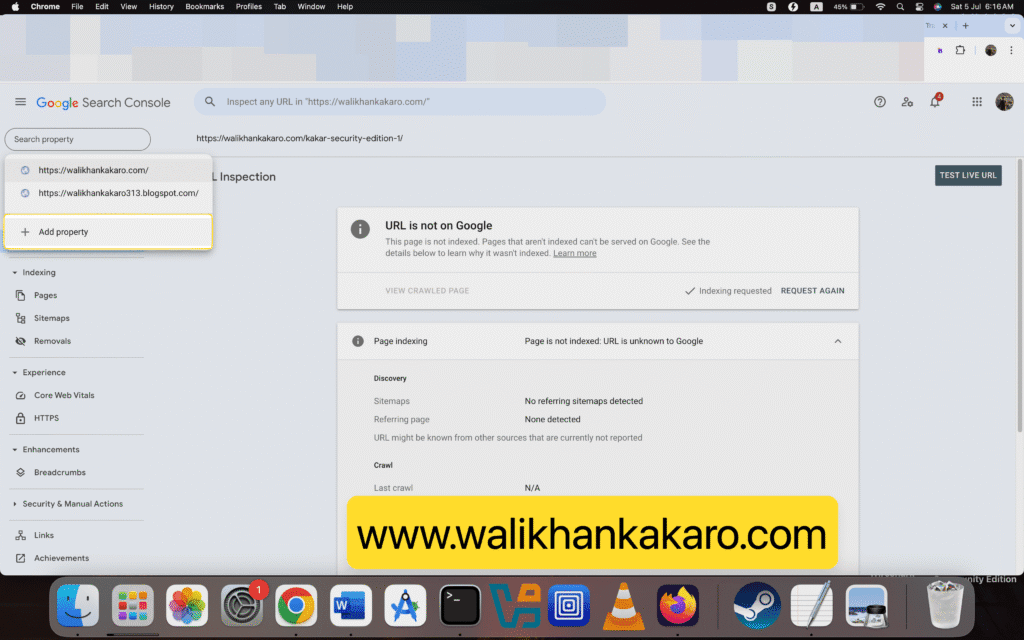
2: Add the subdomain.
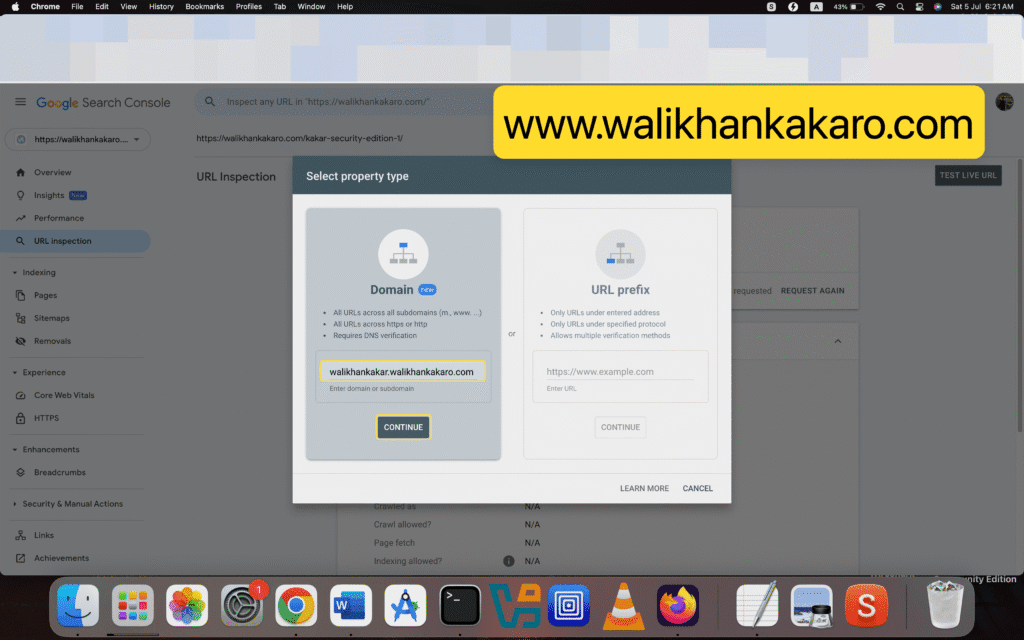
3: Add TXT in your Hosting DNS Record.
4: Follow the same steps.
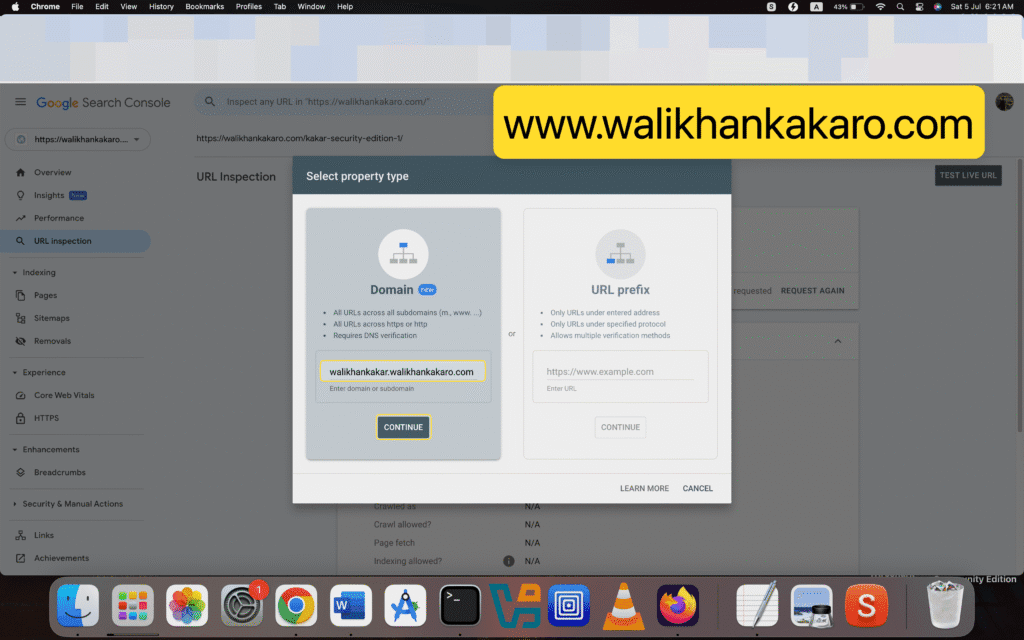
5: Index your subdomain in the Google Search Console.
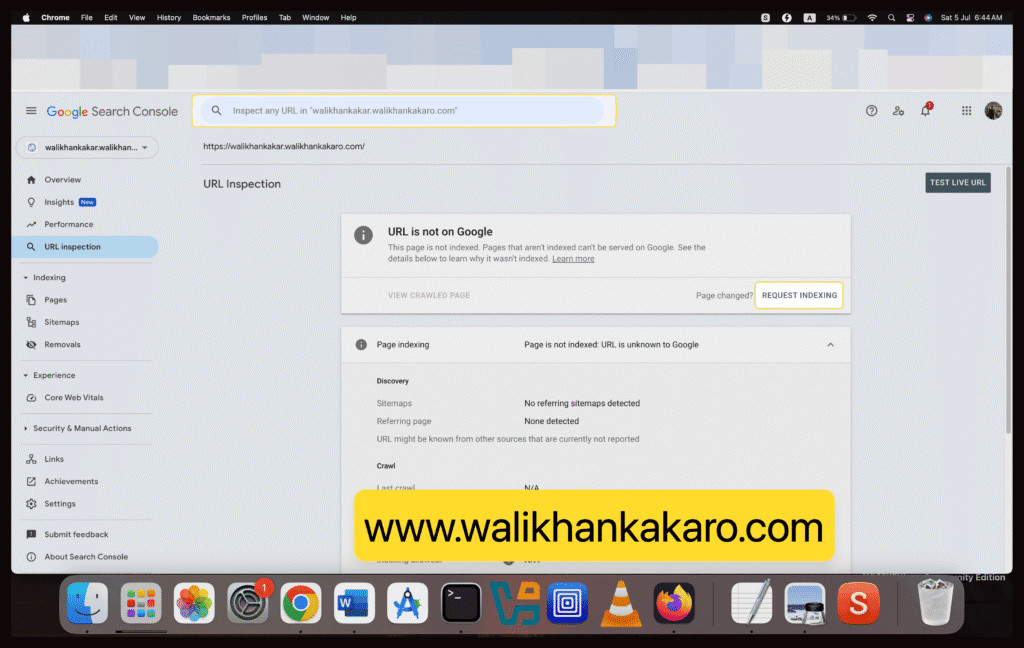
Crawled currently not indexed
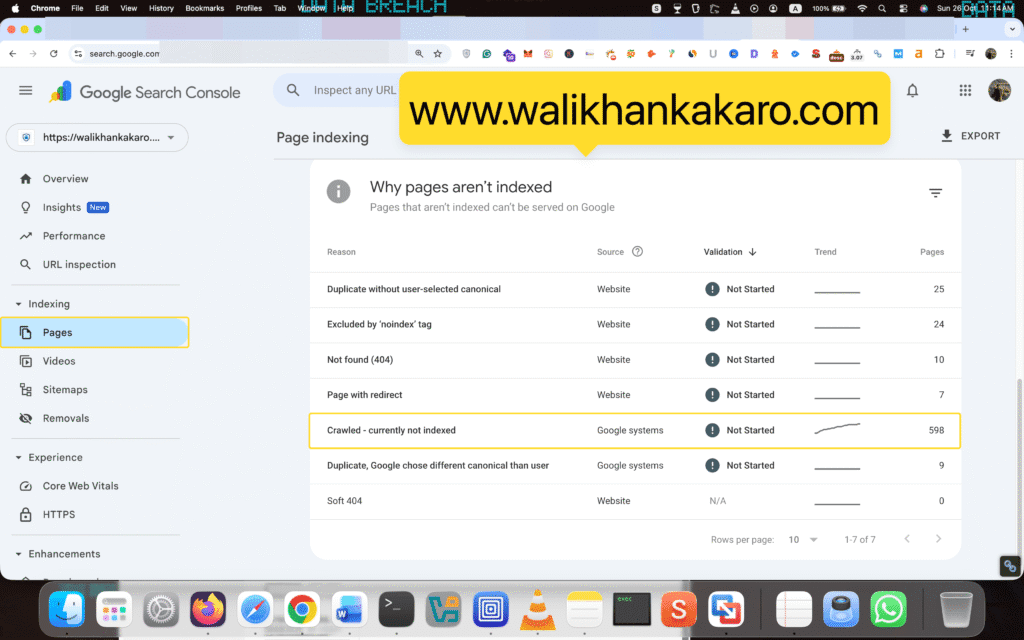
What are the reasons for Crawled – currently not indexed?
Answer:
1: Similar content ranking.
2: Same content ranking on another site.
3: Site quality issue.
4: Technical issue.
5: Low-quality content.
How to fix the Crawled – currently not indexed issue?
Answer:
1: Add Canonical.
2: Improve internal linking.
