how to add subdomain in google search console

how to add subdomain in google search console

how to add subdomain in google search console

1: Add a new property.

Website: https://search.google.com/search-console/about
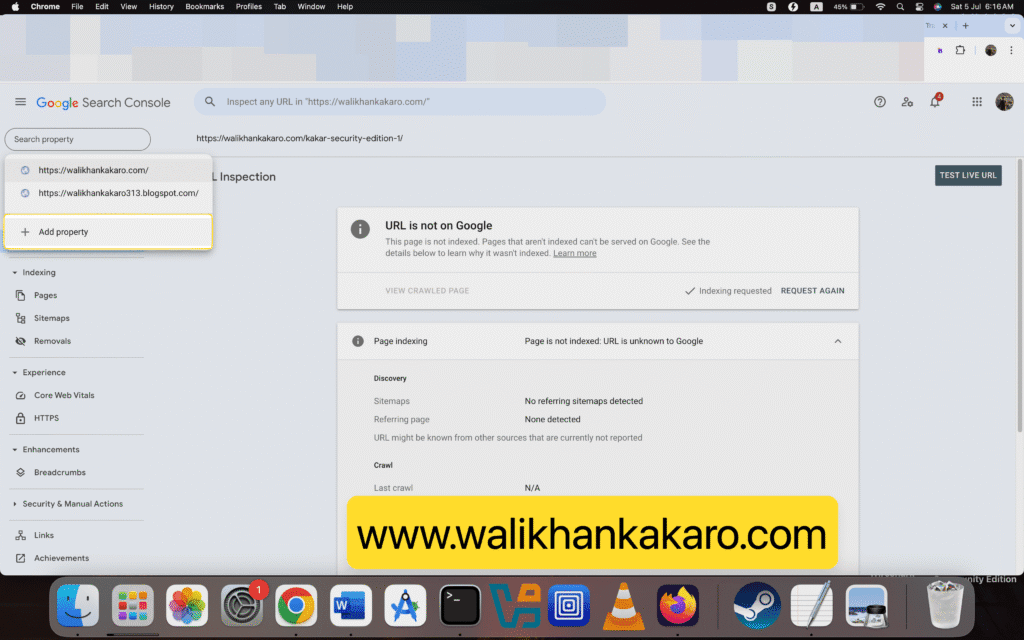
how to add subdomain in google search console 1

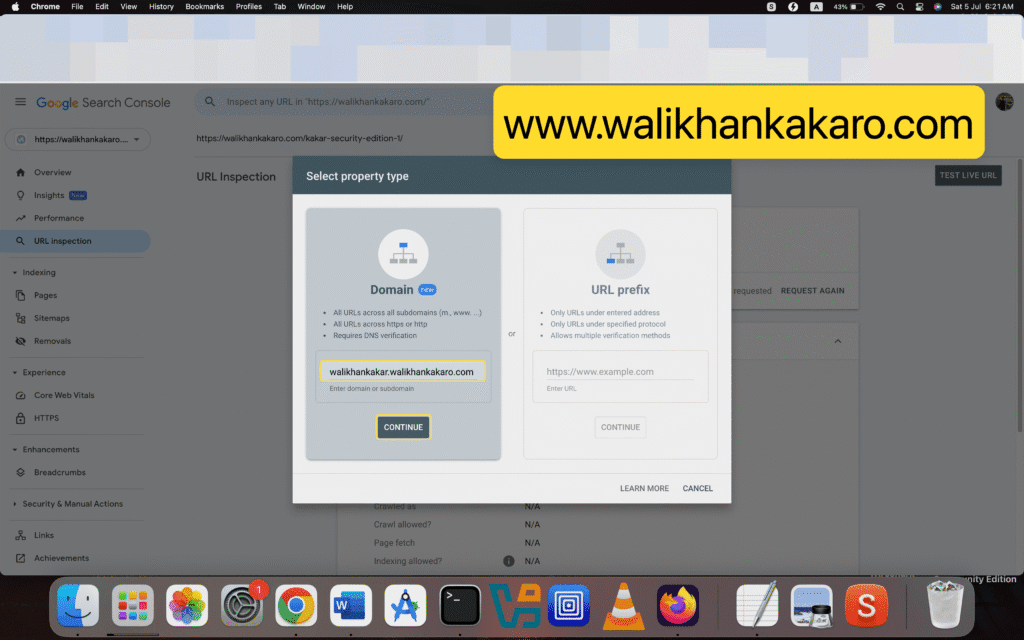
2: Add the subdomain.

how to add subdomain in google search console 2

3: Add TXT in your Hosting DNS Record.

4: Follow the same steps.
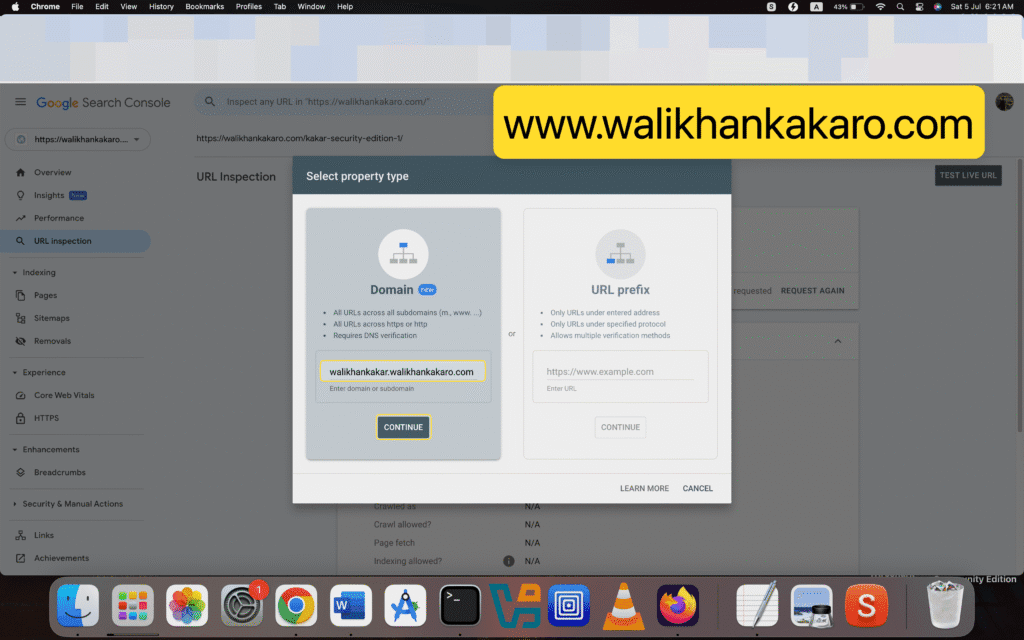
how to add subdomain in google search console 3

5: Index your subdomain in the Google Search Console.
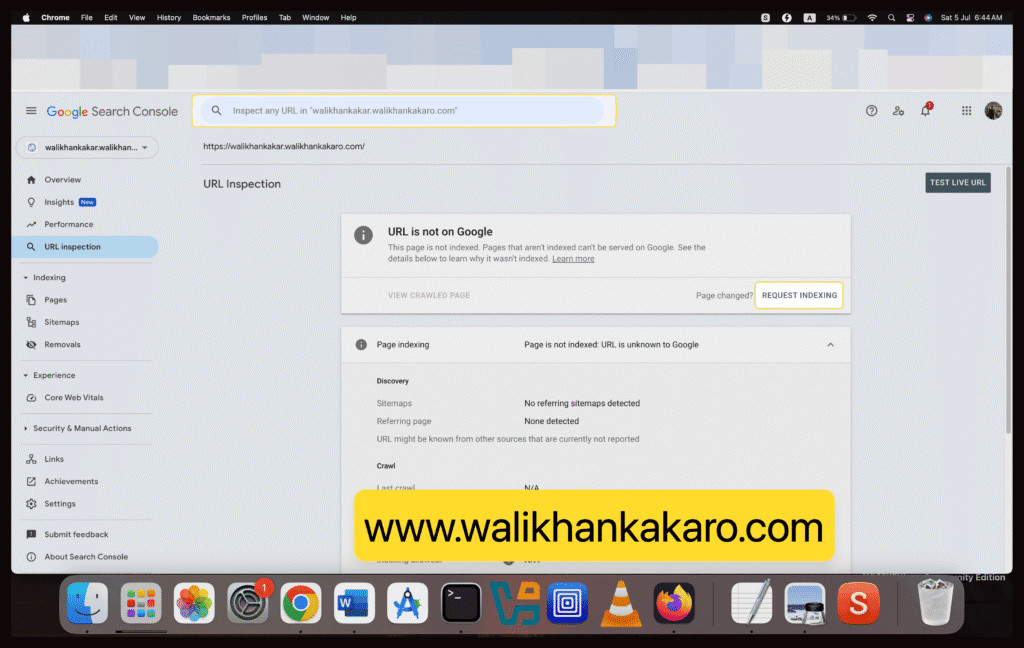
how to add subdomain in google search console 4

Search Engine Optimization SEO

Leave a Comment

Your email address will not be published. Required fields are marked *

Scroll to Top