How to check if XML-RPC is enabled
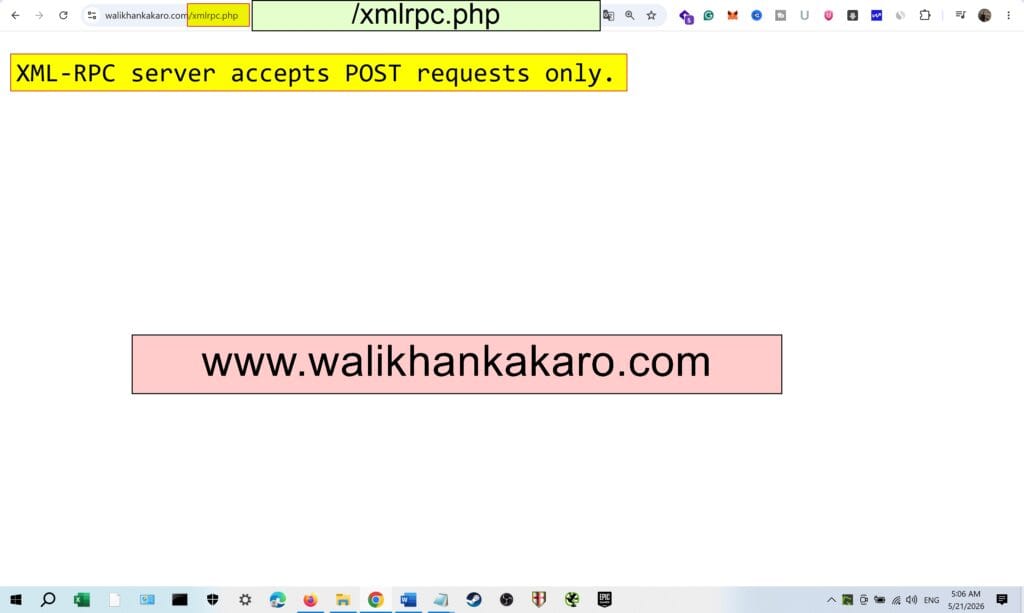
1: Check the XML-RPC vulnerability on your website.
Example: https://walikhankakaro.com/xmlrpc.php
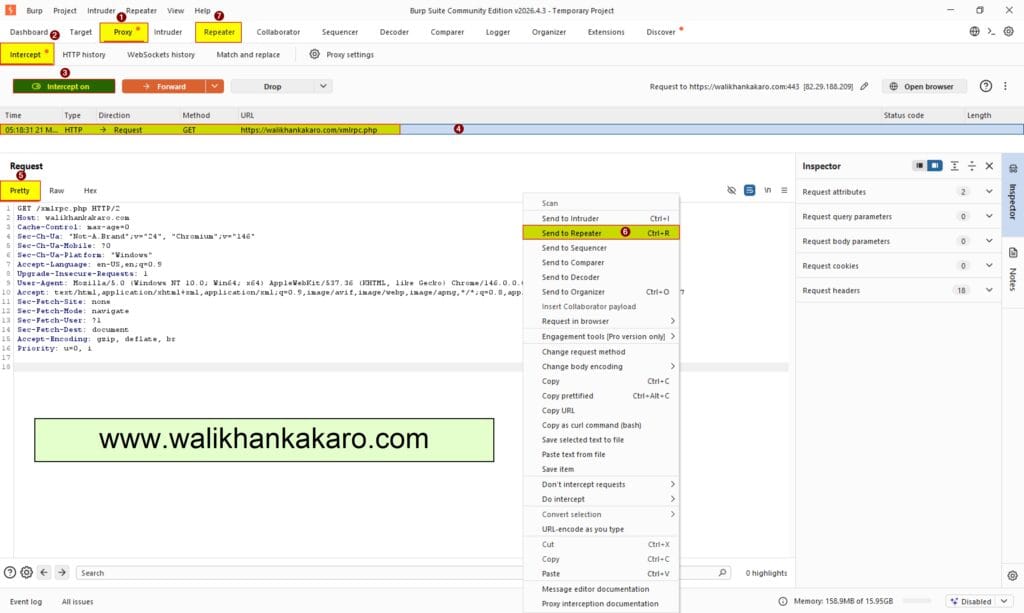
2: Open Burp Suite.
3: Check your website in the Burp Suite.
4: On the Intercept tab, refresh your website page.
5: Send the Request into the Repeater.
Shortcut key: Ctrl + R
6: Check whether your WordPress is vulnerable or not in the Burp Suite.
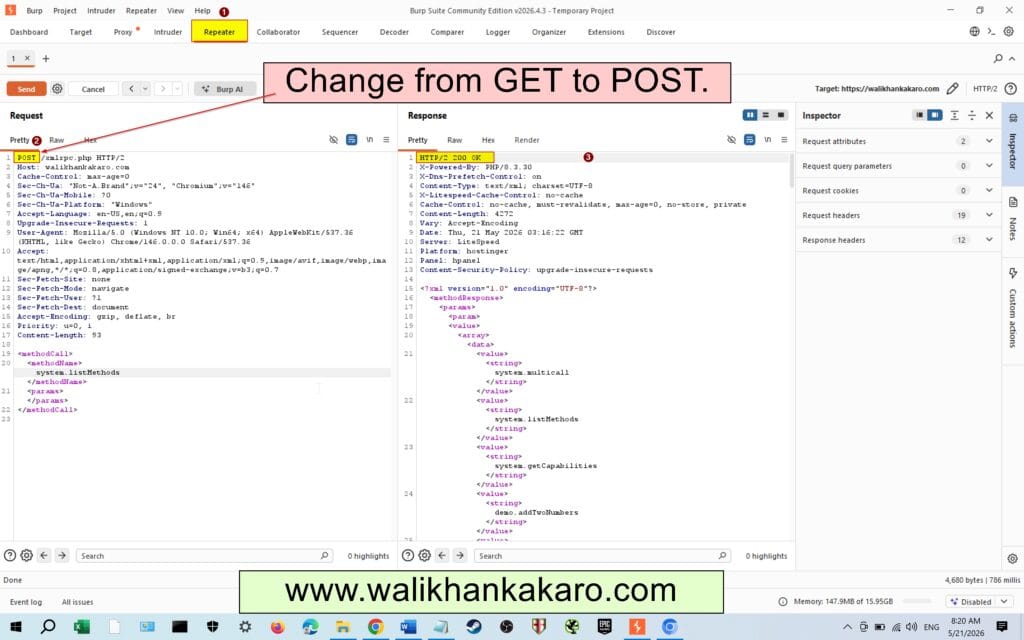
Execution code: <methodCall>
<methodName>system.listMethods</methodName>
<params></params>
</methodCall>
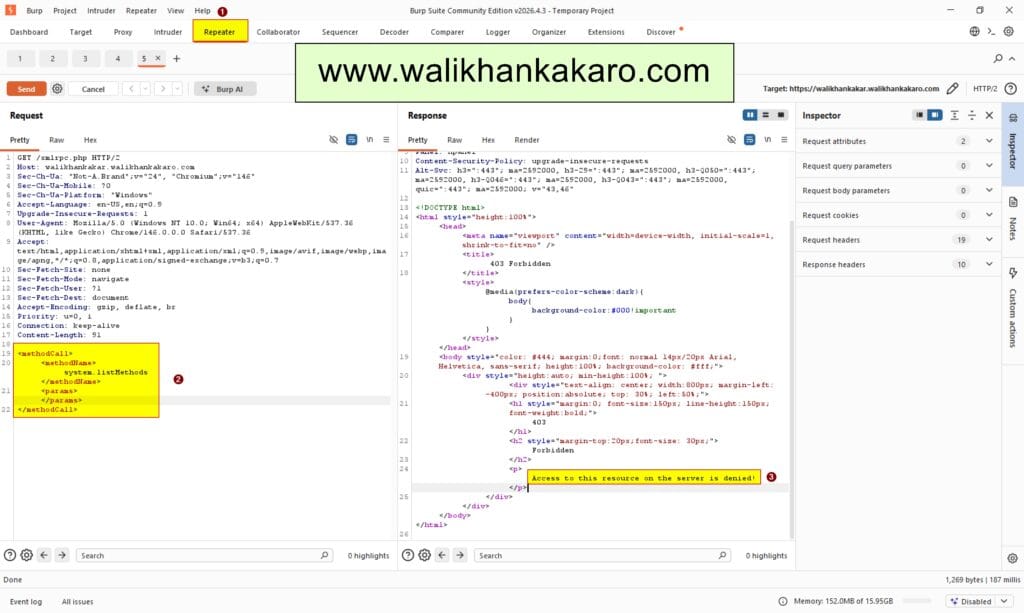
7: If the request is denied, it means that WordPress Plugin, Firewall are blocking your request from the server side.
8: Know check another parameter that you can access the XML-RPC vulnerable WordPress website or not.
9: Change the Parameter from GET to POST.
10: If the status is 200 OK, it means you can access the WordPress website.