
How to install Metasploitable 2 in VirtualBox
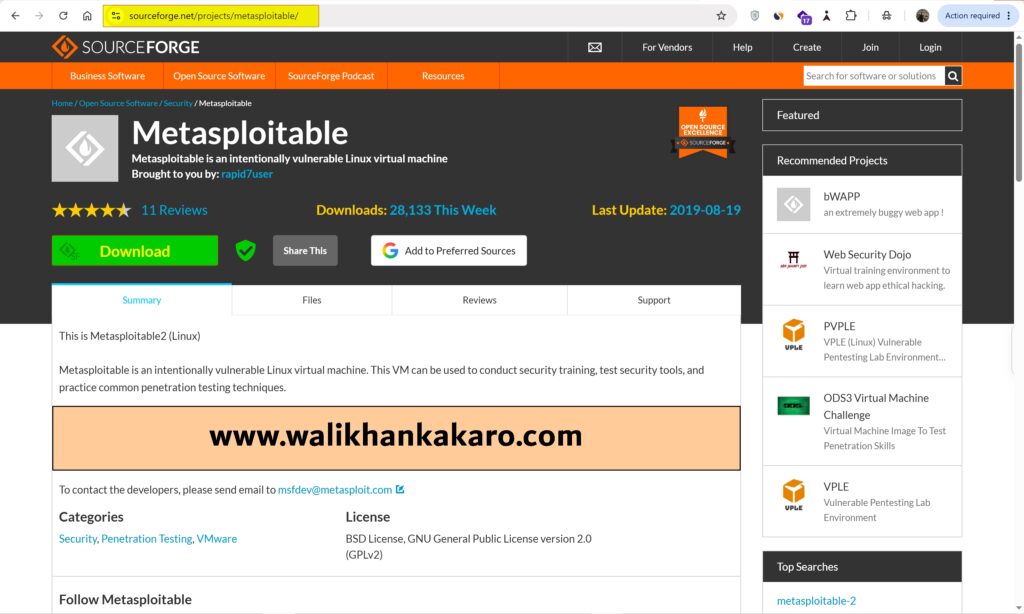
1: Download the Metasploitable 2 Machine.
Website: https://sourceforge.net/projects/metasploitable/
2: Extract the Metasploitable 2 folder.
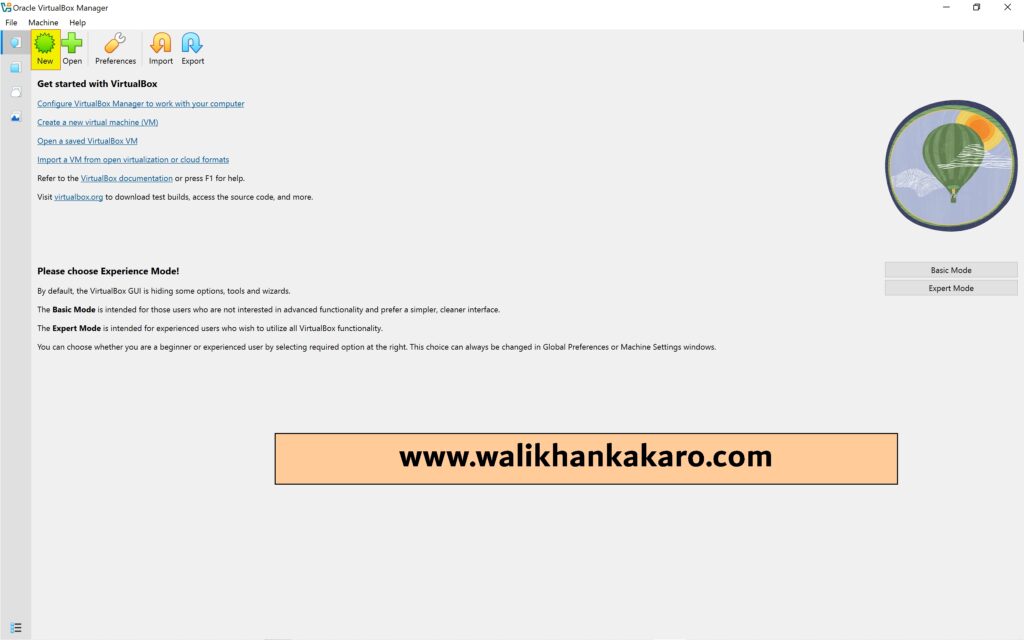
3: Open VirtualBox and select New.
4: Set up the VirtualBox settings.
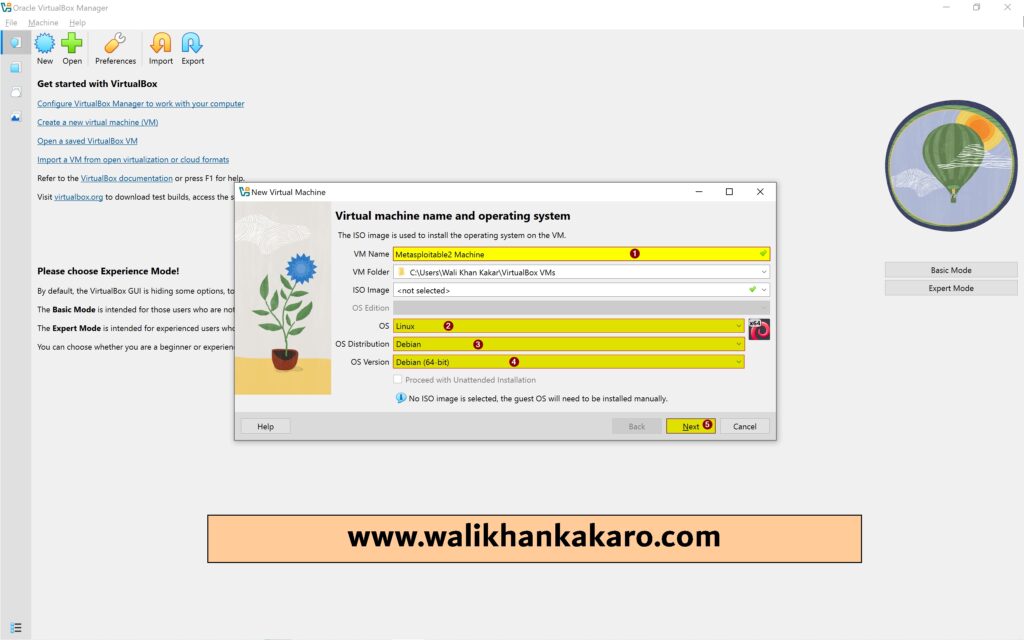
5: 1 GB of RAM is enough.
6: Select Use an existing virtual hard disk file.

7: Add the Metasploitable 2 VMDK in the Use an existing virtual hard disk file.

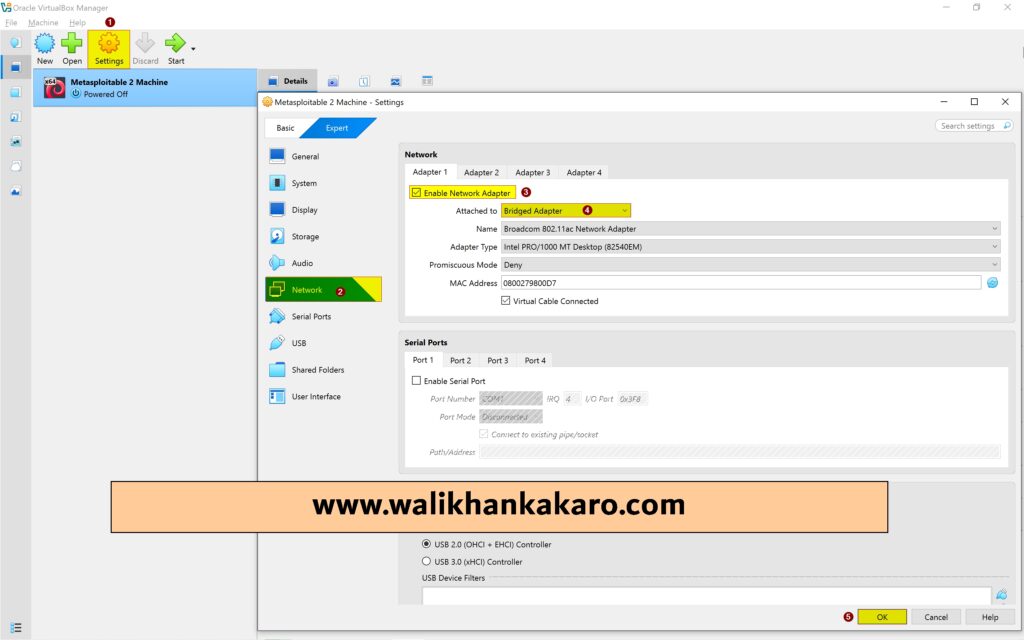
8: Go to settings and set up the Bridged adapter network connection.
9: Metasploitable 2 Password and Username are the default.
Username: msfadmin
Password: msfadmin