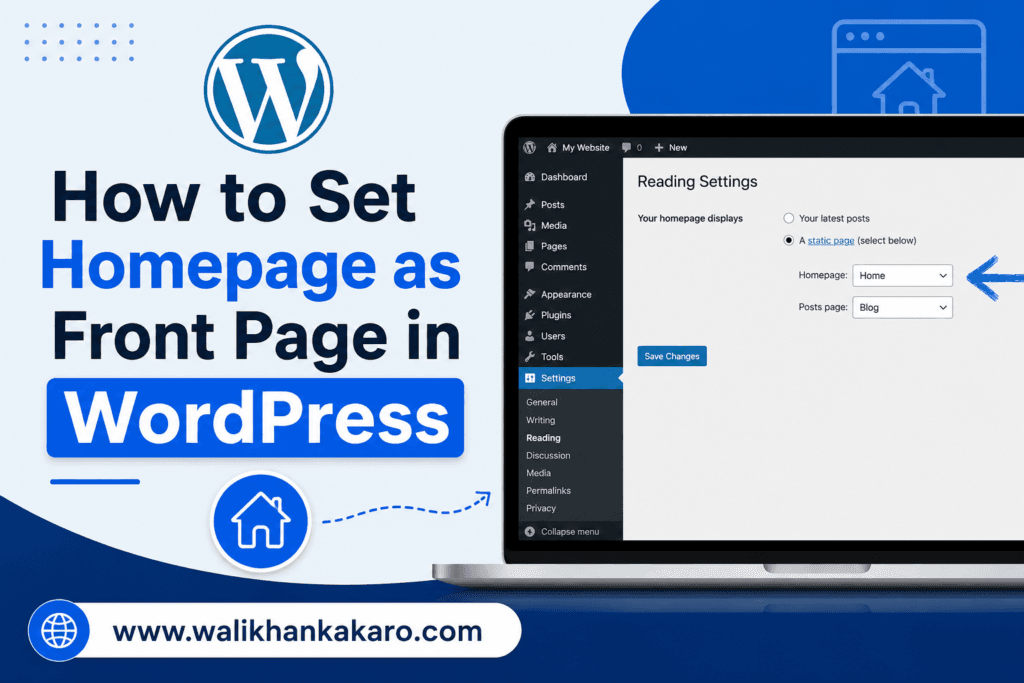
How to set homepage as front page in WordPress

How to set homepage as front page in WordPress

How to set homepage as front page in WordPress

1: Go to Appearance, then open Customize.
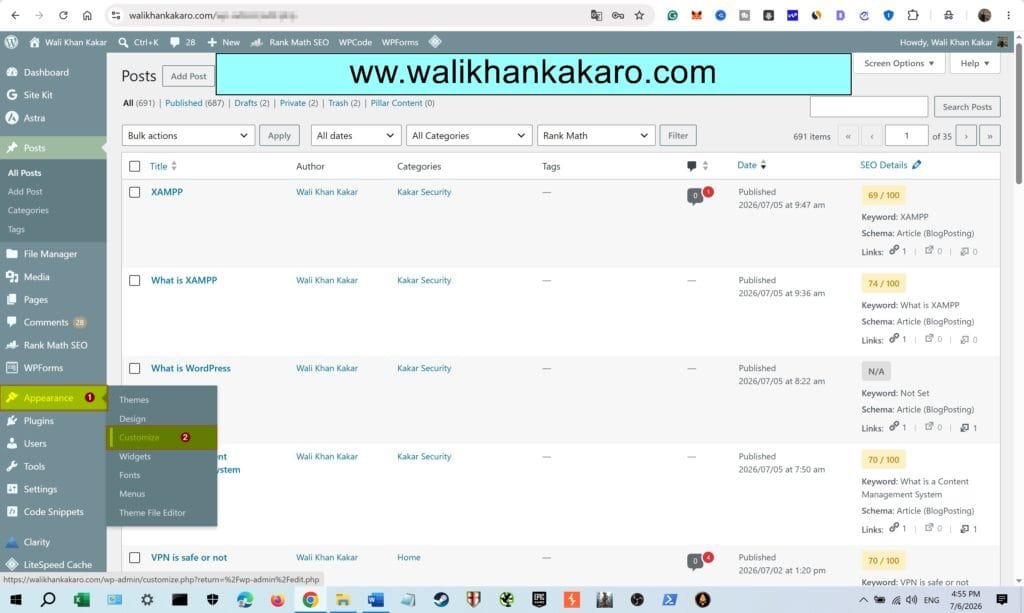
How to set homepage as the front page in WordPress 1

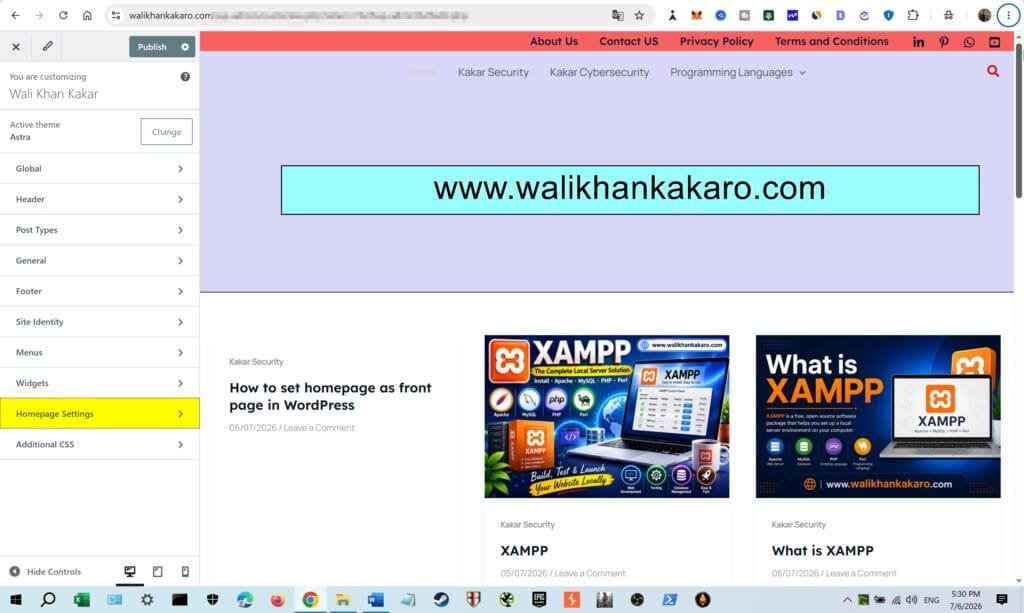
2: Open the Home Page Settings.

How to set homepage as the front page in WordPress 2

3: Click on the static page.

4: Select your Home page.
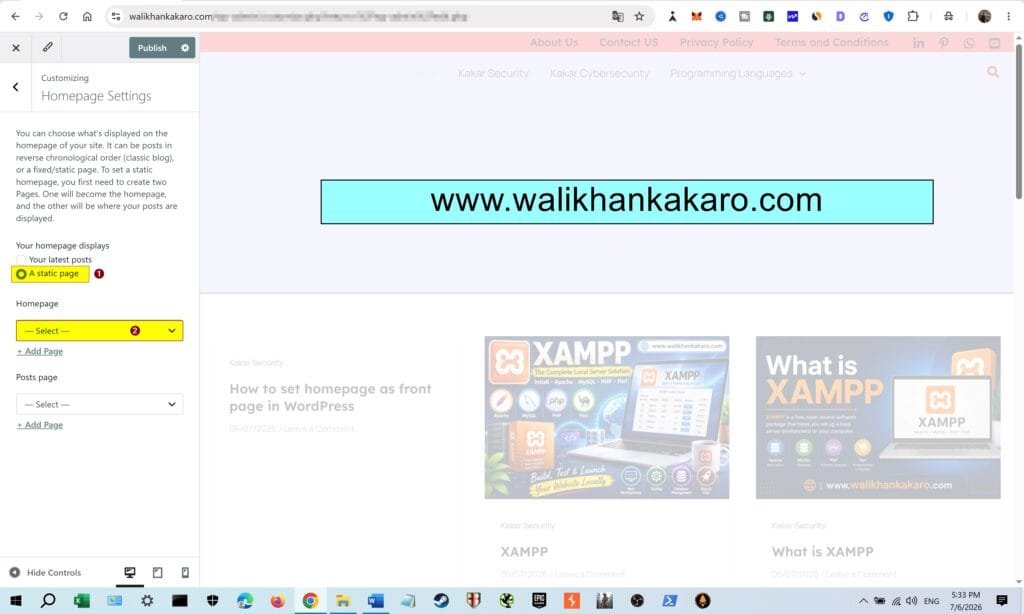
How to set homepage as the front page in WordPress 3

5: Or apply the second method, which is given below.

6: Go to Settings, then open Reading.

7: Click on the A static page (select below).

8: Select your Home page.
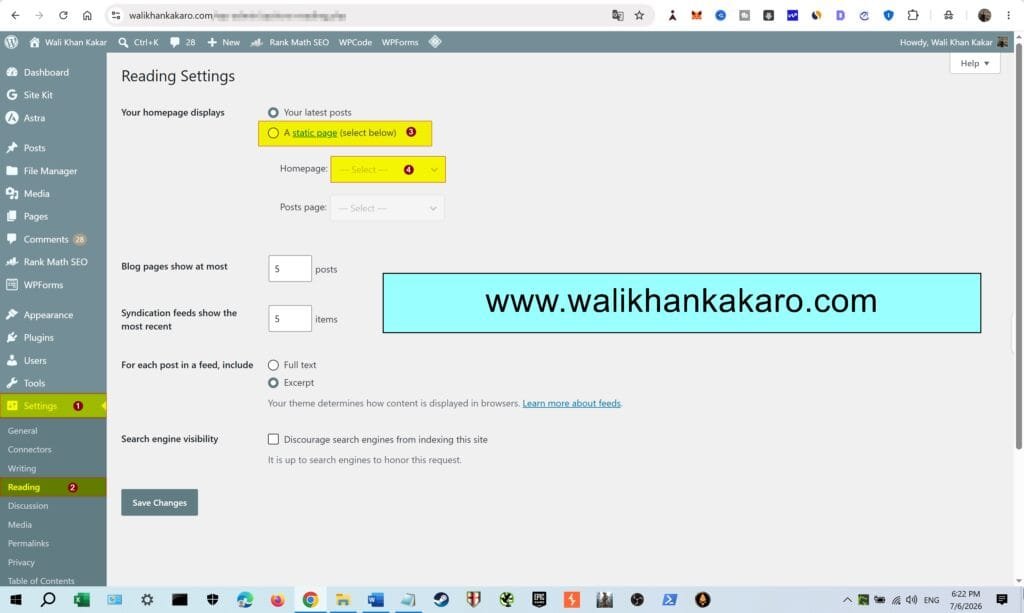
How to set homepage as the front page in WordPress 4

XAMPP

Leave a Comment

Your email address will not be published. Required fields are marked *

Scroll to Top