
Install Metasploitable 2 Machine on a MacBook
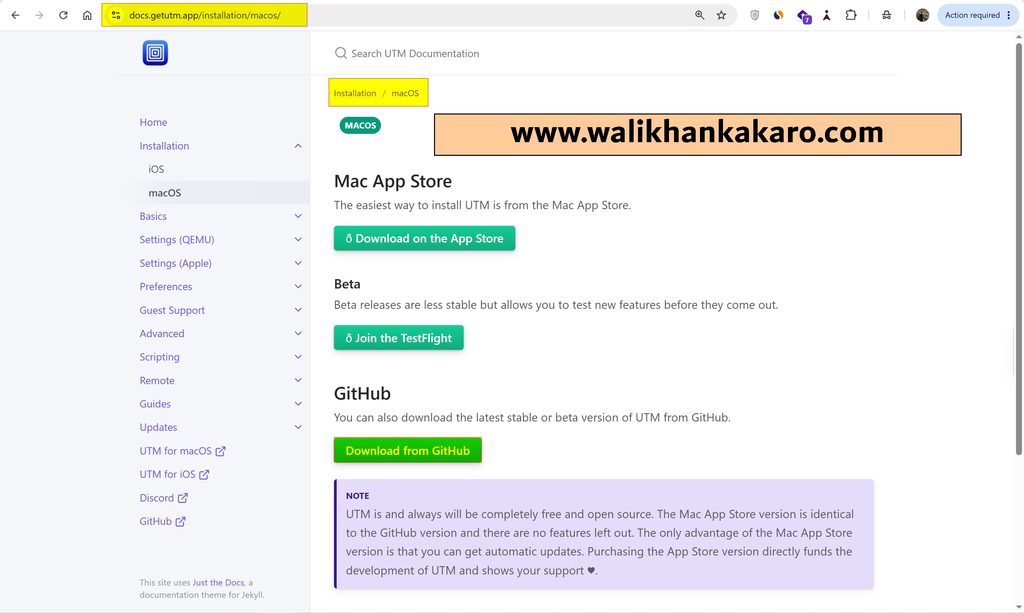
1: Download the UTM emulator.
Website: https://docs.getutm.app/installation/macos/
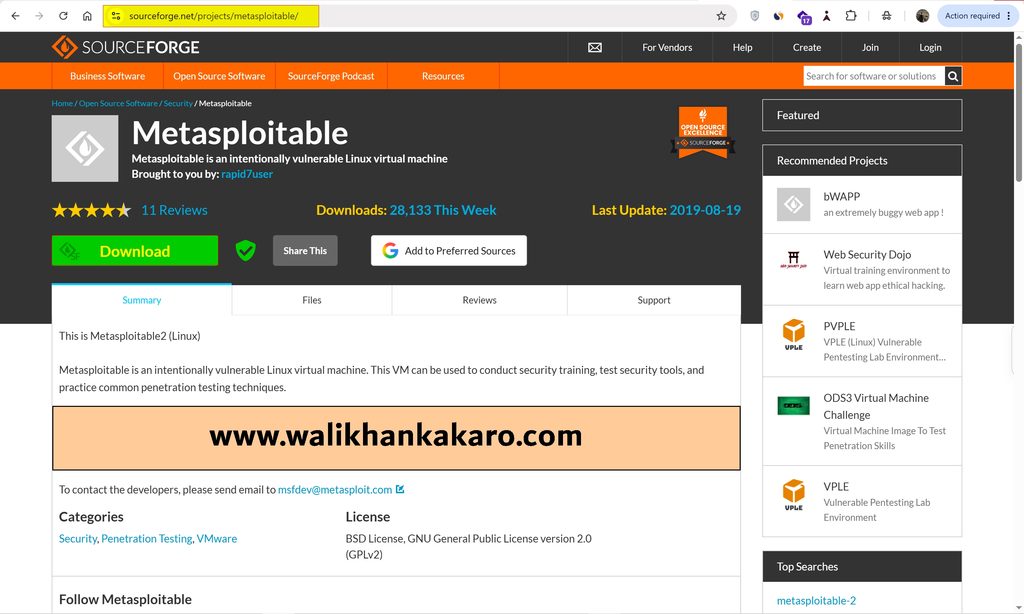
2: Download the Metasploitable 2 ISO file.
Website: https://sourceforge.net/projects/metasploitable/
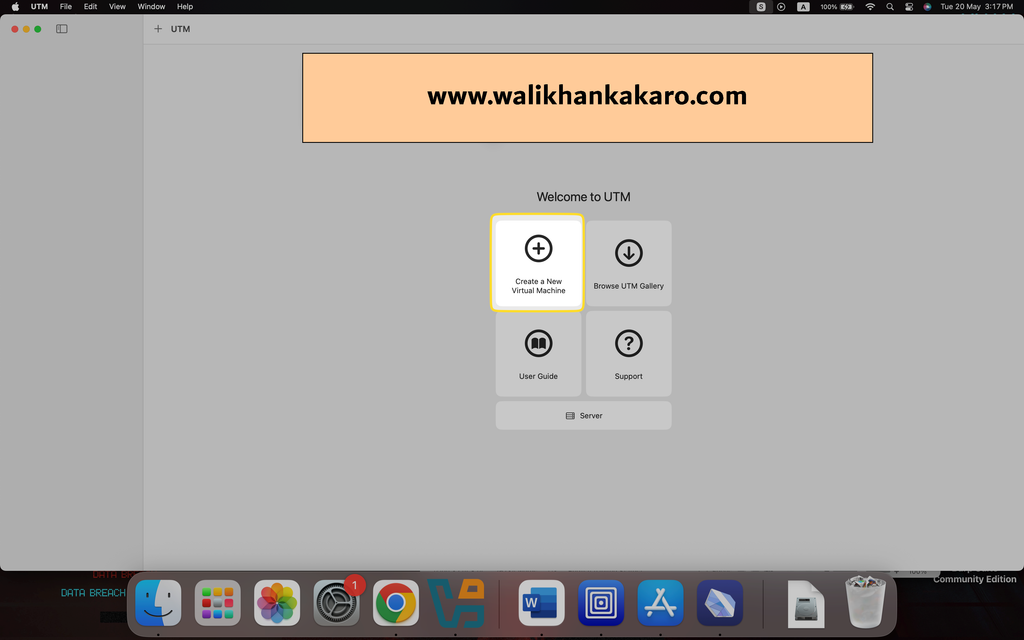
3: Create a new Virtual Machine.
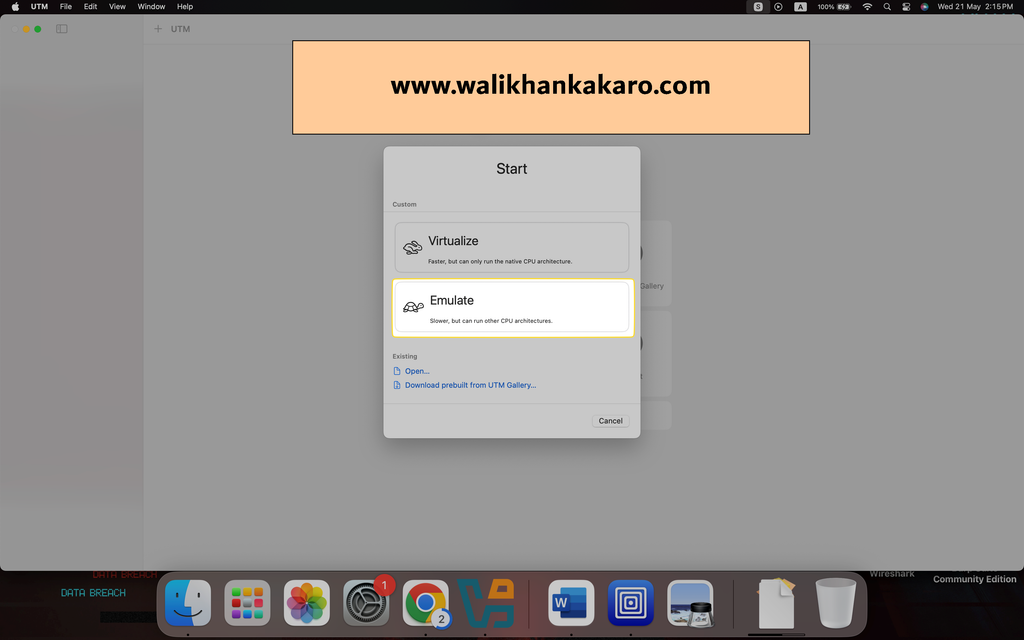
4: Select the Emulate.
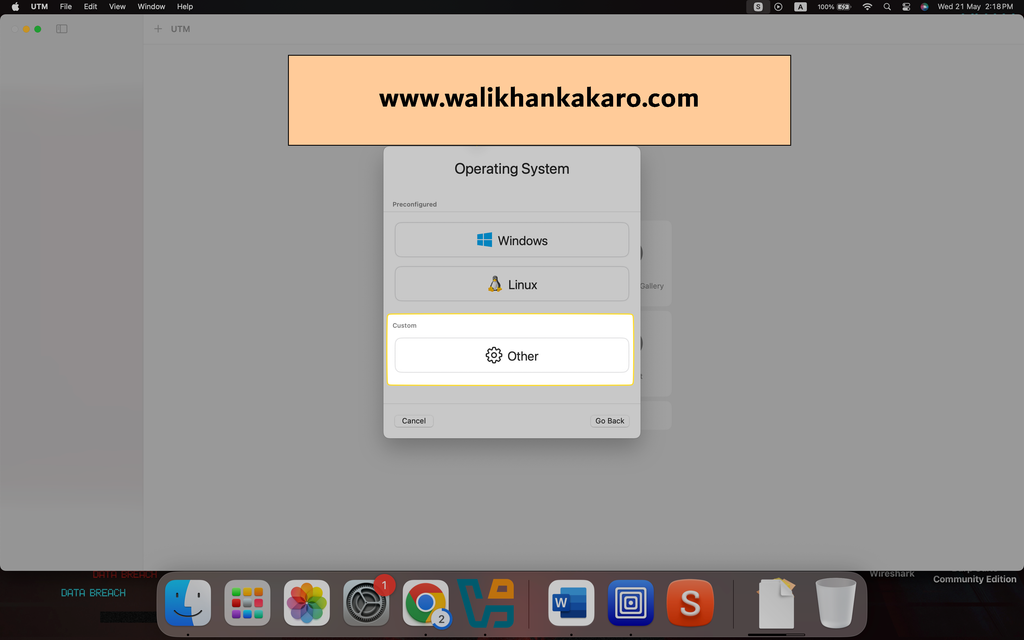
5: Select the other.
6: Select the Boot Device.
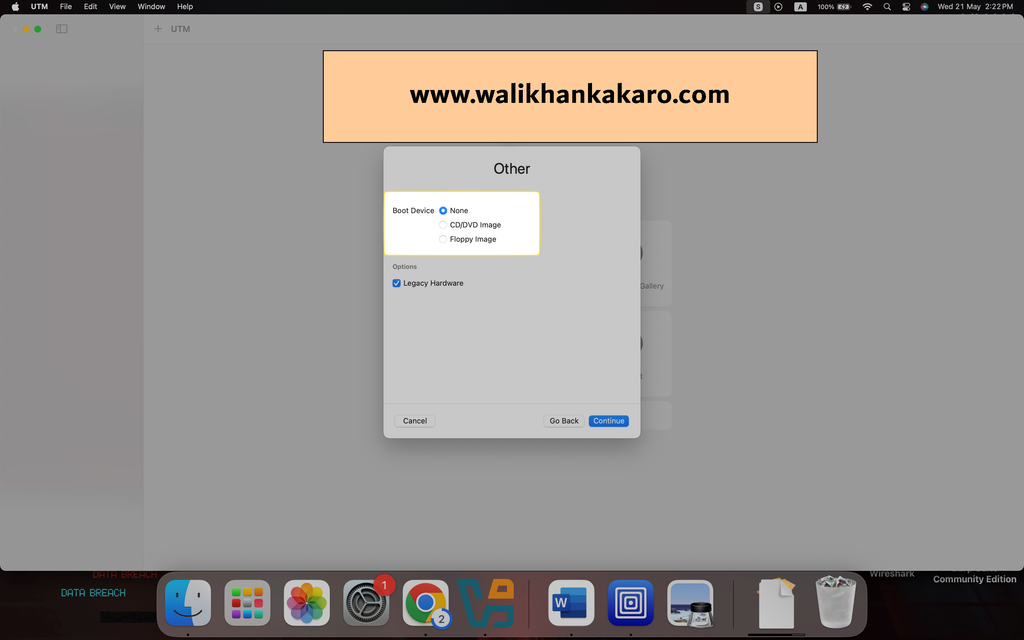
7: Set up the settings.
8: Select the folder where you want to install the Metasploitable 2 Machine.

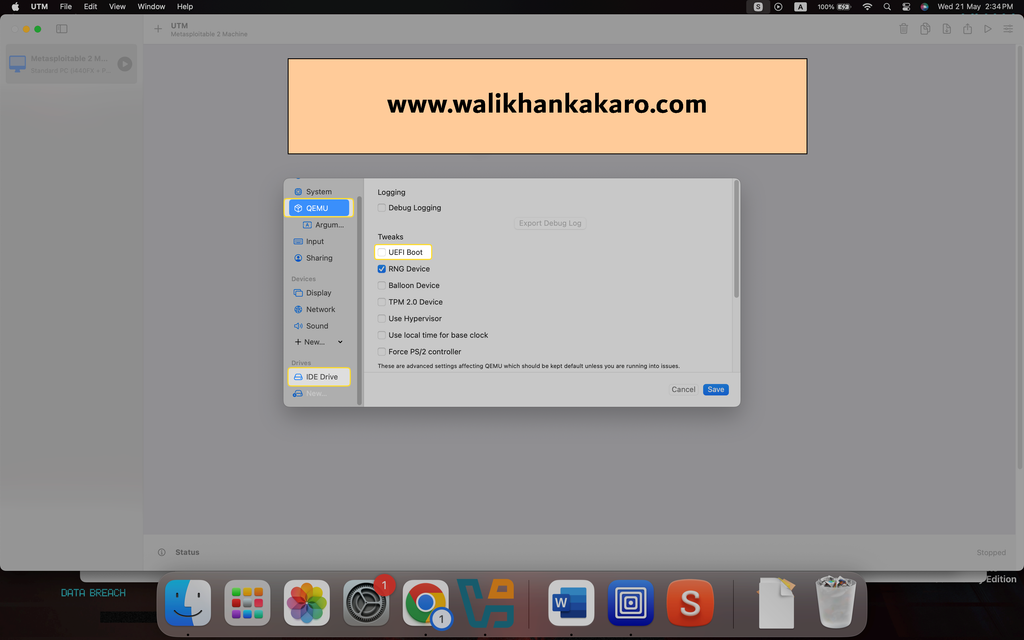
9: Remove the UEFI Boot.
10: Remove the IDE Drive.
11: Create a new drive.
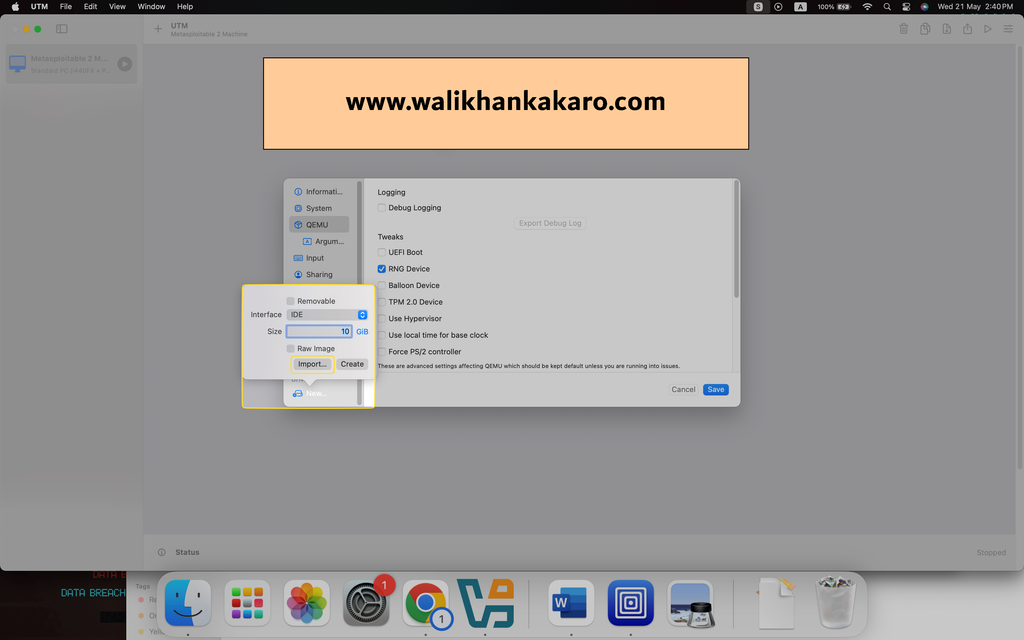
12: Upload the Metasploitable 2 Machine VMDK file.
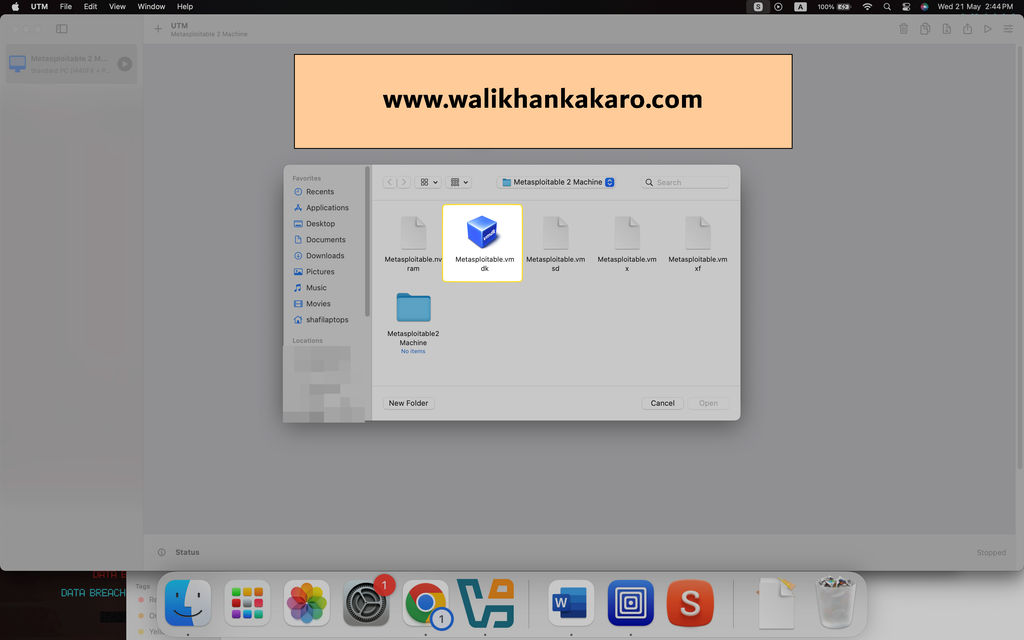
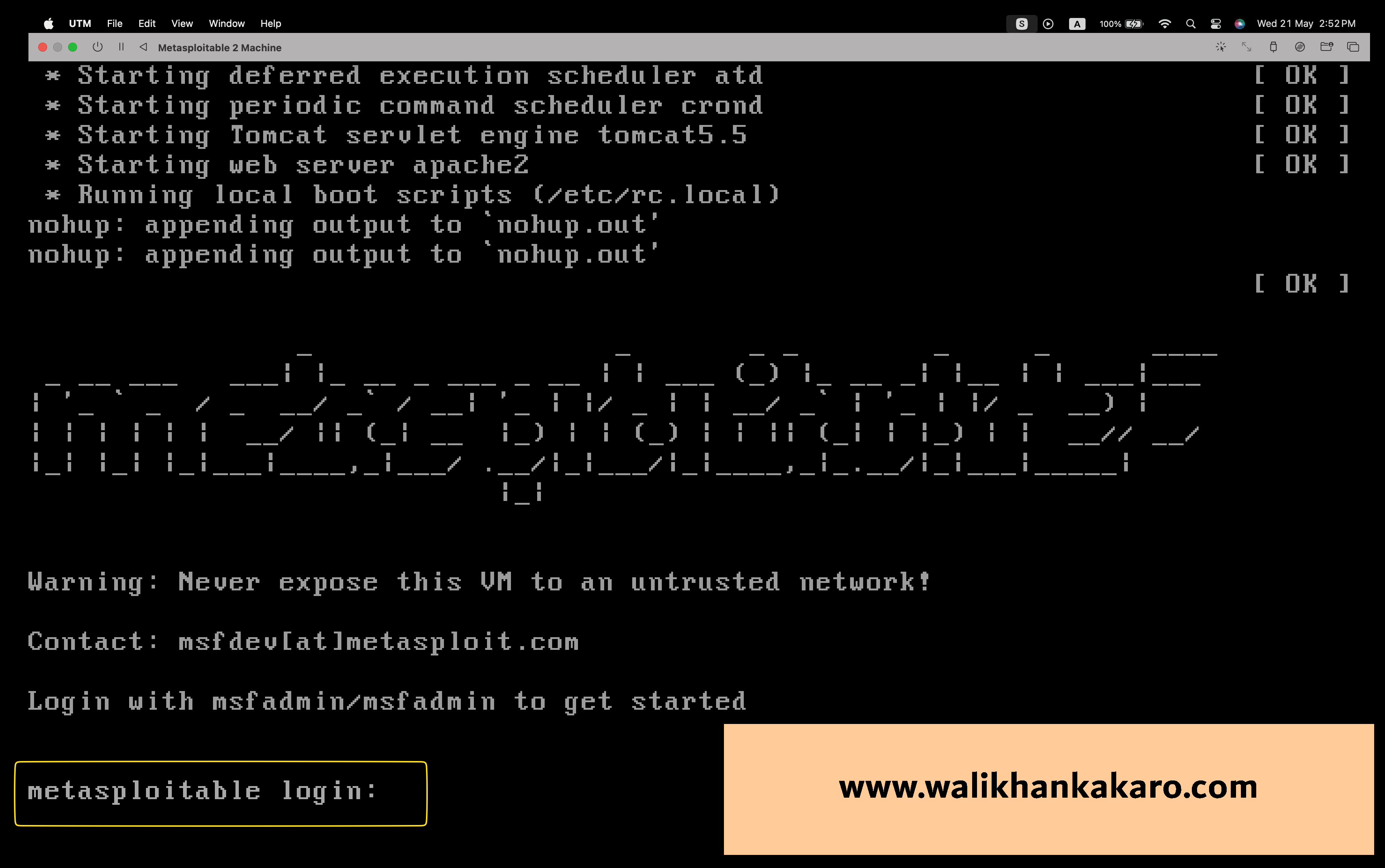
13: Launch the Metasploitable 2 Machine.

14: Default Username and Password is?
Username: msfadmin
Password: msfadmin
15: Ping the Machines with each other.