Table of Contents
Nessus download for Windows
1: Download Nessus.
Website: https://www.tenable.com/downloads/nessus?loginAttempted=true
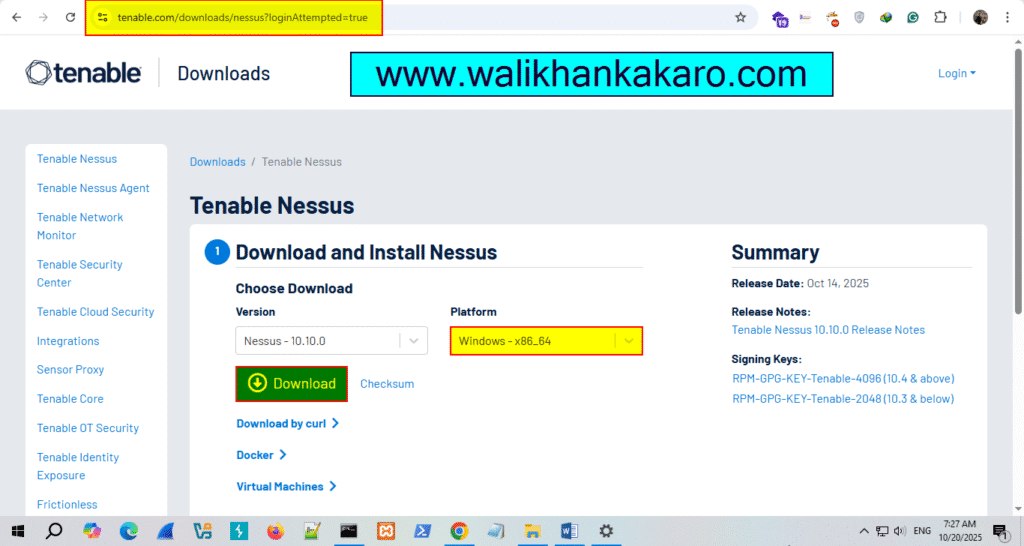
2: Install Nessus (C Drive is recommended).
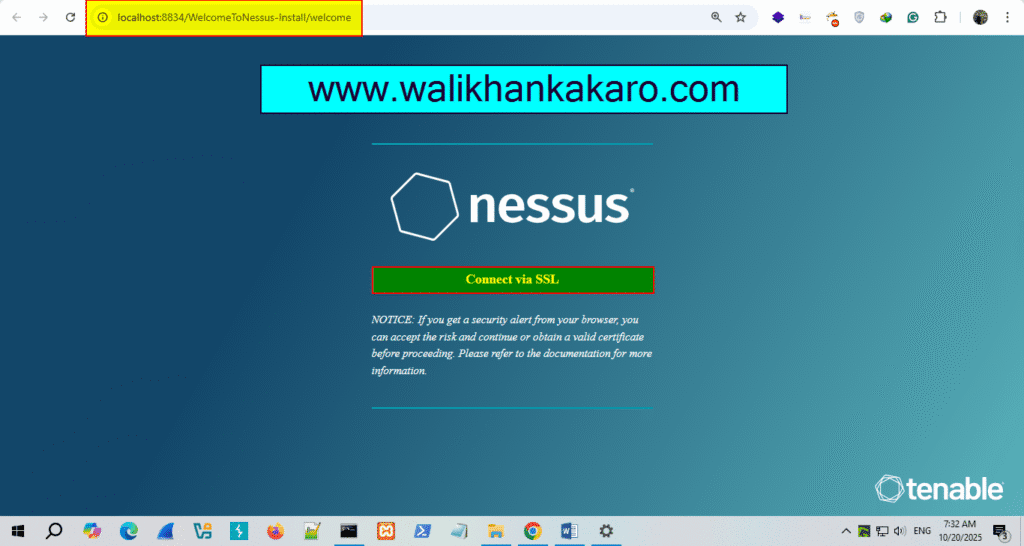
3: Install Nessus and open the Nessus local host.
Link: http://localhost:8834/WelcomeToNessus-Install/welcome
4: Connect the SSL.
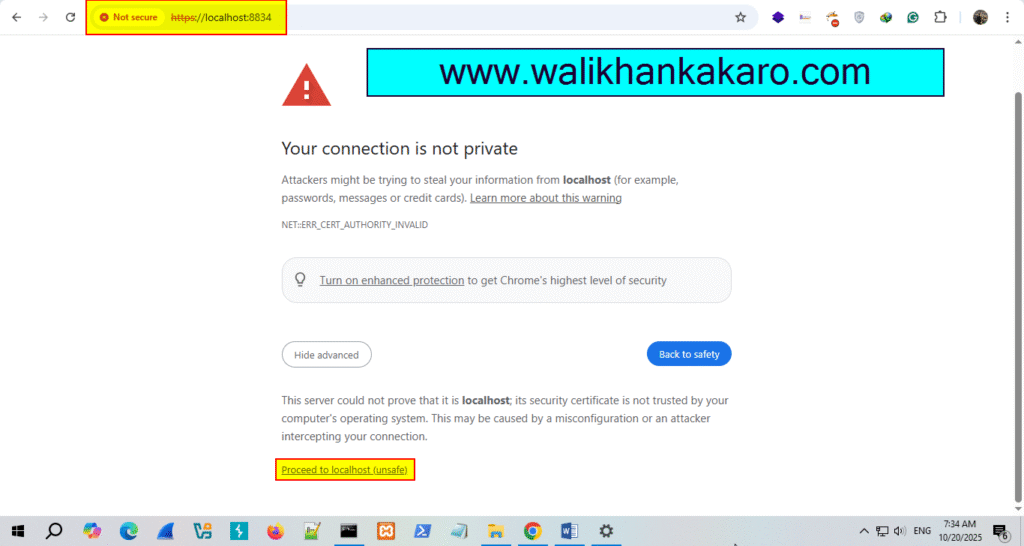
5: Proceed to localhost (unsafe).
6: Don’t Register Offline, just continue it.
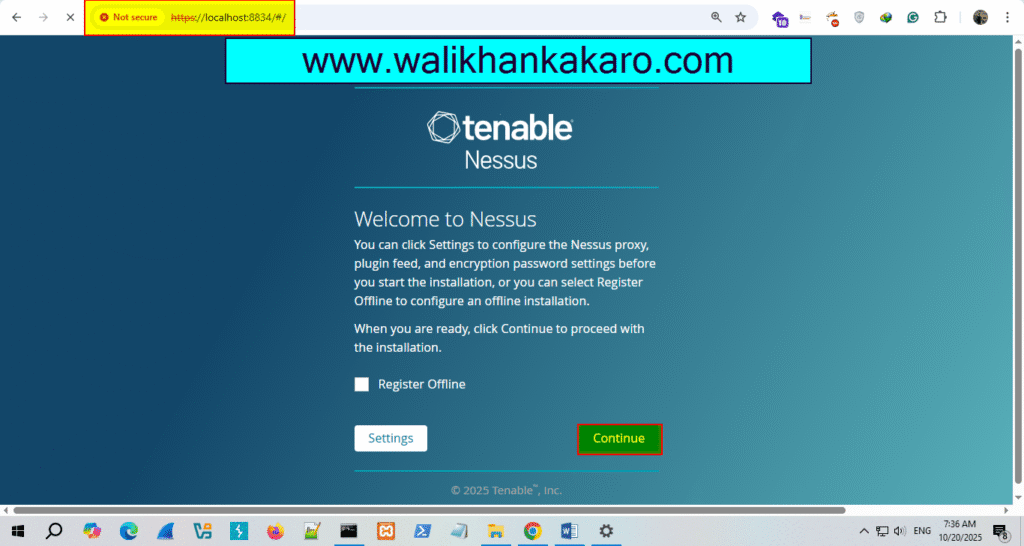
7: Register for Nessus Essentials (Free).
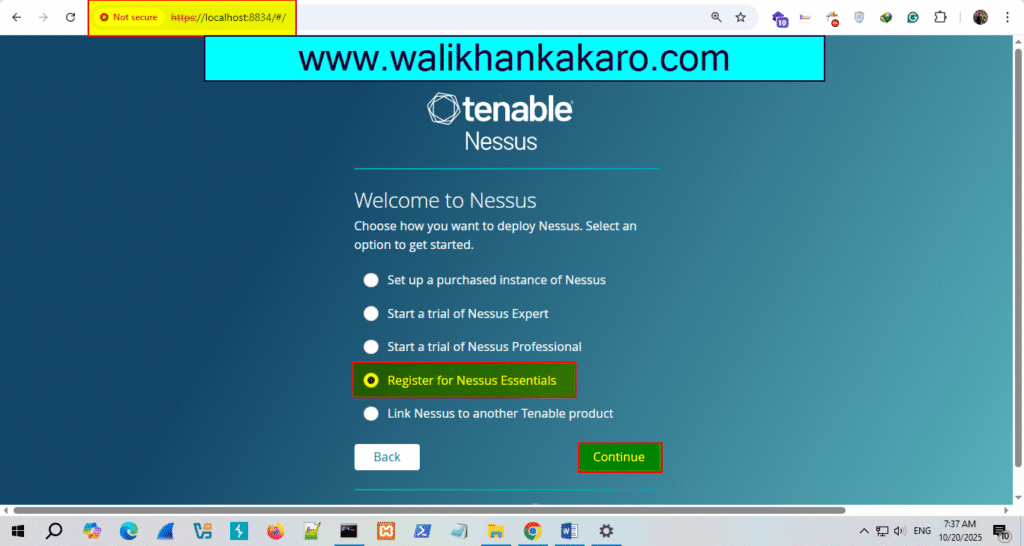
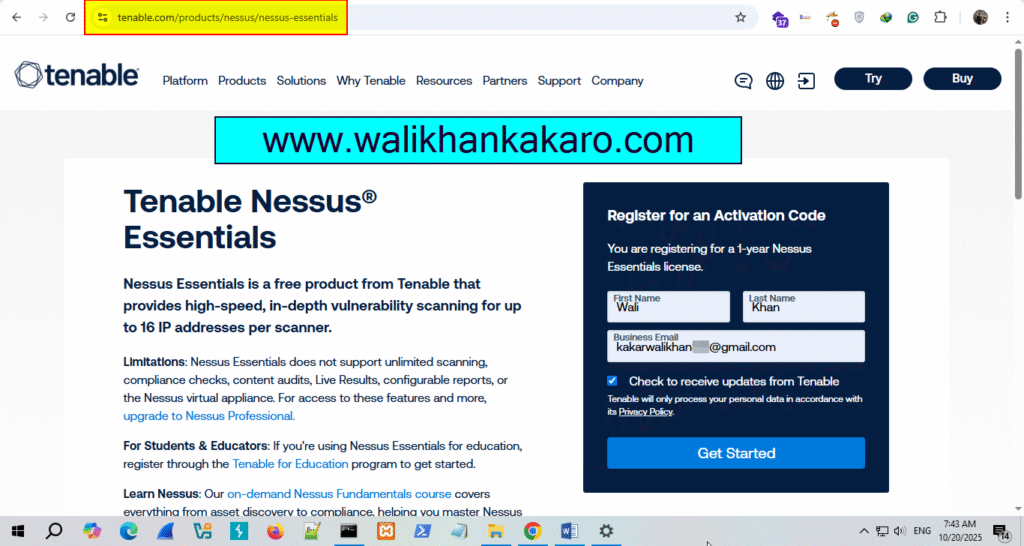
8: Use the personal email for the Nessus account creation.
Website: https://www.tenable.com/products/nessus/activation-code
9: Register the Nessus Essentials account.
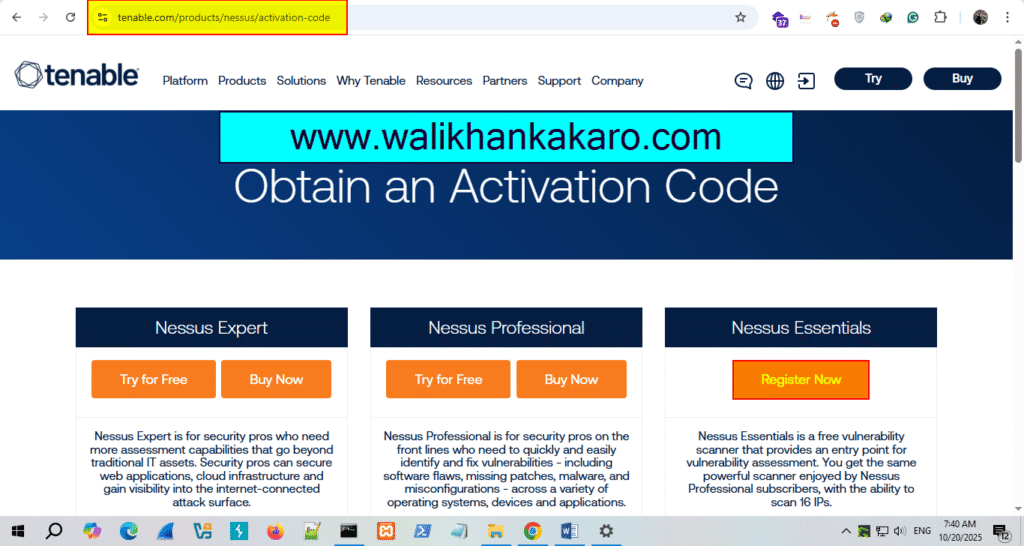
10: Nessus will send your Email activation code.
11: Copy the activation code from the Email.
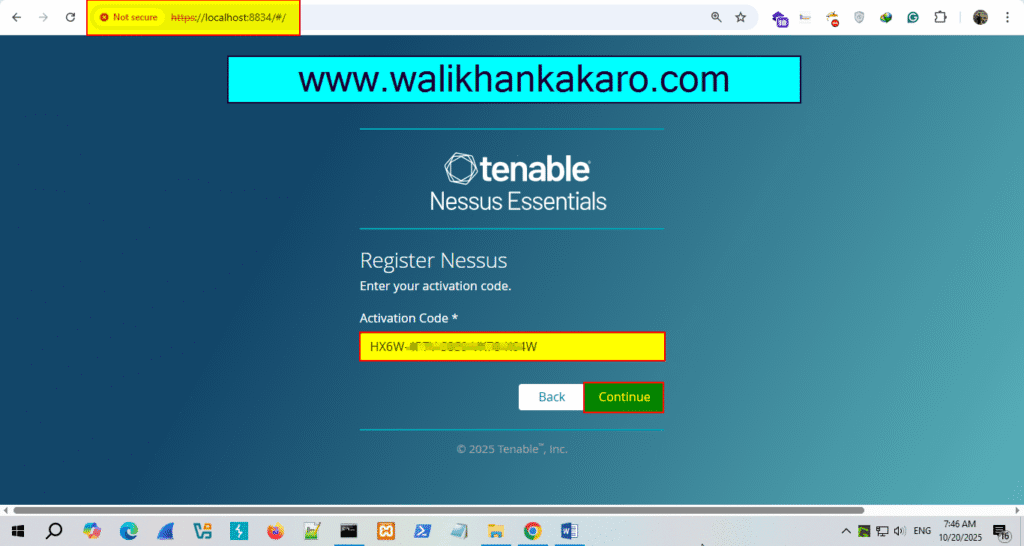
12: Paste the activation code in the Nessus Essentials.
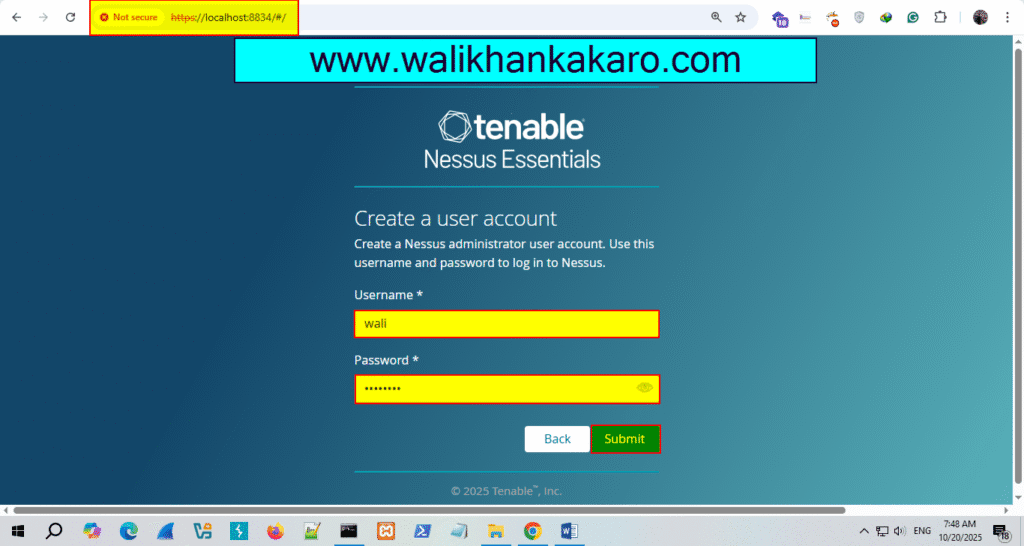
13: Create a user account.
14: Open Nessus and scan the system
Link: http://localhost:8834/WelcomeToNessus-Install/welcome