Nessus for Mac
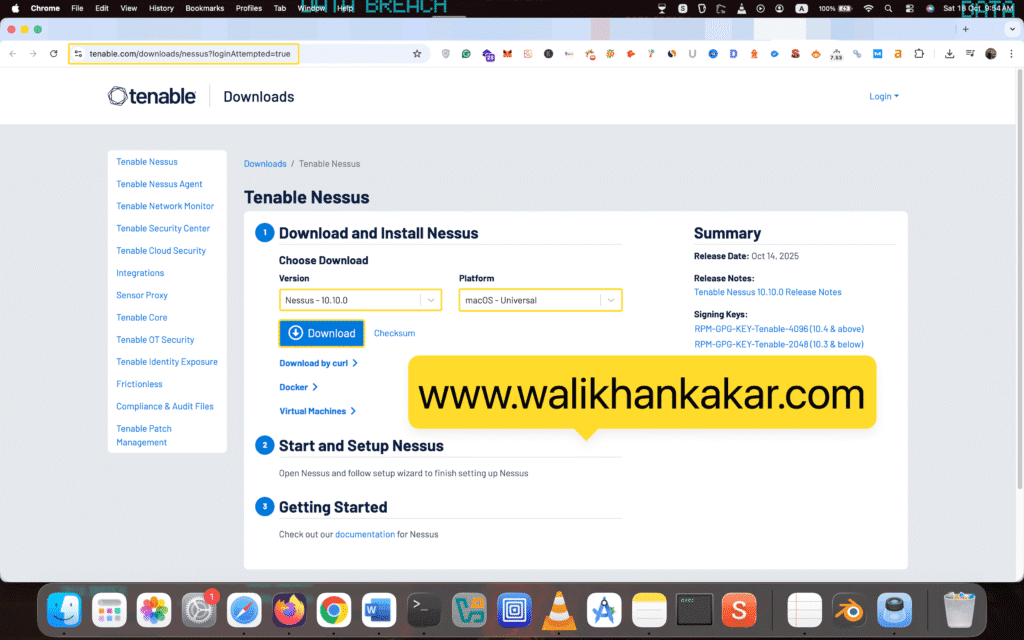
1: Download Nessus for a MacBook.
Website: https://www.tenable.com/downloads/nessus?loginAttempted=true
2: Install Nessus.
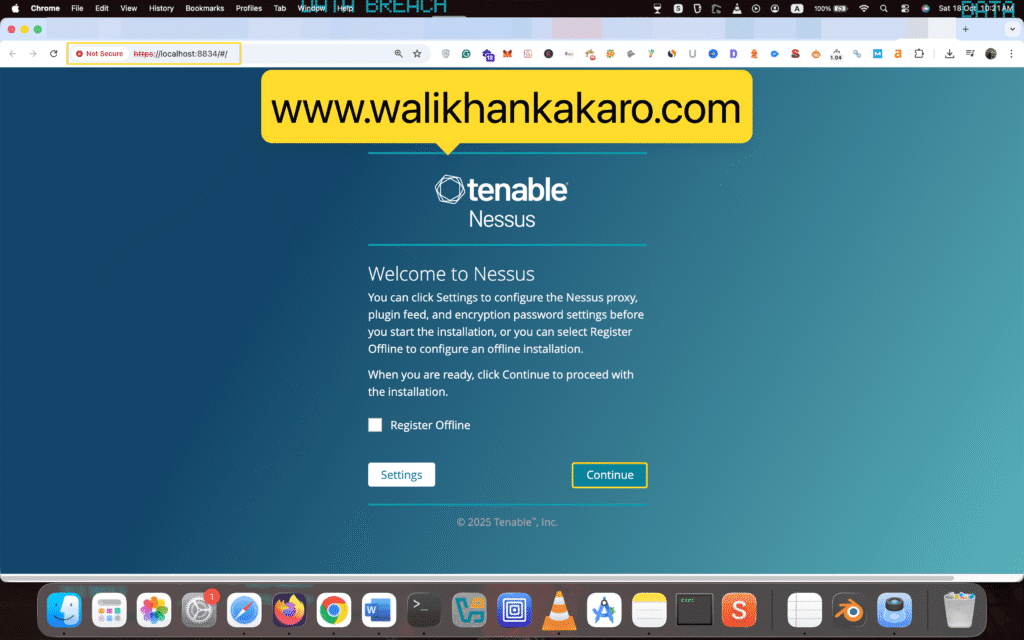
3: Open the Nessus localhost.
Link: https://localhost:8834/#/
4: Just continue it.
5: Register for Nessus Essentials.
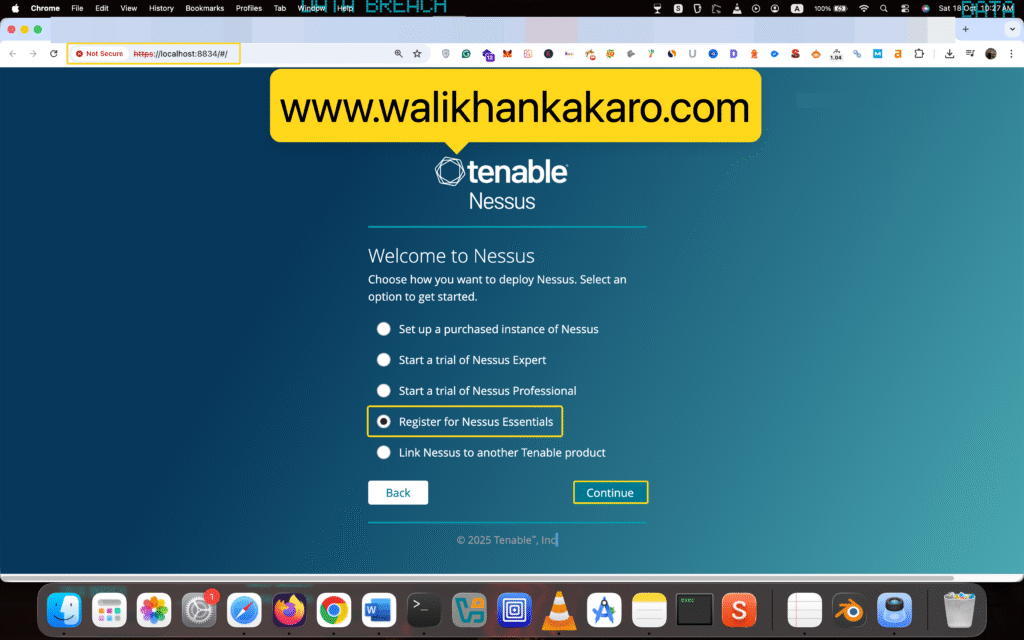
6: Insert your details here.
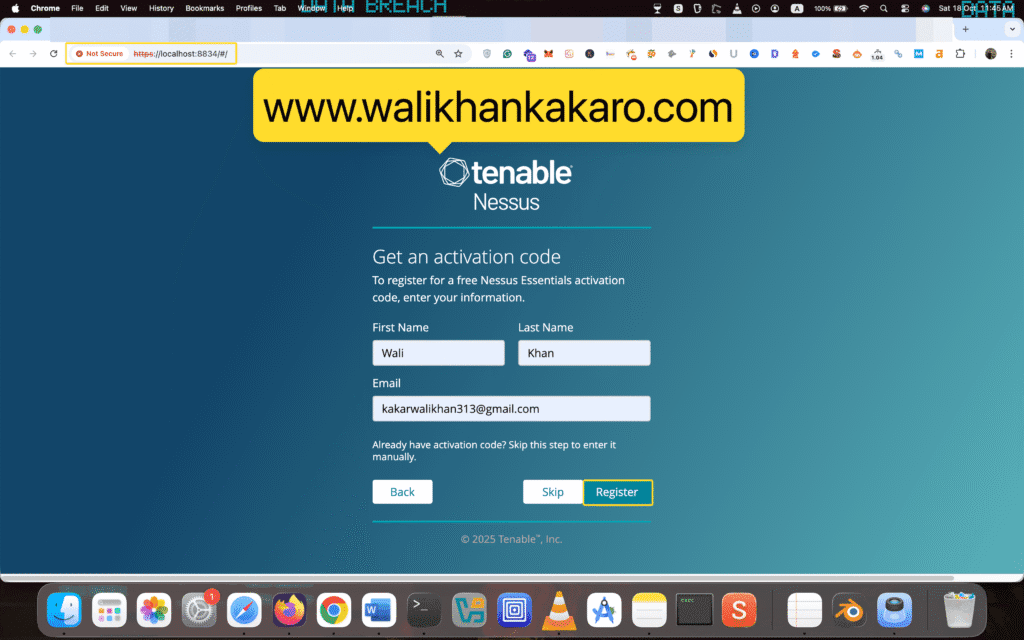
7: Copy the activation code.

8: Create a new user account.
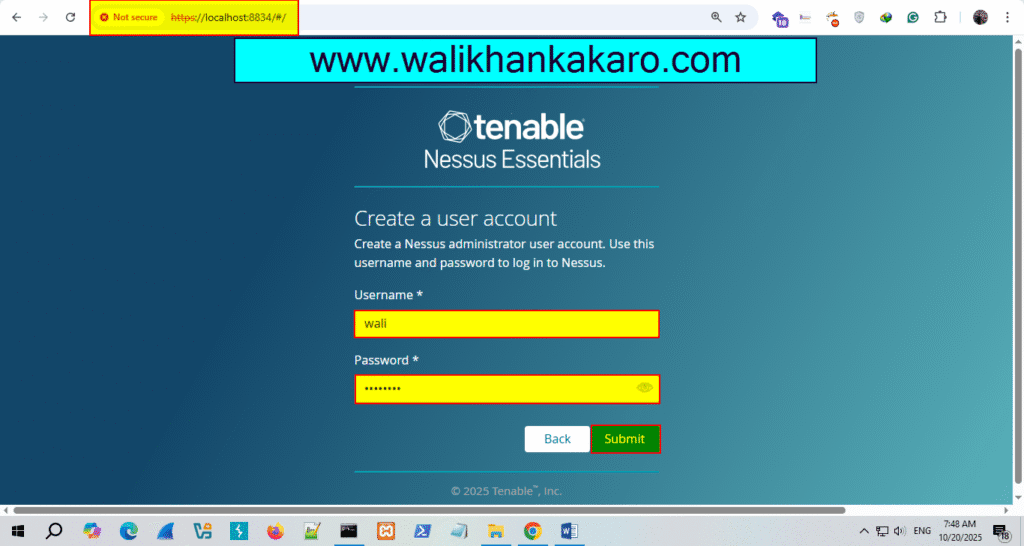
9: The installation process has started.

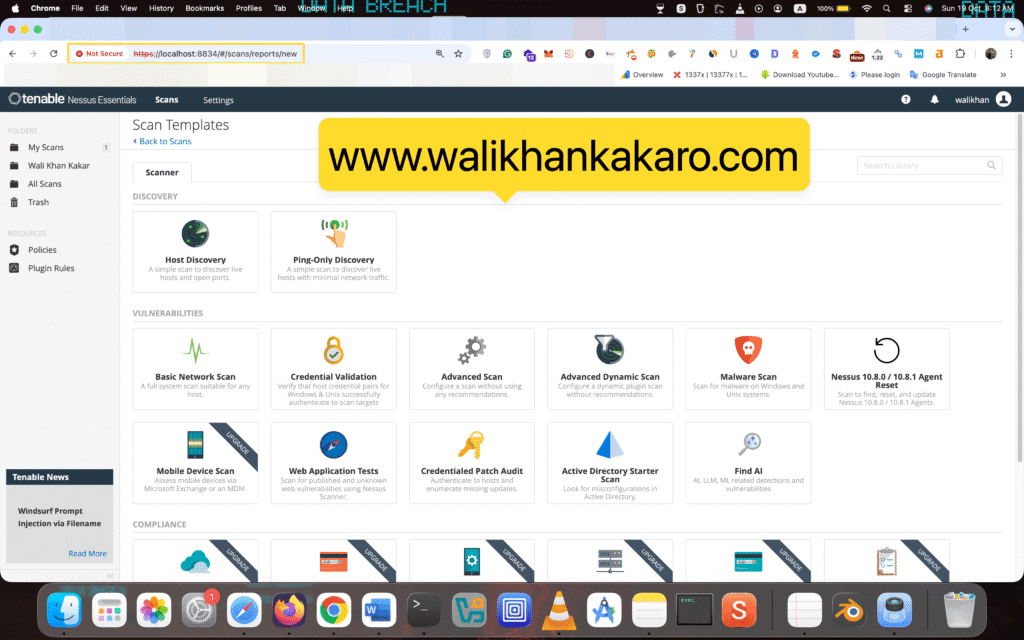
10: Scan the system.