Uninstall pre-installed software from Windows
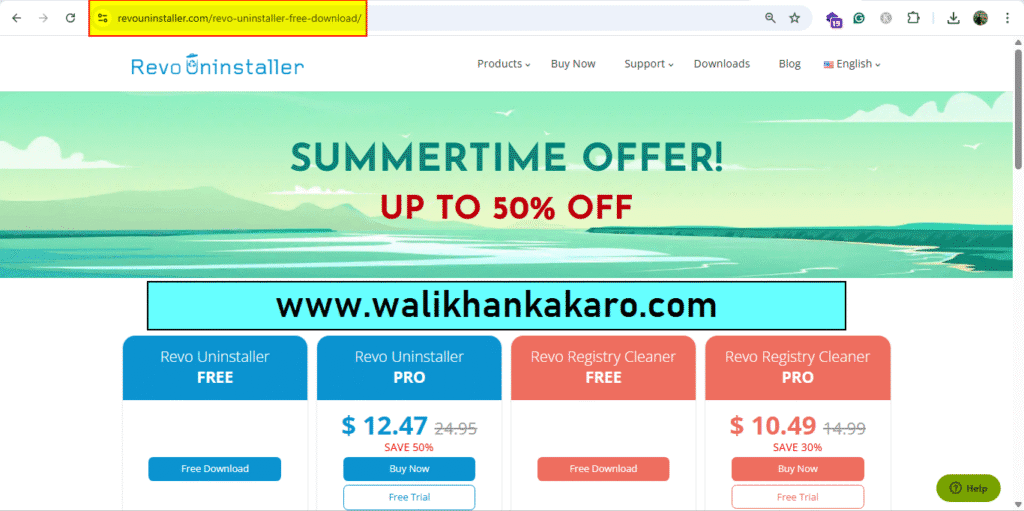
1: Download Revo Uninstaller software.
Website: https://www.revouninstaller.com/revo-uninstaller-free-download/
2: Install the Revo Uninstaller software.
3: Remove the unknown software.

1: Download Revo Uninstaller software.
Website: https://www.revouninstaller.com/revo-uninstaller-free-download/
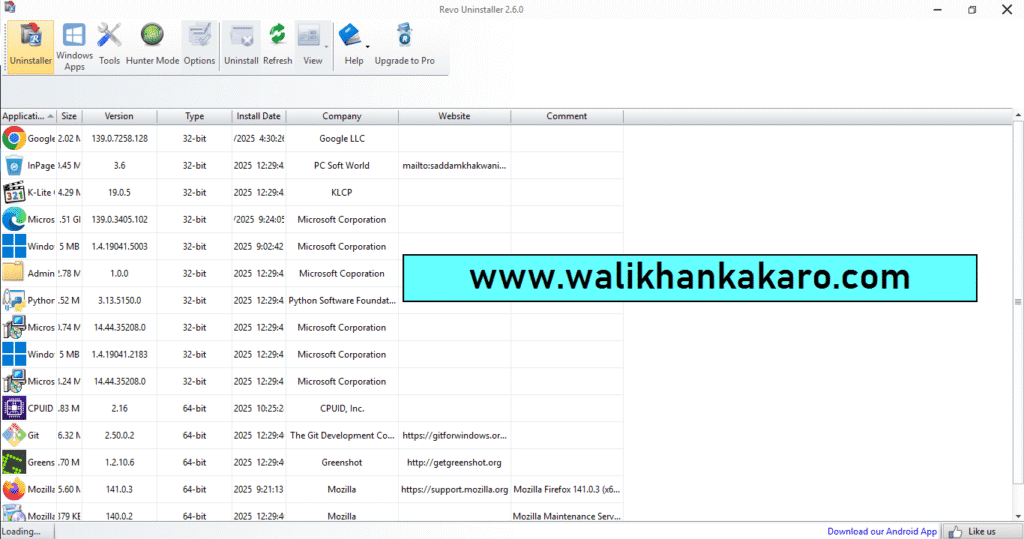
2: Install the Revo Uninstaller software.
3: Remove the unknown software.
