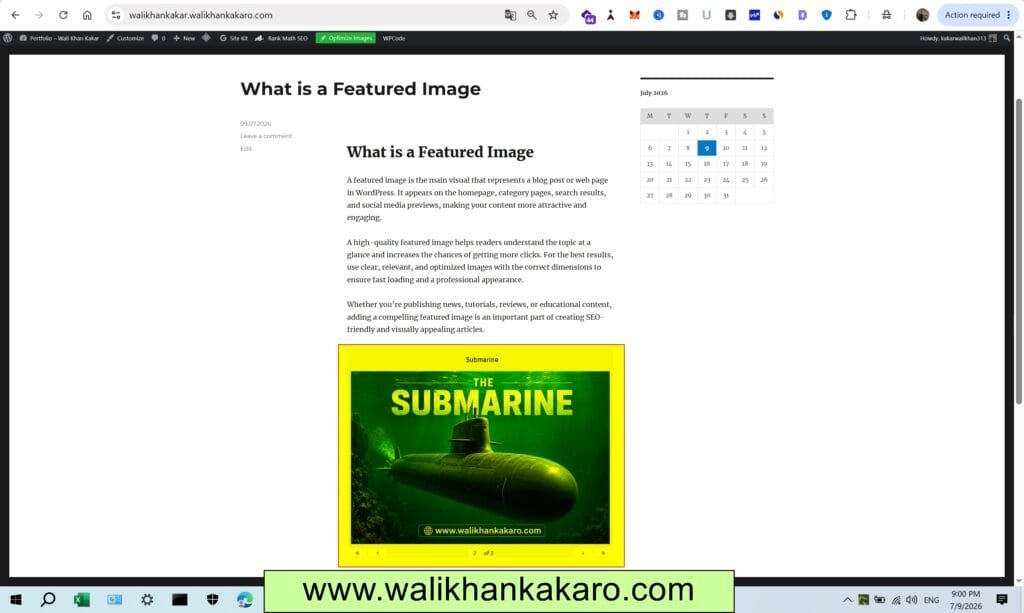
How to Add a Photo Gallery in WordPress
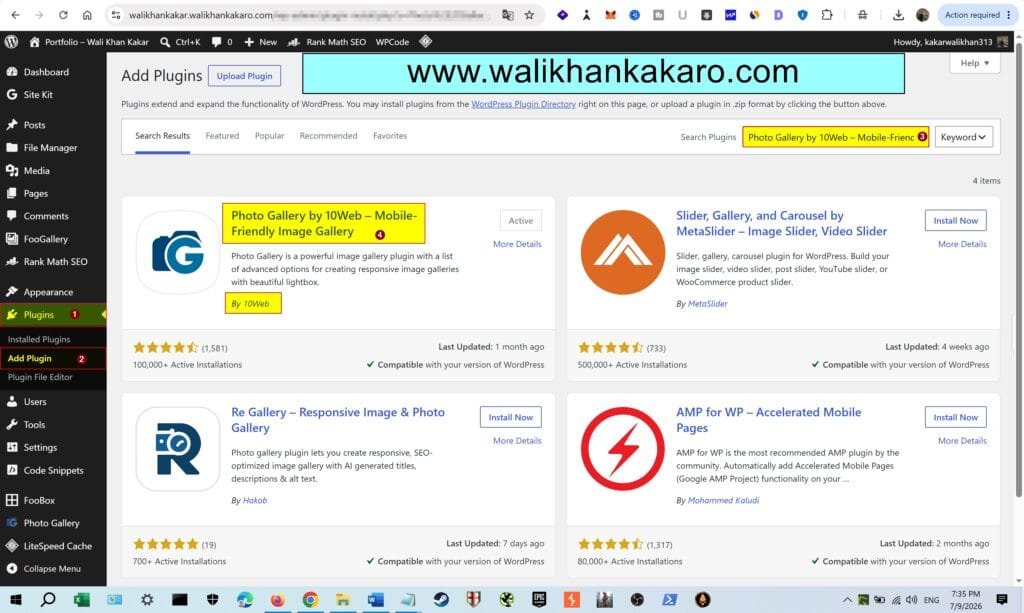
1: Go to Plugins, then open Add Plugin.
2: Install the Photo Gallery by 10Web – Mobile-Friendly Image Gallery.
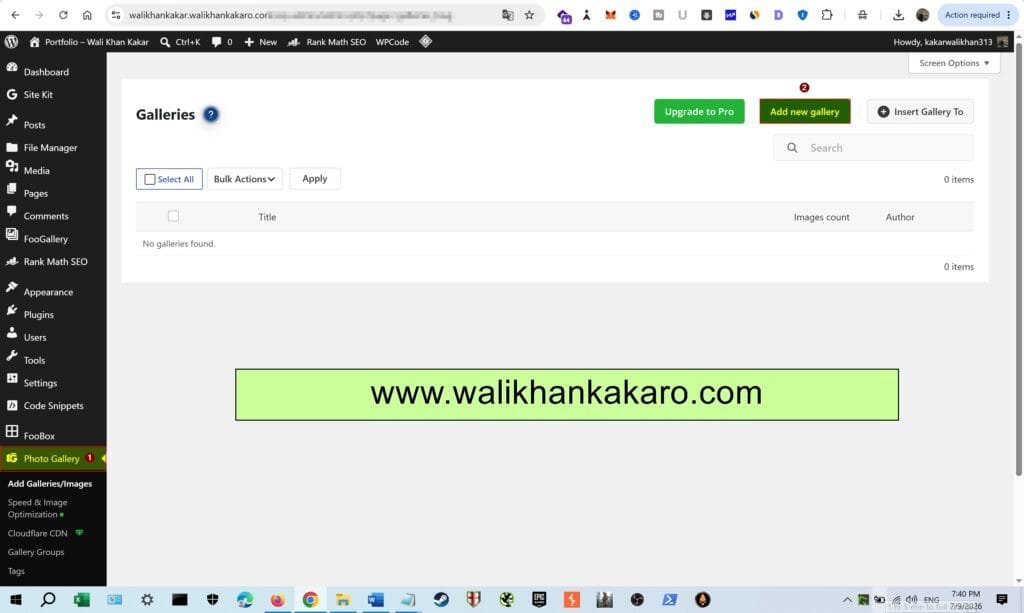
3: Go to the Photo Gallery.
4: Add a new Gallery.
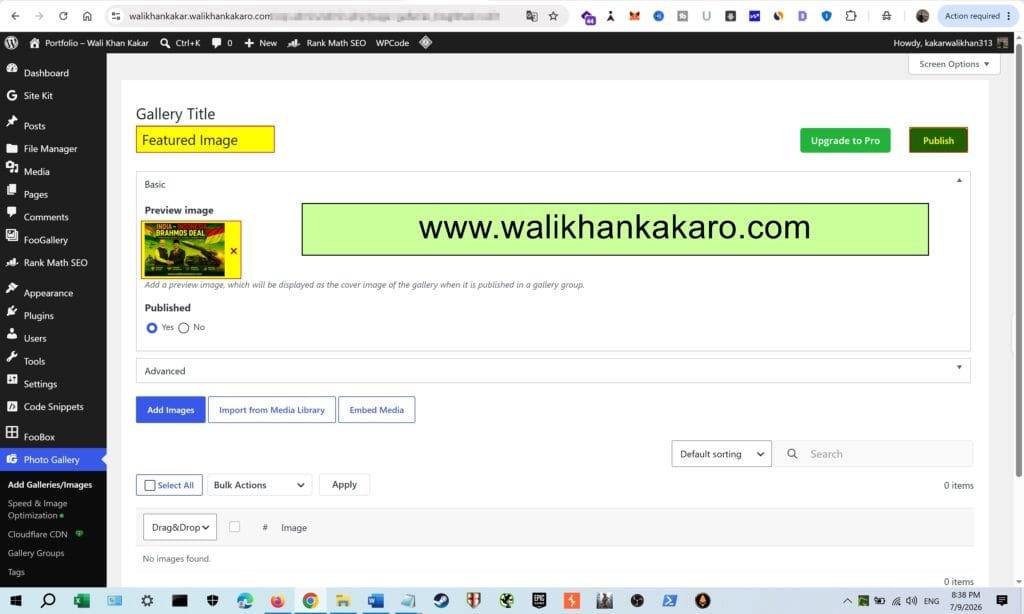
5: Give the Gallery Title.
6: Add the Images.
7: Click on Add Images, then add the images, then publish it.
8: Open the post where you want to add the photo gallery in the post or page.
9: Add the Photo Gallery in the post.

10: Check the added Photo Gallery in the post.