How to Change WordPress Admin Email Without Confirmation
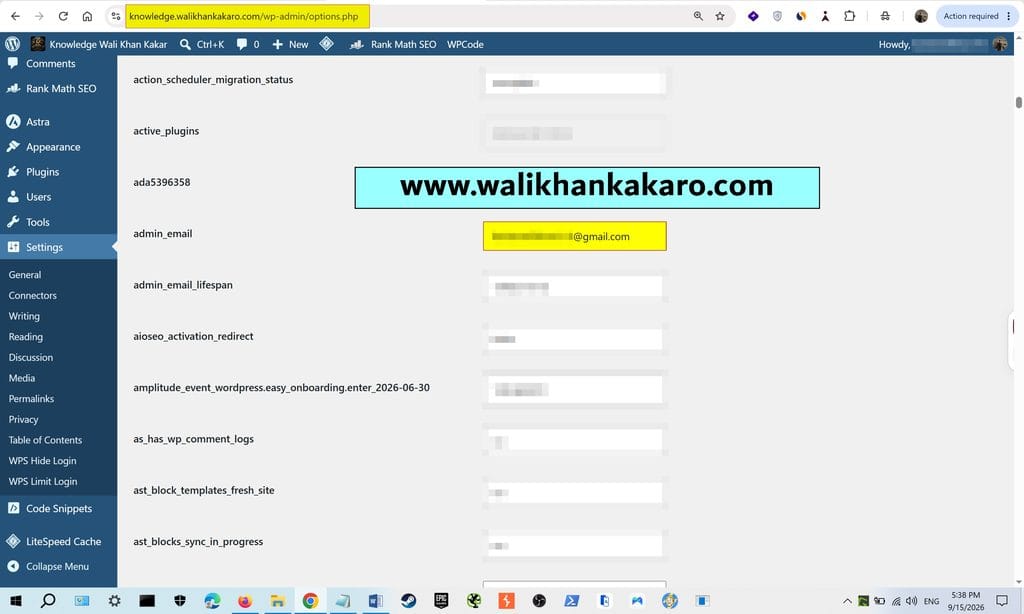
1: Open the options.php.
Example: https://yourwebsite.com/wp-admin/options.php
2: Search for the admin_email in the options.php.
3: Add your Gmail.
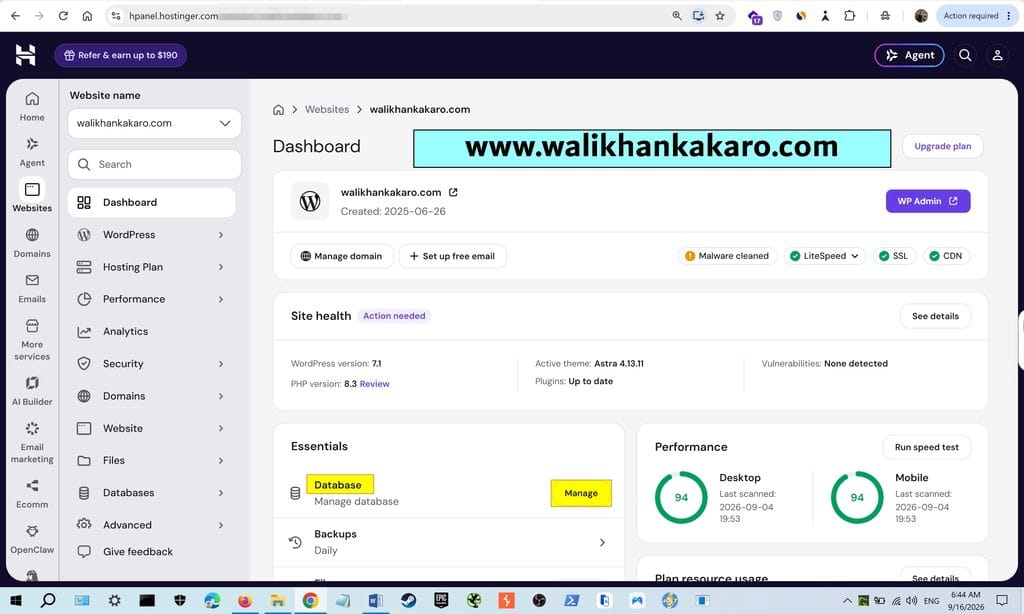
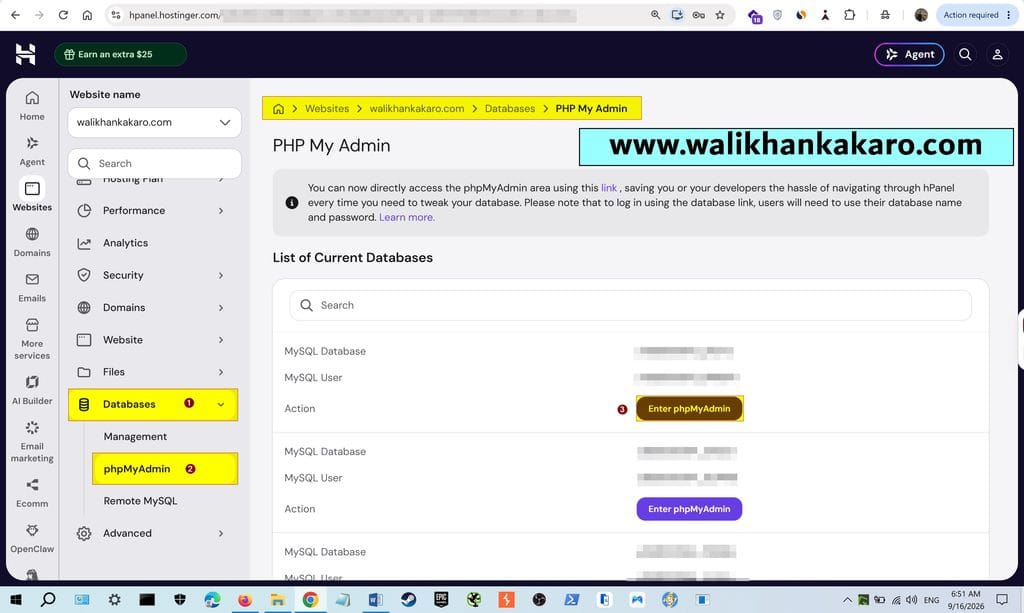
4: Second method via hPanel or cPanel.
5: Open the Database in Hostinger.
6: Go to phpMyAdmin in the Database.
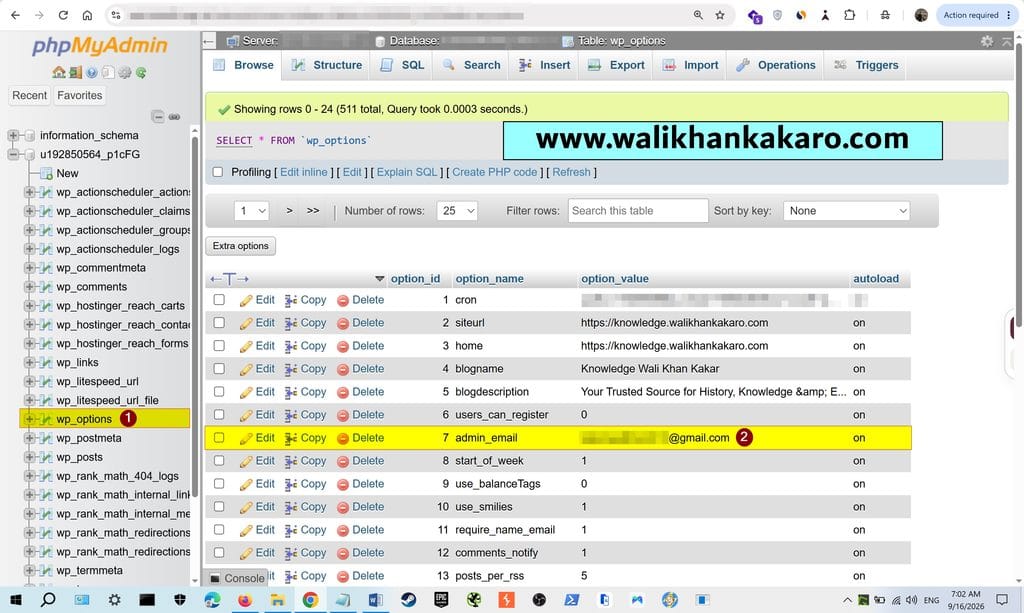
7: Open your website Database in phpMyAdmin.
8: Open the wp-options.
9: Change your Gmail without confirmation.